29 Accessories That Came With First Home Computers
The first home computers rarely arrived as a finished product. A keyboard might be in the box, but the screen, storage, and sound usually meant a television, a cassette recorder, and a growing tangle of cables.
What follows is the gear that shipped with those machines, was bundled alongside them, or sat on store shelves within arm’s reach. Some of it was brilliant, some was baffling, and all of it shows how owners built a computer one piece at a time.
Commodore Datasette Recorder
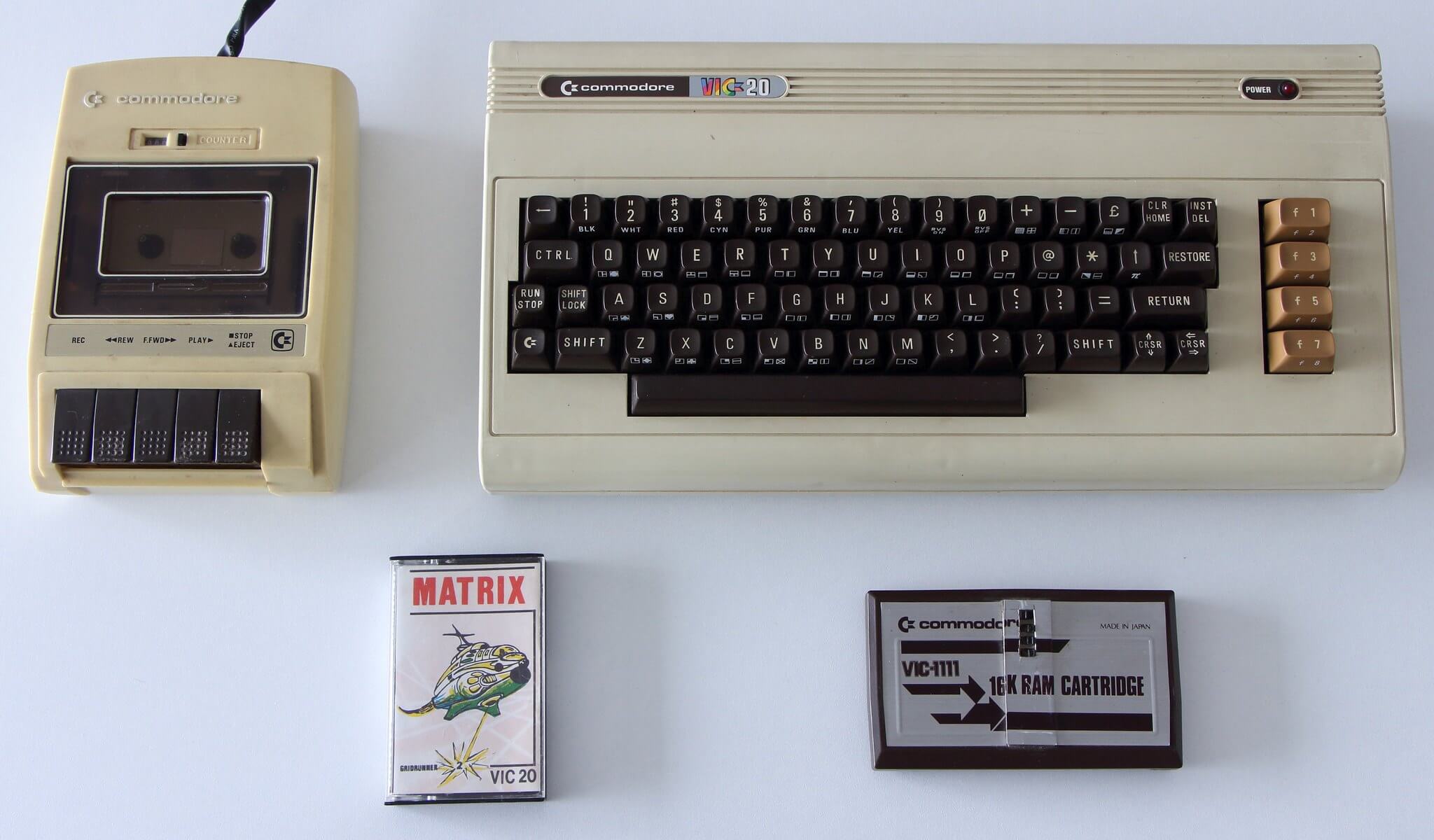
The Datasette was Commodore’s own cassette recorder, built to store programs on tape for machines like the VIC-20 and the Commodore 64. Loading a long program could take several minutes, which turned a game into a small event.
Collectors look for units with intact drive belts and clean heads, since condition decides whether a recorder still reads tapes at all.
Atari 410 Program Recorder
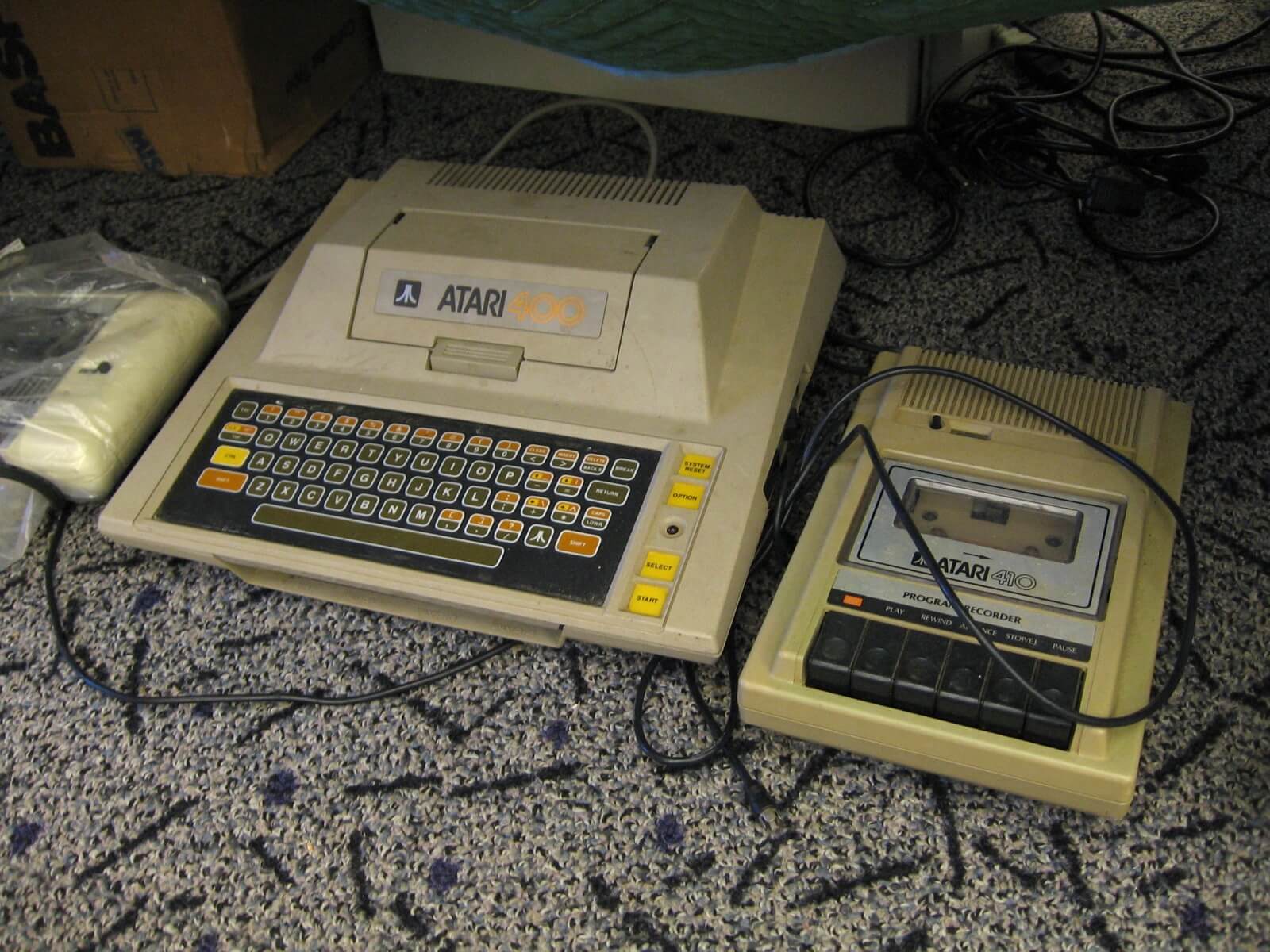
Atari’s tape drive used a stereo head, so one track held computer data while the other carried audio. Educational titles used the second track to play spoken lessons through the television speaker while the program ran.
The recorder moved data at 600 bits per second, and a 60-minute cassette held roughly 100,000 bytes. Boxed units in clean shape are scarcer than scuffed ones, because the cases crack easily.
Apple Disk II Drive
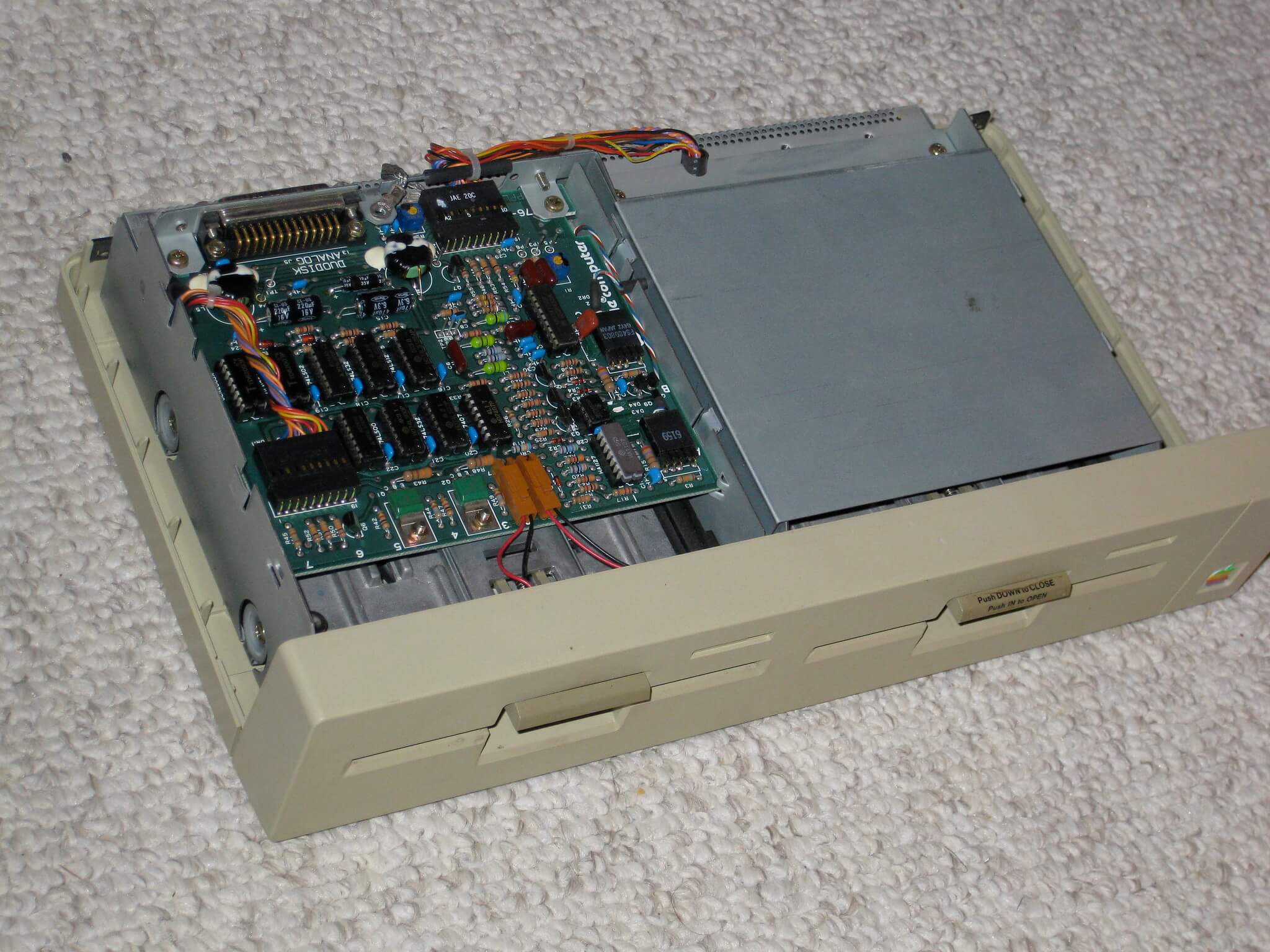
Apple’s Disk II replaced cassette storage with floppy disks and made the Apple II feel like a serious machine. Its controller card was built from remarkably few chips, a design that kept costs down while beating tape for speed.
The drive’s front latch and gray casing are familiar to anyone who used one in a classroom. Working drives with clean read heads are far more desirable than units that only look good on a shelf.
Commodore 1541 Floppy Drive
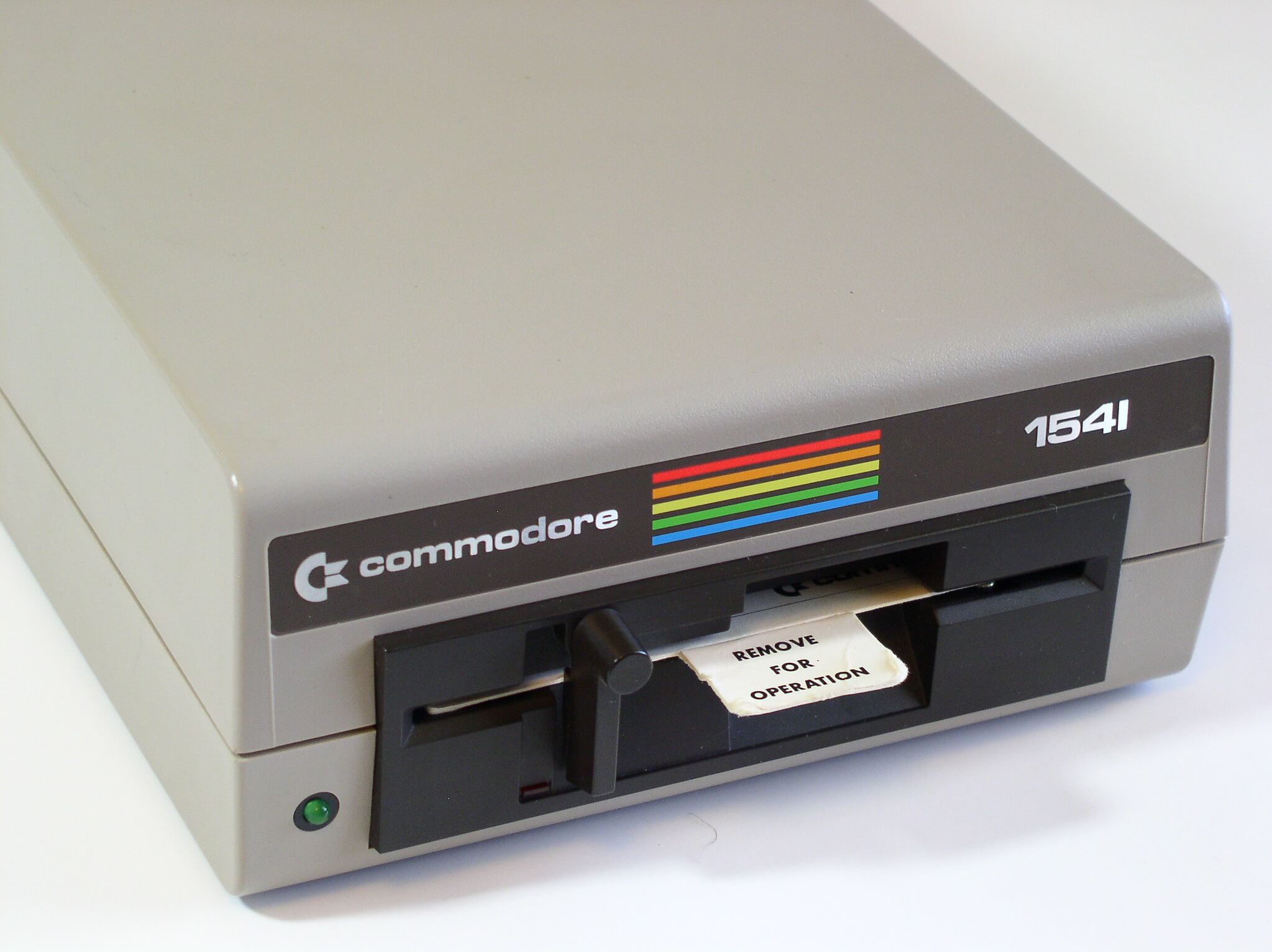
The 1541 carried its own processor and memory, so the Commodore 64 sent it commands rather than raw data. Even with that independence, loading was slow, and owners learned to load a disk and go find a snack.
The beige cases yellowed over the years, and heavily discolored units usually sell for less than clean ones.
Disk Notchers
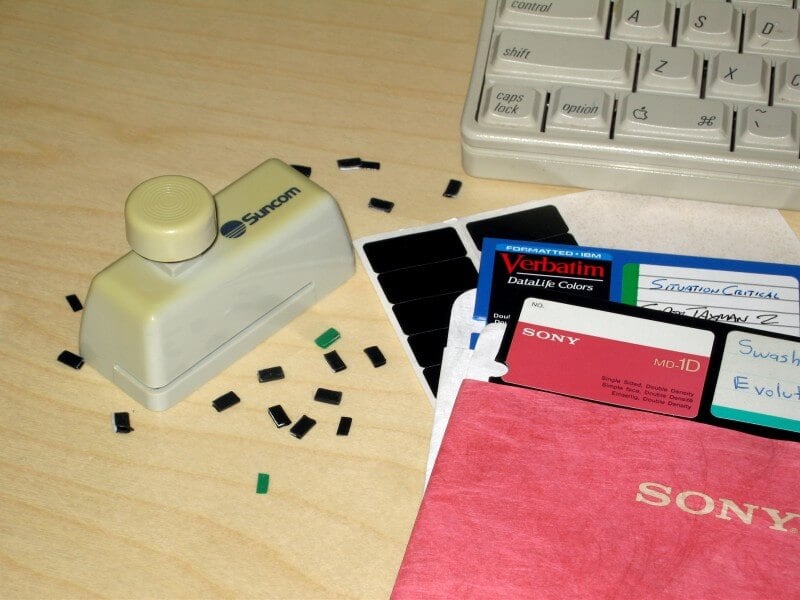
Early floppy disks were single-sided, but a cheap punch let owners cut a second notch in the sleeve and flip the disk to use the other side. Computer stores sold these little tools beside the blank disks, and magazines treated the trick as a money saver.
Nobody could be sure the flip side had been tested by the manufacturer, a gamble that cost some people their saved work.
Flip-Top Disk Storage Boxes
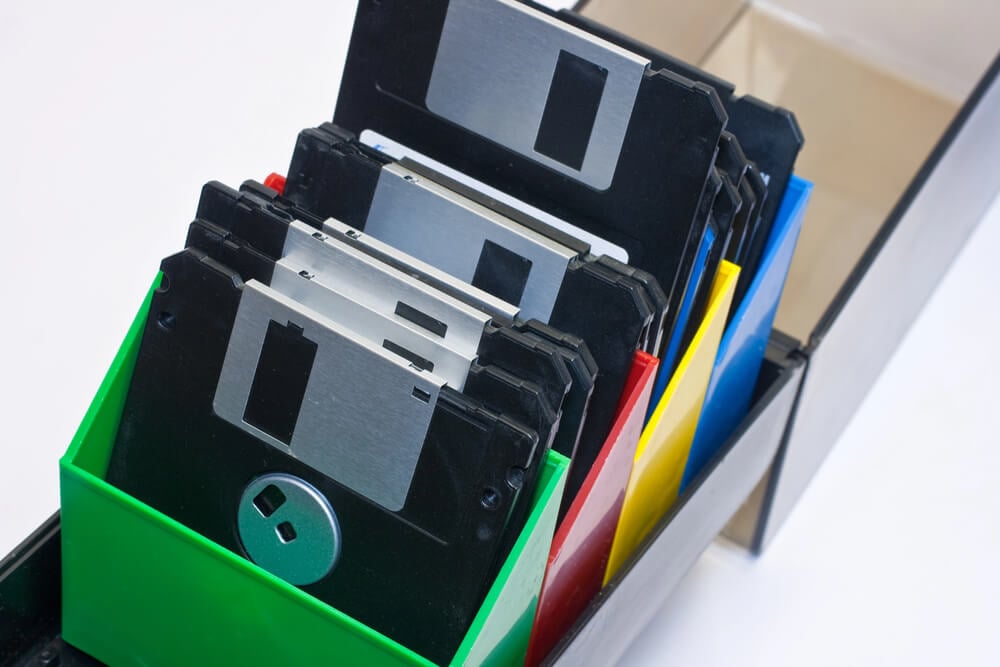
Floppy disks needed a home that kept out dust, fingers, and magnets. Hinged plastic boxes with tinted lids held a few dozen disks upright and became a fixture beside the monitor.
Disk jackets warned owners not to touch the exposed magnetic surface or to place disks near magnets, including the ones inside speakers and telephones. Boxes with intact hinges and original dividers are easier to find than boxes with their original disks.
Atari CX40 Joystick
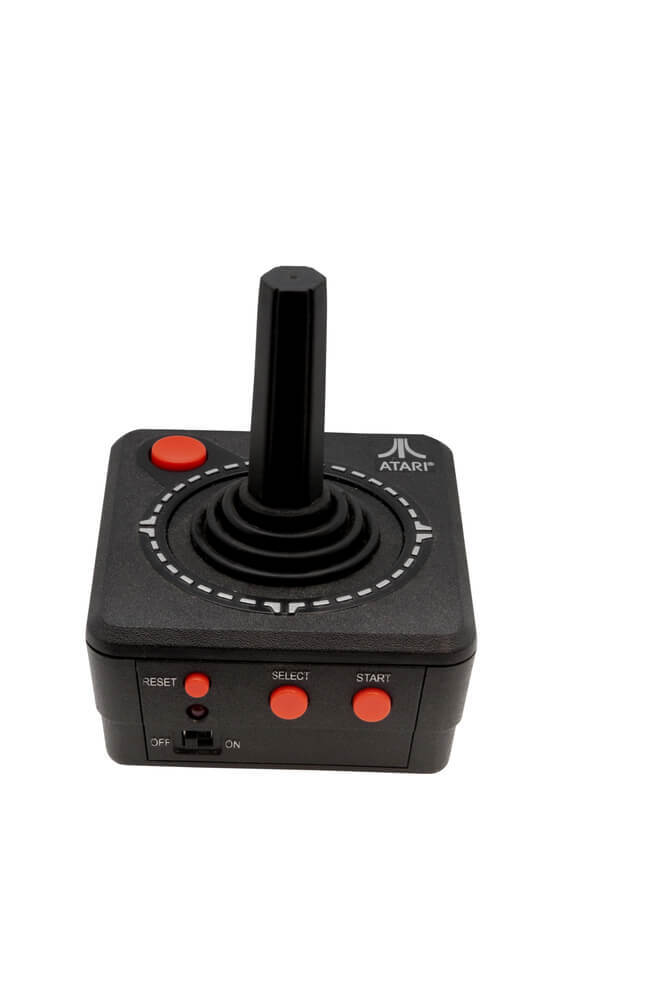
The CX40 became a standard joystick in a way no committee ever planned. Its nine-pin connector and simple switches were copied by Commodore, so a stick bought for an Atari console also worked on a VIC-20 or a Commodore 64.
The black stick and rounded base still turn up in attics, often with worn rubber boots. Unbroken sticks in their original boxes are the scarcest.
Atari CX30 Paddles
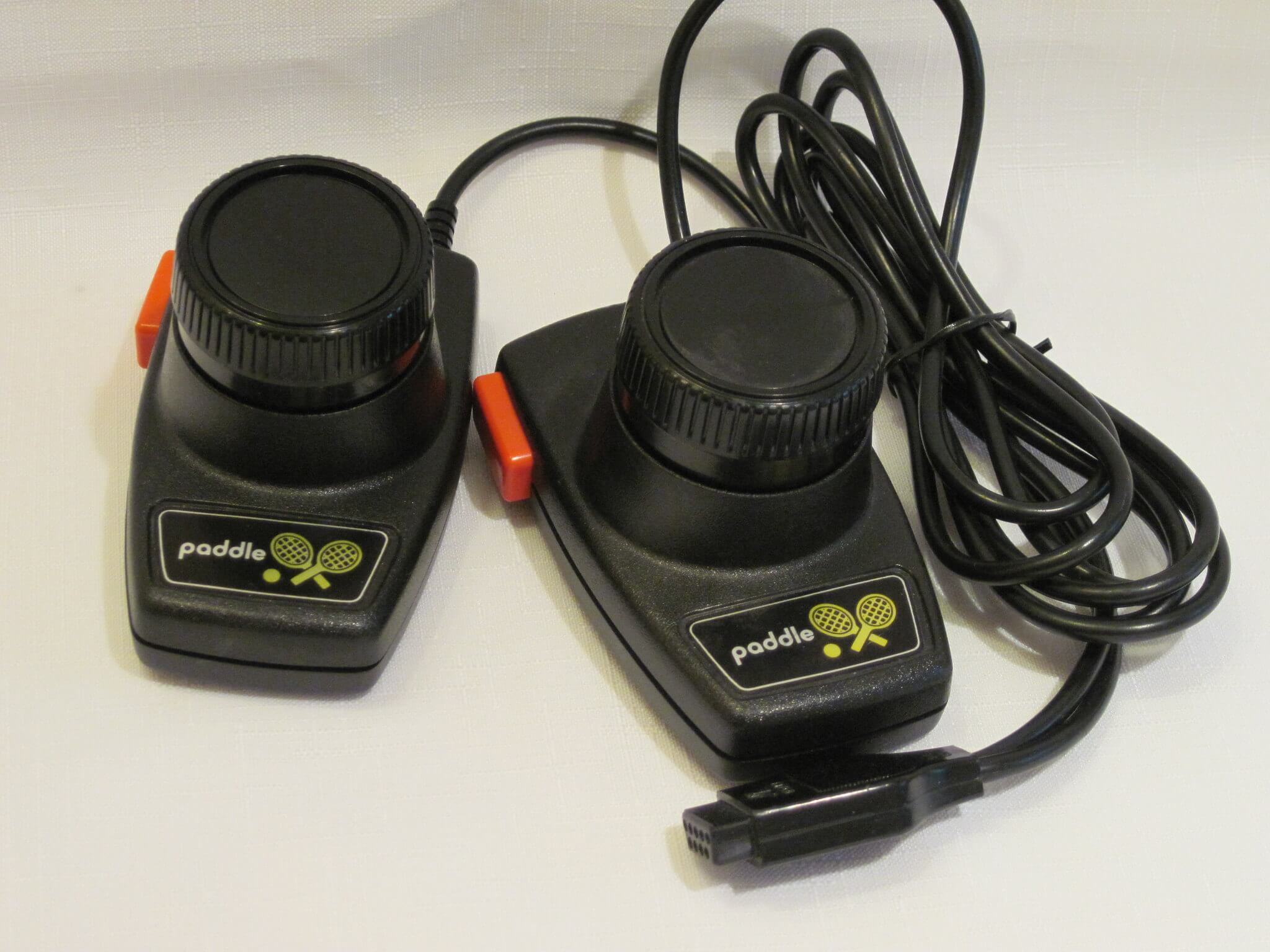
Paddle controllers measured the twist of a knob instead of a push in a direction, which suited bat-and-puck games of the era. Atari’s paddles plugged into the same ports as joysticks on its 8-bit computers.
Each pair shared a single cable, so a two-player game needed only one port. Sticky knobs and cracked housings are the usual flaws.
Kempston Joystick Interface
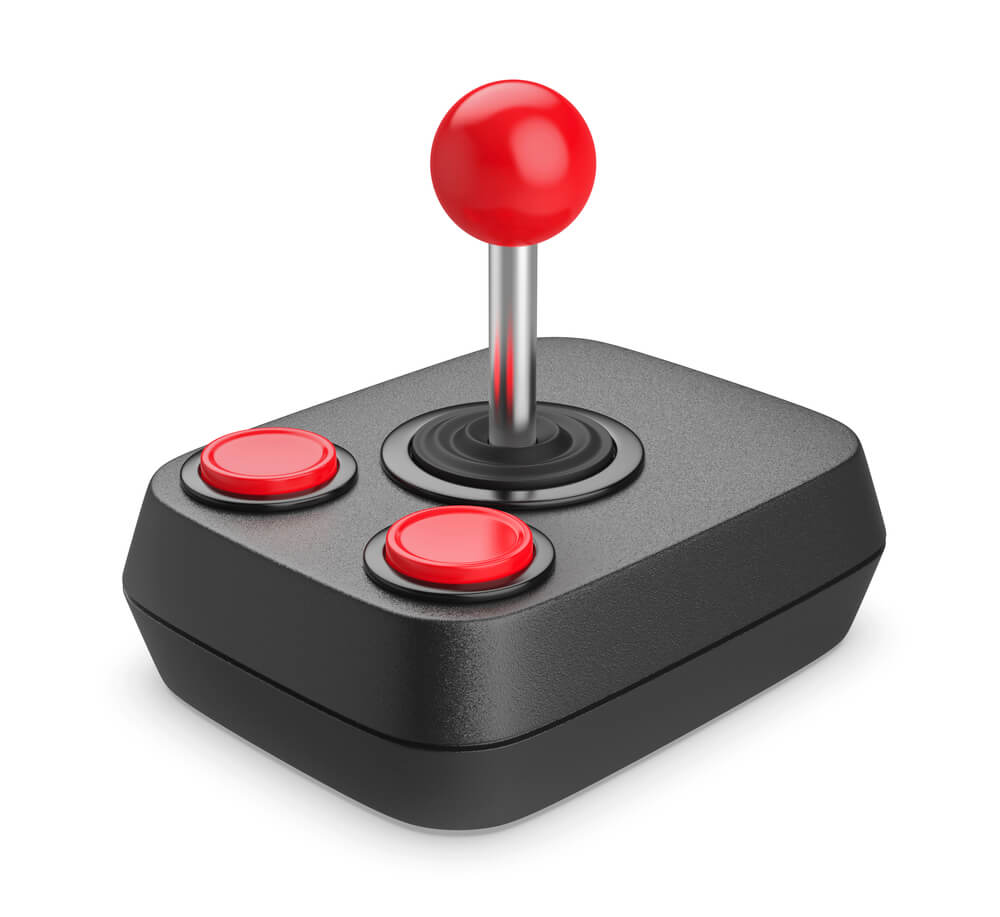
The ZX Spectrum arrived without a joystick port, so a small black interface from Kempston filled the gap and became an unofficial standard. Games soon advertised Kempston support on their cassette inserts, which turned a third-party add-on into a near requirement.
The interface plugged into the edge connector at the back of the computer. Boxed examples with instructions and clean contacts are less common than loose ones.
Koala Pad
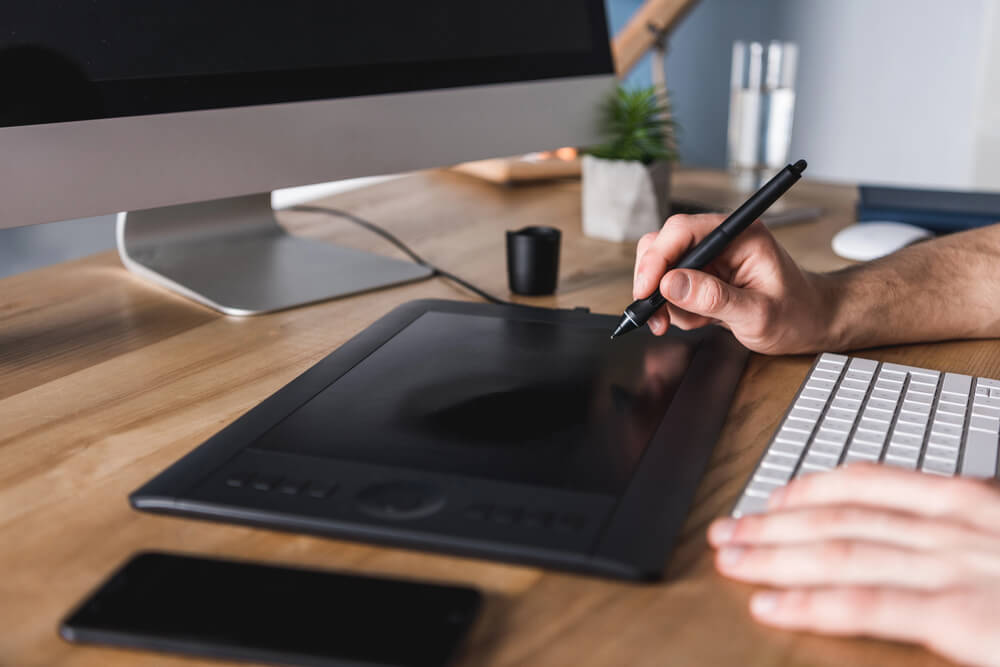
Koala Technologies sold a touch tablet that let users draw with a finger or stylus, packaged with painting software. It worked with several popular home computers, and for many children it was the first time a screen responded to a hand moving on a pad.
The software saved pictures to disk, and the pads show scuffs where fingers wore the surface. Complete sets with the disk and manual are worth more than bare tablets.
Light Pens
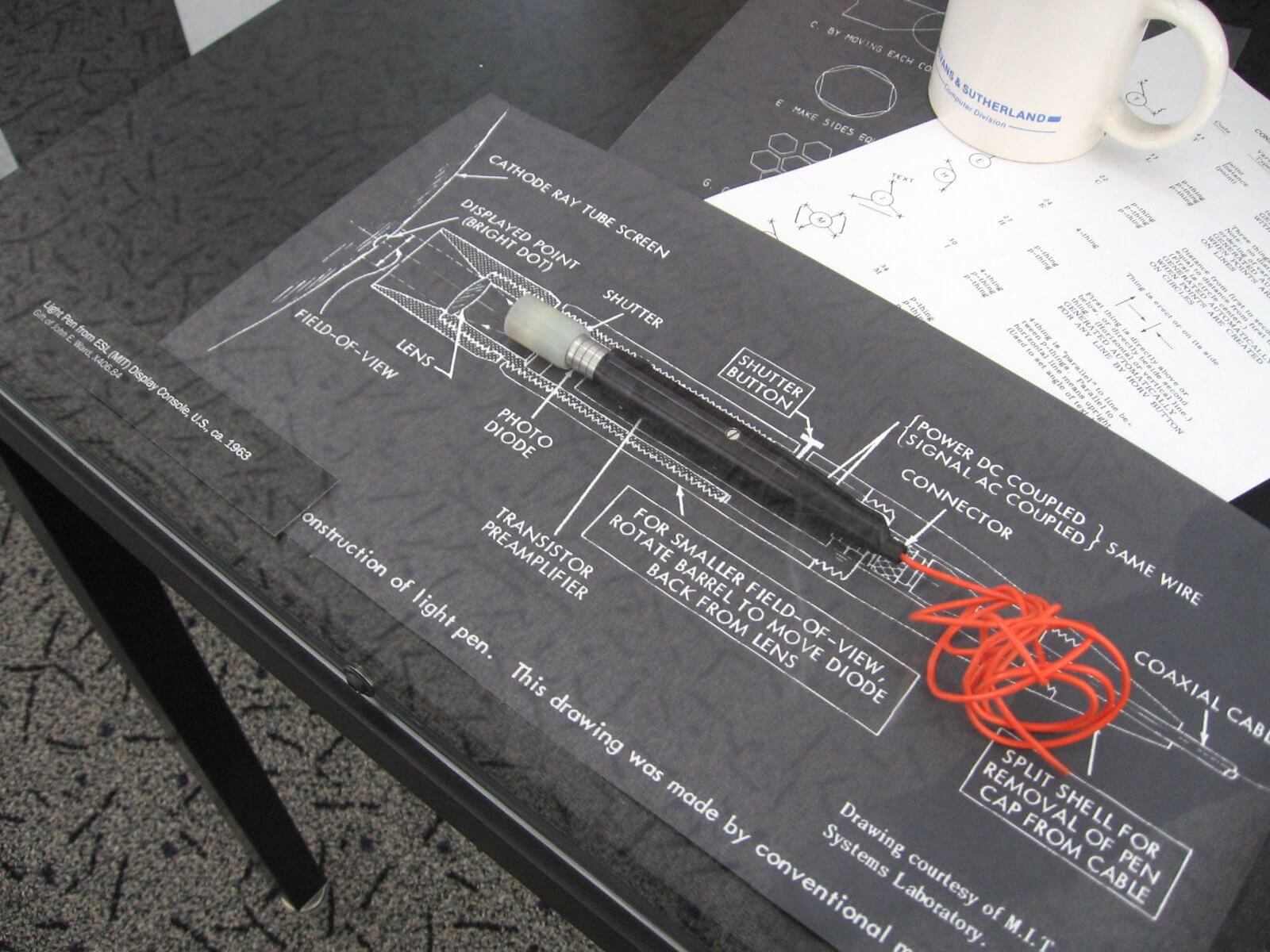
Light pens for Commodore and Atari computers worked by sensing the instant a television’s electron beam passed under the tip, which told the computer where the pen was pointing. The idea sounds like a mouse, but it only worked on tube screens.
Drawing programs were the usual software, and accuracy depended on holding the pen flat against the glass. Cords that have stiffened and tips that have yellowed lower collector interest.
Sinclair ZX Printer
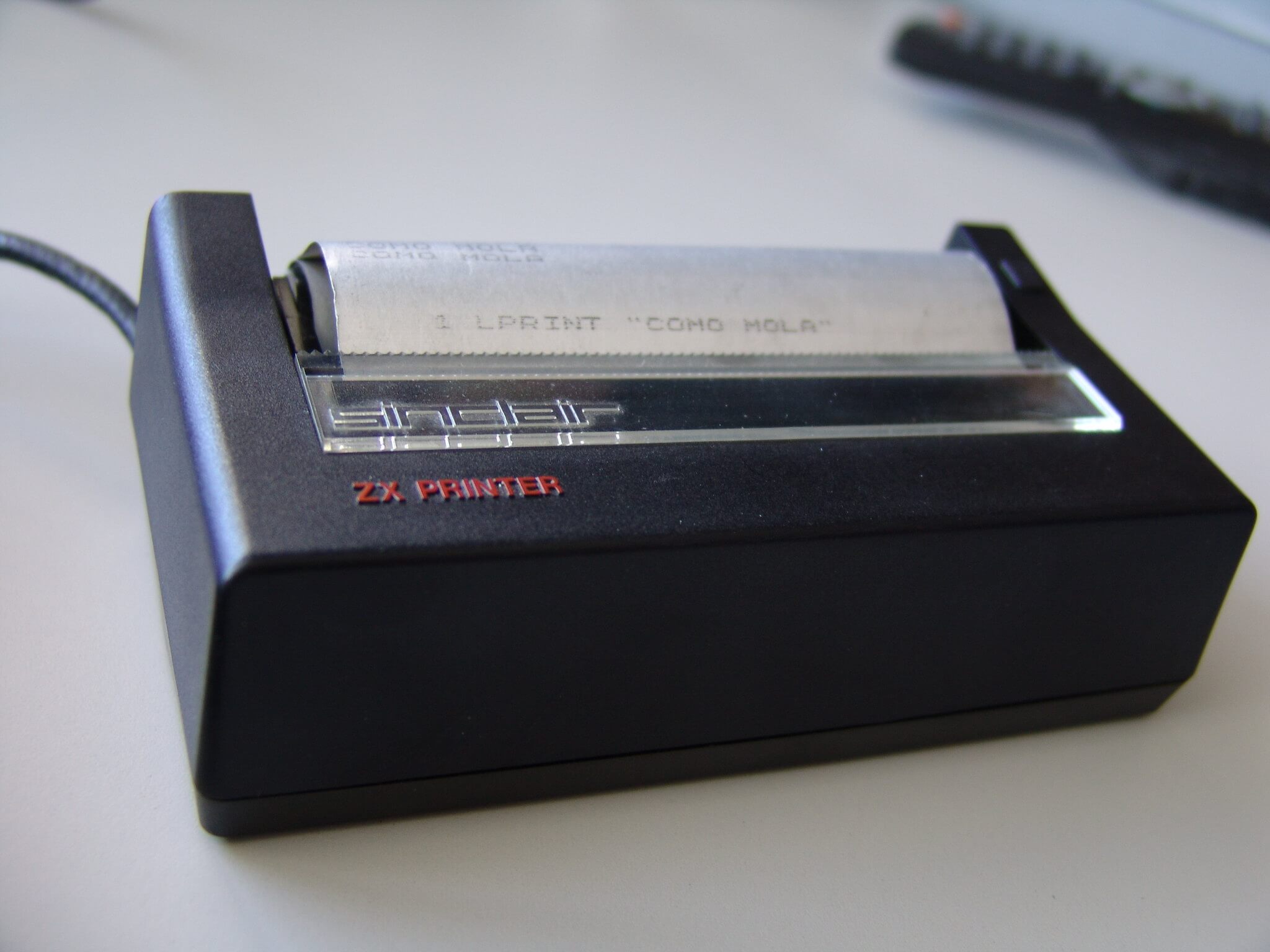
The ZX Printer made its marks with electrical sparks on silver-coated paper, an odd choice that kept the machine cheap. The paper was about four inches wide, and each line held 32 characters.
Printouts had a metallic sheen, and the rolls were never meant to last. Surviving rolls are scarce, and a printer without paper is a harder sell.
Atari 1020 Color Printer
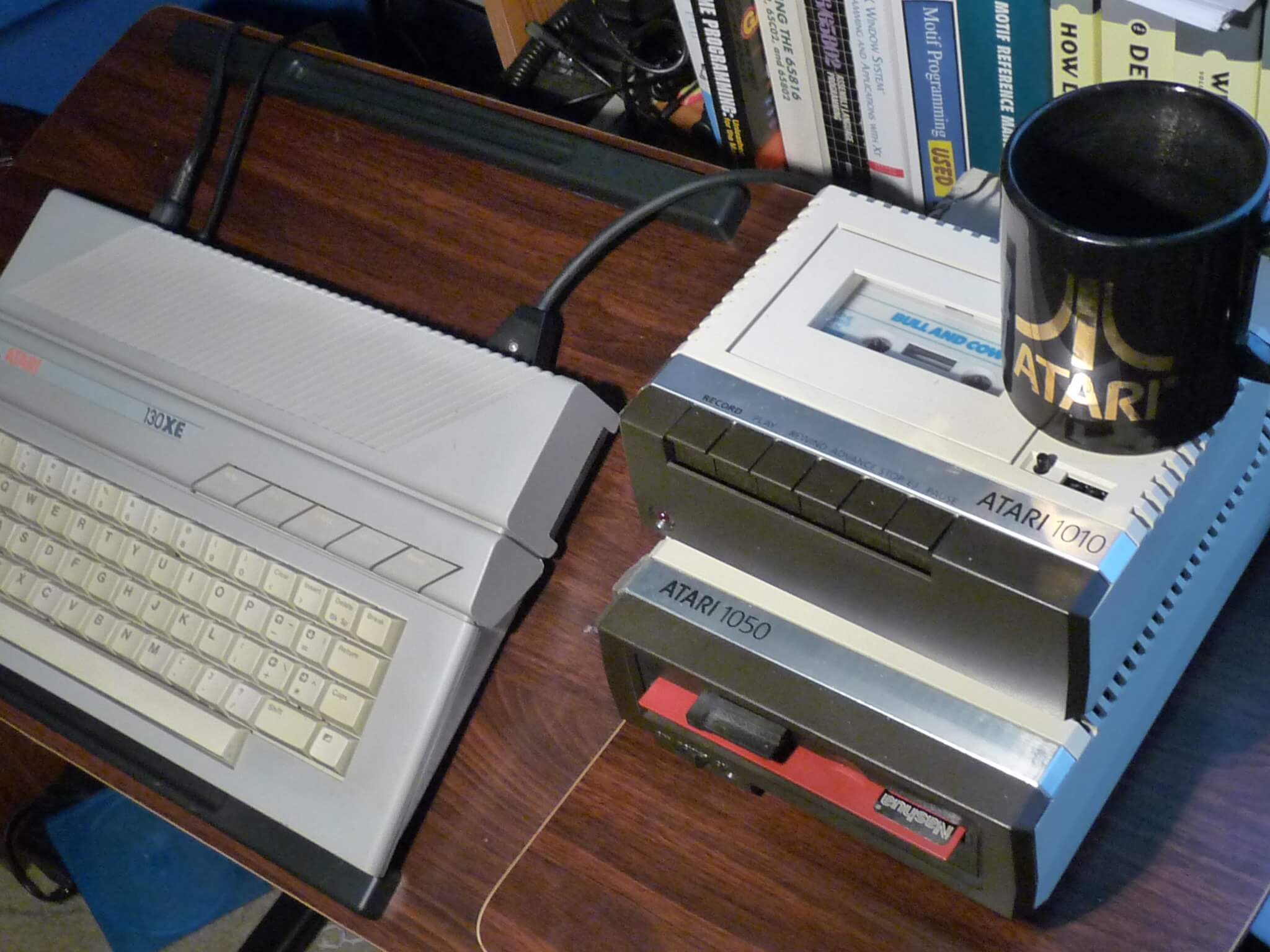
Atari’s 1020 was a plotter rather than a typical printer, drawing with four colored pens on a narrow roll of paper. It handled 40 columns of text, which matched the width of the computer’s screen.
A child with a modest allowance could produce red, green, blue, and black graphics on paper. Intact pens are hard to find, and dried-out ones count against value.
Apple ImageWriter
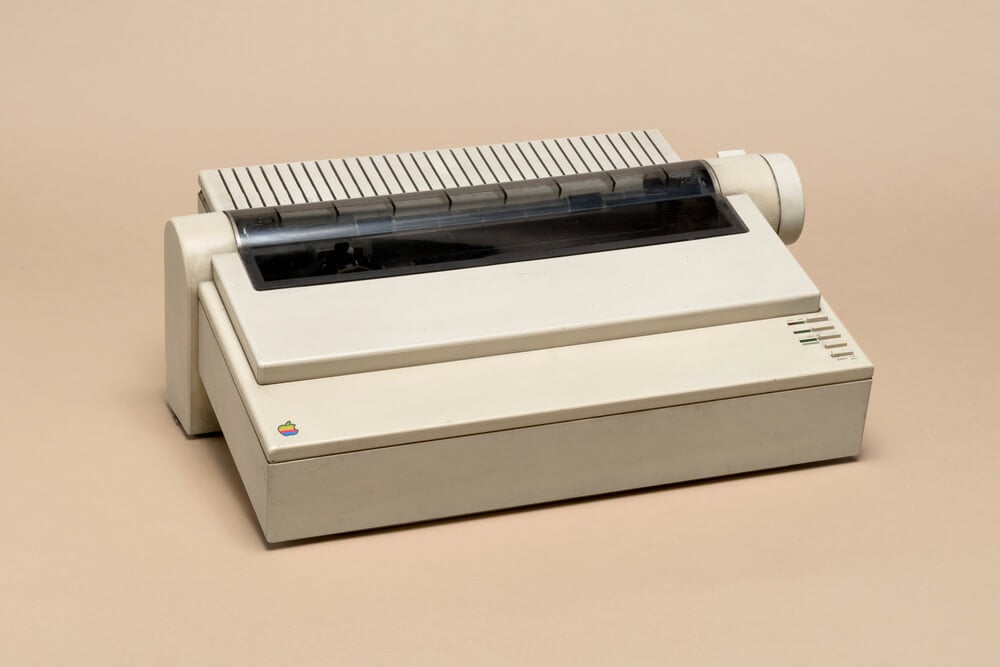
The ImageWriter was the dot-matrix printer Apple sold alongside the original Macintosh, built to reproduce the screen’s fonts and graphics as printed dots. Its ribbon cartridge and tractor-fed paper made a steady rasp that office workers still remember.
Output looked far more like the screen than anything a typewriter had produced. Ribbons dry out, so working condition and original cartridges matter a great deal to buyers.
Coleco Adam SmartWriter Printer
Coleco bundled a daisy-wheel printer with the Adam, a rare generosity at the price, and the printer’s power supply fed the entire computer system. If the printer failed or went missing, the entire machine went dark.
It printed about ten characters per second with a quality that beat the dot-matrix machines of the day. Reliability troubles with the printer delayed shipments past the 1983 holiday season.
Tractor-Feed Paper

Continuous printer paper came folded in long stacks with perforated strips down both edges, which pulled through the printer on rows of pins. After printing, users tore off the side strips and separated the pages along perforations.
A stack could fill a desk drawer and still look like one long page. Unused boxes in clean condition appeal to collectors, though yellowed paper does not.
Novation Cat Acoustic Coupler
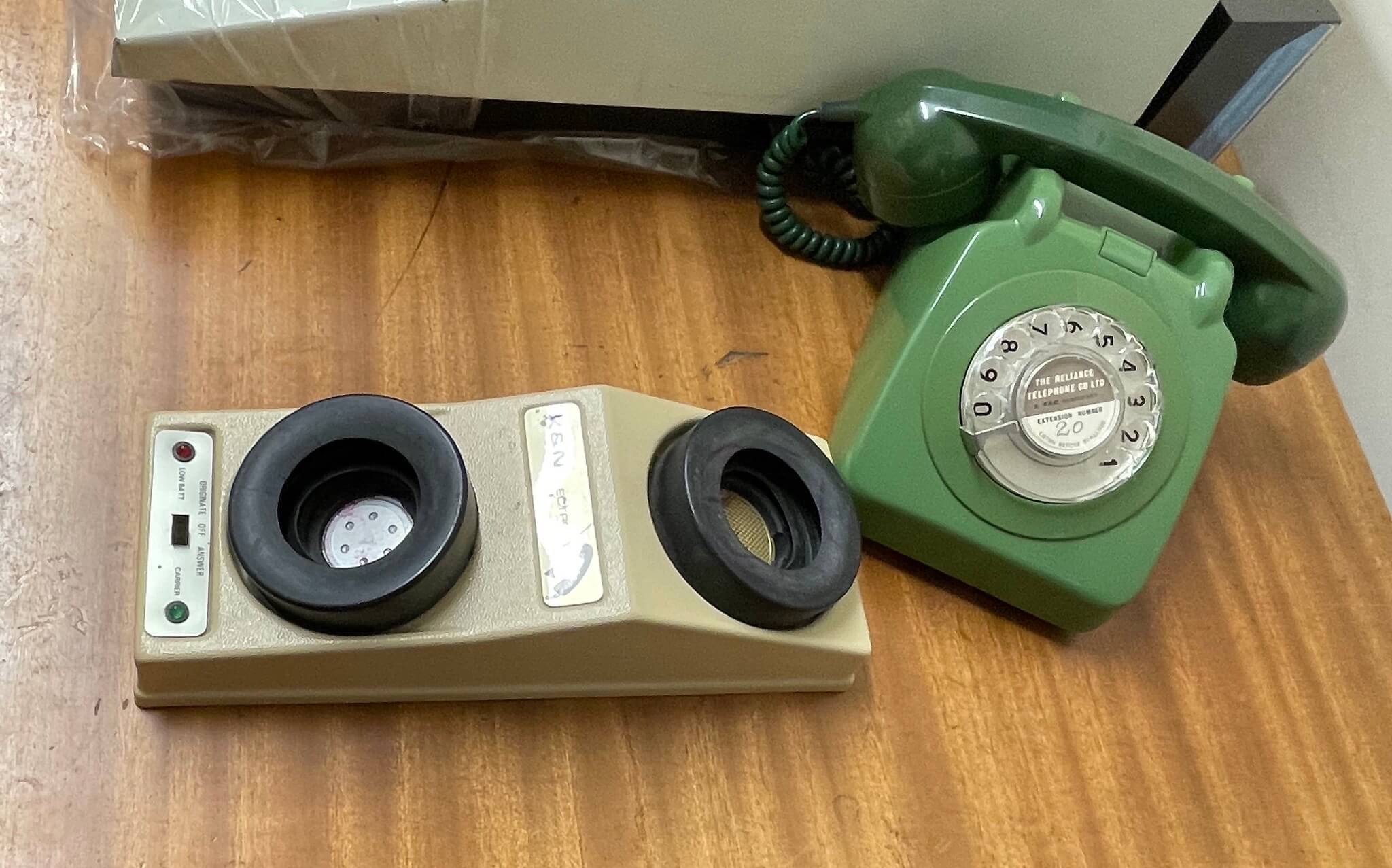
Before modems plugged into phone jacks, an acoustic coupler like Novation’s Cat accepted a telephone handset in two rubber cups and turned computer data into tones. It ran at 300 bits per second, slow enough to watch text appear letter by letter.
The design let users connect from almost any telephone, including ones wired into a wall. Cracked rubber cups are the most common condition problem.
Texas Instruments Speech Synthesizer
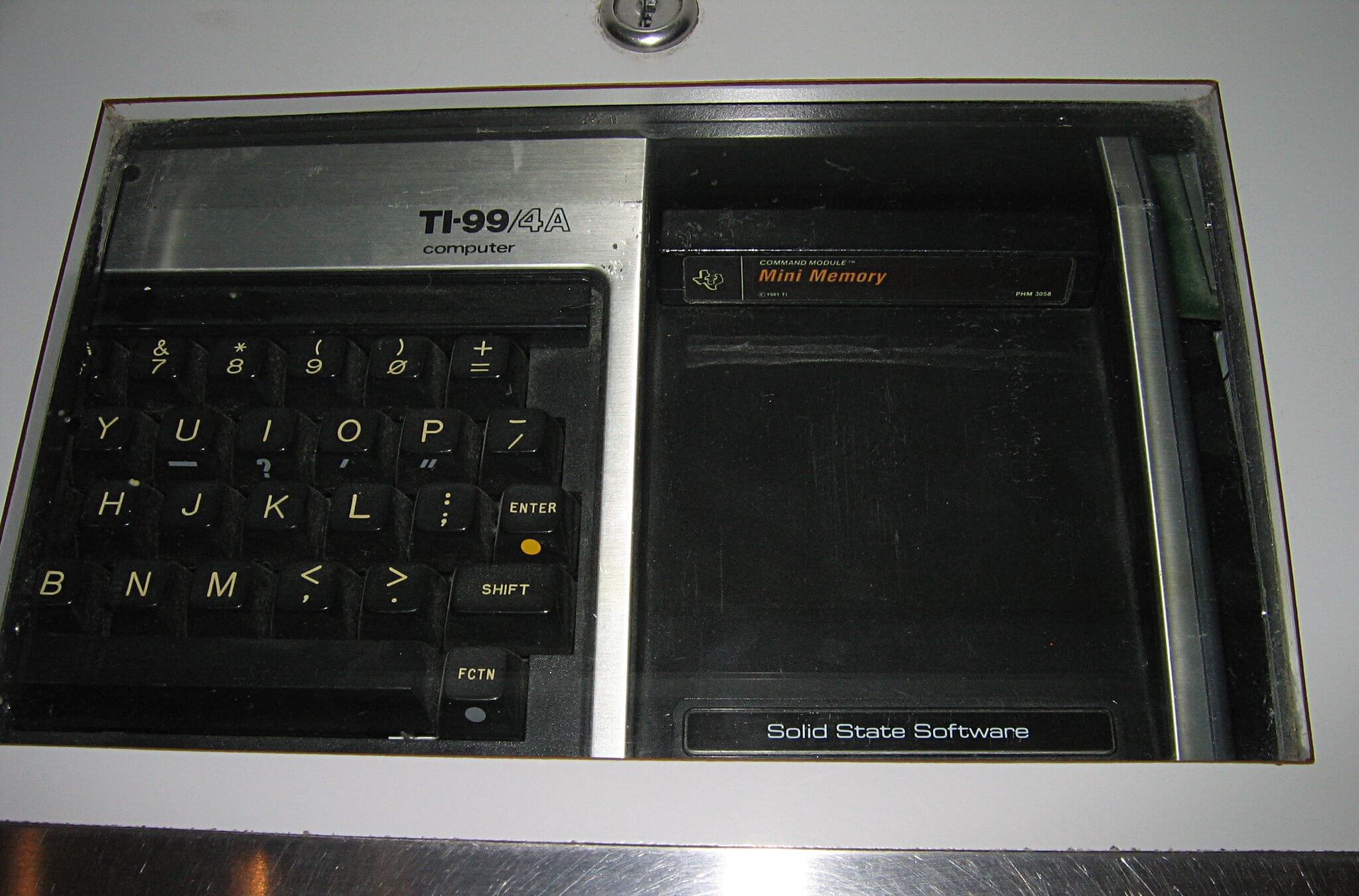
TI’s speech add-on for the TI-99/4A sat beside the console and let programs speak words stored in ROM. A few game cartridges used it, giving the computer an eerie voice at a time when most machines only beeped.
Titles that supported speech said so on the box. Complete units with the cable and connector intact are far scarcer than the computer alone.
ZX81 16K RAM Pack
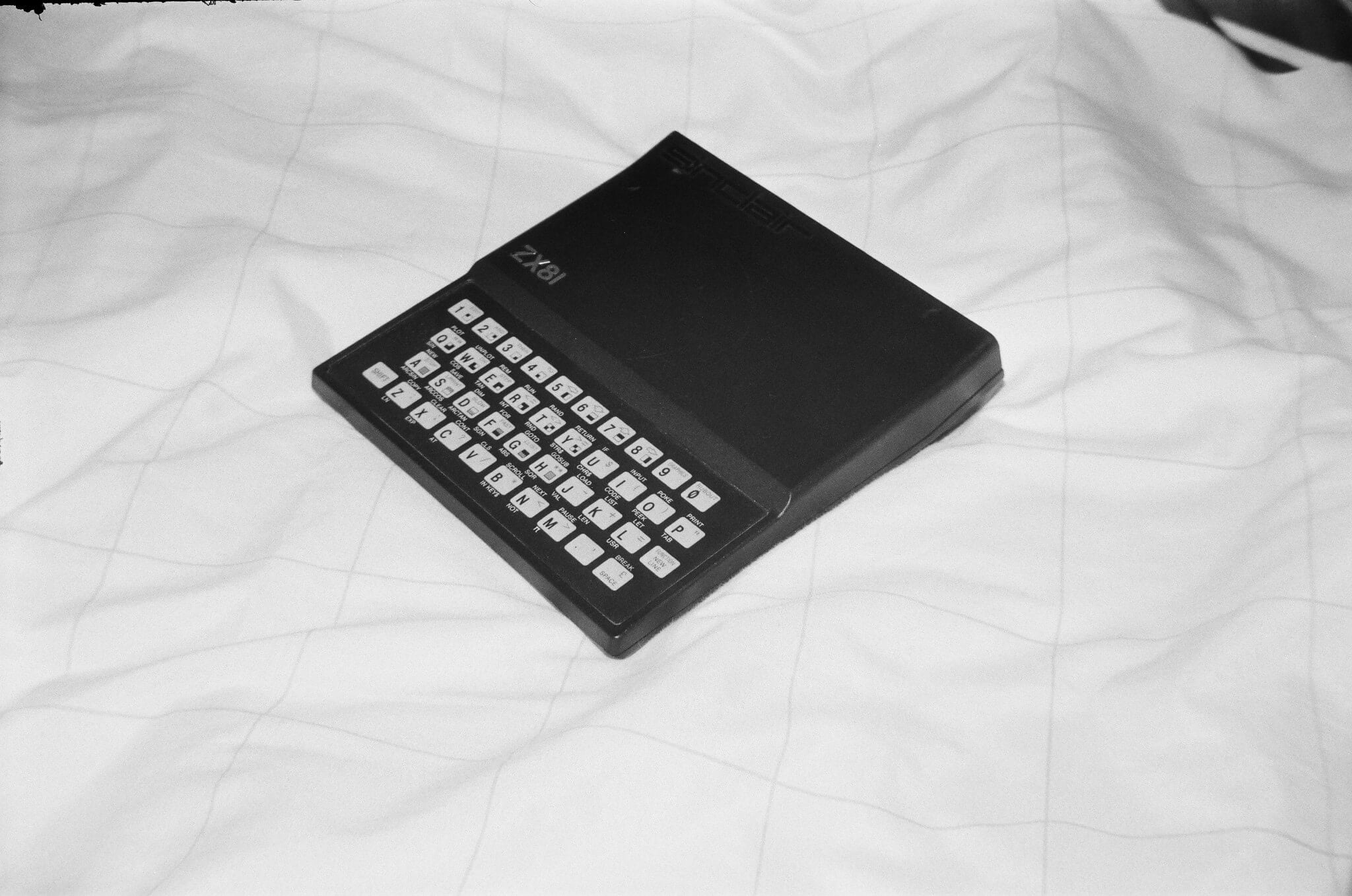
The ZX81 shipped with 1K of memory, so most owners bought a 16K RAM pack that plugged into the back. The pack was held only by its connector, and a bump could crash the computer and erase the program.
Many owners stuck the pack down with tape or putty to keep it in place. Packs with clean contacts are valuable to people trying to run original software.
Sinclair Microdrive
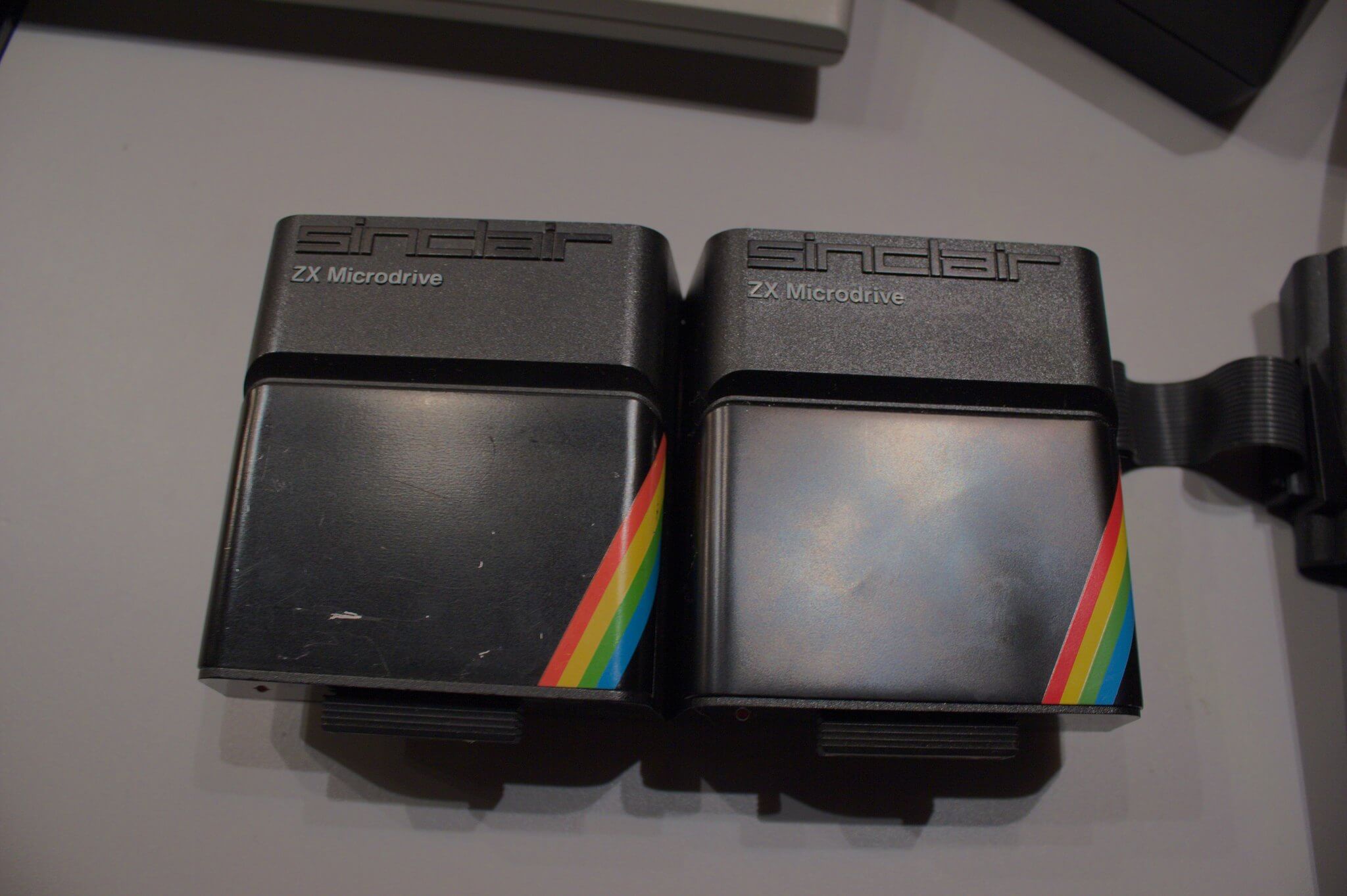
Microdrives stored programs on tiny cartridges holding a continuous loop of tape, a middle path between cassettes and disks. Capacity ran to tens of kilobytes per cartridge, and access felt faster than cassette though less steady than a disk drive.
They plugged into a separate interface sold with the system. Cartridges degrade over time, so tested working units matter to collectors.
BBC Micro Teletext Adapter
The teletext adapter let a BBC Micro receive broadcast Ceefax pages on its own screen. Broadcasters also sent software through the service, so programs could arrive over the air and be saved to tape or disk.
The idea sounds like a miniature internet, and in a way it was. Intact adapters with their cables are uncommon, since many were scrapped with the machines.
Amstrad CPC464 Monitor
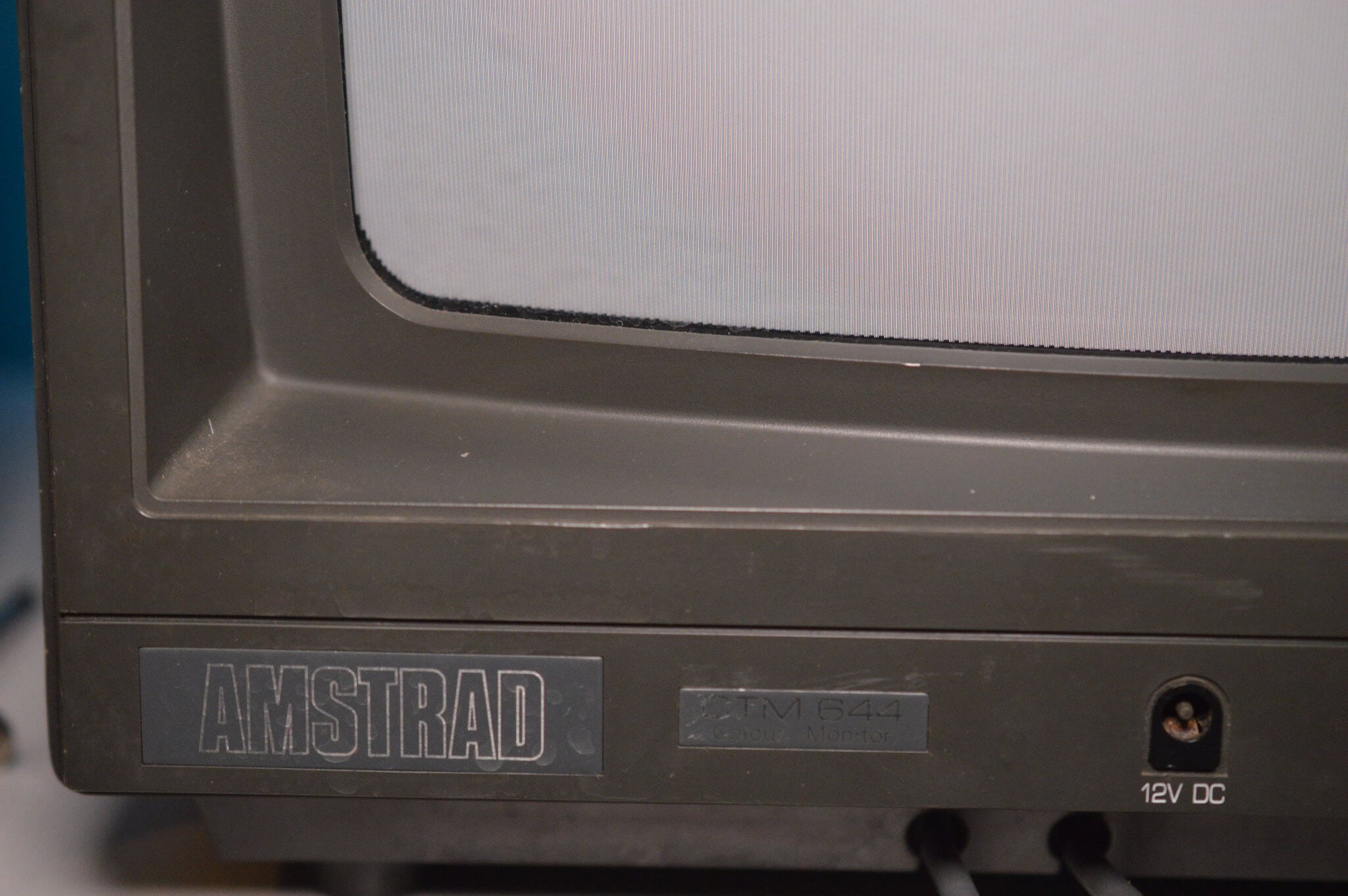
The CPC464 came with a monitor, and the monitor powered the computer through its own cable. The built-in cassette deck sat in the keyboard unit, so everything arrived as one tidy system.
Buyers could choose a green-screen or a color monitor. If the monitor failed, the computer went dark with it, which made repairs a two-part problem.
Commodore 64 Power Supply Brick
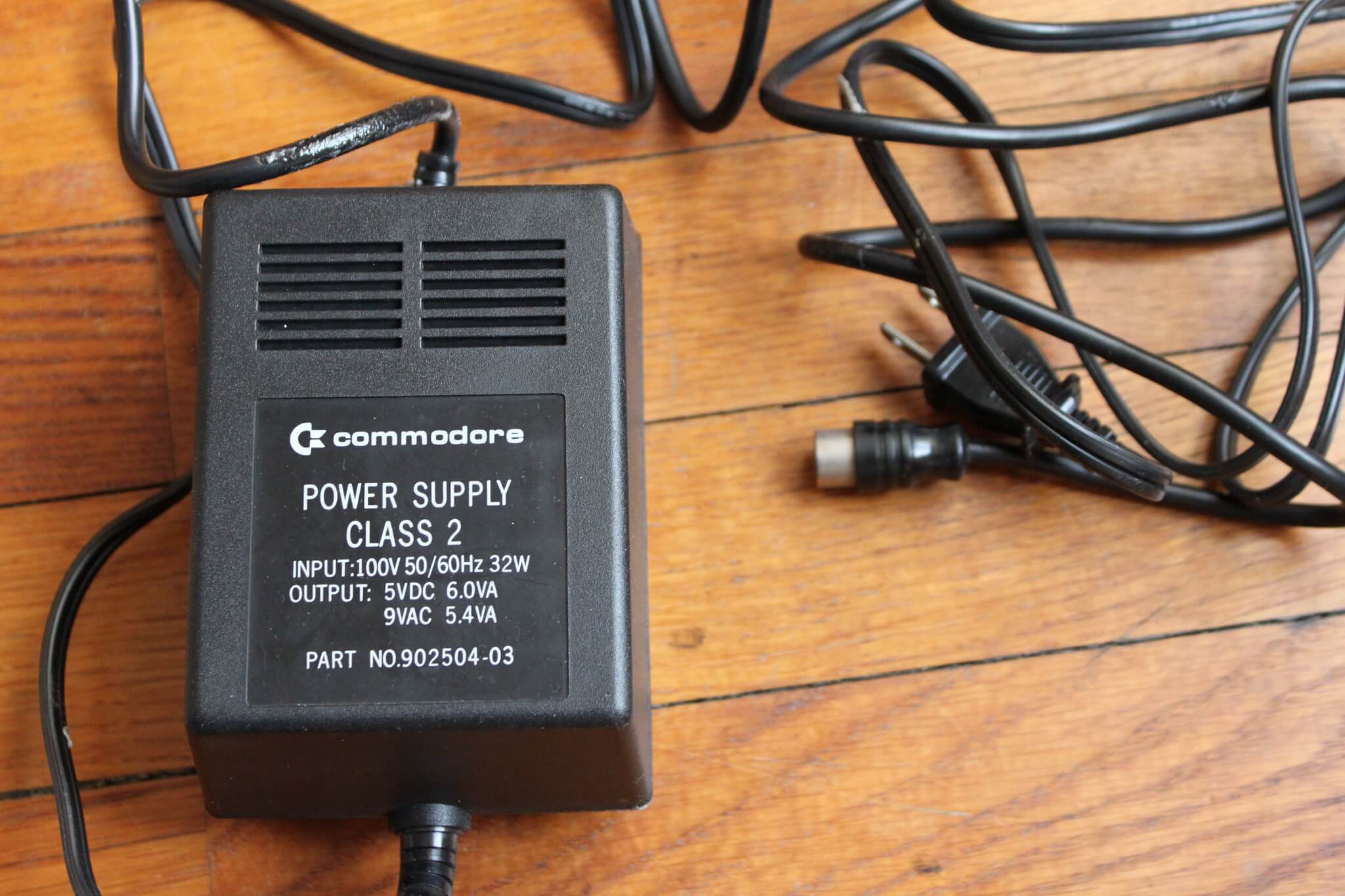
The Commodore 64 used a large external brick for power, a heavy box that sat on the floor or behind the desk. Sealed in resin, it could not be repaired when it failed, so owners replaced it.
Replacement bricks remain common today because so many were swapped over the years. Collectors prefer original units in working condition.
Color Computer Program Paks
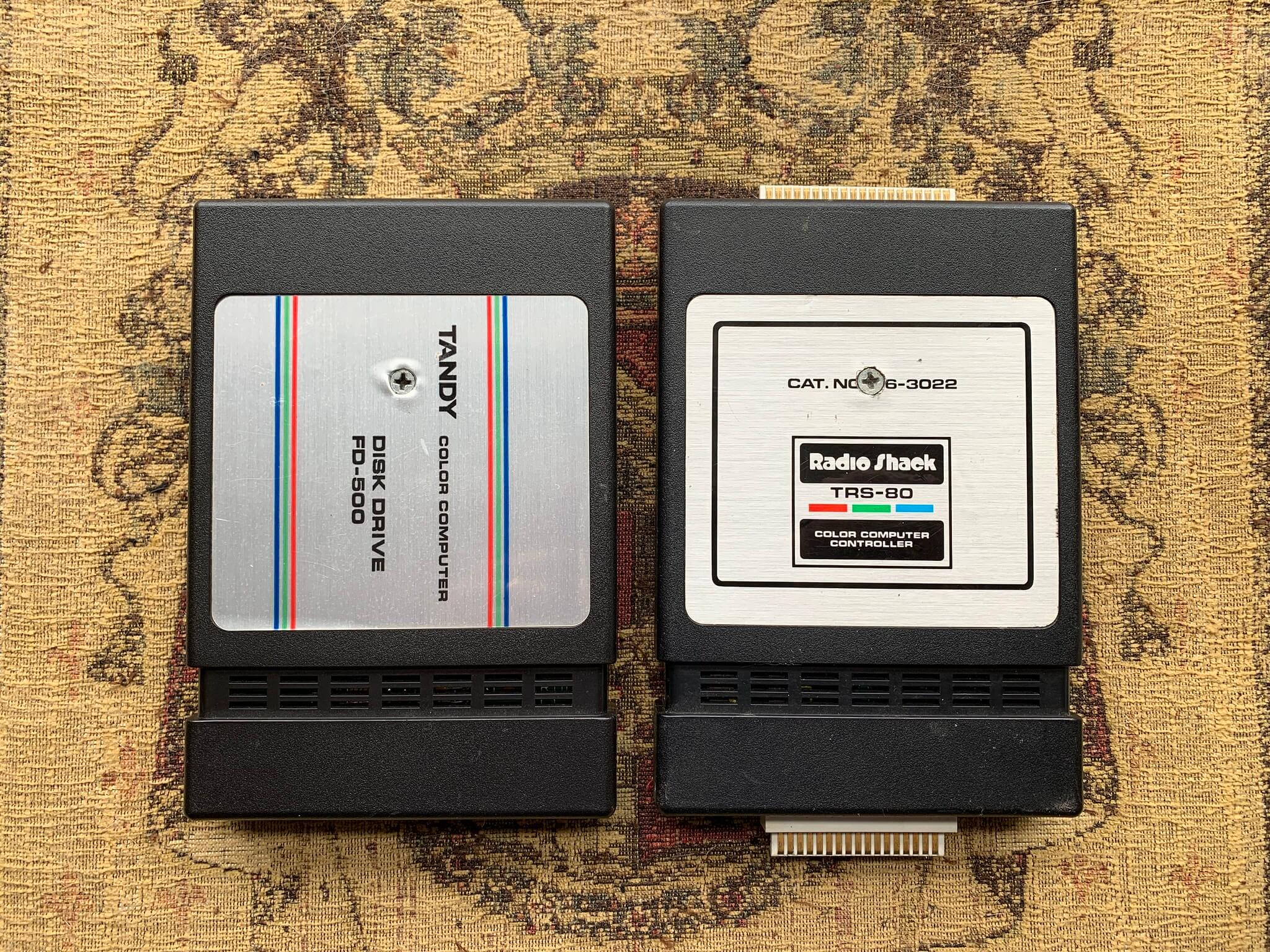
Radio Shack’s TRS-80 Color Computer used ROM cartridges called Program Paks, which loaded instantly compared with tape. Game and utility titles lived in plastic cases about the size of a deck of cards.
Plugging one in felt closer to a game console than to a computer. Clean contacts and original labels matter most to collectors.
Apple II Reference Manual
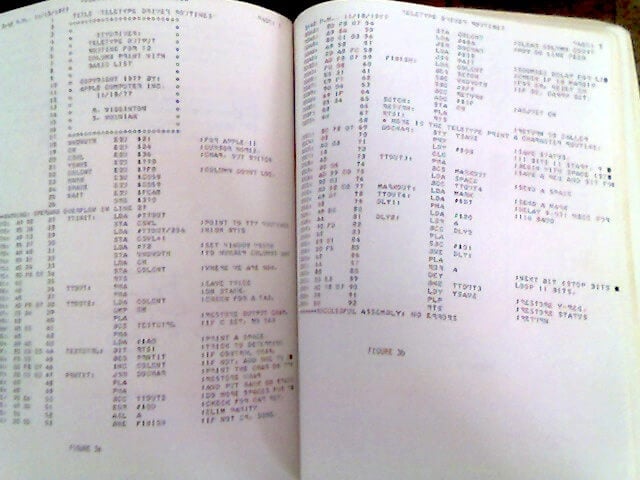
The Apple II Reference Manual, often called the red book for its cover, included the machine’s circuit schematics and ROM listings. That openness turned owners into tinkerers and taught a generation what the chips were doing.
Few computer makers of any era have handed customers so much detail. Copies in good condition with original covers are prized.
IBM PC Technical Reference
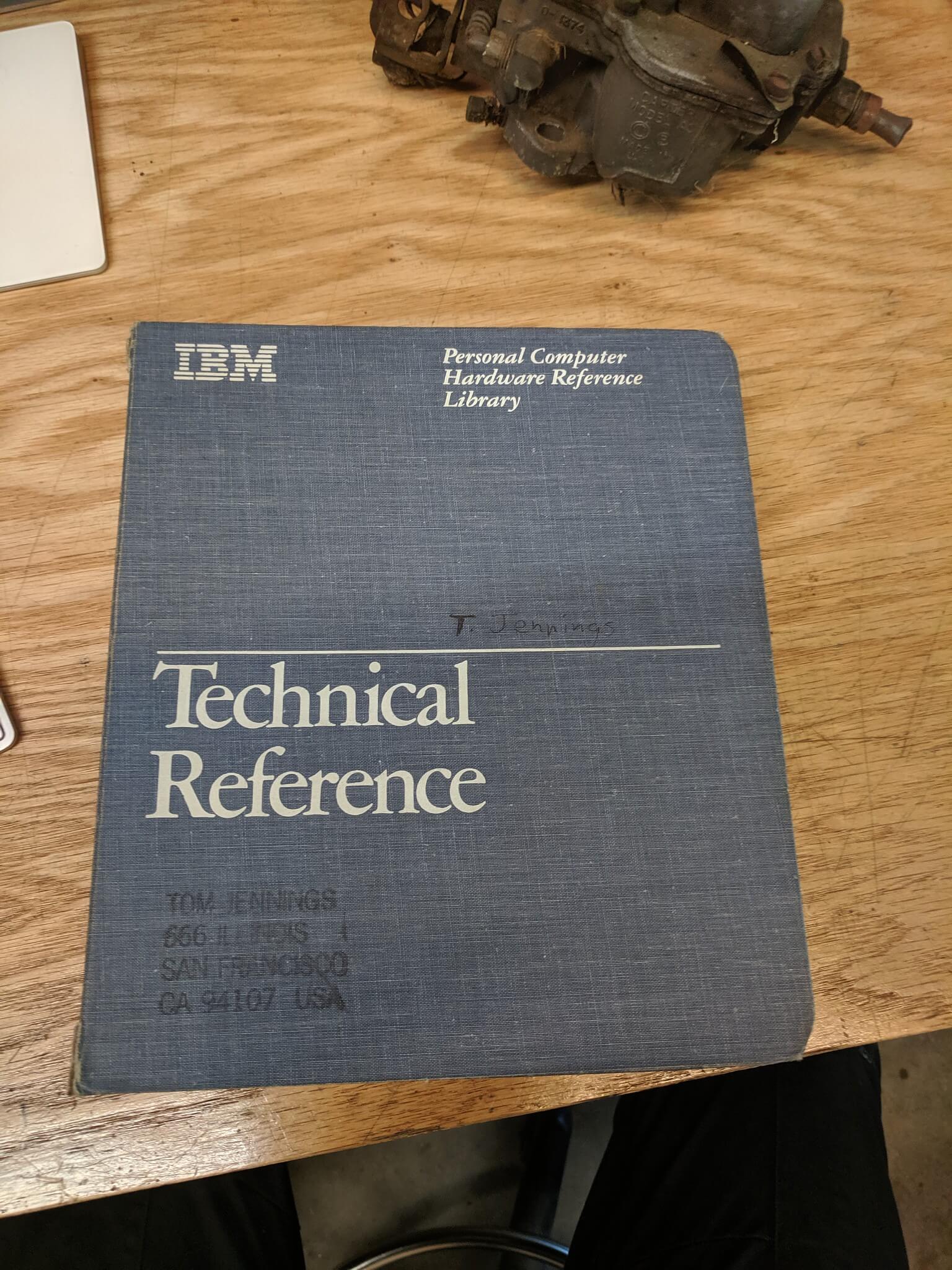
IBM’s Technical Reference manual documented the original PC’s hardware and printed the full BIOS source listing. That detail helped makers of add-in cards understand exactly what the machine did, which shaped the PC industry that followed.
The binder was large and expensive compared with the computer’s other paperwork. First printings in good condition are sought by collectors.
TRS-80 Model I Package
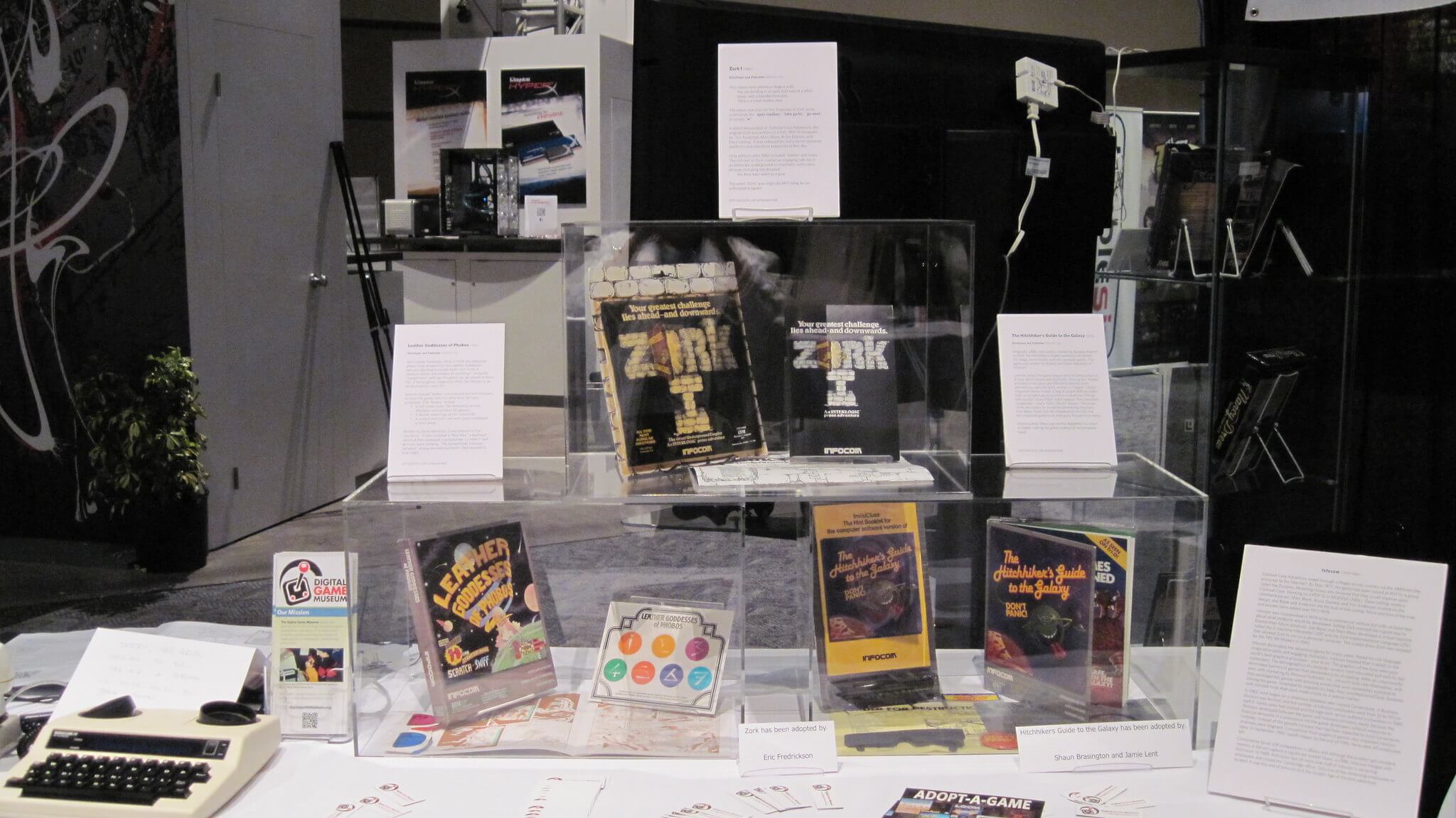
The original TRS-80 package came with a computer built into its keyboard, a monitor, and a cassette recorder, so a buyer left the store with a complete system. The Level I manual used a friendly tone to teach programming from the first page.
Radio Shack’s many stores made the machine easy to find. Units with original recorders and manuals are far more valuable than bare keyboards.
Macintosh Keyboard and Mouse
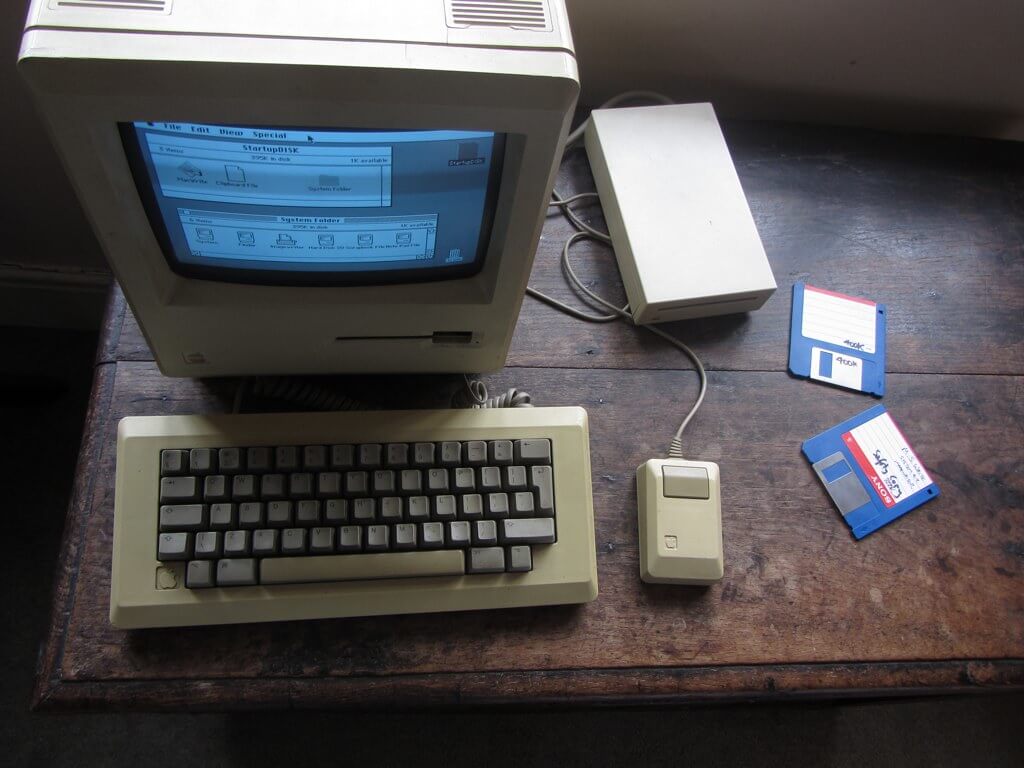
The original Macintosh shipped with a keyboard and a one-button mouse, and the keyboard had no arrow keys, which pushed users toward the mouse. Many buyers had never held a mouse, so Apple included a guided tour to teach them.
The mouse used a rolling sphere beneath its base that collected lint and needed cleaning. Clean keyboards and mice from the first production runs sell better than yellowed ones.
ZX81 Television Lead
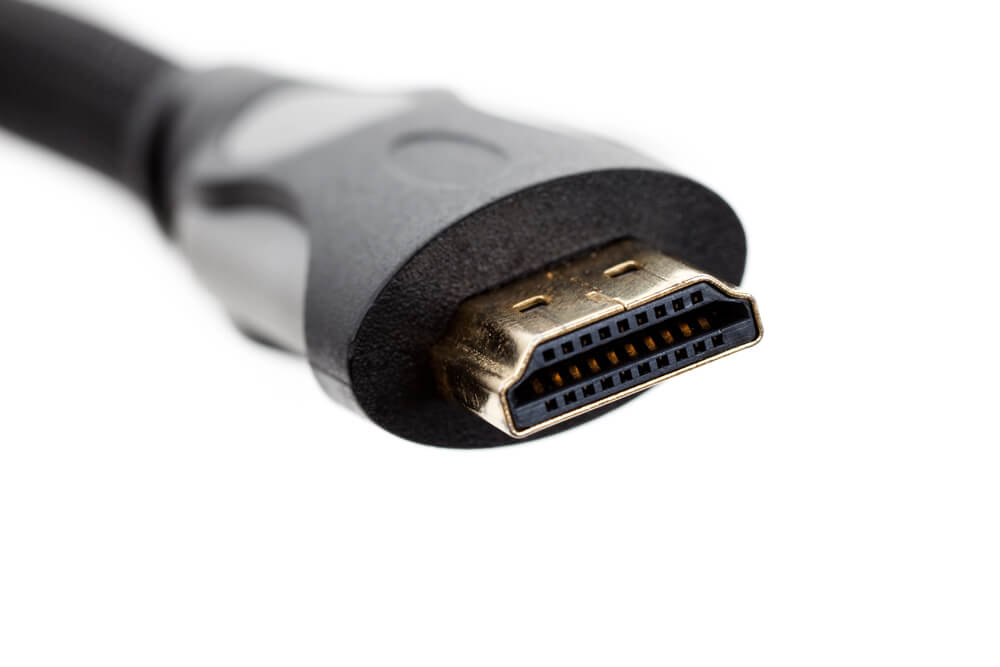
The ZX81 had no screen of its own, so it plugged into the family television through an aerial-style lead. Programs saved to an ordinary cassette recorder through two more cables.
The living room became a computer room whenever the television was free. Original leads and power adapters are common casualties of attic clear-outs.
Cables, Cassettes, and the Cost of Curiosity
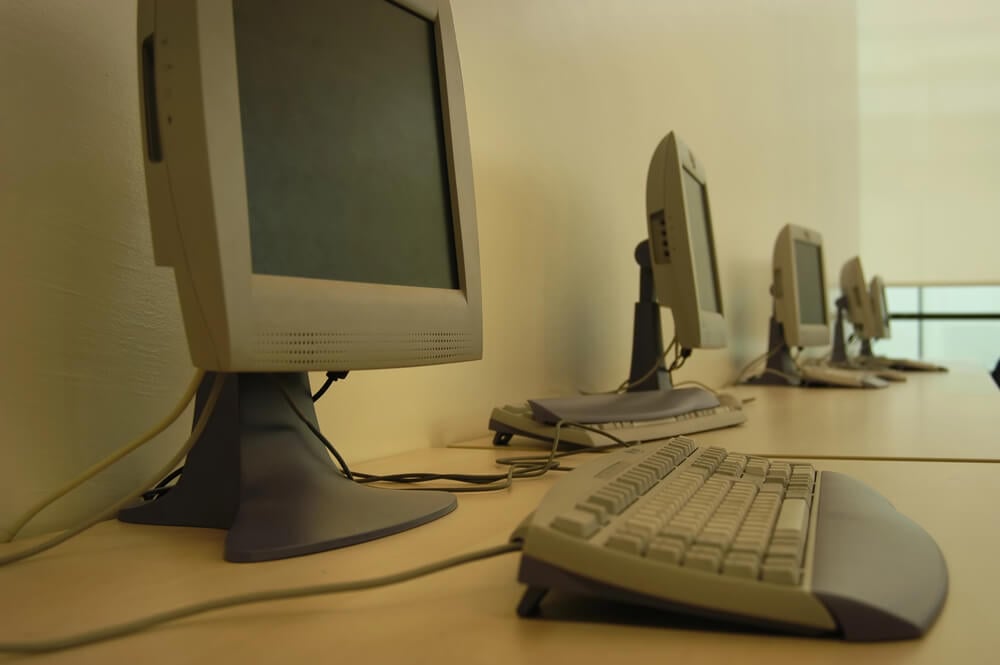
Each accessory on this list solved a problem the computer itself left open. Storage, sound, printing, and control all came from outside the box, which meant owners had to learn how the pieces fit together.
A tangle of leads on a desk was a sign that someone was paying attention. That habit of adding, swapping, and fixing explains why so many early owners became lifelong tinkerers.
The devices got faster, smaller, and easier, but the instinct to reach for the next gadget never left. Anyone who unwrapped a new peripheral on a Saturday morning knows the feeling.
More from Go2Tutors!

- 27 Silver Dollars and Half Dollars Worth Keeping
- 28 Restaurant Menu Items Nobody Orders Anymore
- 17 Places Built in Seemingly Impossible Spots
- 27 Vintage Rings Worth More Than They Look
- 25 Restricted Sites Tourists Can’t Enter
Like Go2Tutors’s content? Follow us on MSN.