Smartphone Hacks Everyone Should Know Today
Smartphones of today are incredibly powerful devices. From simple communication devices, they have evolved to be computers that we carry around with us everywhere we go.
Not only can we use them to schedule our lives and find our way around a city, but we can also use them to store documents and even capture images of professional quality. Yet there is so much that we don’t even use on our phones.
Some of the best hacks on our phones can be learned to make our lives on our devices easier, faster, and more efficient. With that said, let’s take a closer look at some of the best smartphone hacks out there.
Built-In Document Scanning

Many people still reach for a separate scanner when they need to digitize paperwork. Modern smartphones already include surprisingly effective scanning tools that can turn a simple photo into a clean, readable document.
Both major mobile operating systems offer built-in scanning options within their notes or file management apps. The camera automatically detects the edges of a page, straightens the image, and improves contrast so text becomes clear and sharp.
Receipts, contracts, and handwritten notes can be stored digitally in seconds. This feature is particularly useful for travelers or anyone trying to keep paperwork organized without carrying folders.
Focus Mode for Fewer Distractions

Smartphones are helpful tools, but constant notifications can quickly break concentration. Focus modes allow users to limit alerts during specific activities such as working, studying, or relaxing in the evening.
Once activated, only selected apps and contacts can send notifications. Everything else stays quiet until the focus session ends.
Many phones even allow different focus profiles for different situations. A work profile might allow email and messaging apps, while a sleep profile silences nearly everything overnight.
This simple setting helps reduce digital noise and encourages more intentional phone use.
Using the Keyboard as a Trackpad
Typing on a small screen sometimes leads to misplaced text or frustrating editing. Many smartphone keyboards include a hidden feature that turns the keyboard area into a trackpad for precise cursor control.
When activated, sliding a finger across the keyboard moves the cursor smoothly through text. This makes it much easier to correct spelling, adjust sentences, or insert words in the right place.
Instead of tapping repeatedly to move the cursor, users gain a level of control similar to editing on a computer. Once discovered, this feature often becomes one of the most frequently used tricks.
Offline Maps for Travel
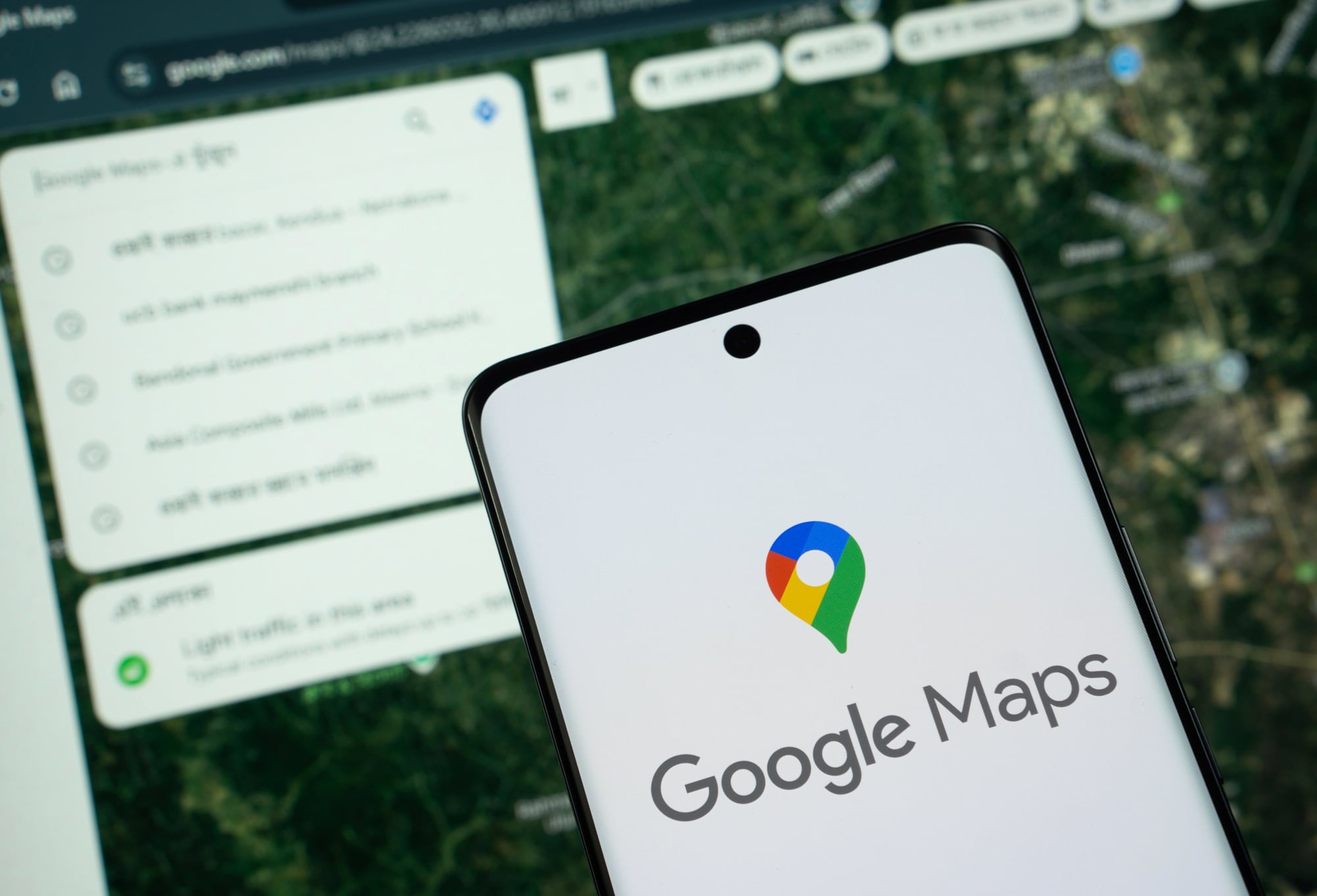
Navigation apps are essential tools when exploring unfamiliar areas. Still, they usually rely on a steady internet connection, which can become unreliable in remote regions or during international travel.
Offline maps solve this problem by allowing users to download entire areas in advance. Once stored on the device, the map continues working even when the phone loses signal.
Directions, landmarks, and major roads remain accessible without using data. For road trips or travel abroad, downloading maps ahead of time can prevent unexpected navigation issues.
Back-Tap Shortcuts

Some smartphones now include a clever feature that allows quick actions by tapping the back of the device. A simple double or triple tap can trigger functions such as taking a screenshot, launching the camera, or opening a favorite app.
This feature works through built-in motion sensors that detect gentle taps on the back panel. Once configured, it becomes a surprisingly convenient shortcut.
Instead of navigating through menus, users can perform common tasks almost instantly. It is a small trick that often makes everyday phone use feel faster and more intuitive.
Battery Usage Monitoring
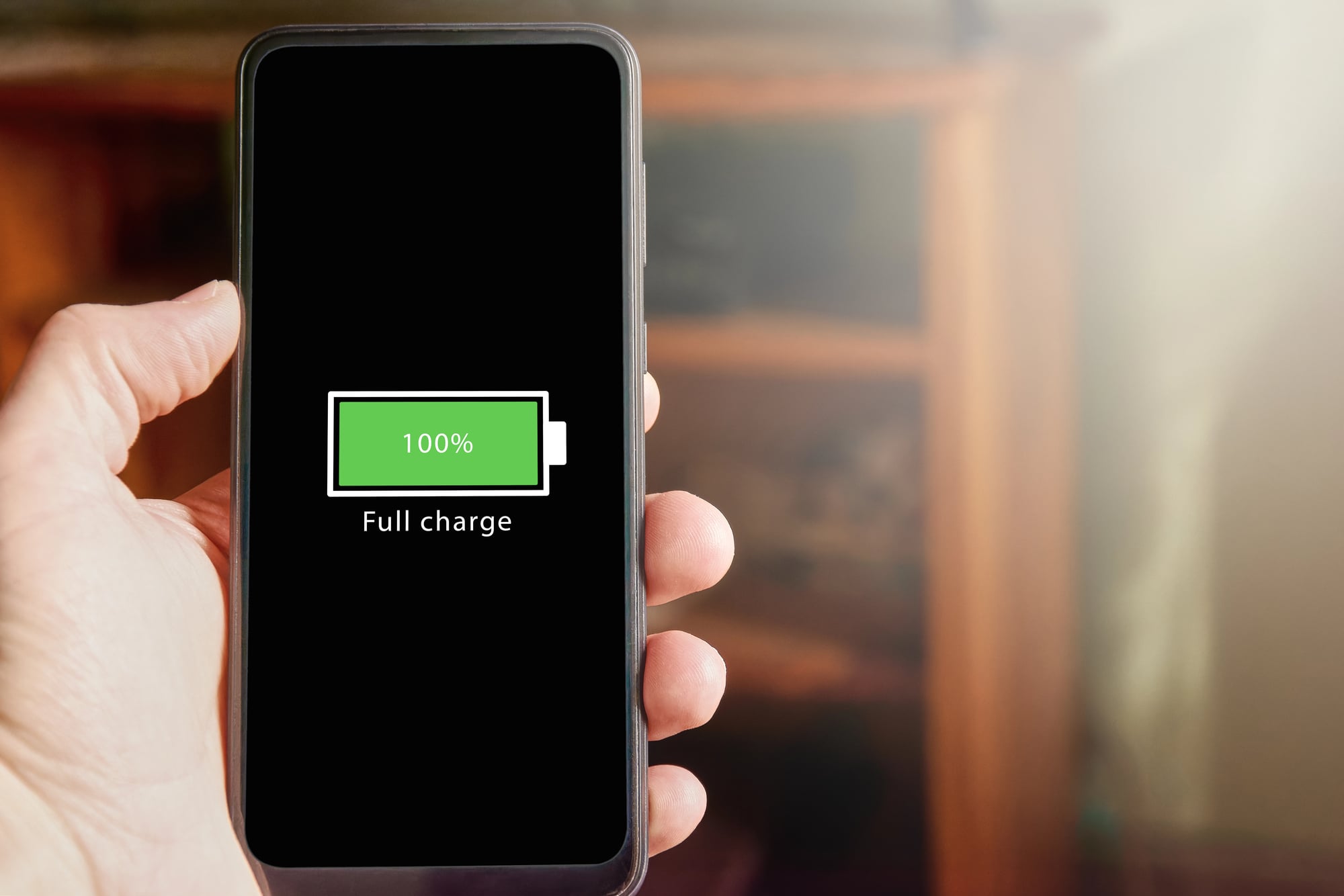
Battery life remains one of the most common smartphone frustrations. Many users assume the battery itself is the problem when performance starts declining.
In reality, certain apps often consume far more power than expected. Most smartphones include a detailed battery usage dashboard that shows exactly which apps use the most energy.
Checking this screen occasionally can reveal surprising patterns. A rarely used app running in the background might be draining power throughout the day.
Adjusting permissions or limiting background activity often improves battery life without changing any hardware.
Live Text Recognition

Smartphones now include impressive text recognition features that allow users to interact with written content inside photos. A phone can recognize printed words captured by the camera and convert them into selectable text.
This feature becomes useful in many everyday situations. A phone number on a sign can be copied directly into the dialer.
A recipe photographed from a book can be pasted into a note. Even handwritten notes sometimes become readable text depending on clarity.
The technology quietly transforms the camera into a powerful information tool.
Emergency Information Settings
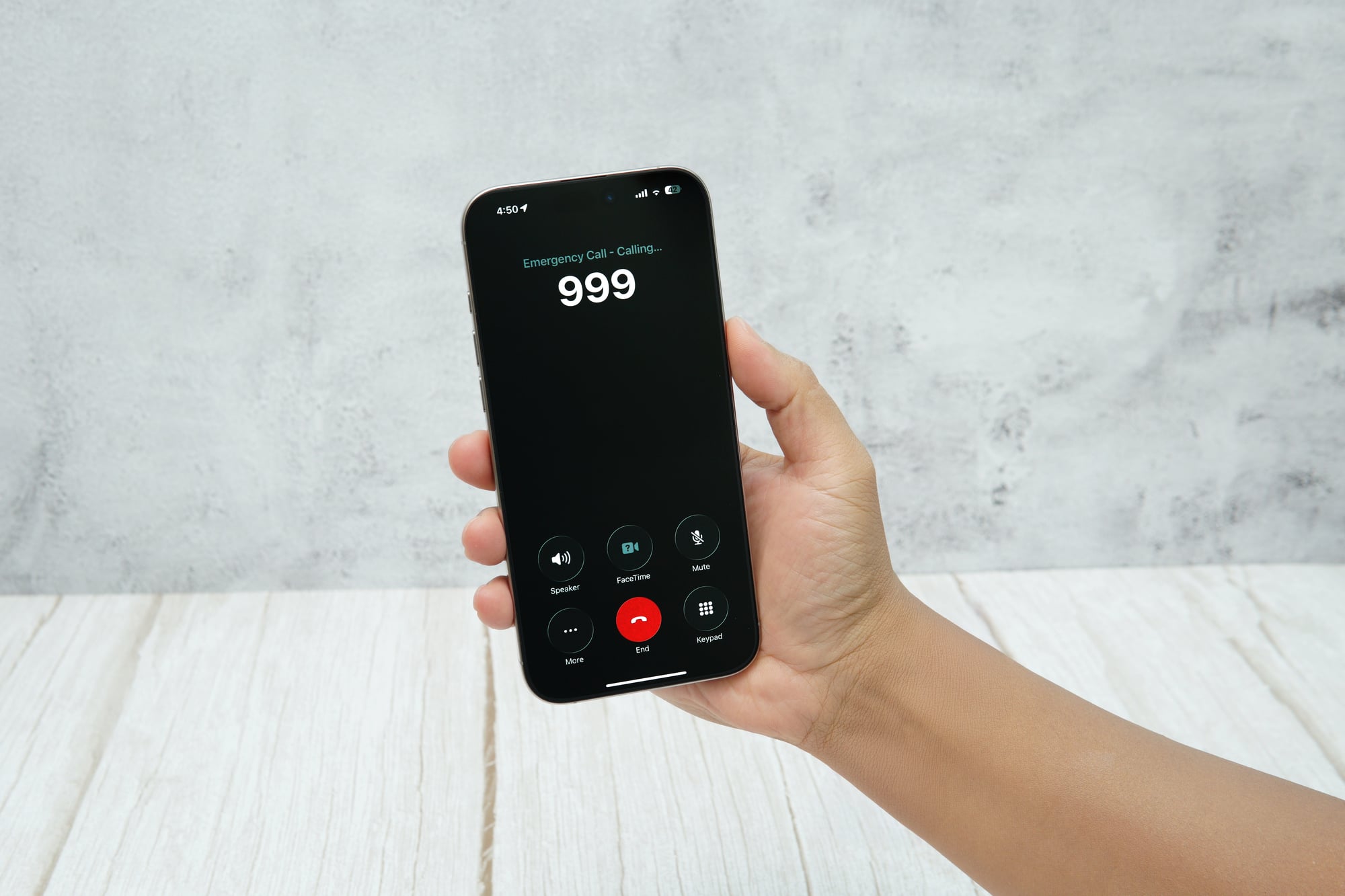
Most people carry their smartphones everywhere, yet few take advantage of built-in emergency information settings. These features allow users to store important details such as emergency contacts, allergies, or medical conditions.
If emergency services need to access the phone, this information can appear directly on the lock screen without unlocking the device. It provides valuable context during urgent situations when every minute matters.
Setting it up takes only a few minutes, but the information could prove extremely helpful when it is needed most.
Voice Assistants for Quick Tasks
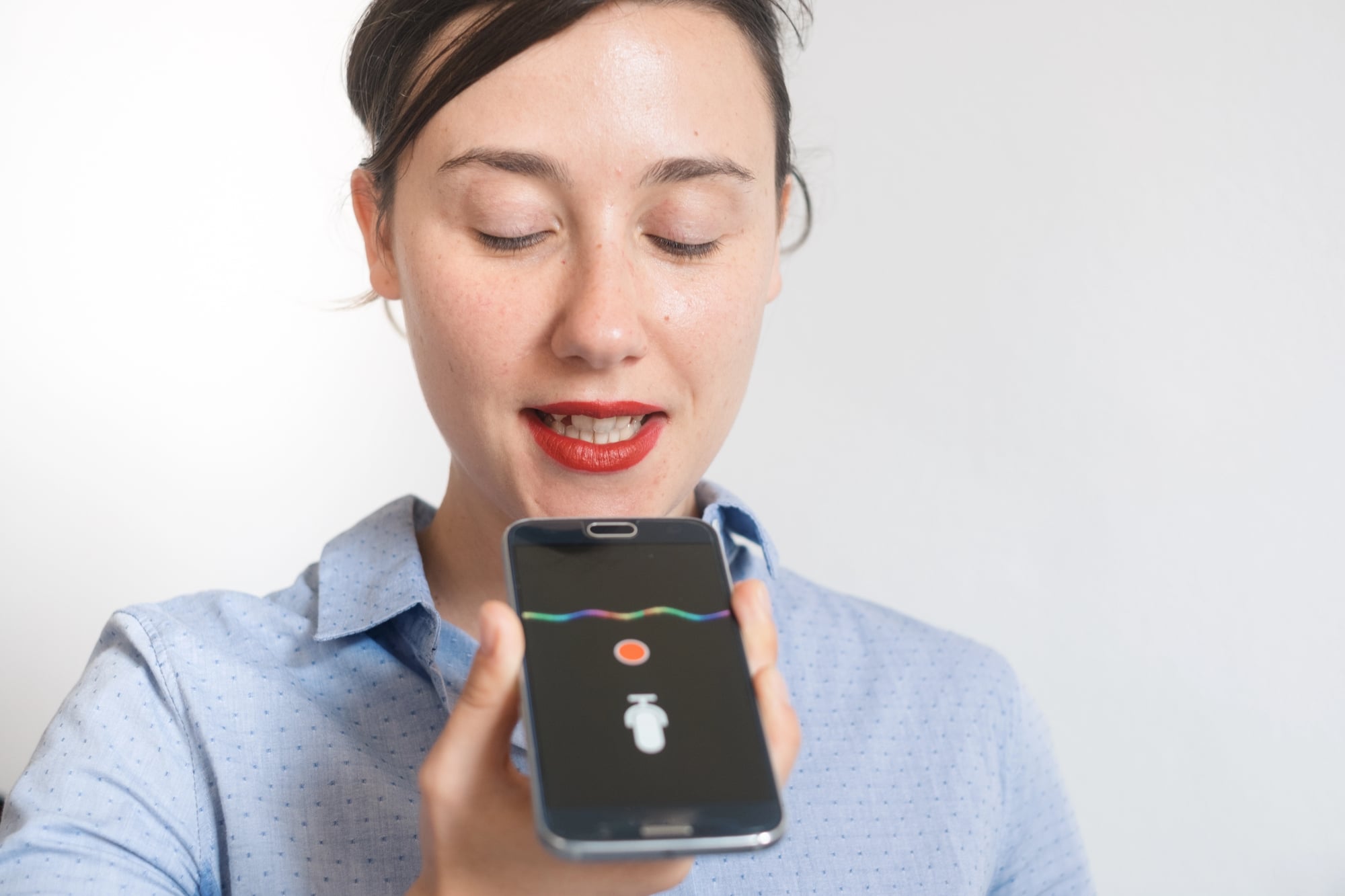
Voice assistants have improved significantly over the past decade. Many everyday tasks can now be handled with simple spoken commands rather than tapping through multiple apps.
Setting reminders, sending messages, starting timers, or checking the weather often takes only a few seconds when handled through voice commands. For quick tasks while driving, cooking, or walking, the convenience becomes especially noticeable.
Over time, voice assistants tend to feel less like novelty features and more like practical digital helpers.
Password Managers for Security
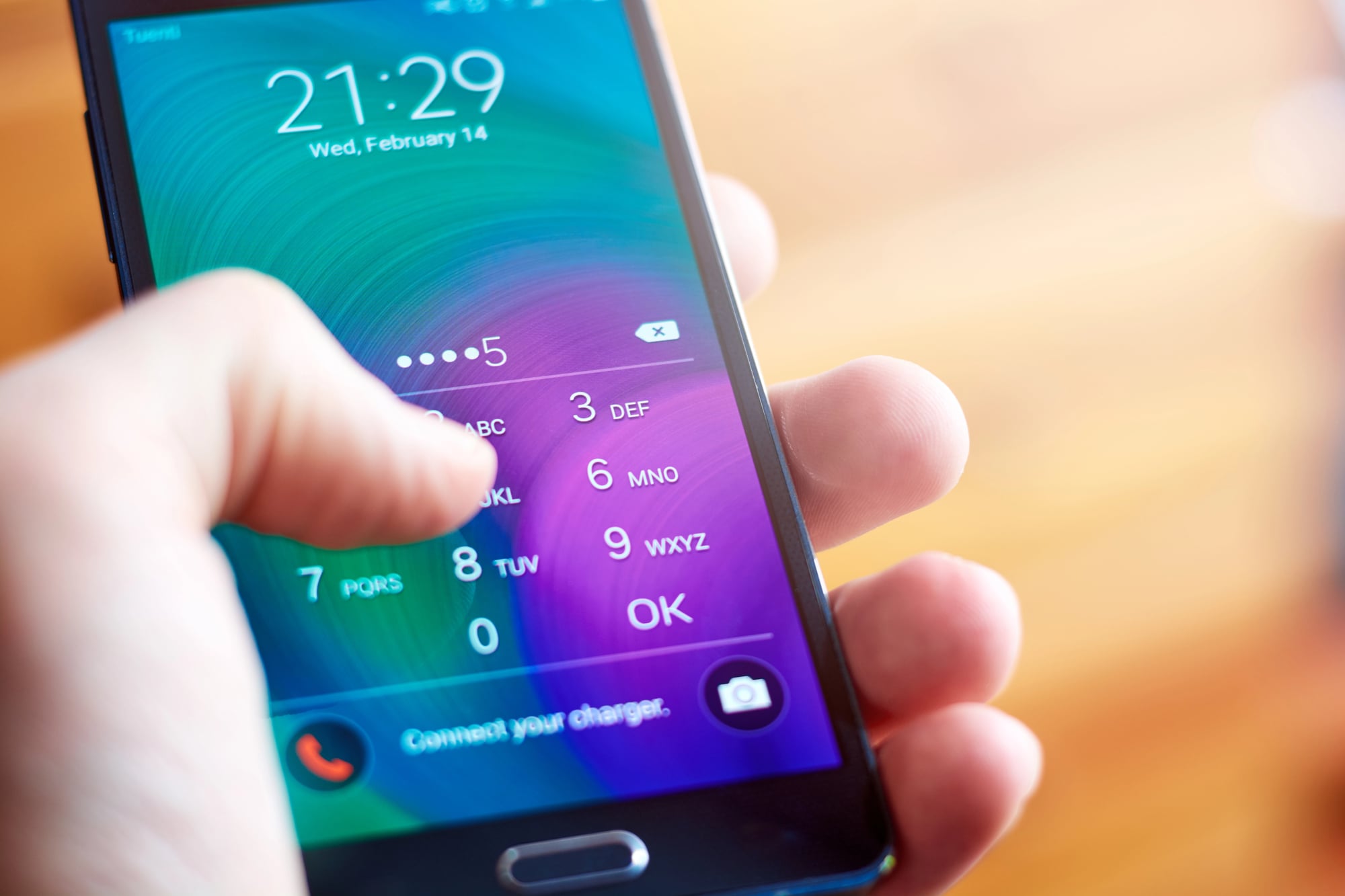
Managing dozens of online accounts has become a routine part of modern life. Many smartphones now include built-in password managers that securely store login information and automatically fill credentials when needed.
This approach improves both convenience and security. Instead of reusing simple passwords across multiple websites, users can generate stronger credentials while allowing the phone to remember them safely.
Biometric authentication such as fingerprint or facial recognition often protects access to stored passwords. As online accounts continue multiplying, password managers have quietly become one of the most valuable smartphone tools.
Small Features, Big Everyday Impact
Smartphones are to a point where their most useful functions are not necessarily a function of hardware, but of settings that are not necessarily intuitive. Many people are only using a fraction of what is already built into the device that they are carrying with them every day.
As smartphones continue to develop and become even more technologically advanced, it is likely that these small functions will become even more useful and assistive. Knowing a few practical tricks can essentially turn a smartphone into a personal assistant.
In many ways, the most useful aspect of a smartphone is not necessarily a function of technology, but of learning how to utilize what is already there.
More from Go2Tutors!

- The Romanov Crown Jewels and Their Tragic Fate
- 13 Historical Mysteries That Science Still Can’t Solve
- Famous Hoaxes That Fooled the World for Years
- 15 Child Stars with Tragic Adult Lives
- 16 Famous Jewelry Pieces in History
Like Go2Tutors’s content? Follow us on MSN.