17 Strange Truths About The Keyboard
Fingers dance across these little buttons, yet hardly anyone pauses to think about them. Hours pass like this – typing, clicking, scrolling – with zero curiosity about the odd layout beneath.
The arrangement seems random until you learn where it came from. A story hides in plain sight, tucked between each keypress, waiting only if someone bothers to look.
Turns out, the keyboard wasn’t always like this. Its history takes odd turns – moments most wouldn’t expect. Stick around, details ahead.
Surprisingly Slow, QWERTY Wasn’t Built With Quick Typing In Mind
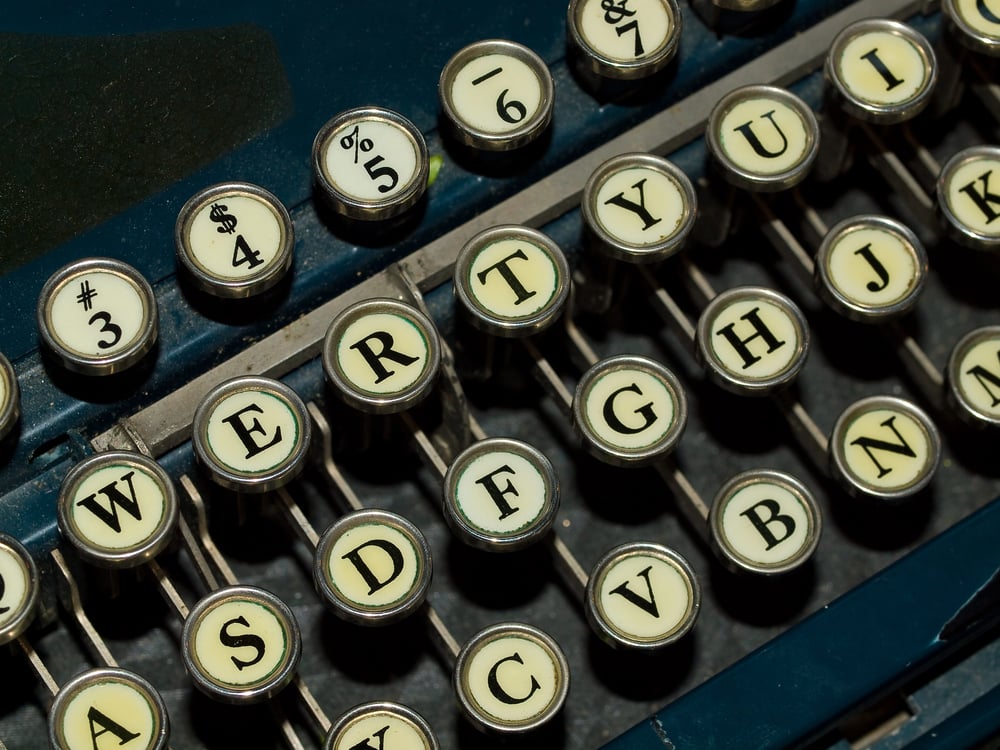
Slow typing? That’s by design with QWETRY – yes, really. Mechanical arms inside old machines often clashed when struck quickly, leading to frequent jams.
To help avoid crashes between keys, engineers scattered commonly paired letters farther apart. Even once tech moved past clunky parts, the pattern stayed put.
Today, most folks type this way just because they always have.
The Spacebar Is The Most Pressed Key
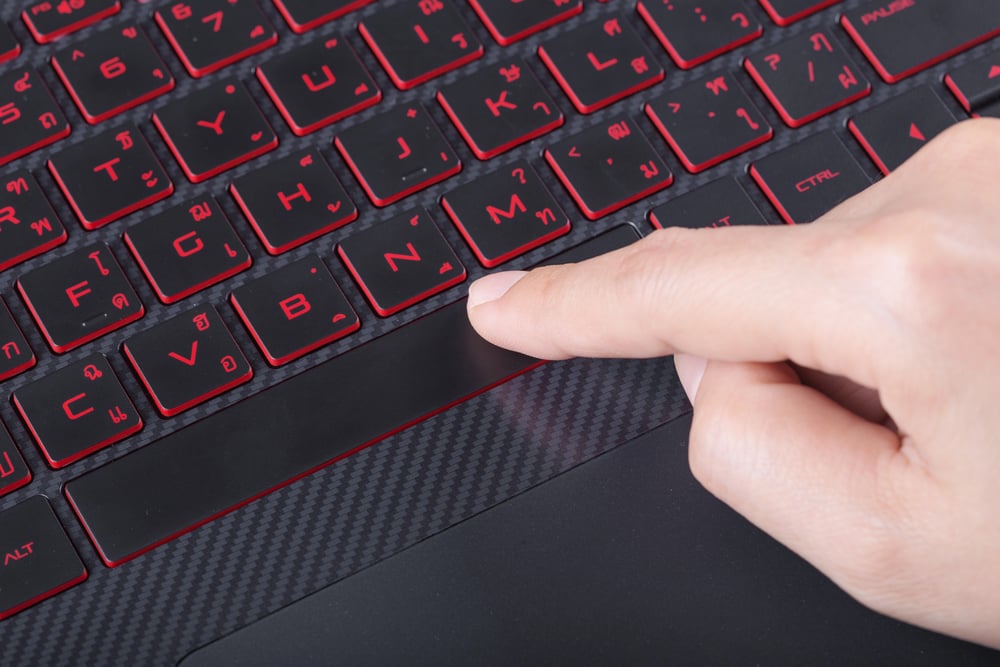
Fingers land there again and again, without fanfare. That wide key down below handles each break between words, silently.
Most keystrokes flow into it, simply because spacing needs doing. Hardly anyone notices how much it bears.
Battered by routine, still it keeps working.
Keyboards Existed Before Computers
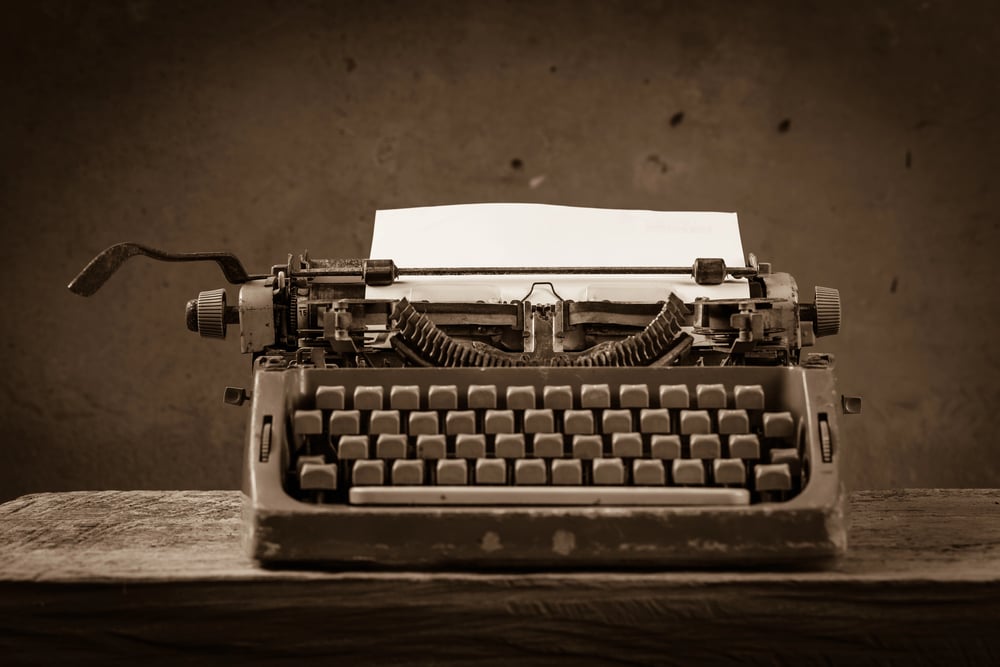
Typing on today’s machines traces back further than silicon chips. From clunky metal keys of the 1860s, one invention shaped how fingers move across buttons now.
Machines made decades later took that design without reinventing it. Familiar clicks under fingertips? They echo a much older rhythm.
Because of past choices, current tools mimic what came long before circuits.
The ‘F’ And ‘J’ Keys Have Bumps For A Reason
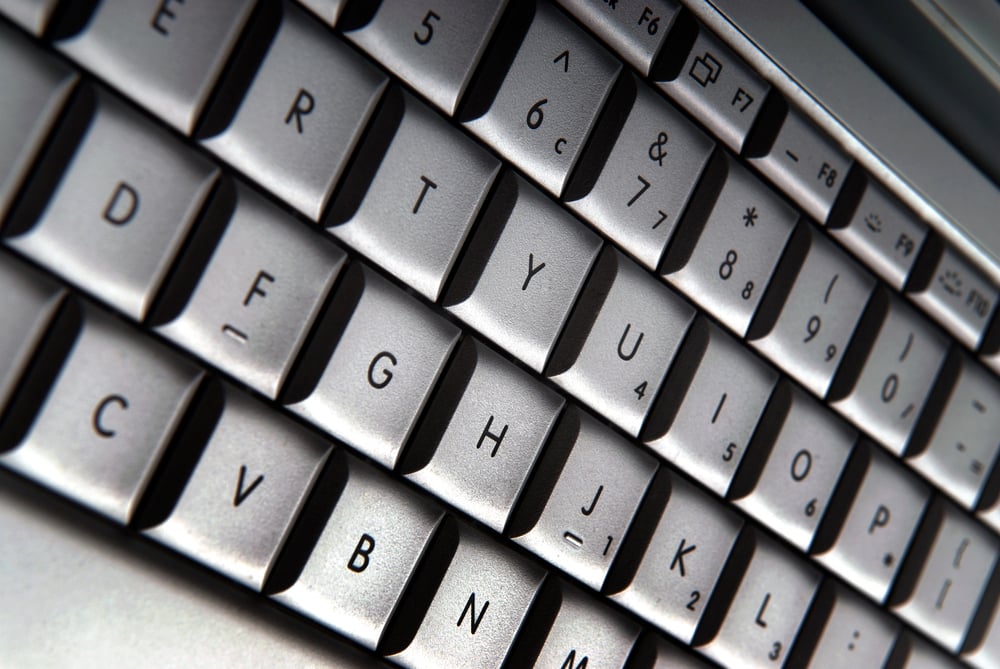
Fingers glide across those two keys – tiny ridges greet the touch. Because of these little bumps, typists locate the home row without peering at the board.
Though minor in appearance, this feature cuts seconds that pile up fast. Without glancing down, hands stay swift, moving where they should.
Some Keyboards Have Survived Extreme Conditions
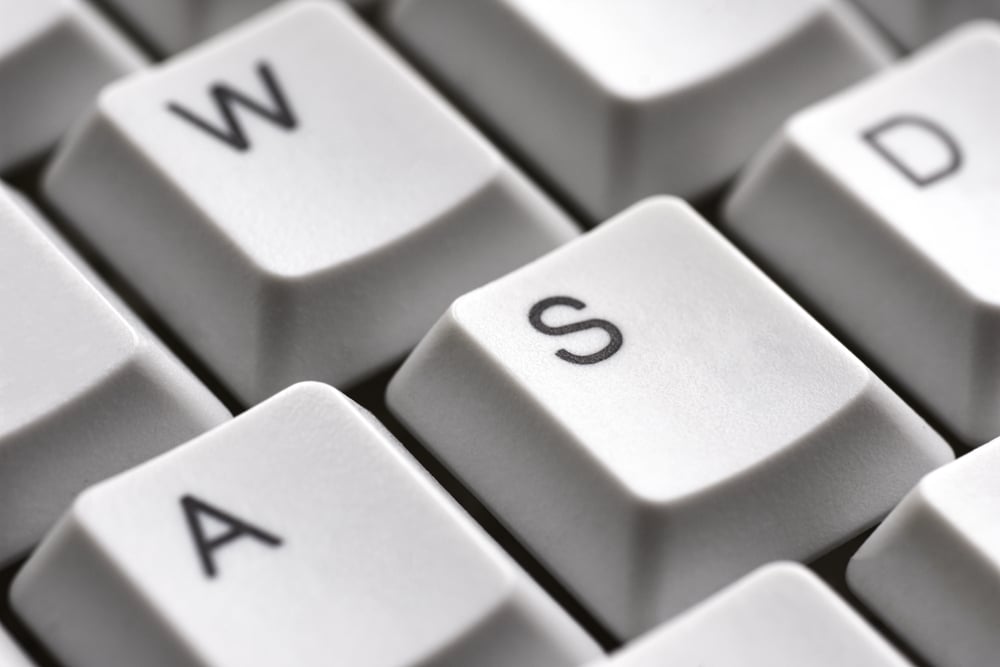
Waterproof, dust-proof, sometimes even resistant to chemicals – keyboards like these stand up to extremes. Out in the wild, aboard subs, inside harsh factory floors, they keep working while standard ones fail fast.
Sealed shut tight, some won’t let anything slip past their edges. Tough by design, they survive what most devices can’t.
The Delete Key Used To Be Called Something Else
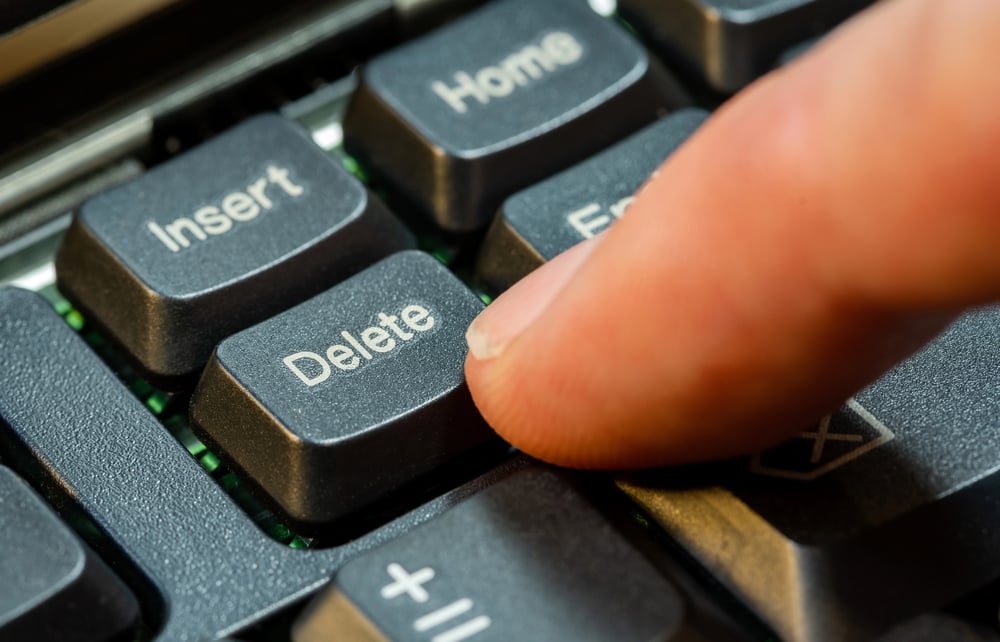
Back when computers were still clunky, that button now called Delete wore a different name – Rubout. Erase one step back, same job.
It just said so without sugarcoating. As machines moved into offices and homes, the wording took a gentler turn.
Harsh edges filed down. Words followed suit.
Dvorak Is A Real Alternative Layout
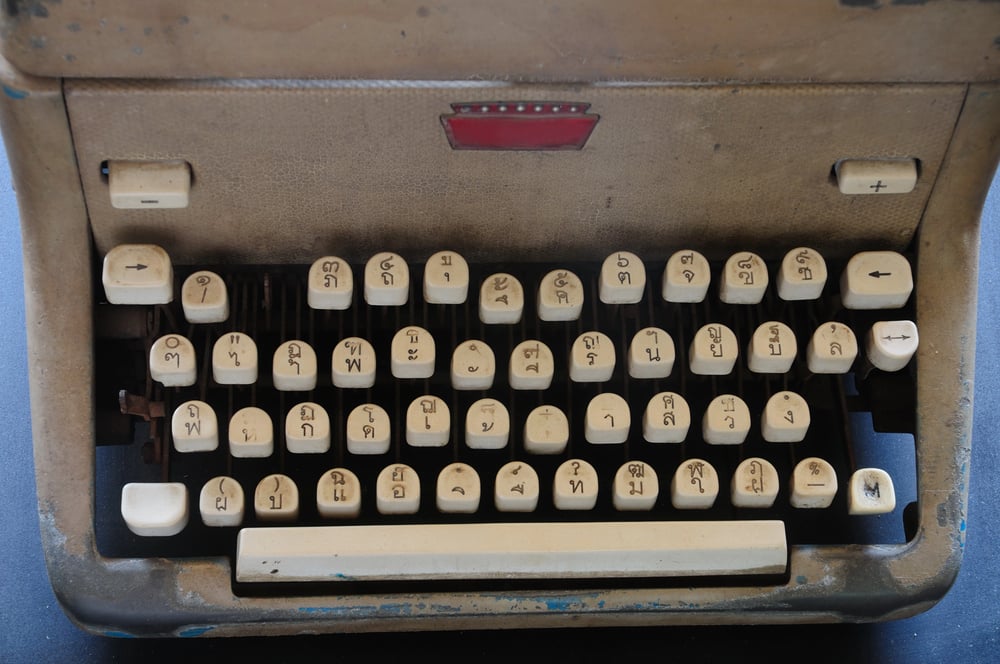
Most people type on QWERTY, yet the Dvorak keyboard came later, built for speed back in the 1930s by August Dvorak. The home row holds frequent letters, meaning hands move shorter paths while typing.
Some who switch say their fingers feel easier after learning it, even if mastery takes time.
Mechanical Keyboards Are Louder For A Specific Reason
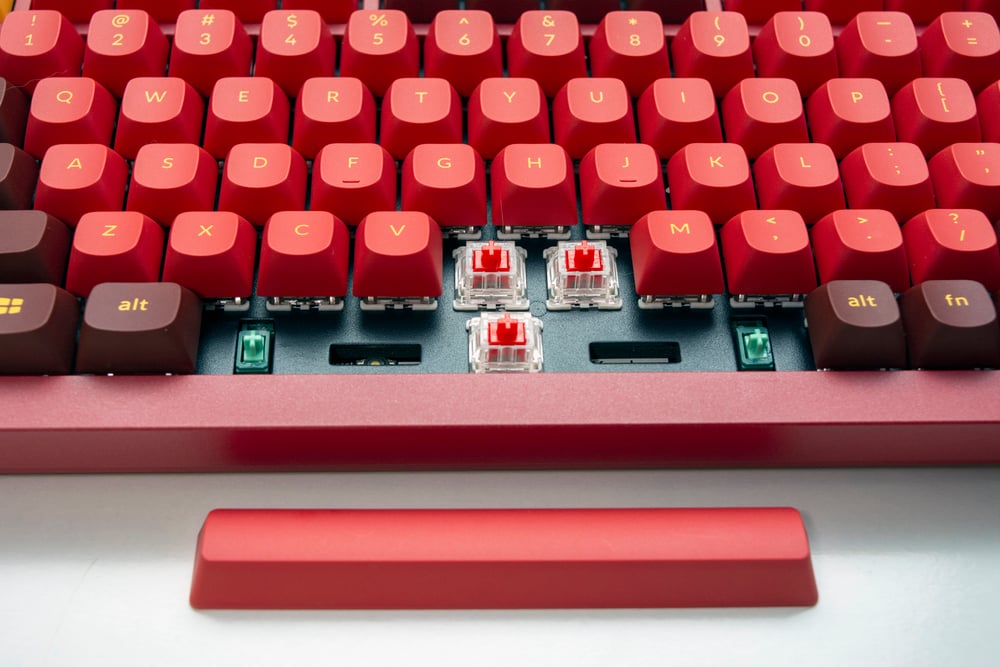
The familiar click of a mechanical keyboard? It isn’t random noise. Inside each key sits a tiny switch built to respond with both feel and sound.
When fingers press down, these switches give a noticeable bump plus an audible cue. Many people who type regularly prefer this setup – it tells them instantly the keystroke went through.
The Average Keyboard Holds More Germs Than A Toilet Seat
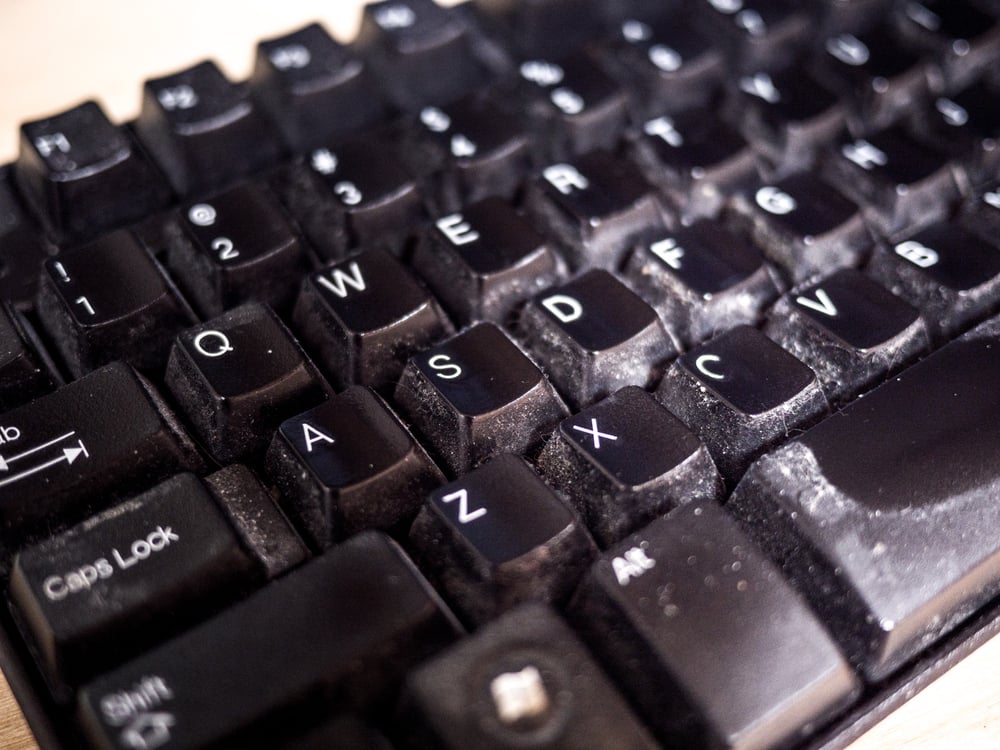
Most research shows keyboards host way more germs than you’d expect – often beating toilet areas. Tiny bits of food, flakes of skin, along with everyday grime settle under each key, giving microbes plenty of room to grow.
A quick blast of canned air followed by a sanitizing cloth does make a difference, yet hardly anyone actually bothers doing it.
Wireless Keyboards Come With A Delay Risk
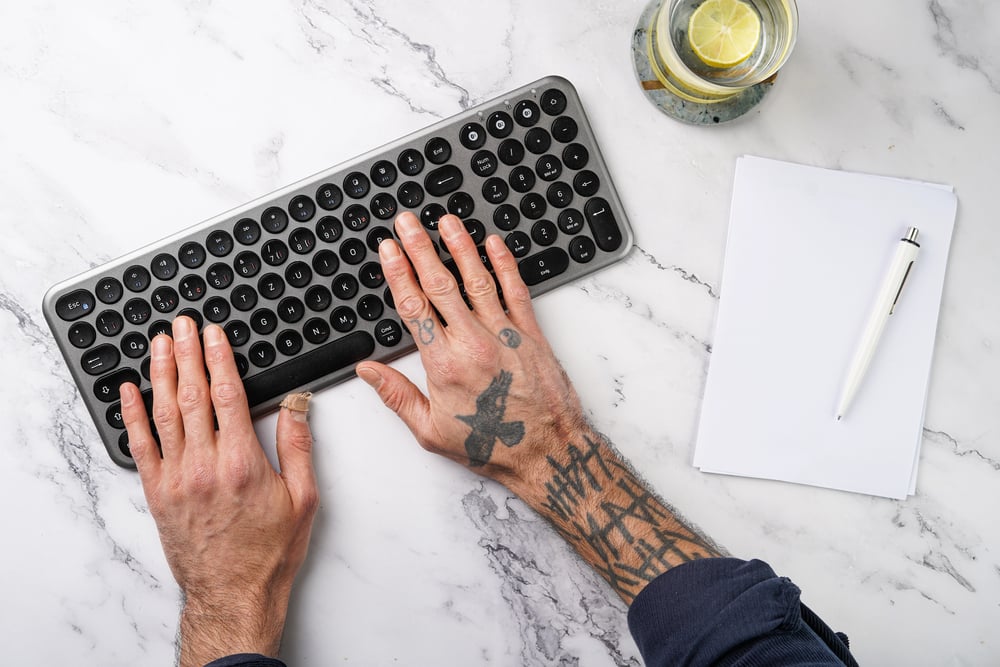
Wireless keyboards are convenient, but they do have a small transmission delay between pressing a key and the character appearing on screen. For casual browsing this is barely noticeable.
But for fast typists or gamers, even a tiny lag can throw off the whole experience, which is why wired keyboards still have a loyal following.
There Is A Key Almost Nobody Uses
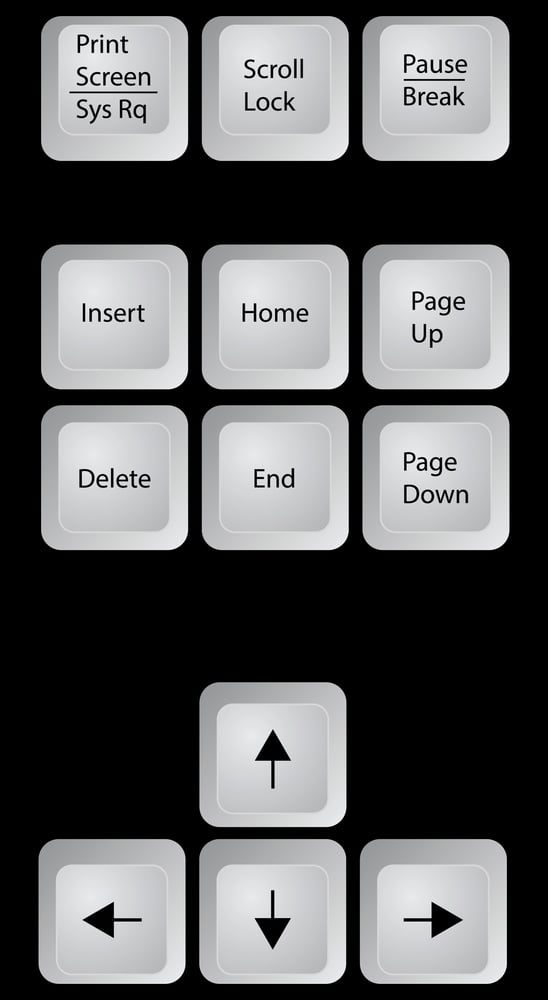
The Scroll Lock key has been sitting on keyboards for decades and most users have never once pressed it intentionally. It was useful in early spreadsheet programs to scroll through data without moving the cursor, but modern software largely made it irrelevant.
It still shows up on full-size keyboards out of sheer tradition.
The Number Of Keys Varies By Region
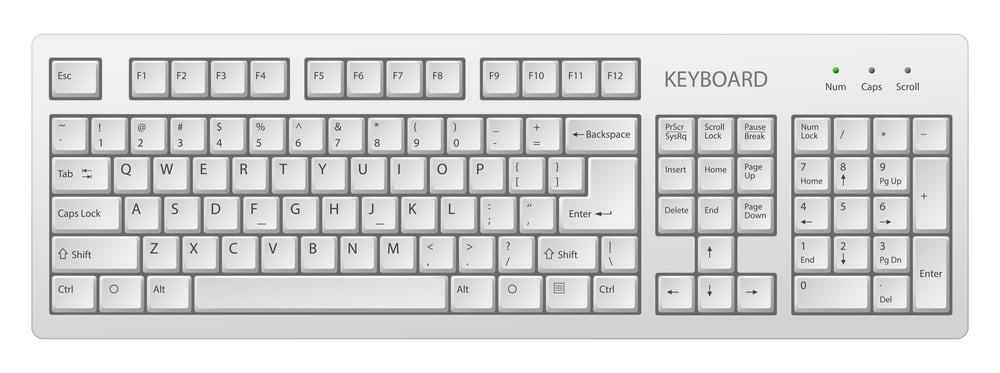
A standard U.S. keyboard has 104 keys, but keyboards in other countries have different layouts and sometimes more keys to handle additional characters. Japanese keyboards, for example, include extra keys for switching between character systems.
The idea of a ‘standard’ keyboard is really just a Western default.
Typing Speed Records Are Surprisingly Fast

The world record for typing speed sits at around 212 words per minute, set by Stella Pajunas in 1946 on an IBM electric typewriter. Modern speed typists using today’s keyboards have hit over 300 words per minute in short bursts.
That is faster than most people can speak clearly.
Gaming Keyboards Sometimes Have Extra Keys
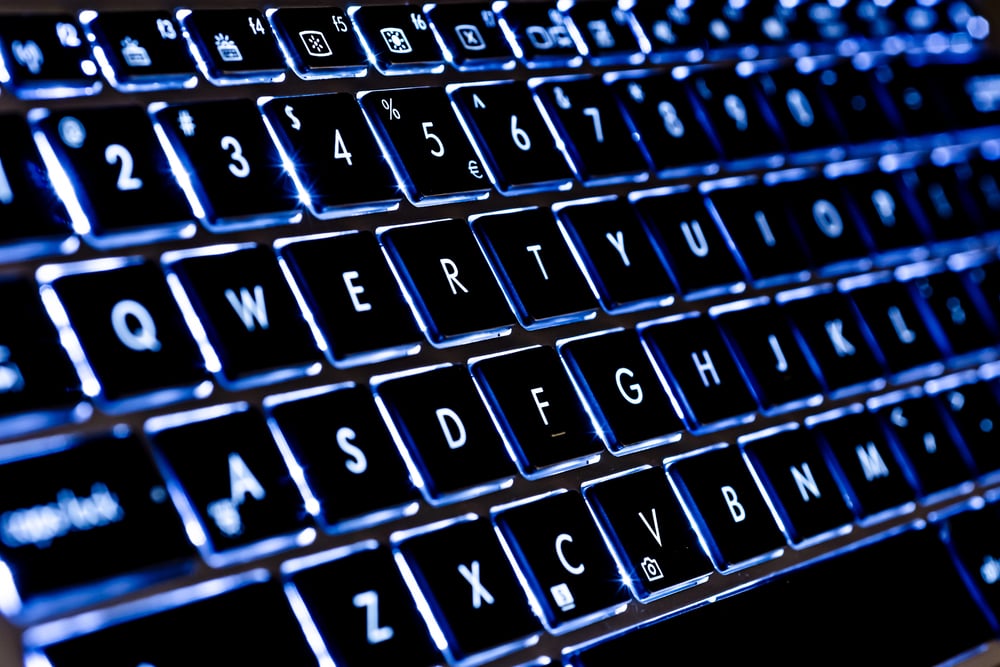
High-end gaming keyboards often come with programmable macro keys on the side, which players can set to perform specific in-game actions with one press. These can replace complex button combinations that would otherwise take multiple keystrokes.
For competitive players, those extra keys can genuinely change how a game is played.
Keyboard Shortcuts Predate The Computer Mouse

Before the mouse became a common tool, keyboard shortcuts were the only way to navigate software quickly. Combinations like Ctrl+C and Ctrl+V were built into programs so users could work without ever lifting their hands off the keyboard.
Even now, keyboard shortcuts are often faster than reaching for the mouse, and power users know this well.
Early Keyboards Were Enormous
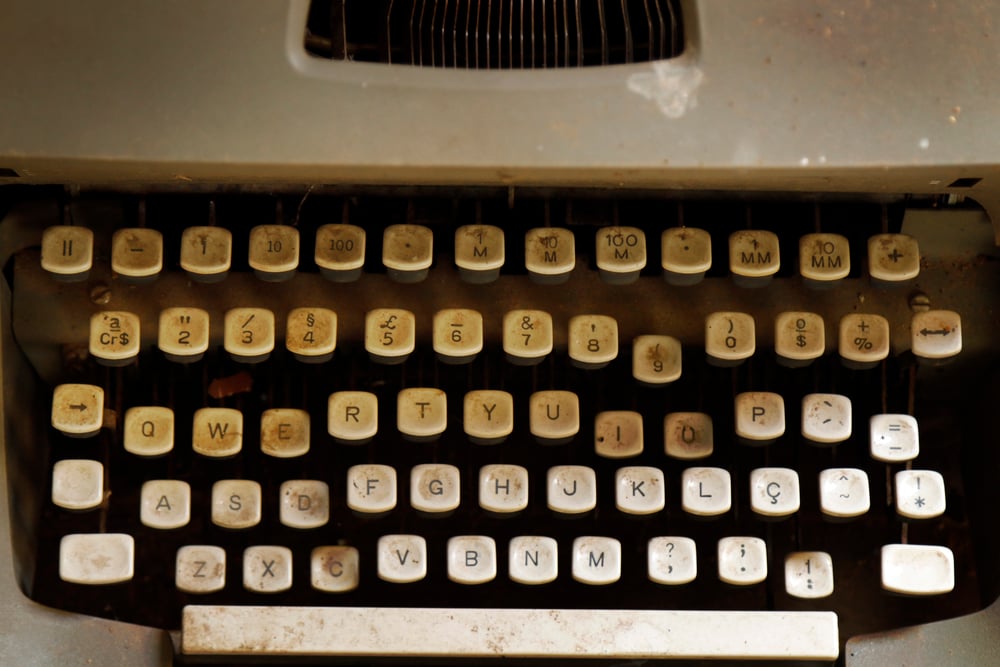
The first computer keyboards were not the sleek flat things seen today. They were large, chunky devices with heavy keys that required real physical effort to press down.
The weight and resistance in early keyboards would tire out a typist’s hands far faster than modern keyboards do.
The Layout Of A Phone Keypad Is The Opposite Of A Calculator
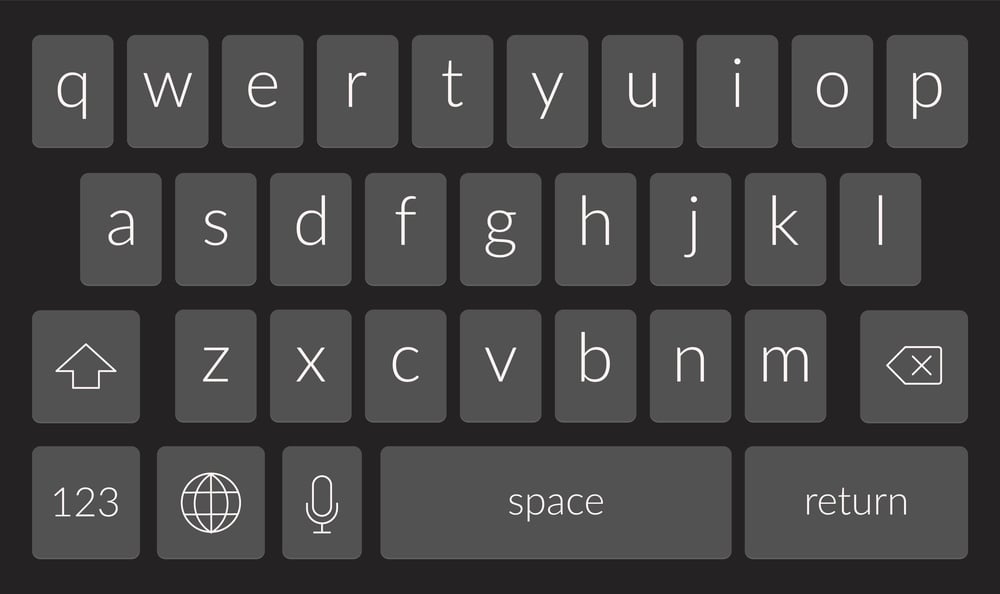
On a phone, the number 1 starts at the top left. On a calculator, 1 starts at the bottom left.
This difference was intentional. Phone designers wanted to slow down dialing slightly to reduce errors, while calculator designers prioritized speed for people used to adding machines.
Two similar-looking grids, two completely different goals.
Where Fingers Land Every Day

The keyboard is one of the few tools that billions of people use daily without ever learning its full history. Every odd design choice, every quirky leftover key, and every layout decision carries a story from decades of human invention and compromise.
Looking at a keyboard differently from now on is not just interesting, it’s a reminder that even the most ordinary objects have a past worth knowing.
More from Go2Tutors!

- The Romanov Crown Jewels and Their Tragic Fate
- 13 Historical Mysteries That Science Still Can’t Solve
- Famous Hoaxes That Fooled the World for Years
- 15 Child Stars with Tragic Adult Lives
- 16 Famous Jewelry Pieces in History
Like Go2Tutors’s content? Follow us on MSN.