90s Computer Problems Everyone Hated
Back in the 90s, computers felt like a doorway. That door creaked open slowly.
Each leap forward came with a stumble behind. Grabbing one file often meant sitting still much longer than expected.
Back then, computers entered homes by the million. Yet every win came with a headache only survivors truly get.
Machines hummed under desks, promising magic but delivering tantrums. A single crash could wreck hours of work.
That beige box on your desk? It tested patience like nothing else. Few outside that era understand the rage it sparked.
Dial-Up Internet That Tied Up the Phone Line

You wanted to check your email. Your mom wanted to make a phone call. Only one of you could win.
Dial-up internet meant your computer had to physically call your internet service provider through the phone line, which meant nobody else could use that line while you were online. Families with teenagers fought actual battles over this.
And if someone picked up the phone while you were connected, your session died instantly. No warning. Just gone.
The Endless Dial-Up Handshake Noise
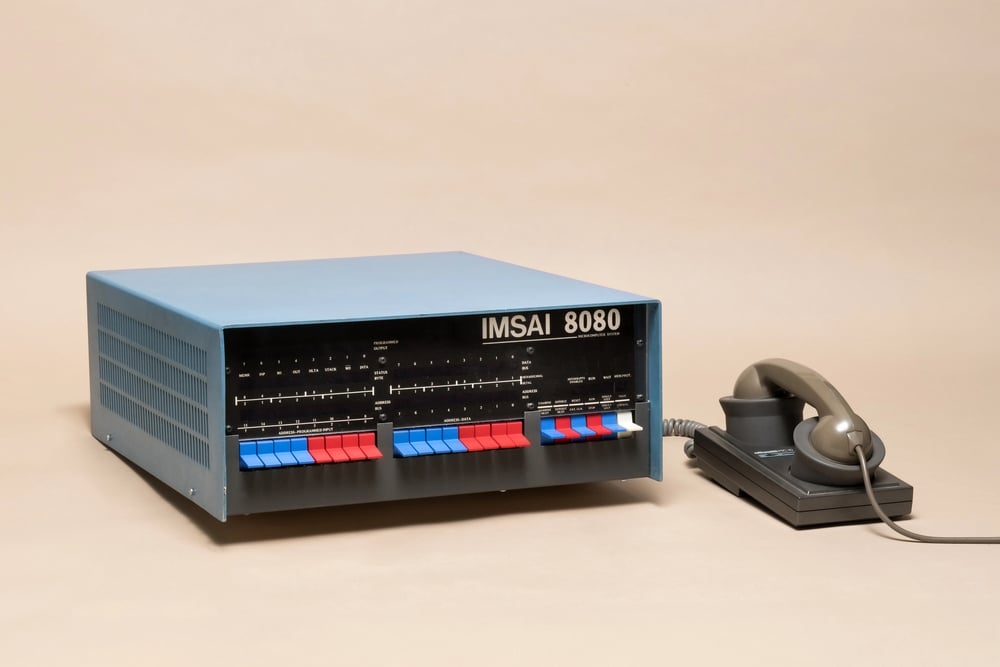
Before you even got online, you had to listen to your modem scream. That sequence of beeps, static bursts, and electronic screeching was the sound of your computer negotiating a connection.
It took anywhere from 30 seconds to over a minute. You couldn’t skip it.
You couldn’t mute it without risking the connection. You just sat there, waiting, while your computer made noises like a fax machine having a nightmare.
Waiting 20 Minutes to Download a Single Song

A three-megabyte MP3 file could take 10 to 15 minutes to download on a 56k modem. Sometimes longer, depending on line quality.
And if someone picked up the phone or the connection dropped for any reason, you had to start over from the beginning. There was no resume function.
Downloading an entire album was an overnight commitment, and even then, you’d wake up to find the connection had failed at 94 percent.
The Blue Screen of Death
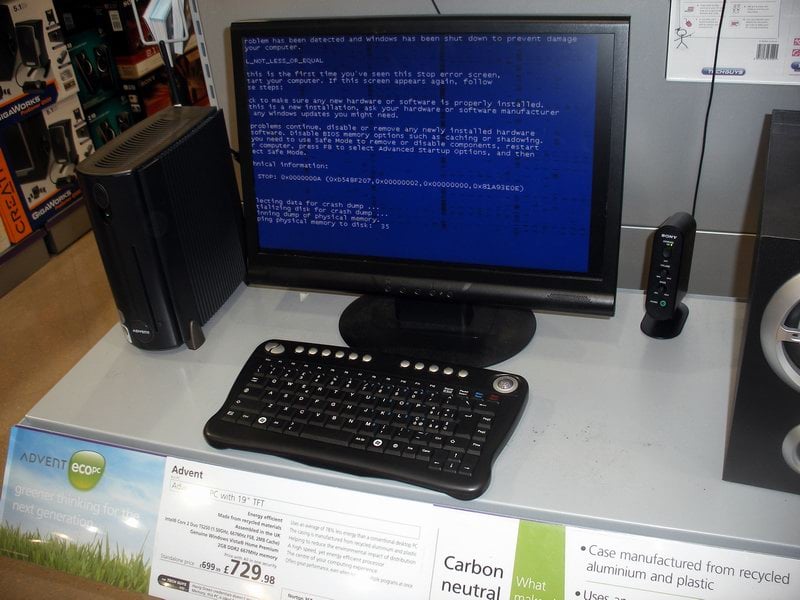
Nothing prepared you for the first time your screen went solid blue and displayed white text informing you that something had gone catastrophically wrong. Windows had crashed, and whatever you were working on was gone.
The Blue Screen of Death became so common that people recognized it instantly. It meant you were about to lose your work, reboot your machine, and hope it didn’t happen again in the next ten minutes.
Losing Hours of Work Because You Forgot to Save

Auto-save wasn’t standard. Applications didn’t recover your documents. If the power flickered, if Windows crashed, if your cat stepped on the power strip—everything you’d been working on vanished.
The only protection was remembering to hit Ctrl+S every few minutes, and nobody remembered to do that until after they’d already lost something important. Term papers, spreadsheets, and half-finished emails all disappeared into the void.
Installing Software From 27 Floppy Disks
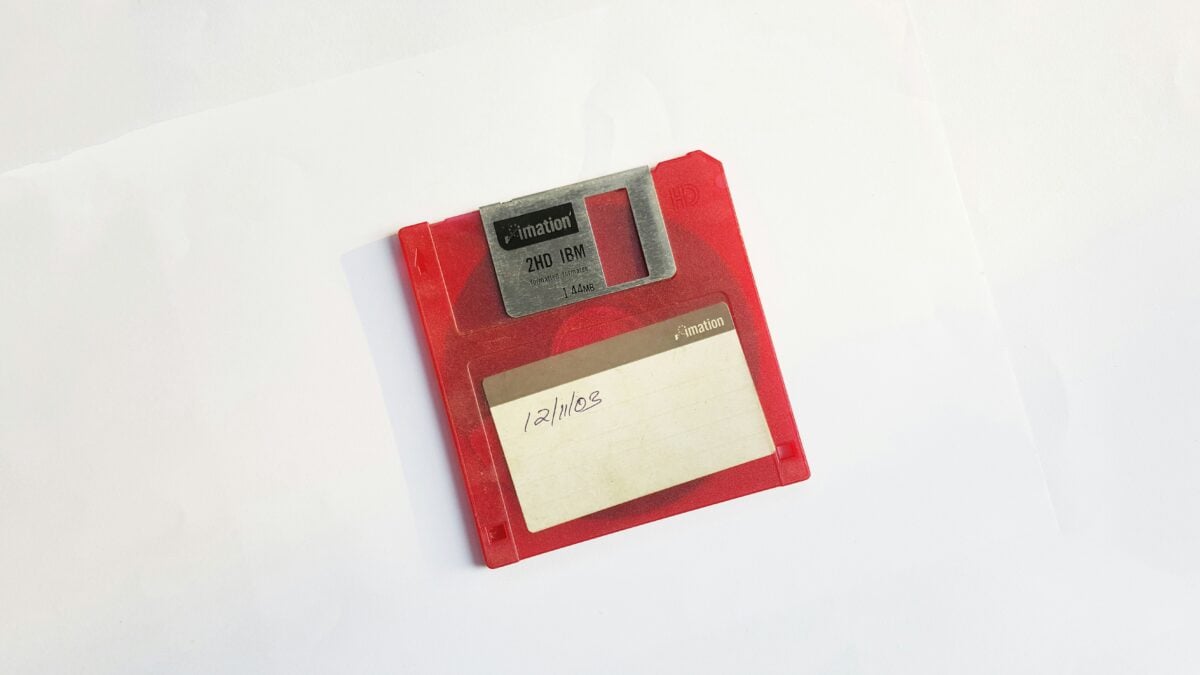
Some programs came on a single floppy disk. Others came on a stack of them.
Installing Microsoft Office meant feeding disk after disk into your computer, waiting for each one to finish, then swapping in the next. If any disk in the set was corrupted or scratched, the entire installation failed.
You’d have to start over or hunt down a replacement disk, which was never easy.
Running Out of Hard Drive Space
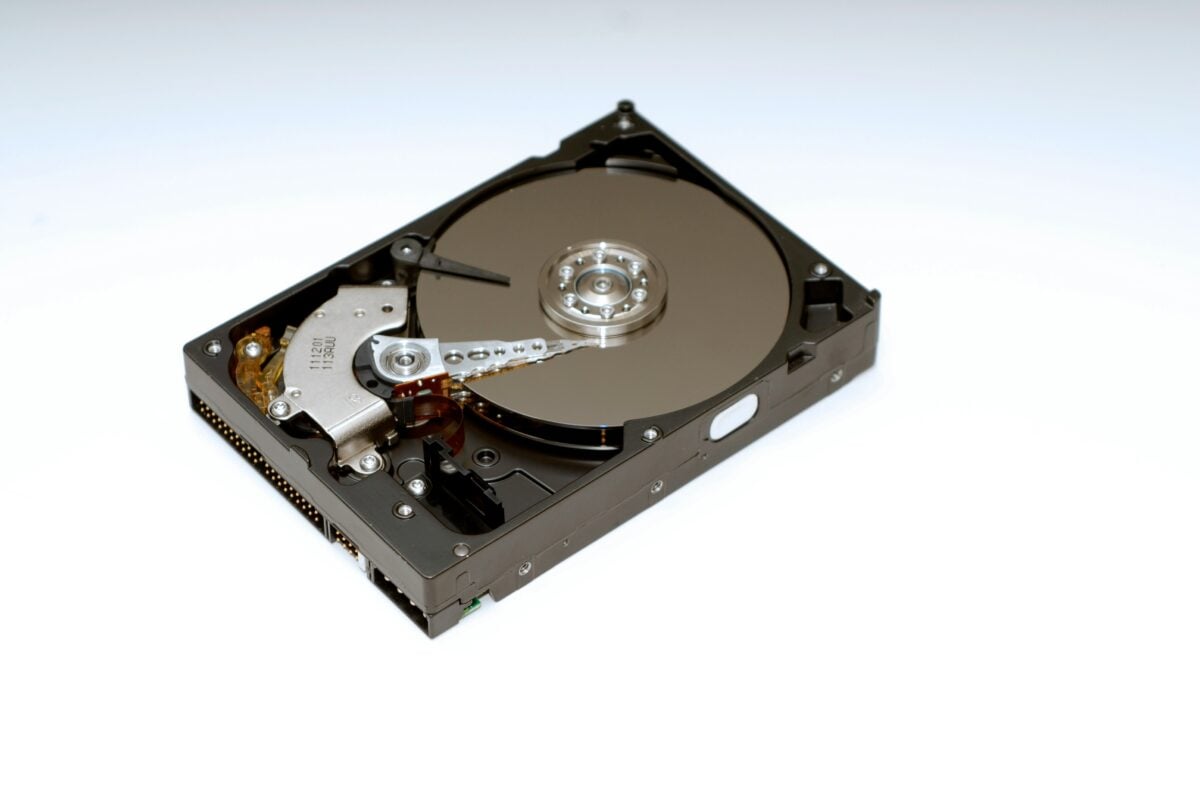
A typical hard drive in the early 90s held anywhere from 40 to 200 megabytes. By mid-decade, you might have 500 megabytes to a gigabyte if you were lucky.
That sounds impossible now, but back then it filled up fast. Installing a few games, saving some documents, and downloading a handful of files meant constantly deleting things to make room for new things.
You became an expert at deciding what you could live without.
IRQ Conflicts and Hardware Nightmares
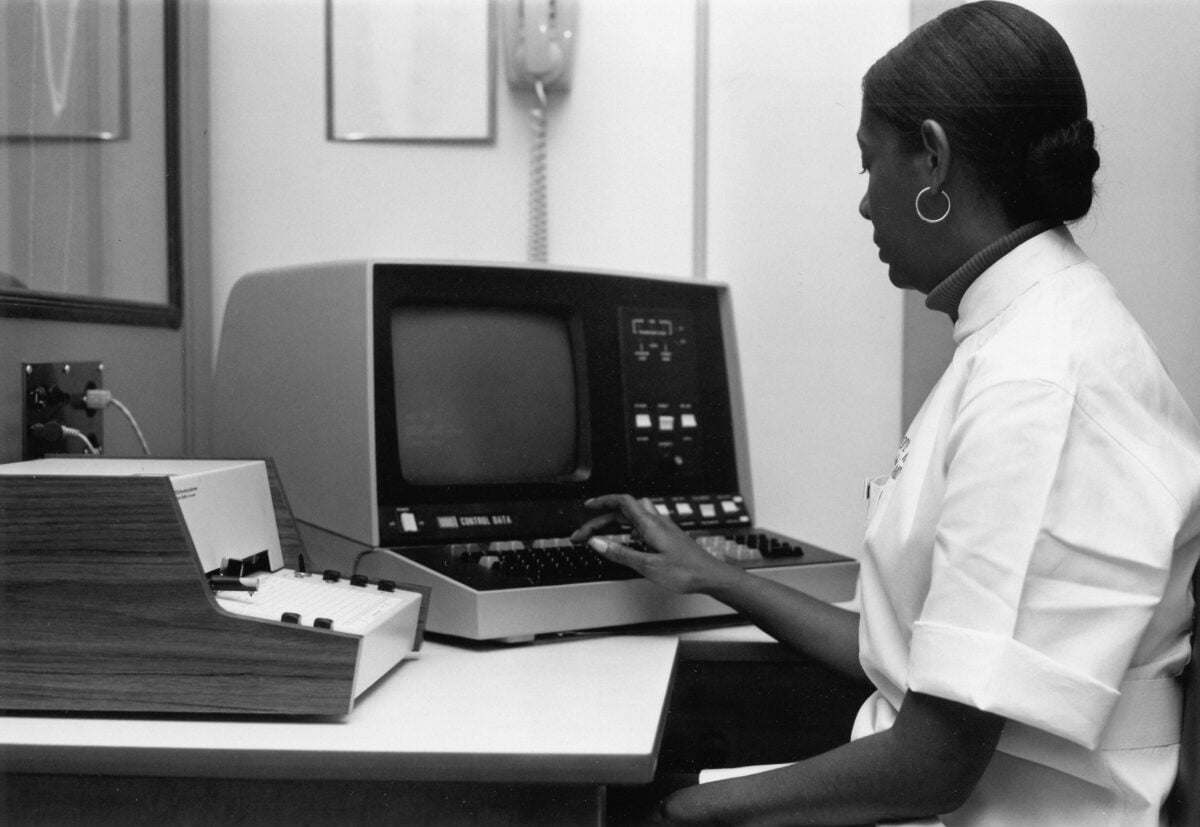
Adding new hardware to a 90s computer was not for the faint of heart. Every device needed its own interrupt request line, and if two devices tried to use the same one, neither worked.
Plug and Play was supposed to fix this, but it earned the nickname “Plug and Pray” because it so rarely worked correctly. Installing a sound card could take an entire afternoon of trial and error.
Printers That Refused to Print
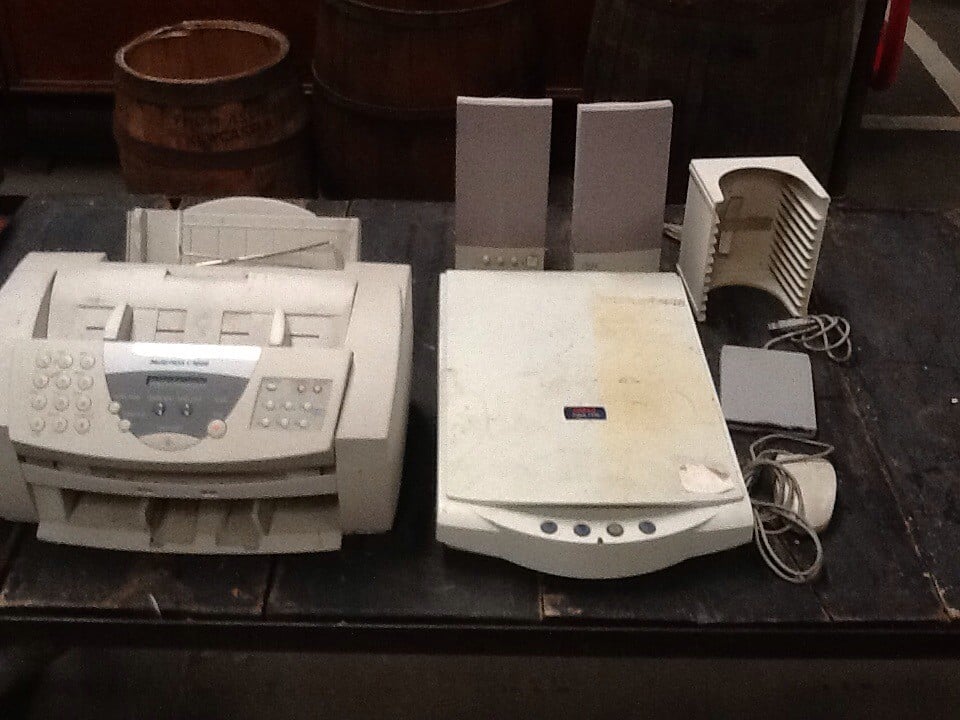
You’d click print. Nothing would happen.
You’d click print again. Still nothing.
Then you’d click it five more times out of frustration, and twenty minutes later the printer would suddenly wake up and spit out seven copies of page one. Printer drivers were unreliable.
Connections were finicky. Paper jams were constant.
The phrase “PC Load Letter” from a late-90s movie resonated because everyone had experienced that specific rage.
CRT Monitors That Weighed 50 Pounds
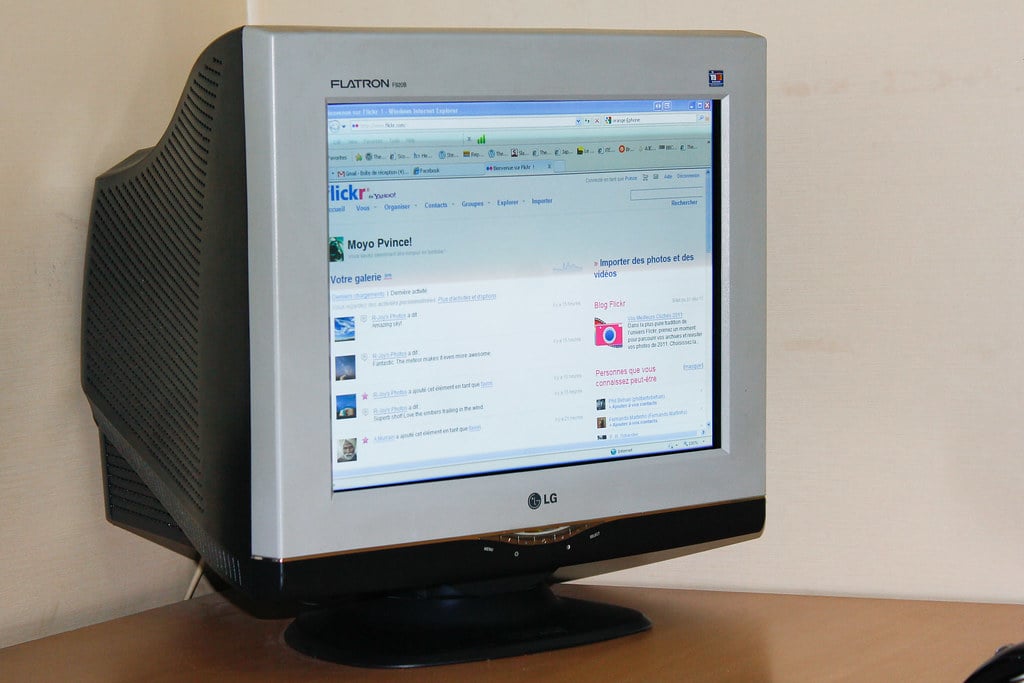
Moving your computer meant moving a monitor that weighed as much as a small child. These cathode ray tube displays were massive, deep, and heavy.
They also flickered at refresh rates that gave some people headaches. Adjusting the display settings required navigating physical buttons on the monitor itself, and getting the picture to sit correctly on the screen was its own tedious process.
Trying to Free Up Conventional Memory
DOS applications needed something called conventional memory, and there was never enough of it. You’d try to run a game and get an error message saying you needed 580 KB free when you only had 560 KB.
The solution involved editing config.sys and autoexec.bat files, loading drivers into high memory, and performing a kind of arcane optimization that most people never fully understood. Boot disks became essential for running certain games.
Waiting Forever for Windows to Start
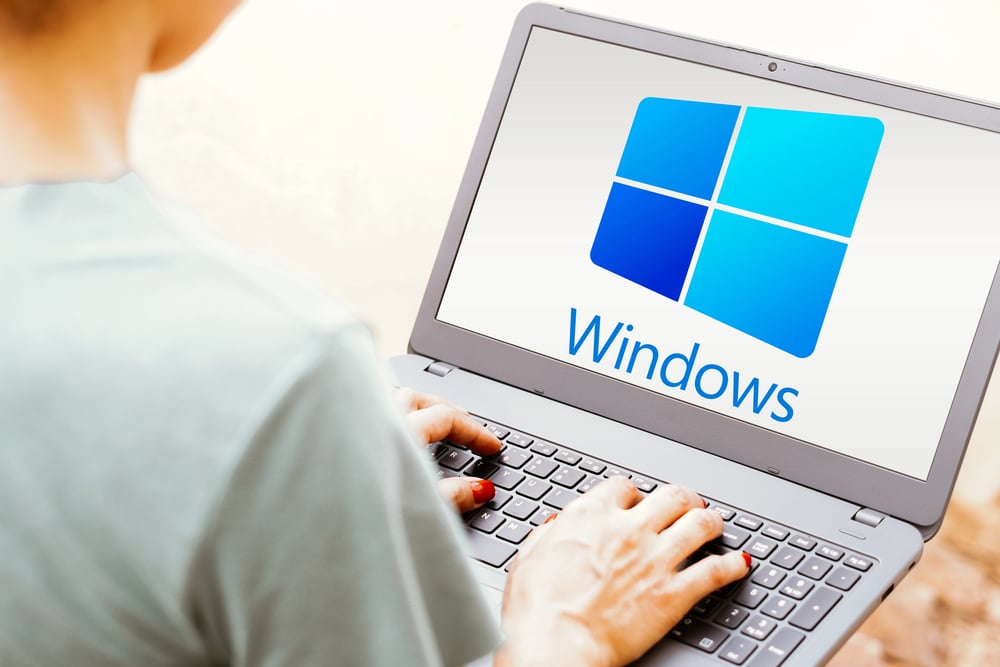
Turning on your computer was a commitment. You’d press the power button and then go do something else for a couple of minutes while the machine booted up.
POST checks, memory counts, loading drivers, starting Windows—the whole process could take two to three minutes on a good day. On a bad day, it would hang somewhere in the middle and you’d have to start over.
Software Conflicts That Broke Everything
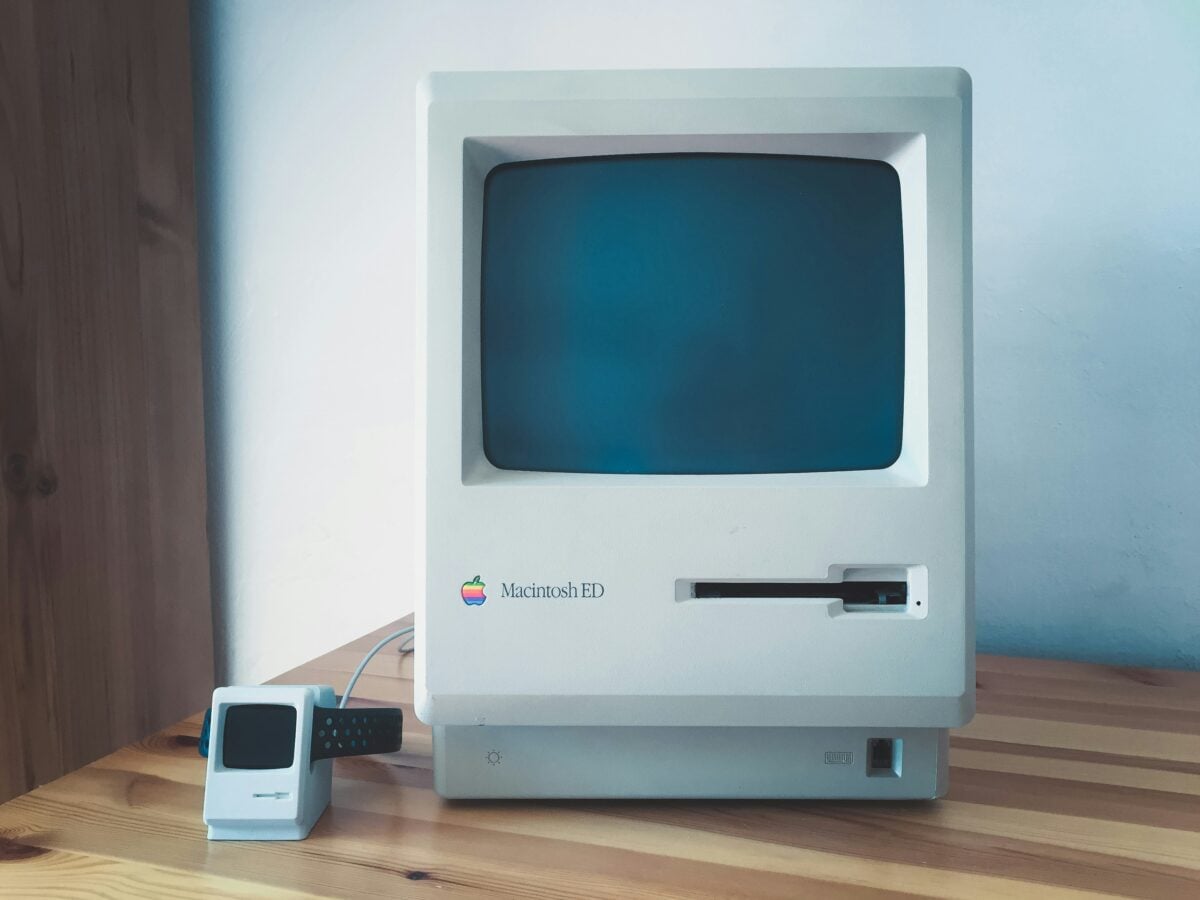
Installing one program could break another program you’d been using for months. Software conflicts were constant because applications didn’t play nicely together.
A new game might overwrite a system file that your word processor needed. Uninstalling something rarely cleaned up completely, leaving behind registry entries and DLL files that caused problems for years.
Reinstalling Windows from scratch became a semi-annual tradition for many users.
CD-ROM Drives That Couldn’t Read Scratched Discs
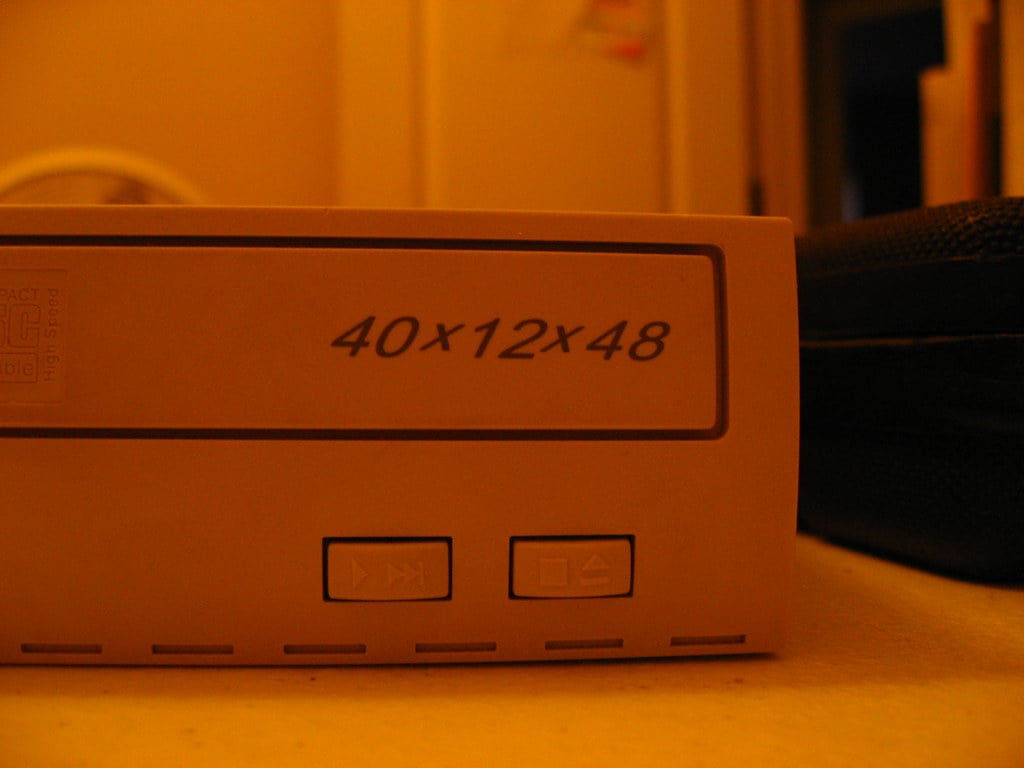
Spinning inside the machine, those shiny discs felt like magic back then. Yet one tiny mark might ruin everything instantly.
Machines whirred endlessly, hunting for information buried beneath the damage. Recovery attempts often lasted longer than anyone expected.
Without an affordable burner, making copies stayed nearly impossible till later years.
When the Millennium Bug Felt Like the End
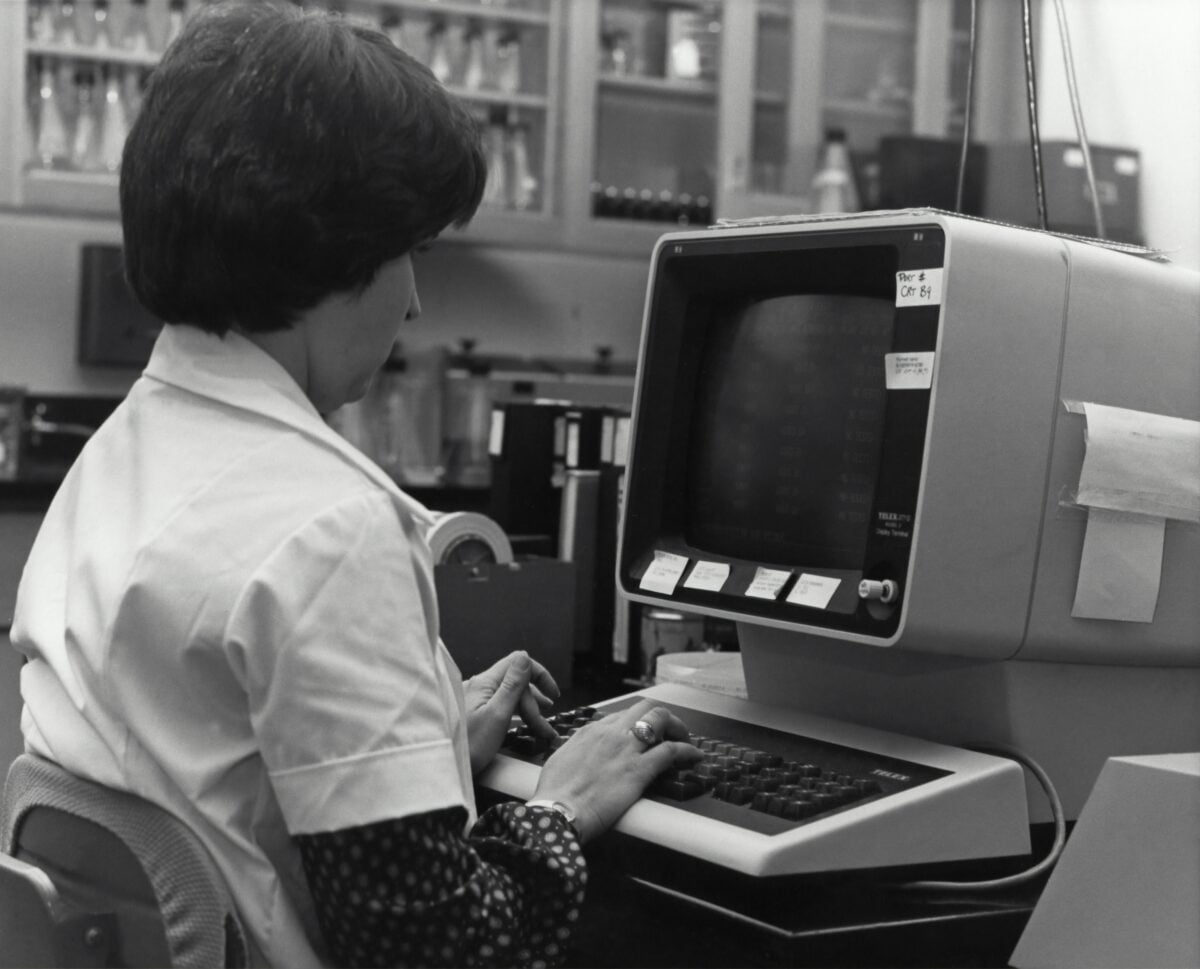
When 1999 came to a close, fear spread fast – machines might read 2000 as 1900, sparking global disruption. Headlines couldn’t stop talking about the Y2K glitch.
Firms poured what could be over $300 billion globally into fixing outdated software. Ordinary users sat wondering whether their home computers would start at all come New Year’s Day.
For many, the change brought little drama. Still, those tense months revealed a deeper truth: 90s tech felt both essential and shaky, full of potential yet always one step from failing.
More from Go2Tutors!

- The Romanov Crown Jewels and Their Tragic Fate
- 13 Historical Mysteries That Science Still Can’t Solve
- Famous Hoaxes That Fooled the World for Years
- 15 Child Stars with Tragic Adult Lives
- 16 Famous Jewelry Pieces in History
Like Go2Tutors’s content? Follow us on MSN.