15 Vintage Computer Accessories Nobody Uses Anymore
There’s something strange about looking at old tech. It doesn’t just feel outdated — it feels like evidence of a different way of thinking.
The people who designed these things weren’t cutting corners. They were solving real problems with the tools they had.
But time moved fast, and most of what once sat proudly on a desk ended up in a landfill, a thrift store, or the back of someone’s closet. Here are 15 computer accessories that had their moment — and then quietly disappeared.
Floppy Disk Drives
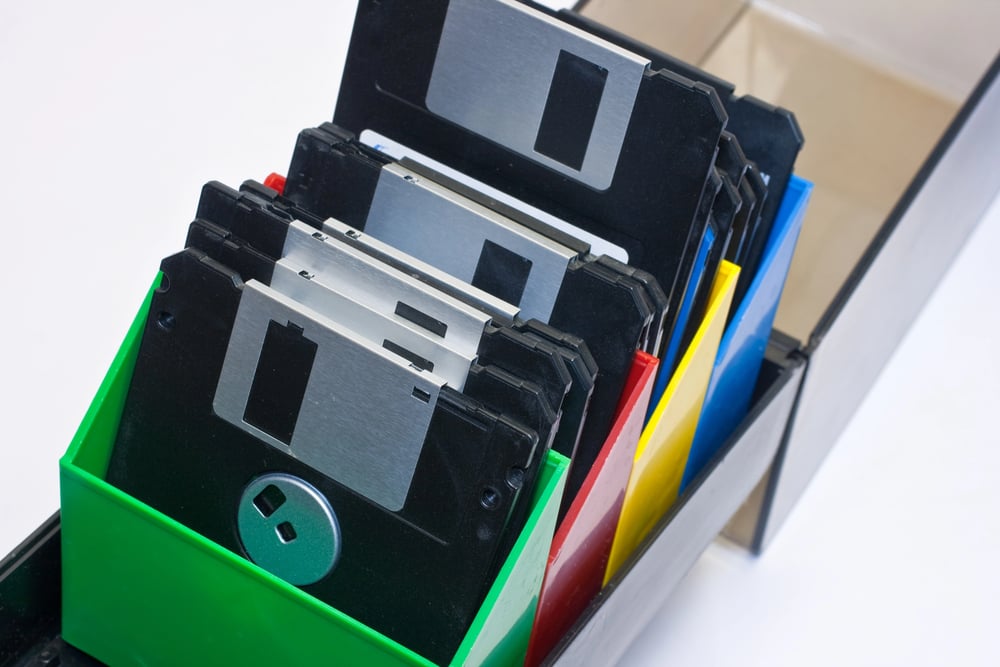
For most of the 1980s and 1990s, the floppy disk was how you moved things around. You’d save your school project onto a disk, carry it in your backpack, and hope it didn’t get bent or magnetized by the time you needed it.
The drives were slow, the disks held almost nothing by today’s standards, and they made a mechanical grinding sound that somehow felt reassuring. When CD-ROMs took over, floppy drives hung around for years out of sheer inertia before finally disappearing from new machines entirely.
PS/2 Port Keyboards And Mice
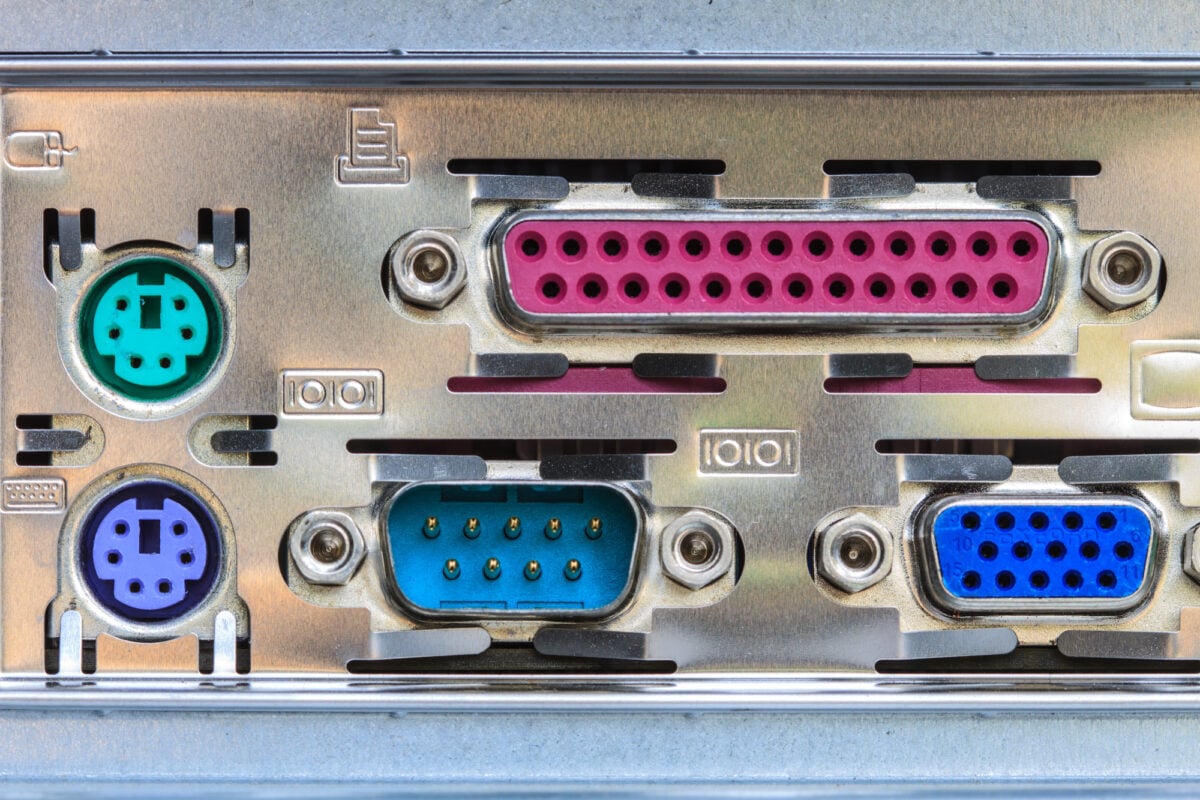
Before USB became the standard for everything, keyboards and mice connected through small, round PS/2 ports — one purple, one green. The connectors were annoyingly fragile, and if you plugged the keyboard into the mouse port by accident, neither device worked.
You had to shut down the computer, fix the cables, and start over. USB fixed all of this almost immediately, and PS/2 ports faded out of consumer machines not long after.
Dot Matrix Printers
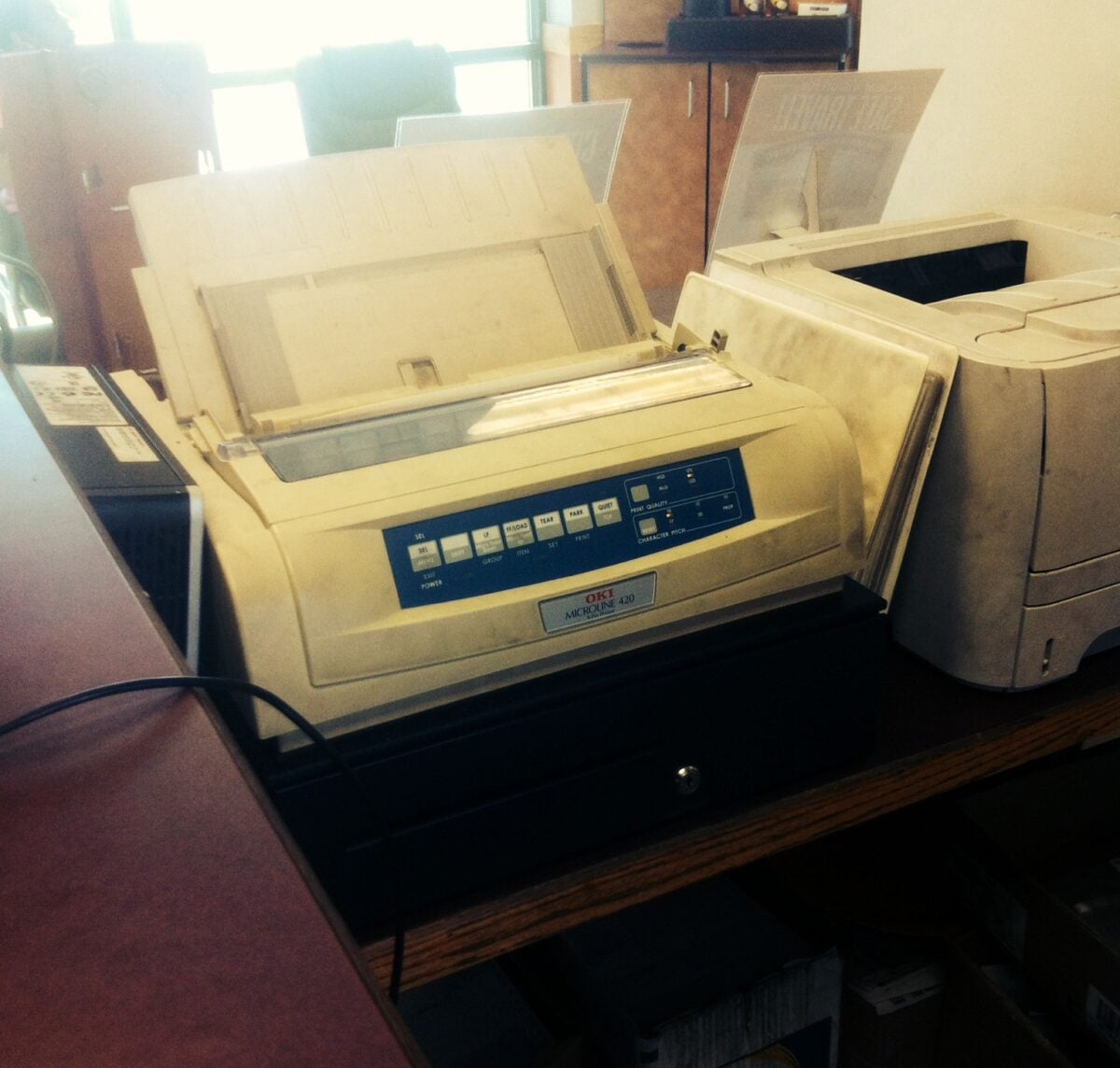
Dot matrix printers were everywhere in offices and schools through the late 1980s and into the 1990s. They worked by striking a ribbon against paper with tiny pins, creating text and images one dot at a time.
The noise was extraordinary — a rapid, mechanical chatter that made it impossible to ignore when a document was printing. The output quality wasn’t great, but they were cheap to run and nearly indestructible.
Inkjet printers gradually pushed them out of everyday use, though some industrial settings still use them today for multipart forms.
Parallel Port Cables
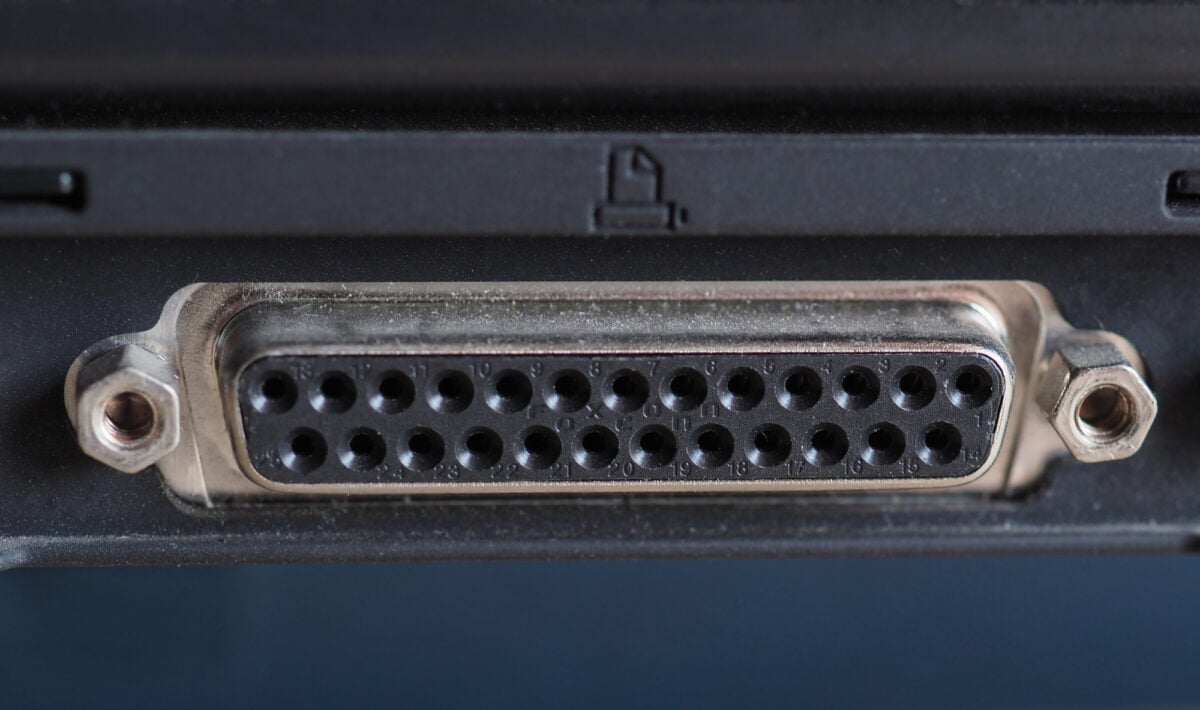
Printers used to connect via parallel port cables — wide, bulky things with 25 pins on one end and a Centronics connector on the other. The cables were stiff and expensive, and the connection was strictly one-directional for most of its life.
Eventually, a bidirectional standard emerged, but by then USB had arrived and the parallel port’s days were numbered. Modern printers connect wirelessly or via USB, and nobody misses threading those thick cables behind a desk.
Dial-Up Modems
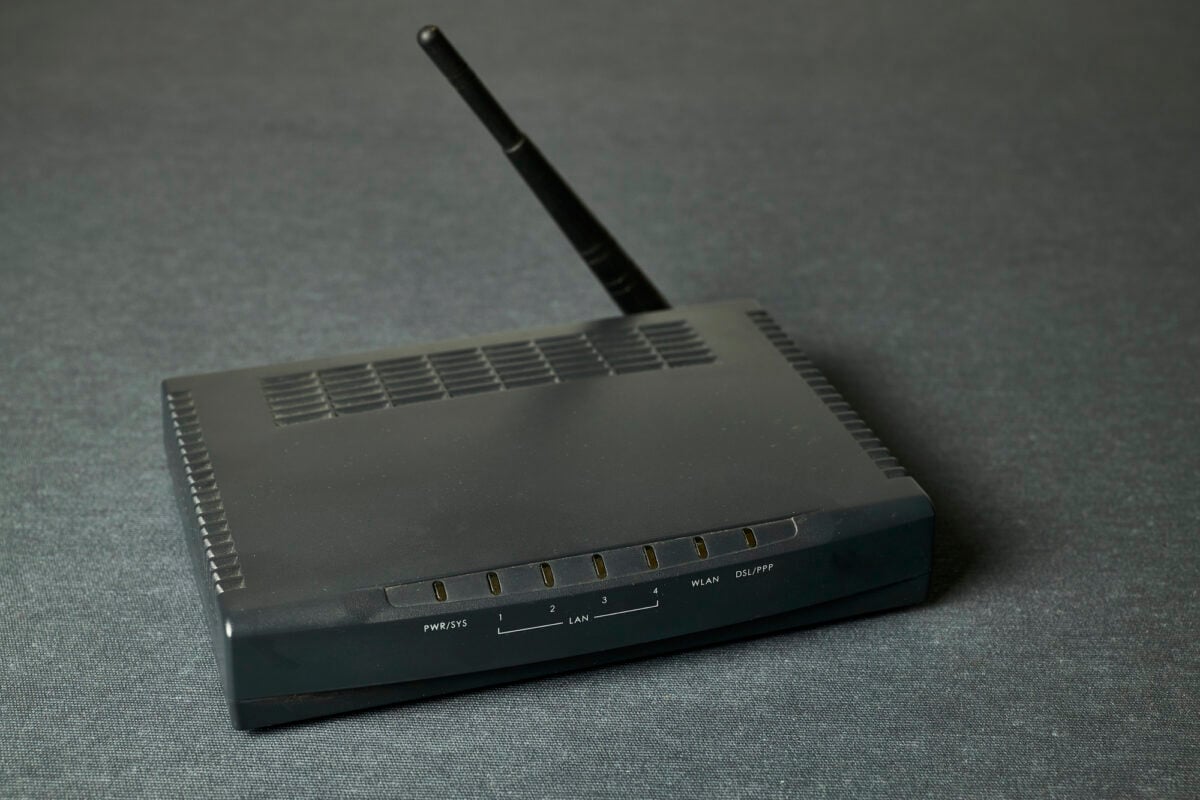
The dial-up modem defined home internet for most of the 1990s. You’d pick up the phone line, your computer would screech and squeal through a handshake sequence, and then — if everything went right — you’d be connected at a speed measured in kilobits per second.
Downloading a single image took minutes. Downloading music took the better part of an evening.
Broadband connections made dial-up feel prehistoric almost overnight, and the modem’s signature sound became a piece of cultural nostalgia almost as soon as it disappeared.
CRT Monitor Stands
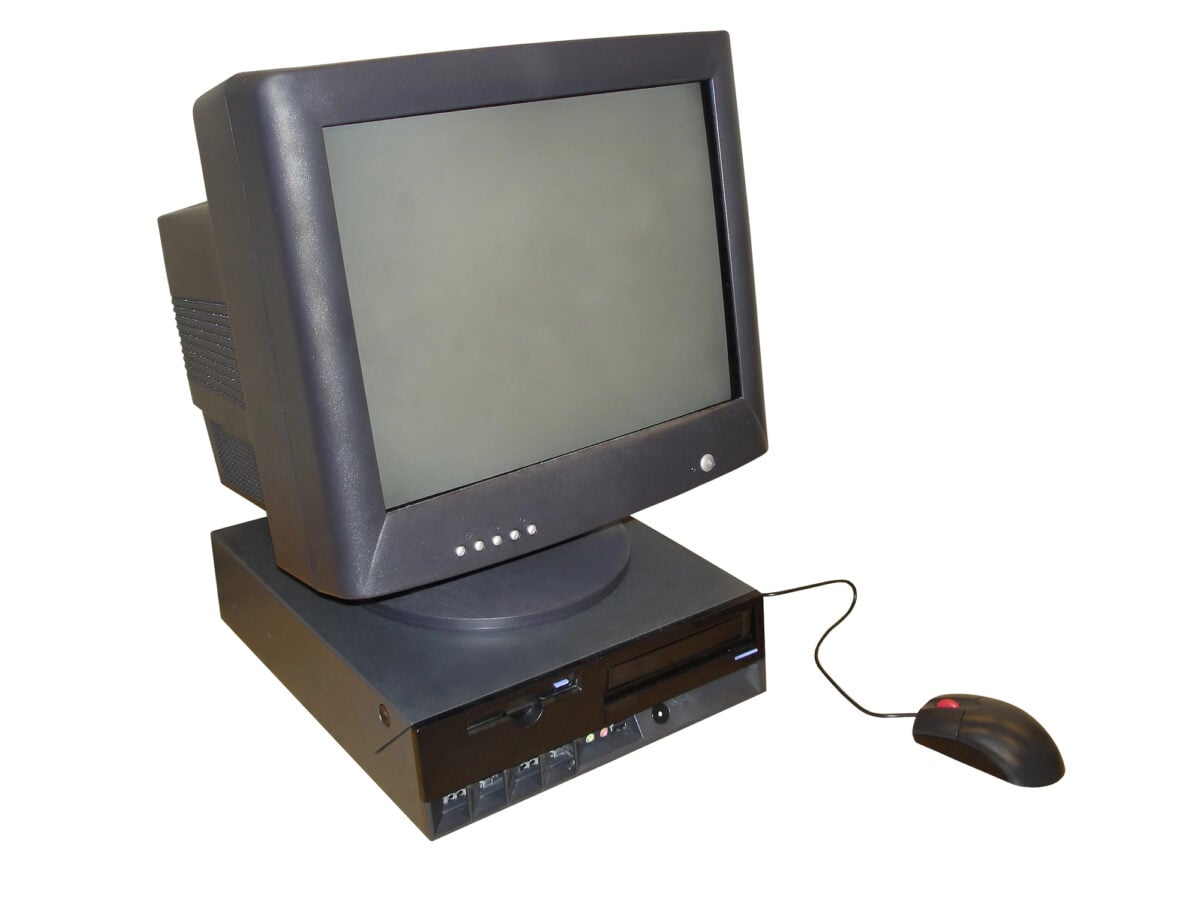
Cathode ray tube monitors were heavy, deep, and took up an enormous amount of desk space. To make room, people bought monitor stands — small platforms that lifted the screen up a few inches while creating a little shelf underneath for a keyboard or documents.
They were a practical fix for a very specific problem. Flat LCD panels eliminated that problem entirely, and the monitor stand went from a common office item to something you’d only find at a garage sale.
Joystick Controllers
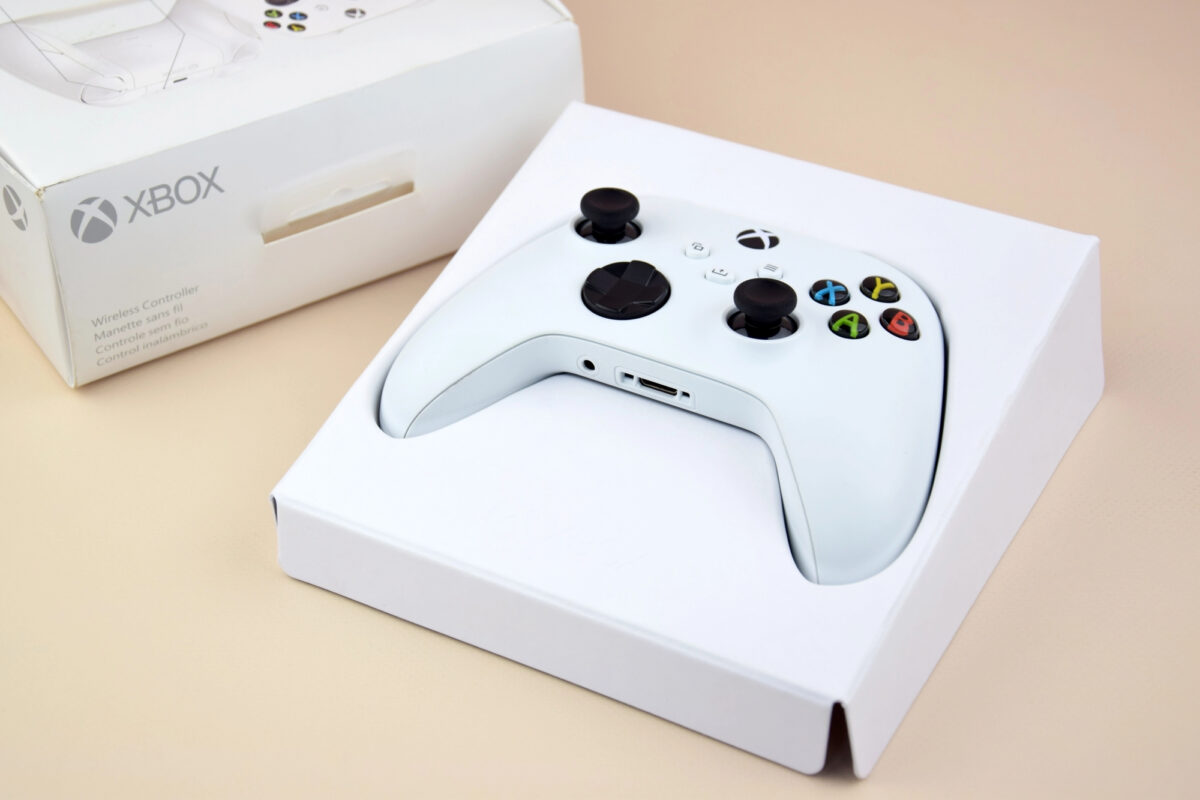
Before gamepads became standard, the joystick was the go-to input device for PC gaming. Flight simulators, early action games, and space shooters all expected you to have one.
The classic design had a vertical stick, a single fire button on top, and a base studded with additional buttons. They worked fine for their era, but they were awkward for anything that wasn’t a flight game.
Gamepads with two thumbsticks replaced them for most purposes, and joysticks became a niche product for simulator enthusiasts.
ISA Expansion Cards
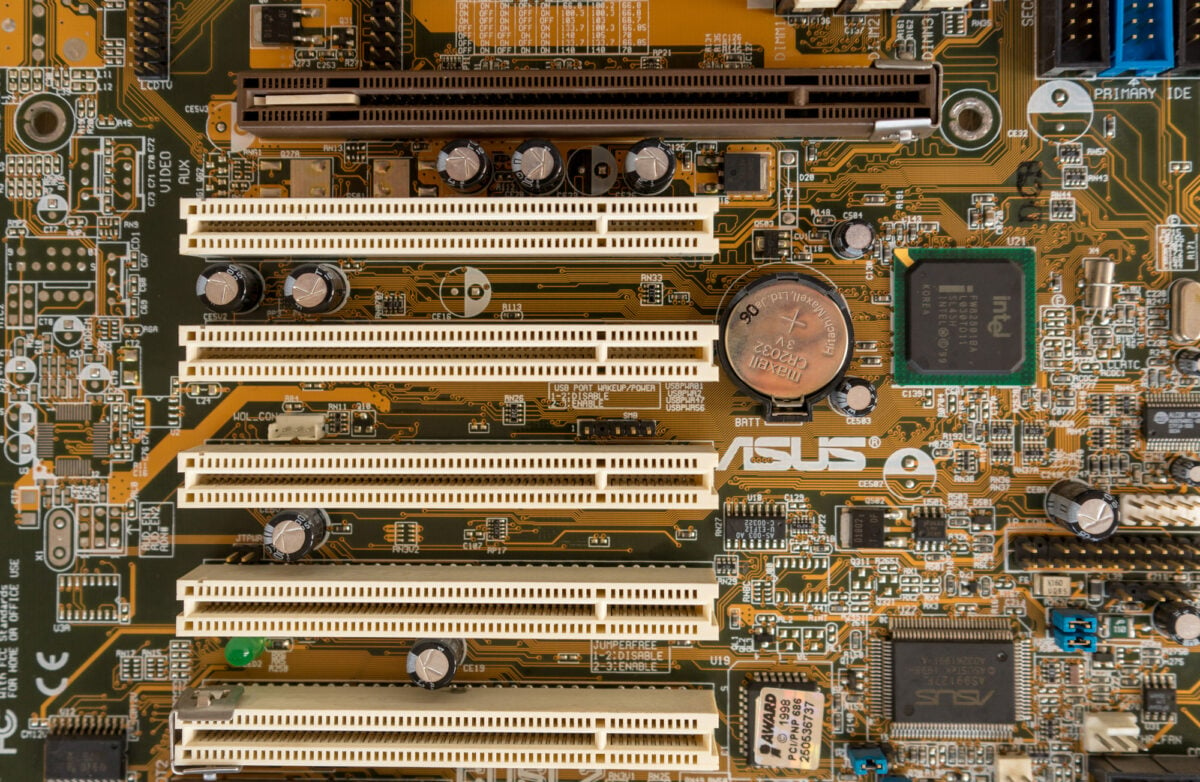
Internal computer expansion once meant opening the case and inserting cards into ISA slots — long, black connectors on the motherboard that accepted cards for sound, networking, modems, and graphics. Each card had to be manually configured with jumpers or DIP switches to avoid conflicts with other hardware.
Getting two cards to coexist peacefully was sometimes a full afternoon’s project. PCI replaced ISA in the mid-1990s with automatic configuration, and later PCIe replaced PCI, each generation making hardware installation simpler until most features were built directly into the motherboard.
Zip Drives
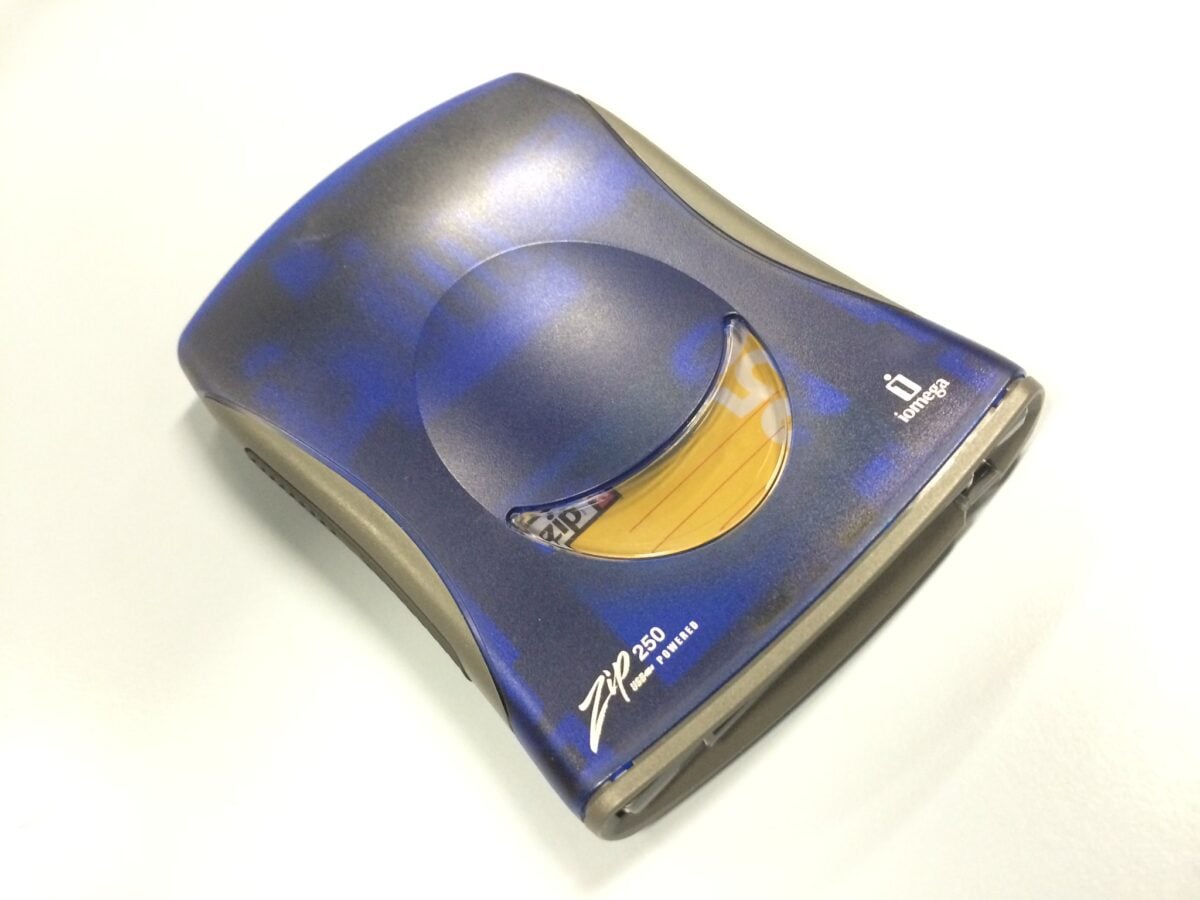
Iomega’s Zip drive launched in 1994 as a solution to the floppy disk’s storage limitations. A Zip disk held 100 megabytes — later versions went up to 750 — which felt generous at the time.
The drives were popular in design studios and schools, and they appeared in some desktop computers as standard equipment. But the disks were expensive, the drives had reliability problems, and CD burners arrived just a few years later offering more storage for less money.
Zip drives never quite became universal before they became obsolete.
Trackballs
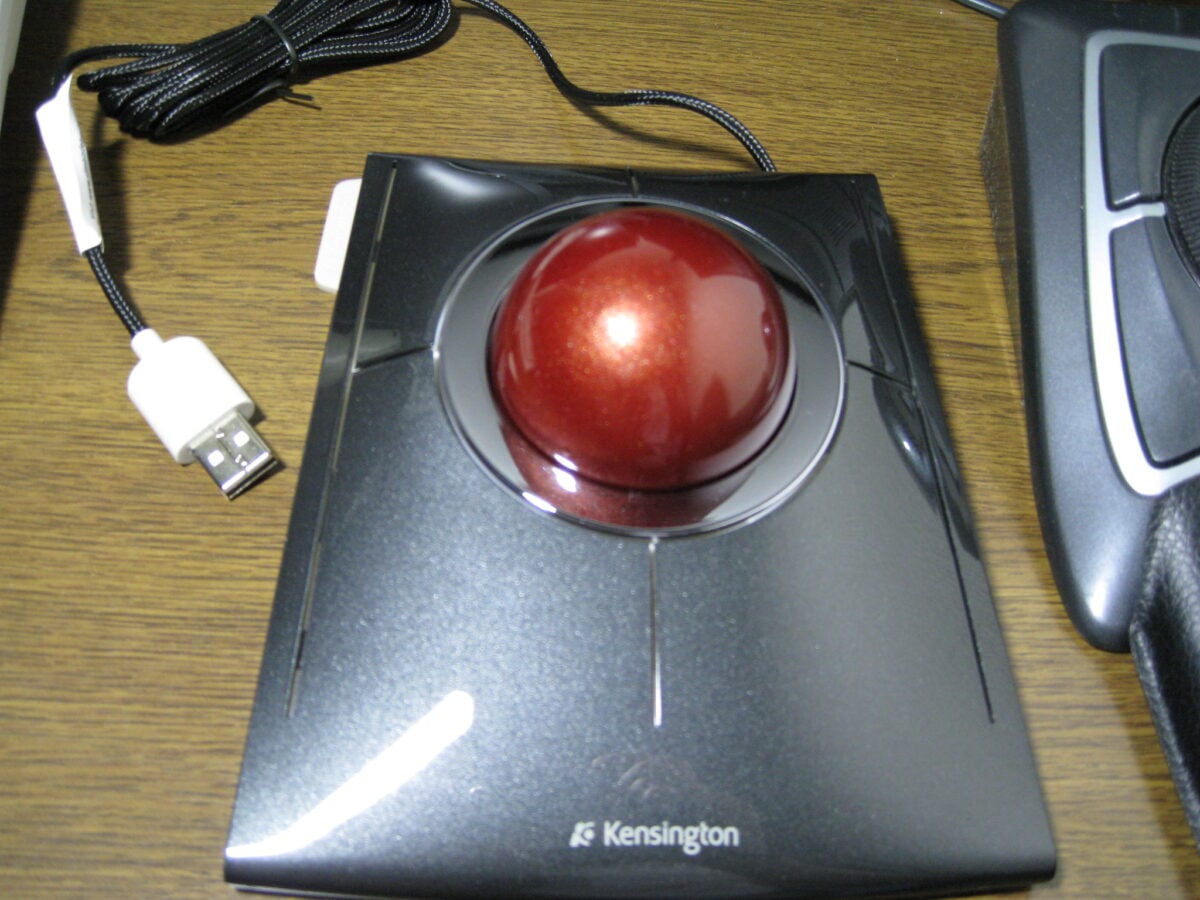
The trackball was an inverted mouse. Instead of moving the whole device across the desk, you rotated a large orb with your fingers or thumb while the base stayed still.
They took up less space and were popular with graphic designers and people with limited desk room. Some users genuinely preferred them, and trackballs maintained a loyal following well into the 2000s.
But mice got better, laptops added touchpads, and the trackball became a specialty item rather than a mainstream choice.
Serial Port Cables
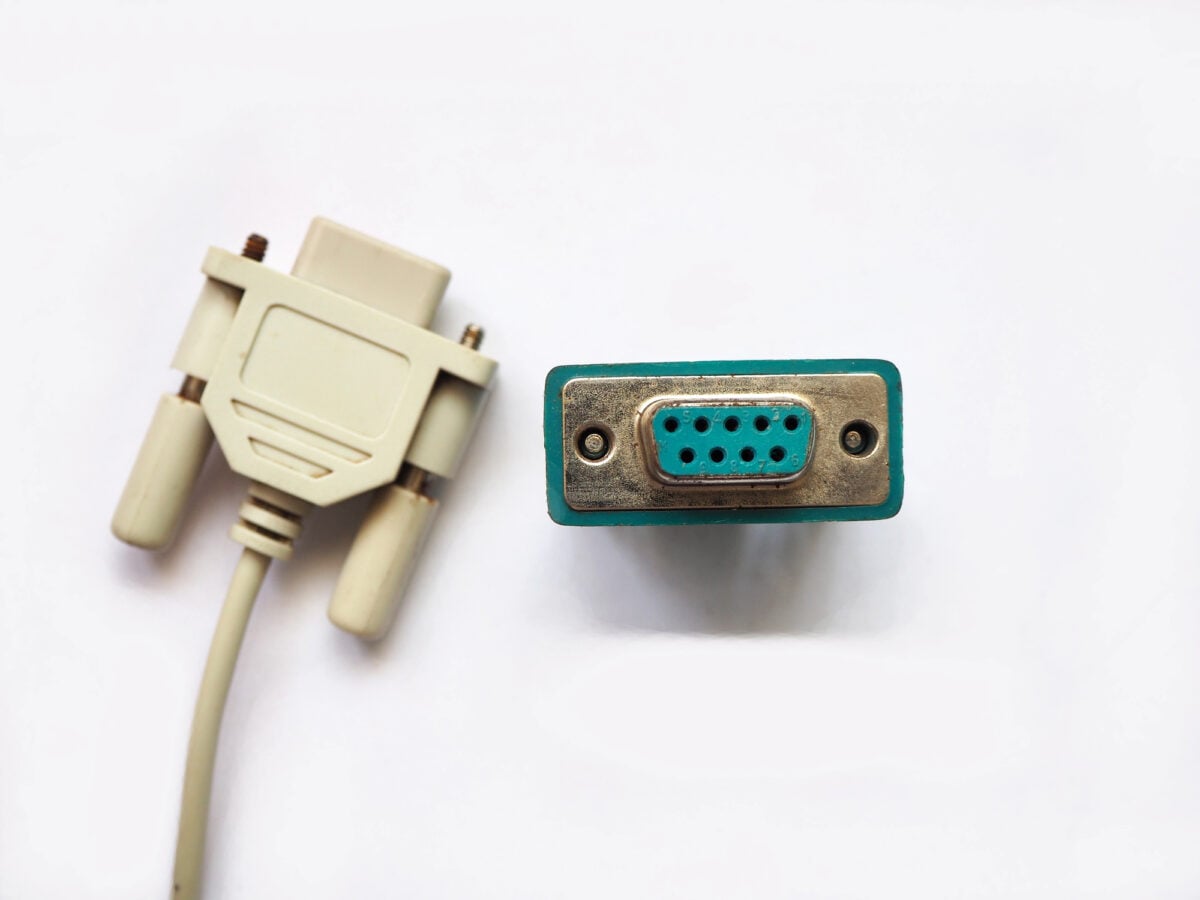
Before USB, serial ports handled communication with external devices like PDAs, GPS units, and older mice. The cables used a 9-pin or 25-pin D-shaped connector and transferred data one bit at a time.
They were slow, the cables had to be screwed in to stay connected, and configuring baud rates and other settings manually was common. USB made all of that unnecessary, and serial ports vanished from consumer hardware within a few years of USB becoming widespread.
Tape Backup Drives
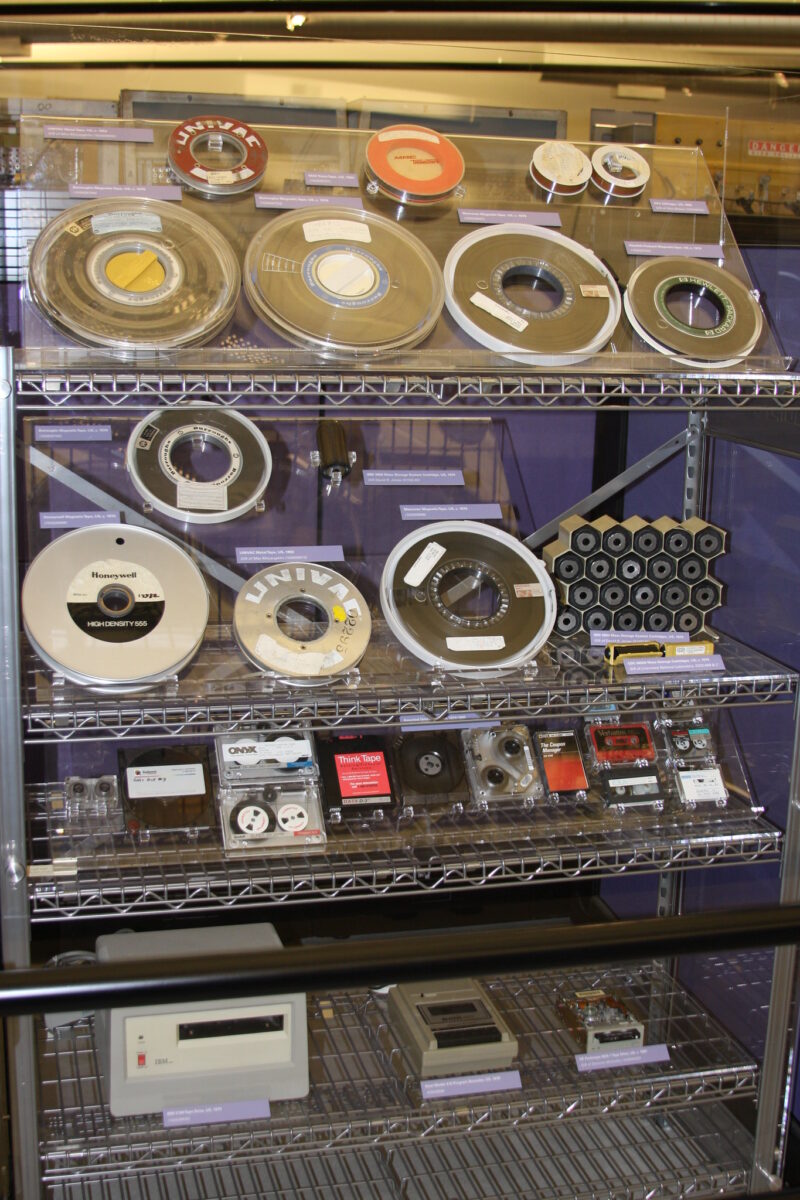
In the 1980s and 1990s, tape drives were how serious computer users backed up their data. The tapes held a lot of information relative to other media at the time, but accessing specific files was painfully slow because tapes are sequential — you had to fast-forward or rewind to reach what you needed.
They were primarily used by businesses and power users. External hard drives and then cloud storage made tape drives unnecessary for most people, though enterprise-level tape storage still exists for archival purposes.
Numeric Keypads As Separate Add-Ons
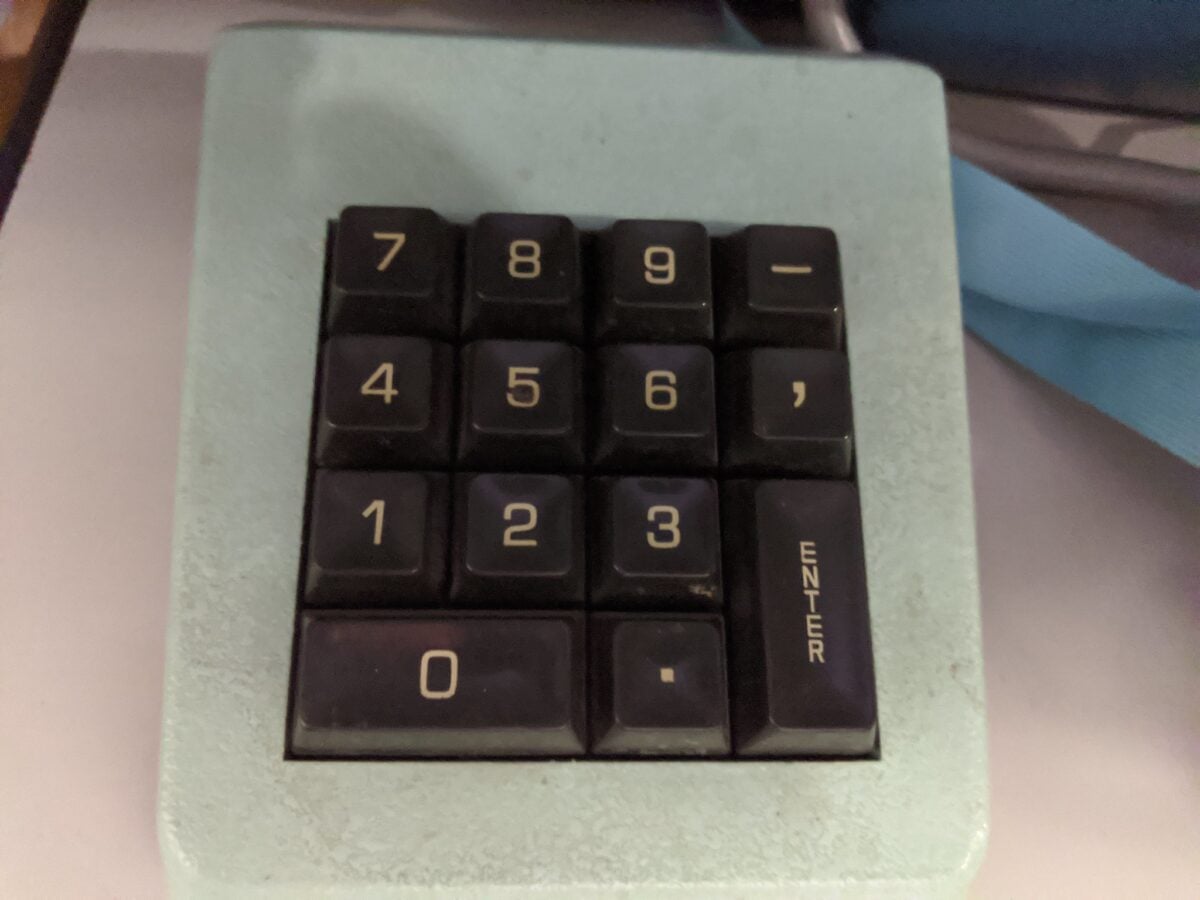
Laptop keyboards didn’t always come with numeric keypads, and desktop keyboards sometimes skipped them to save space. For accountants, data entry workers, and anyone who lived in spreadsheets, a separate USB or PS/2 numeric keypad was a common desk accessory.
They still exist, but they’ve become unusual. Most people who need numbers use the row across the top of the keyboard or just don’t need that kind of rapid numeric entry anymore.
Wrist Rest Pads
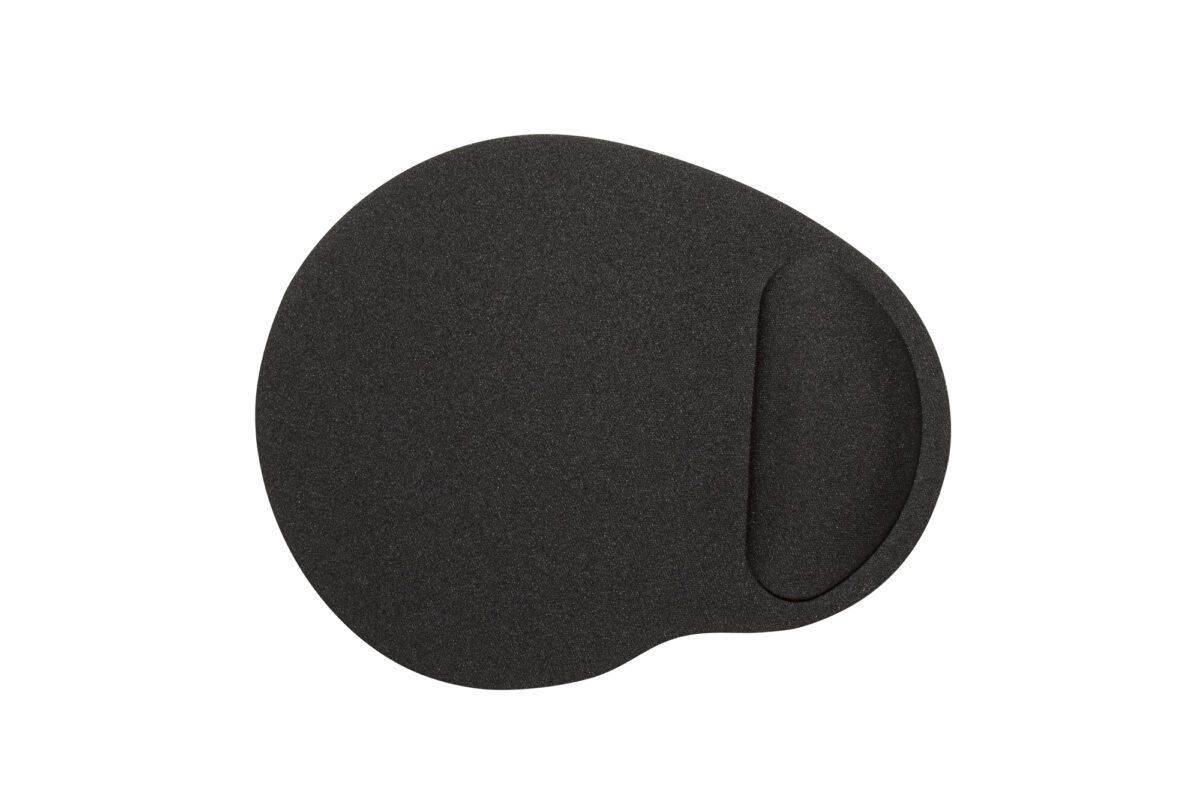
Gel-filled wrist rests were a staple of the late 1990s and early 2000s, sold in every office supply store as an ergonomic must-have. The idea was to keep your wrists elevated while typing or using a mouse, reducing the risk of strain.
Ergonomics research eventually suggested that resting your wrists while typing was actually counterproductive — better to keep them floating freely. Keyboard designs changed too, and the gel wrist pad quietly fell out of favor, though you can still find them in office supply stores if you look hard enough.
Sound Cards
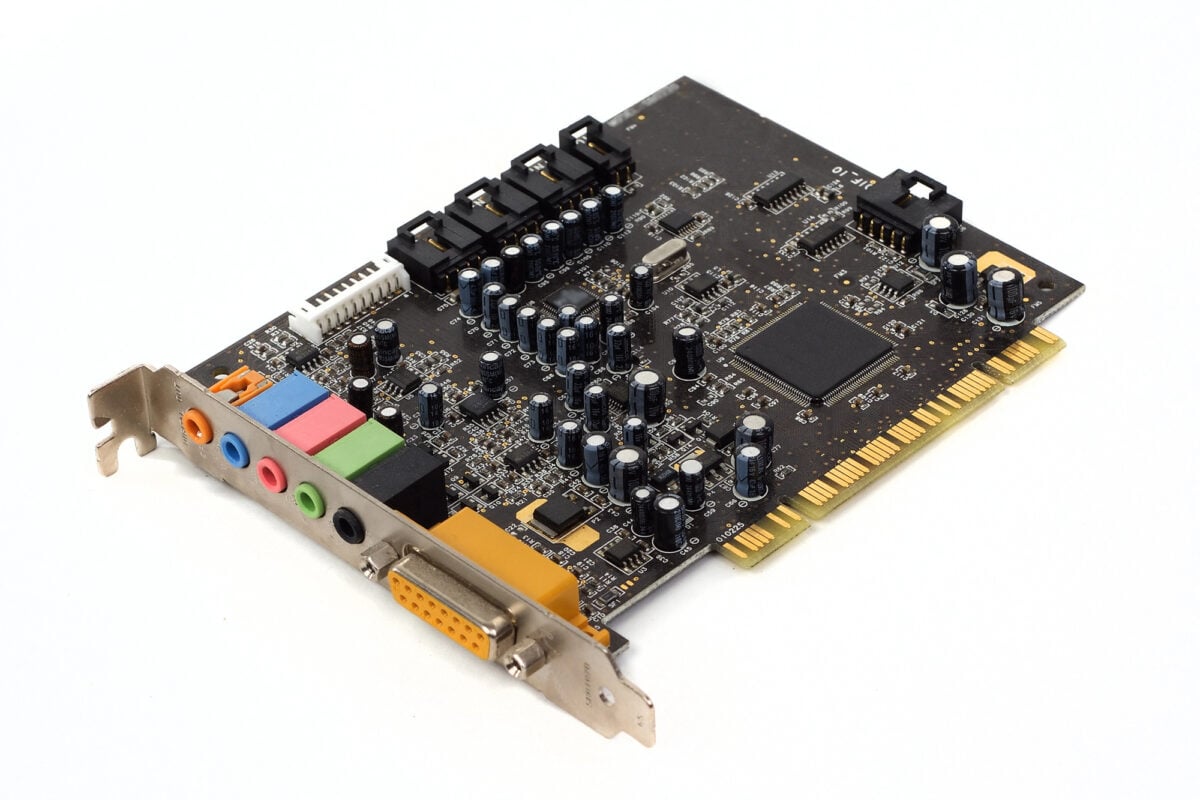
Back then, old PCs barely made any real sound at all. To hear tunes or game noises, a separate piece of hardware was required – usually a Sound Blaster by Creative plugged into a slot inside the machine.
Each one came with unique setup routines, odd behaviors, sometimes even conflicts with other parts. Around 2005, companies building mainboards began adding solid audio chips right onto them, so extra cards weren’t really needed anymore.
People who care deeply about sound quality may still plug in outside boxes for better performance. Most folks, though, haven’t touched a stand-alone sound card in years.
The Equipment That Showed Us What We Desired
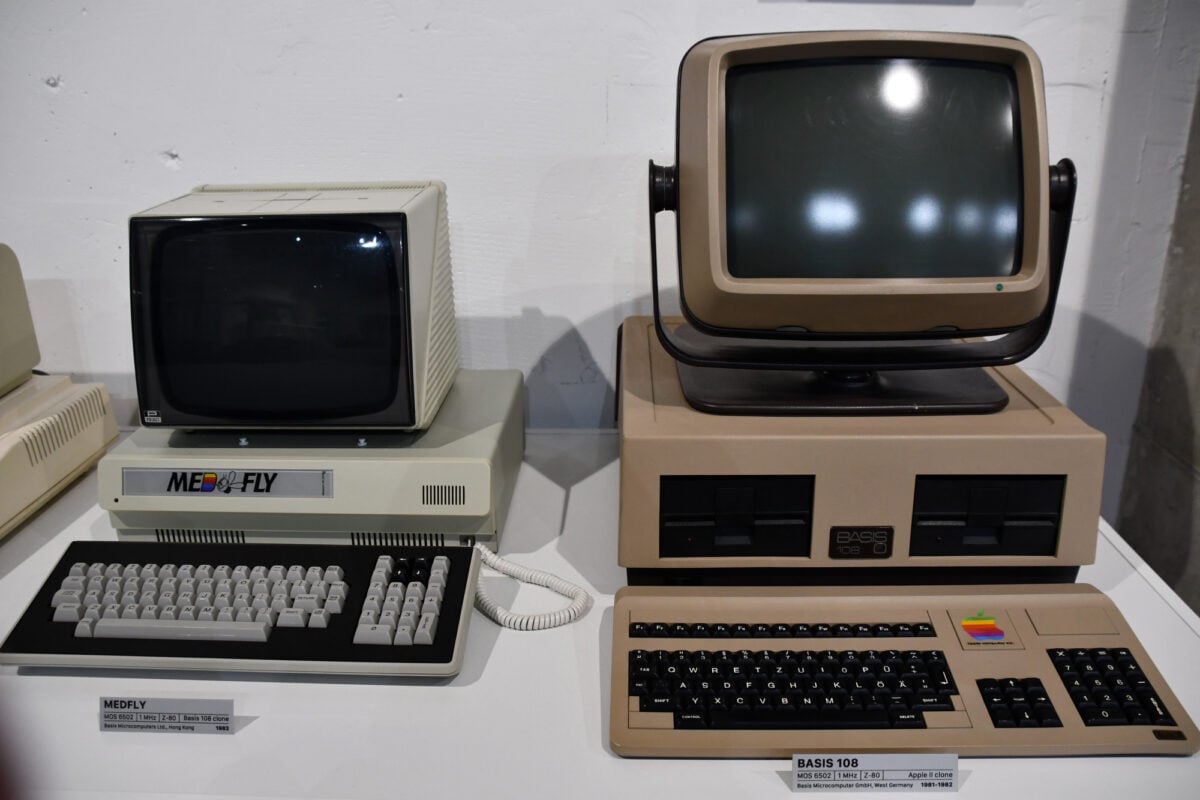
A step behind today’s tech, sure, yet each had its moment. Not quite flops – more like tests along the way.
One filled a gap people actually felt. Another lasted until thinness mattered more than function.
Speed crept in, designs shrank, clutter faded out. What worked yesterday quietly stepped aside.
Strange how fast everything shifted after the first crack appeared. One minute, a gadget feels essential.
Next thing you know, it gathers dust like an old relic. Since then, nothing has slowed down – objects we now touch daily might look oddly out of place decades later.
Tools swap out, yet the rhythm stays untouched.
More from Go2Tutors!

- The Romanov Crown Jewels and Their Tragic Fate
- 13 Historical Mysteries That Science Still Can’t Solve
- Famous Hoaxes That Fooled the World for Years
- 15 Child Stars with Tragic Adult Lives
- 16 Famous Jewelry Pieces in History
Like Go2Tutors’s content? Follow us on MSN.