Forgotten Features of Windows 95
Windows 95 changed everything about how people used computers at home. Before it arrived, most folks saw computers as complicated machines meant for offices or tech nerds.
Microsoft’s new operating system made computing feel accessible, friendly, and almost fun. The Start button alone revolutionized how people navigated their computers, but that was just the beginning of what Windows 95 had to offer.
Some features became legendary while others quietly faded into history. Here are the ones that time forgot.
The Microsoft Network
When Windows 95 launched, Microsoft wanted a piece of the online action that AOL had dominated for years. The Microsoft Network, or MSN, came pre-installed and ready to connect users to the internet and exclusive content.
It had its own desktop icon right there next to My Computer, impossible to miss. The service offered email, chat rooms, and news, but it never quite captured the same cultural moment that AOL did with its iconic ‘You’ve Got Mail’ greeting.
Most people either stuck with their existing internet provider or went with AOL because that’s what their friends used.
Desktop themes that changed everything
Computers didn’t have to look boring anymore, and Windows 95 proved it with desktop themes that transformed the entire interface. Users could pick themes like ‘Jungle,’ ‘Mystery,’ or ‘Leonardo da Vinci,’ and suddenly their computer had matching wallpaper, sounds, icons, and screensavers.
Each theme came with its own collection of sound effects that played when you opened programs or shut down your computer. The feature required the Plus! pack, which cost extra money, but many people considered it worth the price.
Hearing a lion roar when you emptied the Recycle Bin definitely beat the standard beep sound.
3D Pinball Space Cadet

This game kept people entertained during loading times and boring afternoons at the office. The table had missions to complete, targets to hit, and a scoring system that people actually cared about beating.
It came free with the Plus! pack and later versions of Windows, making it one of the most widely played computer games ever. The physics felt realistic enough to be satisfying, and the flashing lights and sound effects made it genuinely fun.
Many office workers became secretly competitive about their high scores, even if they’d never admit it to their boss.
The startup and shutdown sounds
Brian Eno composed the Windows 95 startup sound, and it became one of the most recognizable audio pieces in technology history. That short melody played every time someone turned on their computer, signaling that the machine was ready to go.
The shutdown sound had its own soothing quality that told you it was safe to turn off the power. These sounds became so associated with computing that hearing them now instantly transports people back to the mid-90s.
Eno reportedly created the startup sound on a Mac, which is pretty funny considering what it was made for.
Microsoft Bob
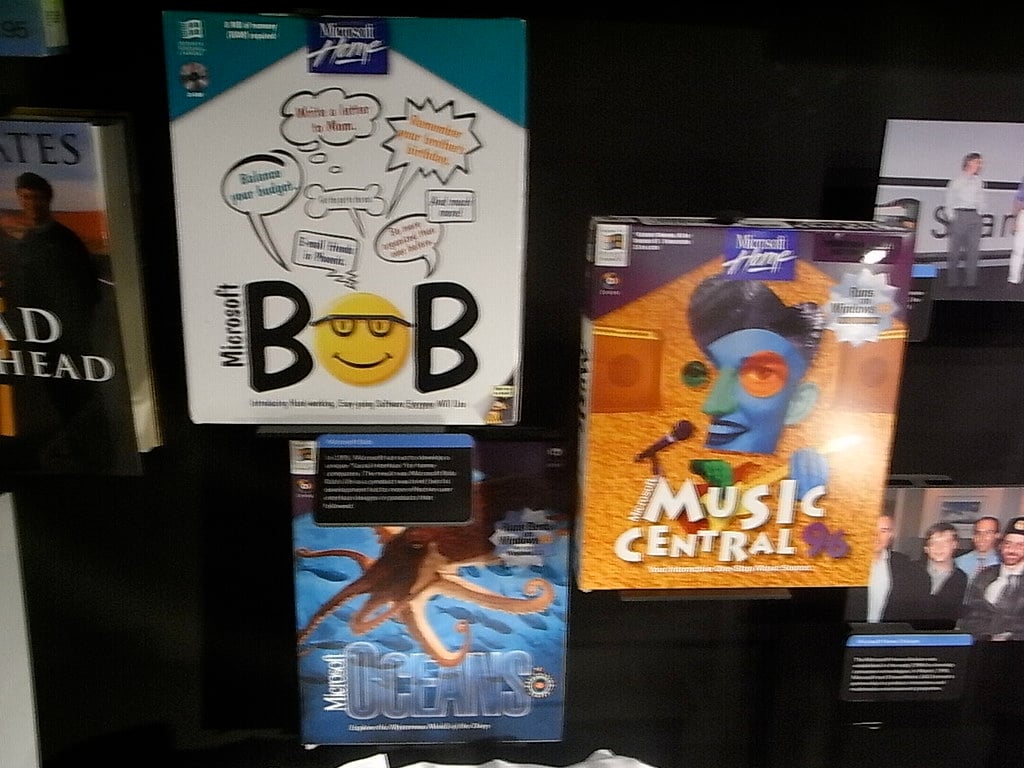
This feature was supposed to make computers friendlier by turning the interface into a cartoon house with different rooms. Users would click on objects in the rooms to open programs, and a friendly dog named Rover would guide them through tasks.
Microsoft Bob failed so spectacularly that it became a legendary example of terrible software design. The interface was confusing, slow, and treated users like they couldn’t handle anything more complicated than clicking on a cartoon filing cabinet.
It disappeared quickly, but the damage to its reputation lasted forever.
CD Player with visualizations
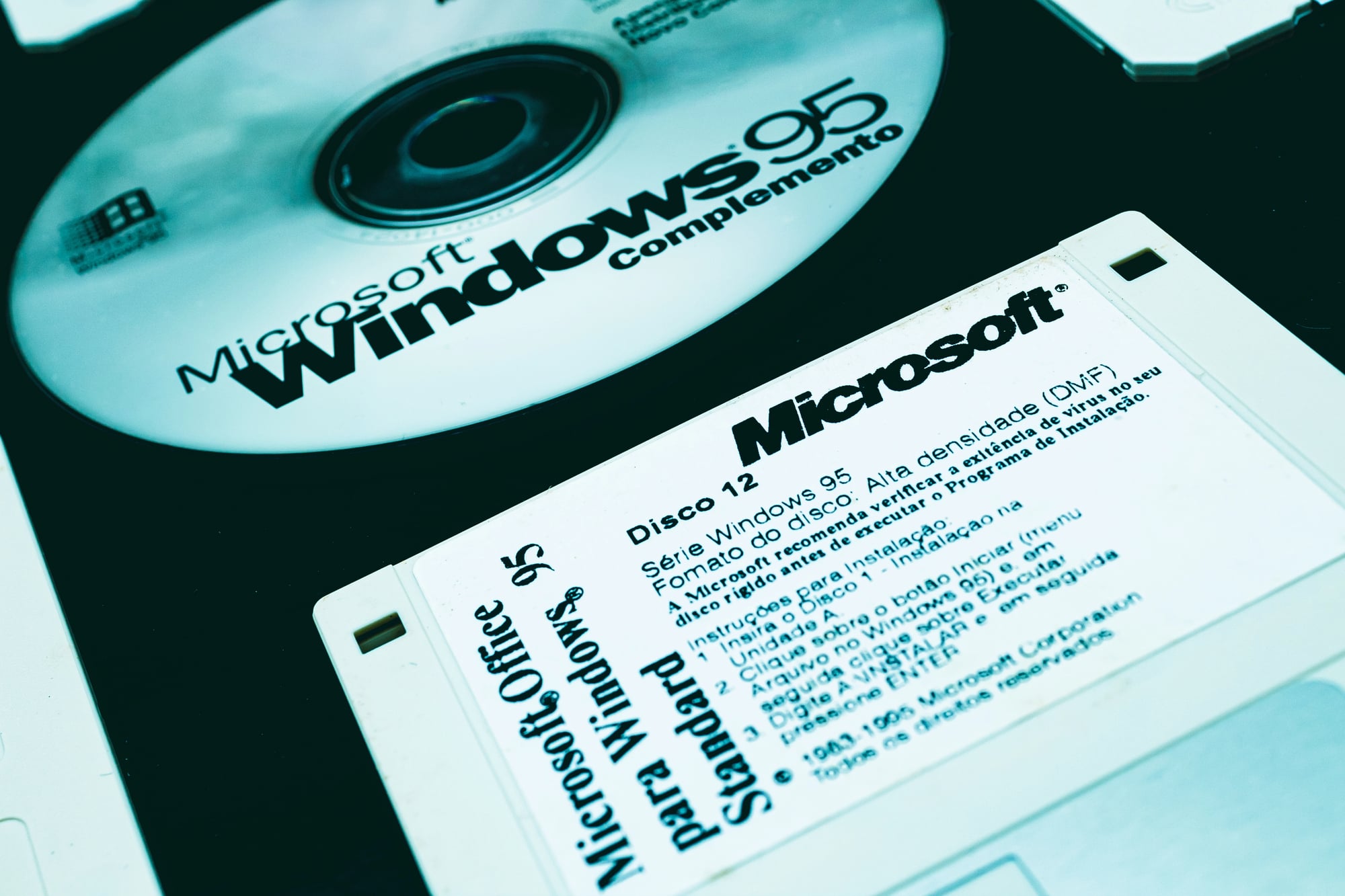
Playing music CDs on your computer felt futuristic, and Windows 95 came with a CD Player application that looked like a real stereo system. The program let users play, pause, and skip tracks while displaying track information if the CD had it.
Some versions included visualizations that would pulse and move along with the music, turning the computer into a light show. People could create playlists and save them for later, which was revolutionary for organizing music.
The little virtual buttons made clicking through songs feel satisfying in a way that digital music players today just can’t match.
Briefcase for file syncing

Before cloud storage existed, the Briefcase feature helped people keep files synchronized between their desktop and laptop computers. Users would put files into the Briefcase, copy it to a floppy disk, work on those files elsewhere, then sync everything back together when they returned.
The system tracked which files had changed and updated them accordingly. It sounds clunky now, but it solved a real problem for people who worked in multiple locations.
Most users never figured out exactly how it worked, though, and the feature quietly disappeared in later Windows versions.
Right-click context menus everywhere

Windows 3.1 had right-clicking, but Windows 95 made it essential by putting useful options everywhere you clicked. Right-clicking on the desktop brought up options for arranging icons or changing settings.
Right-clicking on files gave you copying, cutting, and deleting options without hunting through menus. This feature trained an entire generation to try right-clicking on everything to see what would happen.
It made computers feel more intuitive because the tools you needed were always just one click away. Modern operating systems still use this design because it works so well.
Windows Explorer with toolbar buttons

The new file manager ditched the old split-screen design of File Manager and gave users a cleaner way to browse their files. Windows Explorer had actual toolbar buttons with pictures on them, making it easier to figure out what each button did.
The folder tree on the left side showed the computer’s organization at a glance. Users could finally see what was inside folders without opening multiple windows.
It set the standard for how file management should work, and the basic design hasn’t changed much since then.
DriveSpace for compression
Hard drives were expensive and small in 1995, so Microsoft included DriveSpace to squeeze more storage out of what people had. The program would compress files on the hard drive, making them take up less space so users could store more stuff.
It ran in the background and theoretically didn’t slow things down much. In practice, compressed drives could be slower and sometimes caused problems, but when hard drives only held a few hundred megabytes, every bit of space mattered.
People would compress their drives and suddenly have room for dozens more programs.
Hover, the hidden game
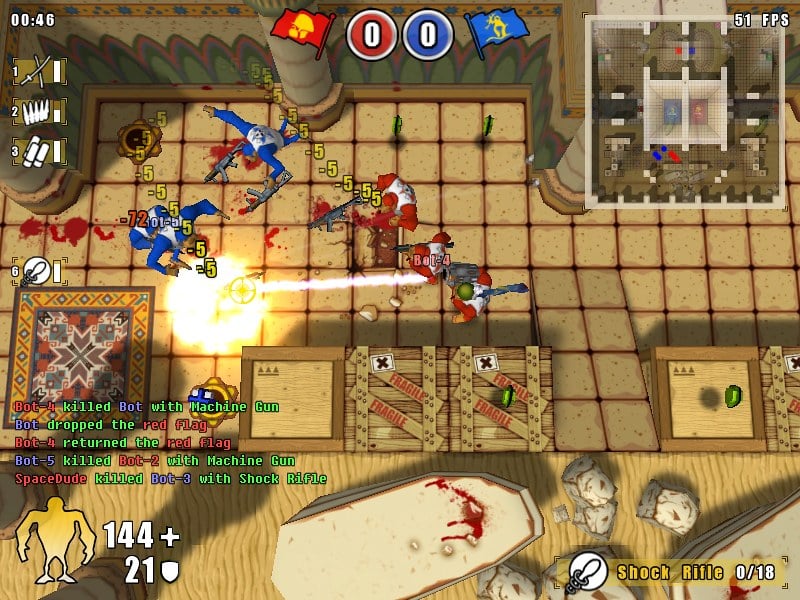
Not many people knew about Hover because Microsoft didn’t advertise it much, but those who found it got to play a capture-the-flag game in a 3D environment. Players controlled a hovercraft and competed against computer opponents to grab flags and return them to base.
The game was meant to show off Windows 95’s multimedia capabilities and DirectX technology. It came on the installation CD in a hidden folder that most people never explored.
The graphics looked impressive for the time, and the game was actually pretty fun once you figured out the controls.
HyperTerminal for dial-up connections

This program let users connect to bulletin board systems, remote computers, and early internet services using their modem. HyperTerminal displayed text-based interfaces where users could chat, download files, and access information.
The program looked technical and intimidating with its command-line style display. Most regular users never touched it, but tech enthusiasts and IT professionals used it constantly.
It represented a bridge between the old world of text-based computing and the new graphical interface that Windows 95 offered.
The flying Windows logo screensaver

Screensavers existed to prevent screen burn-in, but they also gave people something interesting to look at when they stepped away from their desk. The Windows 95 logo would bounce around the screen, changing colors and rotating in three dimensions.
Other screensavers included flying toasters, scrolling text, and abstract patterns. People would spend way too much time customizing their screensaver settings and watching them cycle through.
The Plus! pack added even fancier screensavers with complex animations and themes.
Quick View for previewing files

Opening a document just to see what was inside it felt like a waste of time, so Quick View let users preview files without launching the full program. Right-clicking on a compatible file and selecting Quick View would pop open a window showing the contents.
It worked with various document types including word processing files and spreadsheets. The feature was handy but limited because not all file types supported it.
Microsoft eventually dropped it from later Windows versions, though the concept lived on in other forms.
Paint with new tools

The updated Paint program wasn’t fancy, but it gave casual users everything they needed to create simple graphics. New tools included better color options, different brush sizes, and the ability to work with larger images.
People used it to make birthday cards, edit photos, and create graphics for early websites. The program was simple enough that kids could figure it out without instructions.
Professional designers wouldn’t touch it, but for everyone else, it was perfect for quick edits and silly drawings.
Taskbar with minimized windows
This feature sounds obvious now, but showing all open programs in a bar at the bottom of the screen was revolutionary. Users could finally see everything they had running and switch between programs with a single click.
No more hunting through overlapping windows to find what you were working on. The taskbar could be moved to any edge of the screen, and users could add shortcuts to their favorite programs.
It fundamentally changed how people multitasked on computers and made Windows feel more organized than any previous operating system.
Network Neighborhood

Connecting computers together in homes and offices became much easier with Network Neighborhood sitting right there on the desktop. Users could click the icon and see other computers on their network, then access shared files and printers.
What stayed and what disappeared

Windows 95 introduced so many ideas that became standard parts of computing, but plenty of its features got left behind as technology moved forward. The Start menu survived and thrived while Microsoft Bob became a punchline.
Some features like desktop themes and CD players became obsolete as technology changed.
More from Go2Tutors!

- The Romanov Crown Jewels and Their Tragic Fate
- 13 Historical Mysteries That Science Still Can’t Solve
- Famous Hoaxes That Fooled the World for Years
- 15 Child Stars with Tragic Adult Lives
- 16 Famous Jewelry Pieces in History
Like Go2Tutors’s content? Follow us on MSN.