Things You Could Only Do on a Blackberry Smartphone
emember when smartphones had actual keyboards? Before touchscreens took over the world, there was a brief, glorious period when BlackBerry devices ruled the mobile landscape.
These weren’t just phones — they were productivity powerhouses with physical keys, innovative features, and a distinct culture all their own. Some capabilities were so uniquely BlackBerry that when the company faded, they disappeared entirely from the smartphone world.
BBM (BlackBerry Messenger)
BBM wasn’t just another messaging app. It was a closed ecosystem that made BlackBerry users feel like members of an exclusive club.
The magic lived in the PIN system — every BlackBerry had a unique PIN that served as your BBM identity. No phone numbers, no email addresses, just eight characters that connected you to other BlackBerry users instantly.
Messages delivered faster than SMS and showed read receipts before anyone else thought that was important. When someone asked for your BBM PIN, it meant you’d made it into their inner circle.
The app created its own social hierarchy, and BlackBerry users wore their membership like a badge of honor.
Physical QWERTY Keyboard Shortcuts
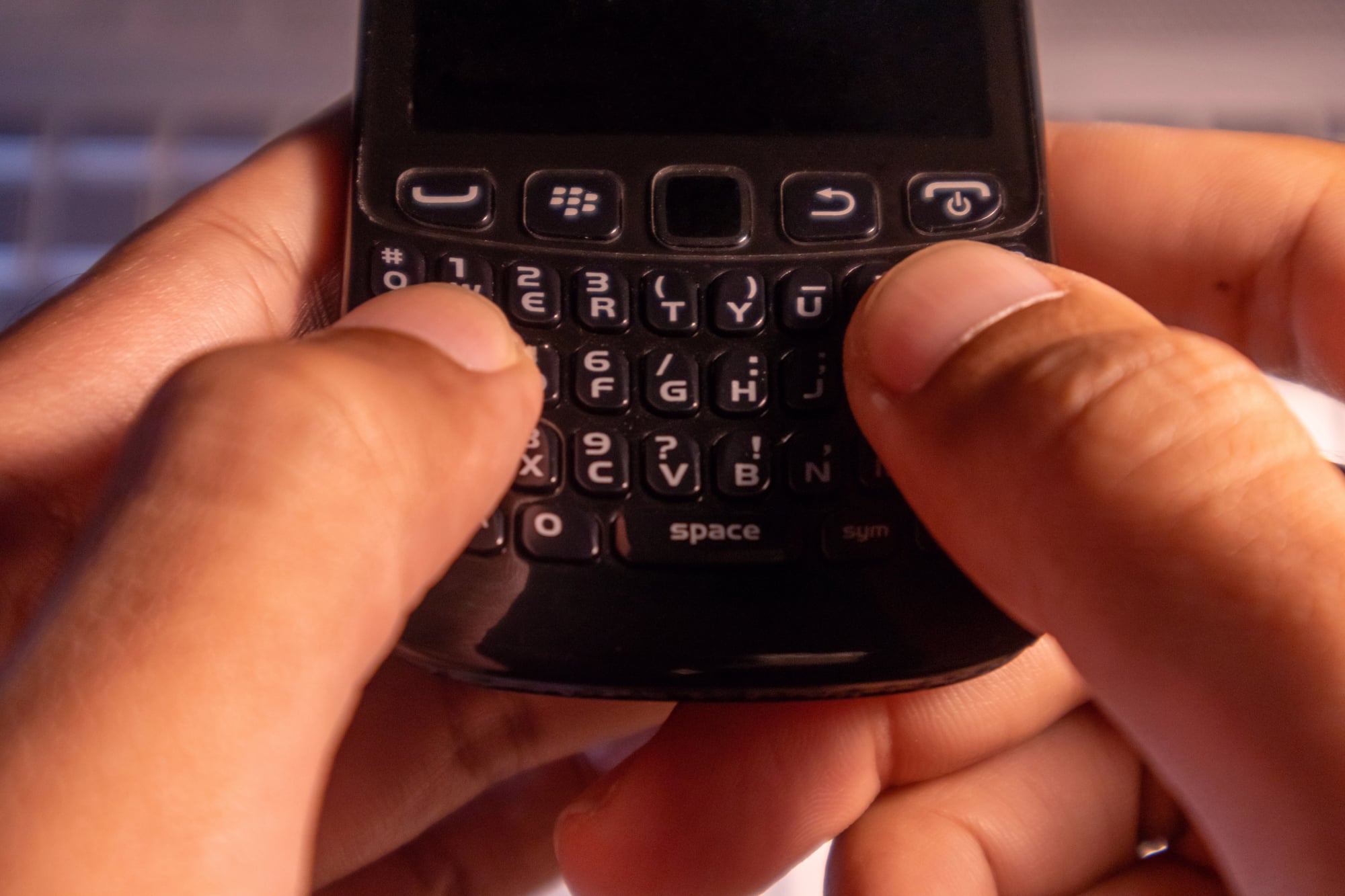
So every key on that tiny keyboard did double duty, and BlackBerry users learned them all. Alt+L brought up the calendar.
Alt+R opened the alarm clock. Alt+H took you straight to the phone’s home screen.
But the real mastery came with the letter combinations (because BlackBerry couldn’t resist making simple things complex, which somehow made them more satisfying once you figured them out). Holding down Alt while typing specific letters would insert symbols, numbers, and characters — turning the keyboard into a secret code system that only dedicated users bothered to learn.
And yet, once you did learn it, typing on any other device felt clumsy and slow. Even so, most people never discovered half these shortcuts, which meant the ones who did felt like they’d unlocked some hidden level of smartphone expertise.
Trackball Navigation
Picture a tiny mouse orb embedded in the center of your phone. That was BlackBerry’s trackball — a miniature sphere that let you scroll through menus, highlight text, and navigate apps with precision no touchscreen has matched since.
The trackball responded to the slightest movement. Roll it up to scroll through emails, press it down to select, roll it sideways to move between menu options.
Your thumb developed muscle memory for exact movements, and navigation became fluid in a way that felt almost mechanical. When trackballs started failing — and they always did — BlackBerry users would perform surgery on their devices, cleaning lint and debris from the tiny mechanisms.
The attachment was that strong.
Push Email That Actually Worked

BlackBerry didn’t just receive email — it delivered messages to your device the instant they arrived in your inbox, without draining the battery or requiring constant checking.
The push system worked through BlackBerry’s own servers, creating a direct pipeline between email providers and devices. Corporate users could access their work email seamlessly, while personal users experienced a level of email integration that wouldn’t become standard for years.
Messages appeared as fast as text messages, with full threading and attachment support. This wasn’t a feature you had to set up or configure.
It just worked, which made switching to early Android or iPhone email feel like stepping backward in time.
One-Handed Typing Mastery
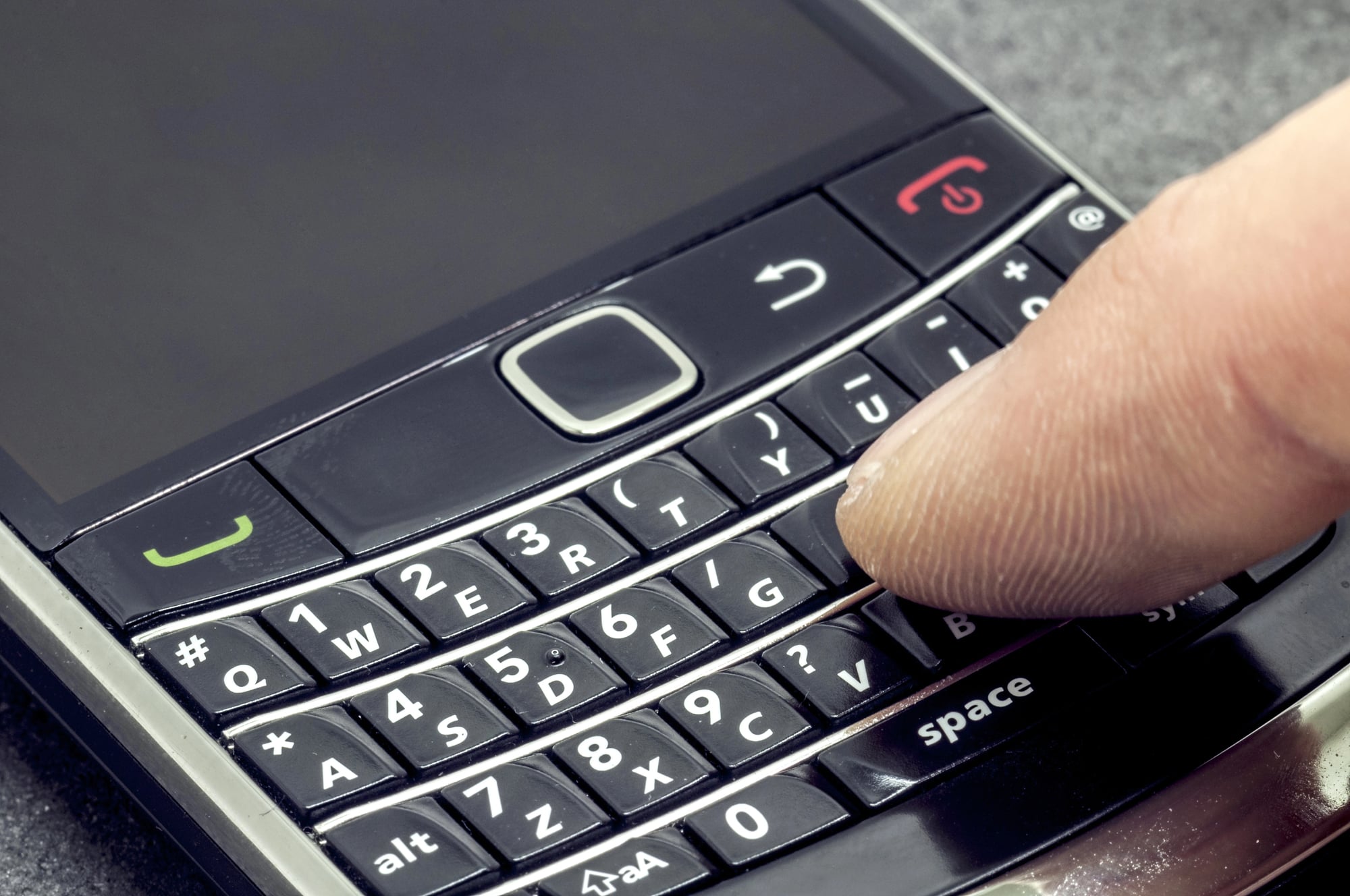
The BlackBerry keyboard wasn’t just small — it was perfectly proportioned for thumb typing. Users developed a rhythm that turned message composition into a kind of performance art.
Two thumbs dancing across physical keys created a distinctive clicking sound that became synonymous with productivity. The keys had just enough resistance to provide feedback without requiring force, and the layout was compact enough that your thumbs never had to stretch or hunt for letters.
Watching an experienced BlackBerry user compose a long email on that tiny keyboard was mesmerizing. They never looked down, never made mistakes, and finished faster than most people could type on a full-size keyboard.
BlackBerry Enterprise Server Integration
Corporate IT departments built entire communication infrastructures around BlackBerry Enterprise Server, and employees became part of a seamless, secure ecosystem that connected them to company resources from anywhere.
The integration went beyond email (though that was revolutionary enough at the time, when most people still checked messages on desktop computers). Calendar invitations appeared instantly, address books synchronized automatically, and document access worked through encrypted channels that kept company data secure.
Security policies could be enforced remotely — IT could require password locks, disable cameras, or wipe devices if they were lost or stolen, all without the user having to do anything. And yet, for employees, none of this felt restrictive because the convenience was so overwhelming: everything just worked, all the time, everywhere.
Browser Compression Technology

BlackBerry’s browser compressed web pages through the company’s servers before sending them to devices. This made mobile internet usable when data speeds were measured in kilobits and every byte mattered.
The compression wasn’t just about file size — it reformatted web pages to fit BlackBerry’s small screens and limited processing power. Sites that would crash other mobile browsers loaded quickly and remained functional.
The trade-off was visual fidelity, but the speed advantage was worth it. When Wi-Fi became common and data speeds improved, this compression technology became less important.
But for several years, BlackBerry users had access to a mobile web experience that was genuinely faster and more reliable than anything else available.
LED Notification Light Customization
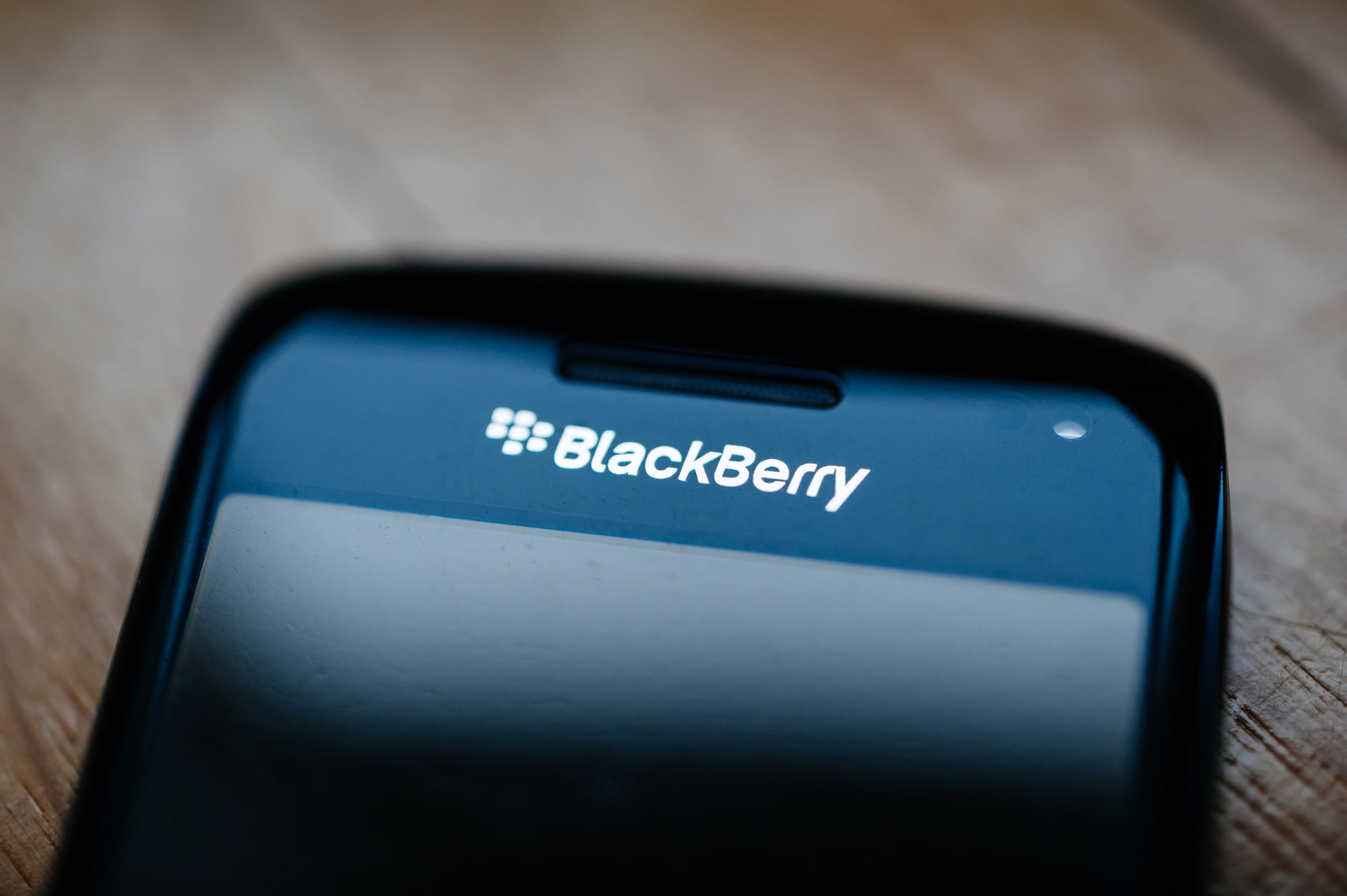
That tiny light on the top of every BlackBerry could tell you everything you needed to know about your device’s status without turning on the screen.
Different colors meant different things — blue for text messages, red for low battery, green for missed calls. But the real power was in the customization.
You could assign specific colors and blinking patterns to individual contacts, email accounts, or app notifications. BlackBerry users learned to read their LED like a traffic light.
A quick glance at your device sitting across the room would tell you exactly what kind of notification was waiting and how urgent it might be.
Auto Text and Shortcuts
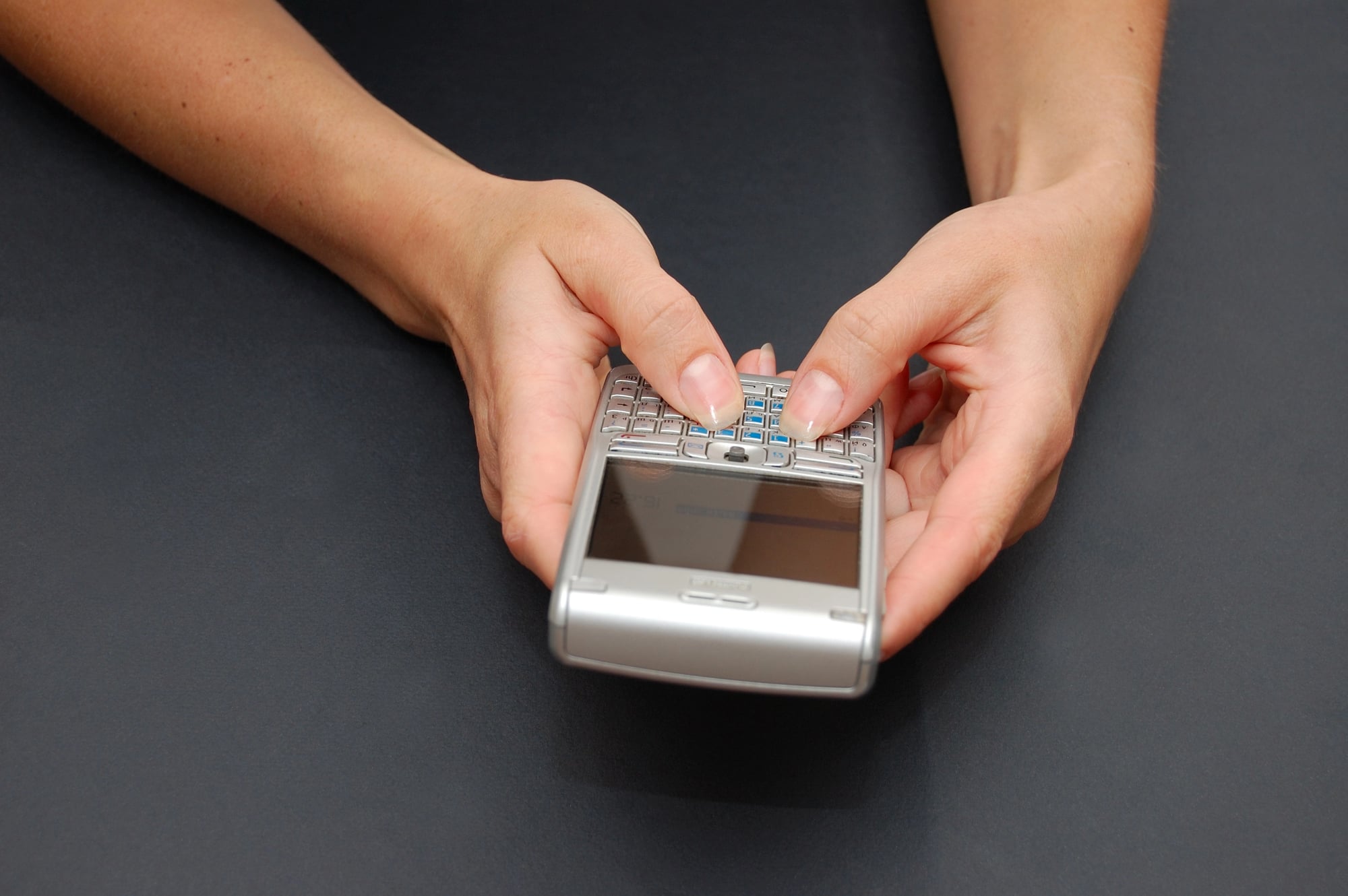
BlackBerry’s auto text system let you create custom shortcuts that expanded into full words, phrases, or even paragraphs when typed.
Type “myaddr” and your full address would appear. Create shortcuts for common email signatures, frequently used phrases, or complex technical terms.
The system learned your typing patterns and suggested shortcuts for words you used often. This went beyond simple autocorrect — it was a personalized efficiency system that adapted to how you actually communicated.
Power users created elaborate shortcut libraries that turned their BlackBerry into a personalized productivity machine.
Profile Management
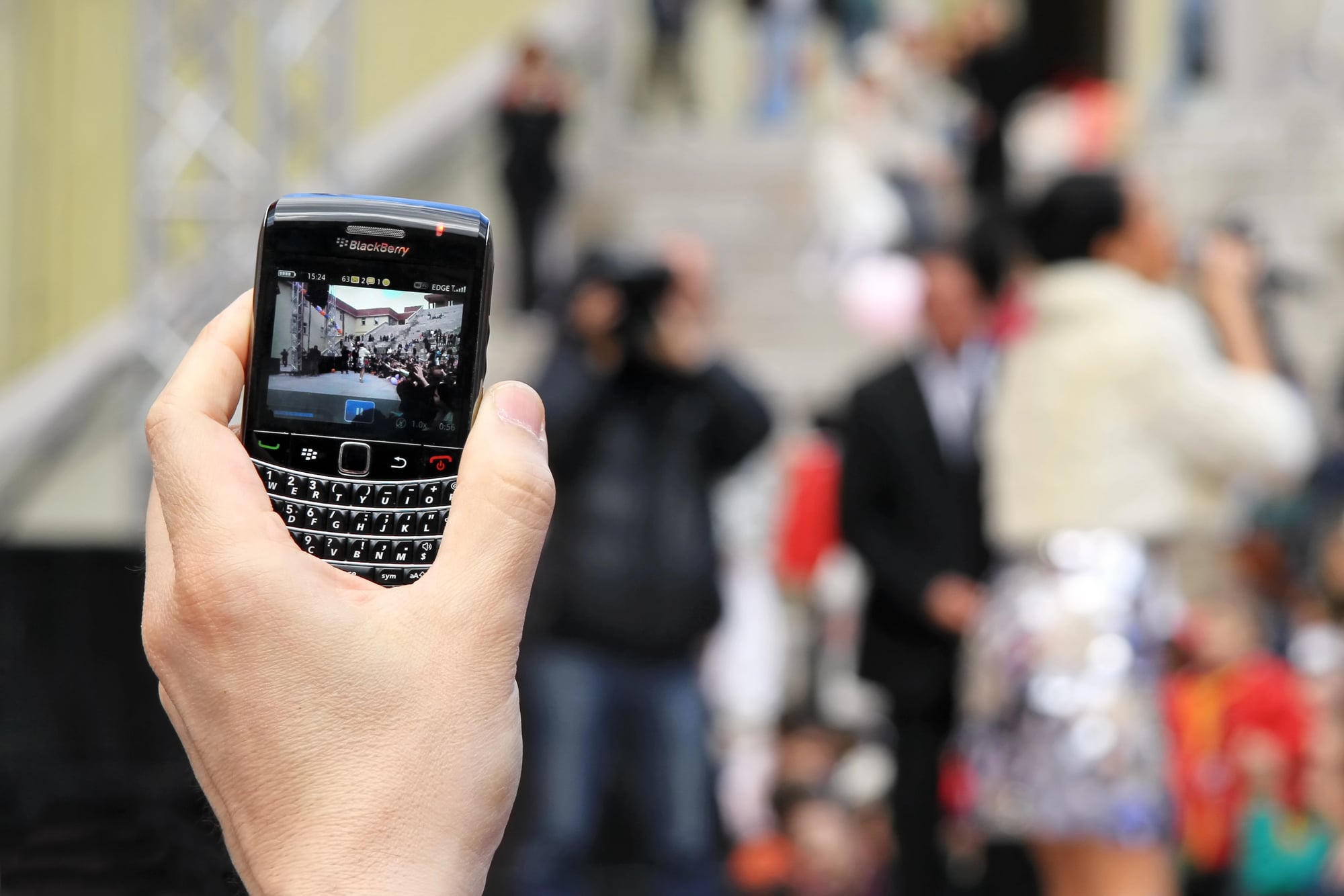
BlackBerry profiles were like having multiple phones in one device, and switching between them was as simple as selecting from a menu.
Each profile controlled every aspect of how your device behaved — notification sounds, LED patterns, vibration intensity, even which apps could send alerts. The “Meeting” profile silenced everything except phone calls.
“Loud” boosted all volumes and enabled aggressive vibration. “Bedside” allowed only emergency contacts to break through the silence.
But the sophistication went deeper than volume control. Profiles could automatically activate based on calendar appointments, time of day, or location.
Your phone knew when you were in a meeting and behaved accordingly, without any manual intervention.
Security and Encryption
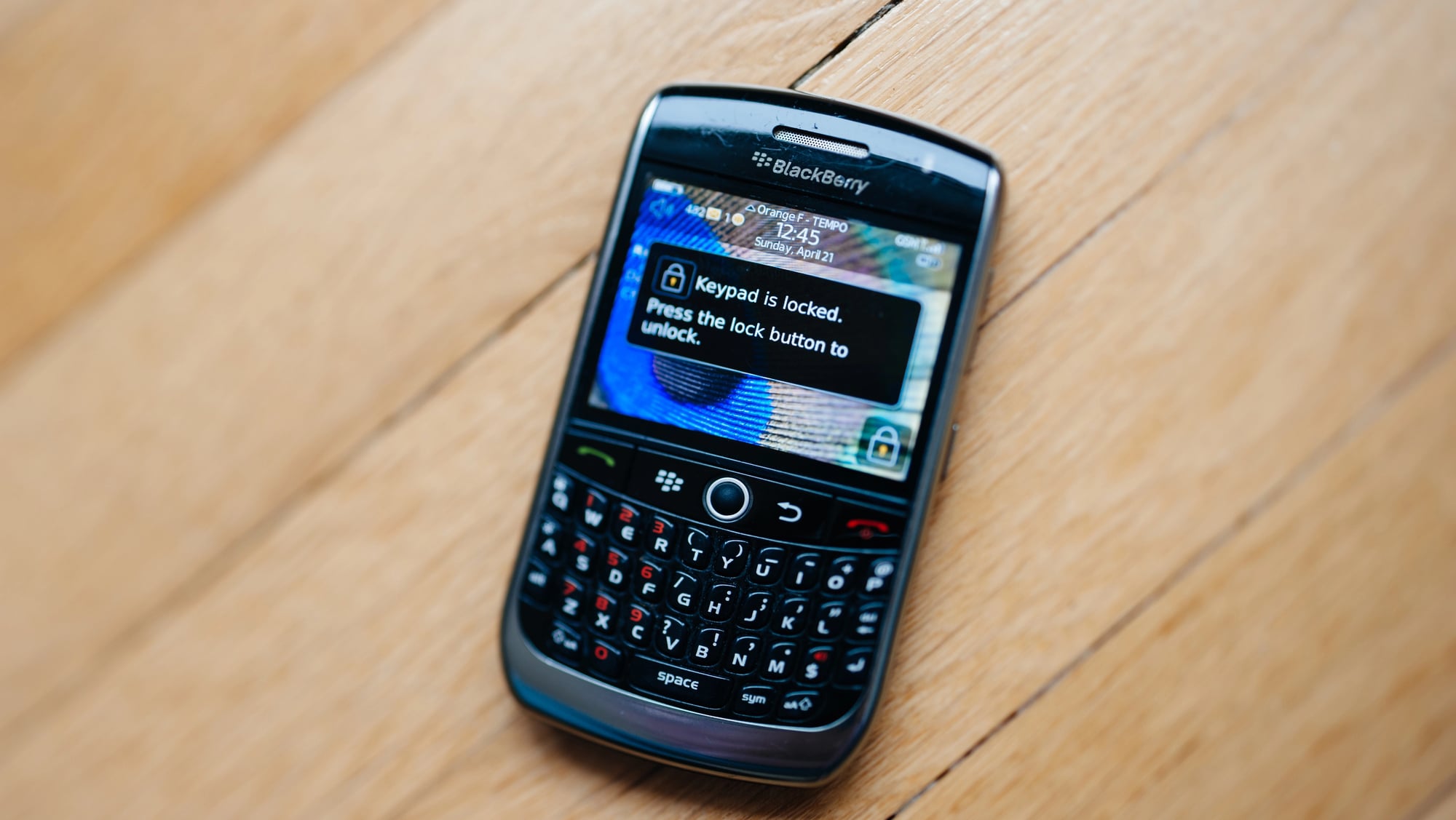
BlackBerry devices encrypted data by default when most smartphones treated security as an afterthought. Every message, email, and file was protected by enterprise-grade encryption that made BlackBerry the standard for secure mobile communication.
The encryption wasn’t just technical theater — it was implemented so thoroughly that even BlackBerry couldn’t read user data. Government agencies and corporations trusted these devices with classified information because the security model was genuinely uncompromising.
When other smartphones started offering encryption, it usually came with complexity and performance trade-offs. BlackBerry users never thought about security because it was invisible — everything was protected automatically, without affecting battery life or usability.
BlackBerry Balance
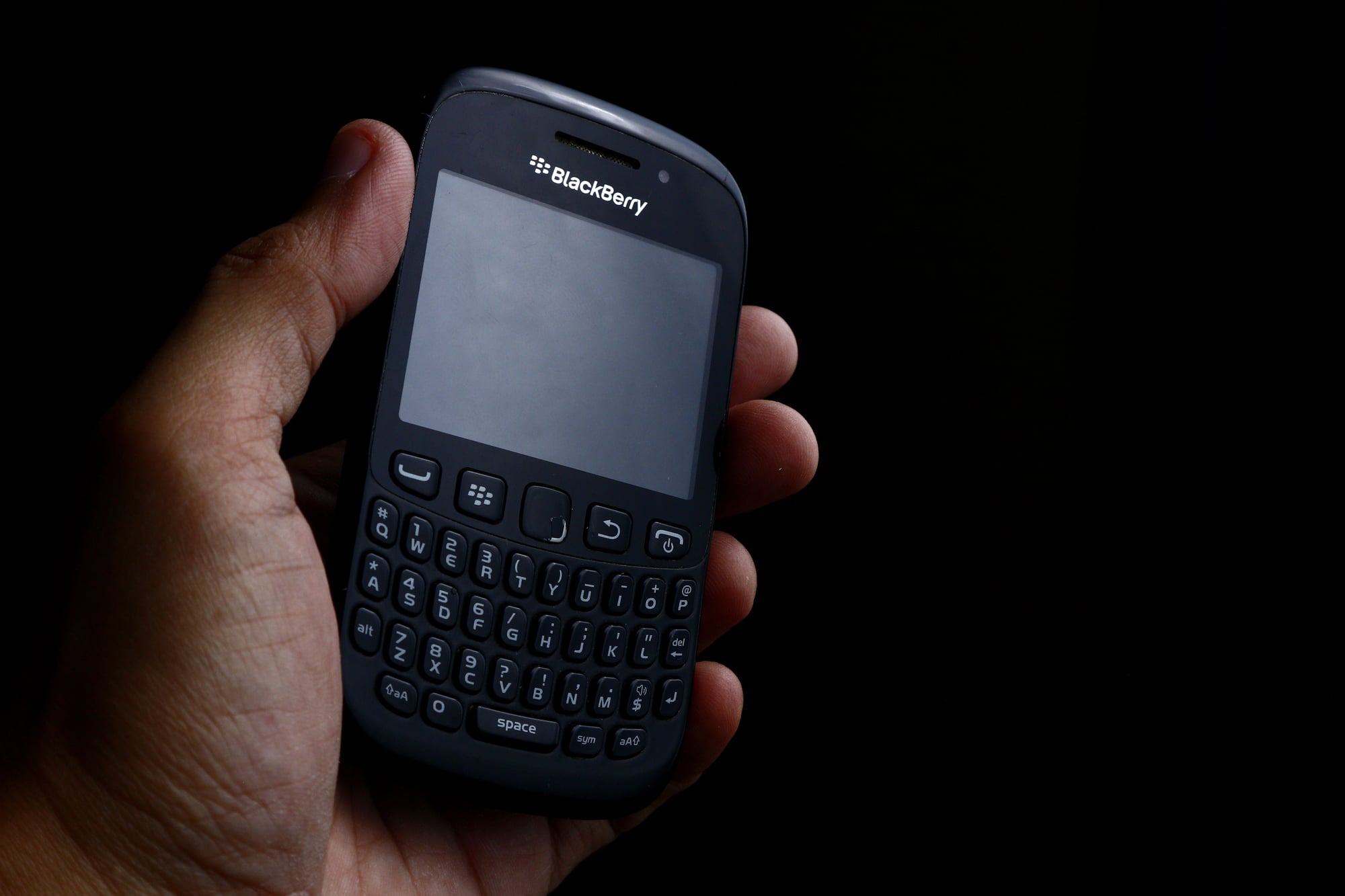
Balance created two separate environments on a single device — one for work, one for personal use — with a secure barrier between them that satisfied corporate IT requirements while preserving user privacy.
Corporate data, apps, and communications lived in an encrypted workspace that IT departments could manage and secure. Personal apps, photos, and messages remained completely separate and private.
Switching between work and personal modes was seamless, but the two environments never mixed. This solved a real problem for employees who wanted one device instead of carrying separate work and personal phones.
IT got the security they required, users got the convenience they wanted, and both sides maintained control over their respective domains.
Instant Document Viewing
BlackBerry devices could open and display Word documents, Excel spreadsheets, PowerPoint presentations, and PDF files without requiring separate apps or lengthy download processes.
The document viewer wasn’t just functional — it preserved formatting and allowed basic editing operations. You could review contracts, check spreadsheets, and read presentations during commutes or between meetings, turning dead time into productive time.
When email attachments were still novelties on most mobile devices, BlackBerry users were conducting business through documents as naturally as they sent text messages. The feature was so integrated into the email experience that it never felt like a separate function.
Holster Detection and Sleep Mode
BlackBerry devices could detect when they were placed in their leather holsters and automatically adjusted their behavior — screens turned off, keyboards locked, and power consumption dropped to minimum levels.
The holster wasn’t just a carrying case — it was part of the device ecosystem. Removing your BlackBerry from the holster would wake it instantly, ready for use.
The magnetic detection system was simple but elegant, creating a seamless transition between carry and active modes. This kind of physical integration between device and accessory disappeared when smartphones became uniform glass rectangles.
The holster represented a time when mobile devices had distinct personalities and specialized accessories designed around specific use patterns.
Global Search That Actually Found Things
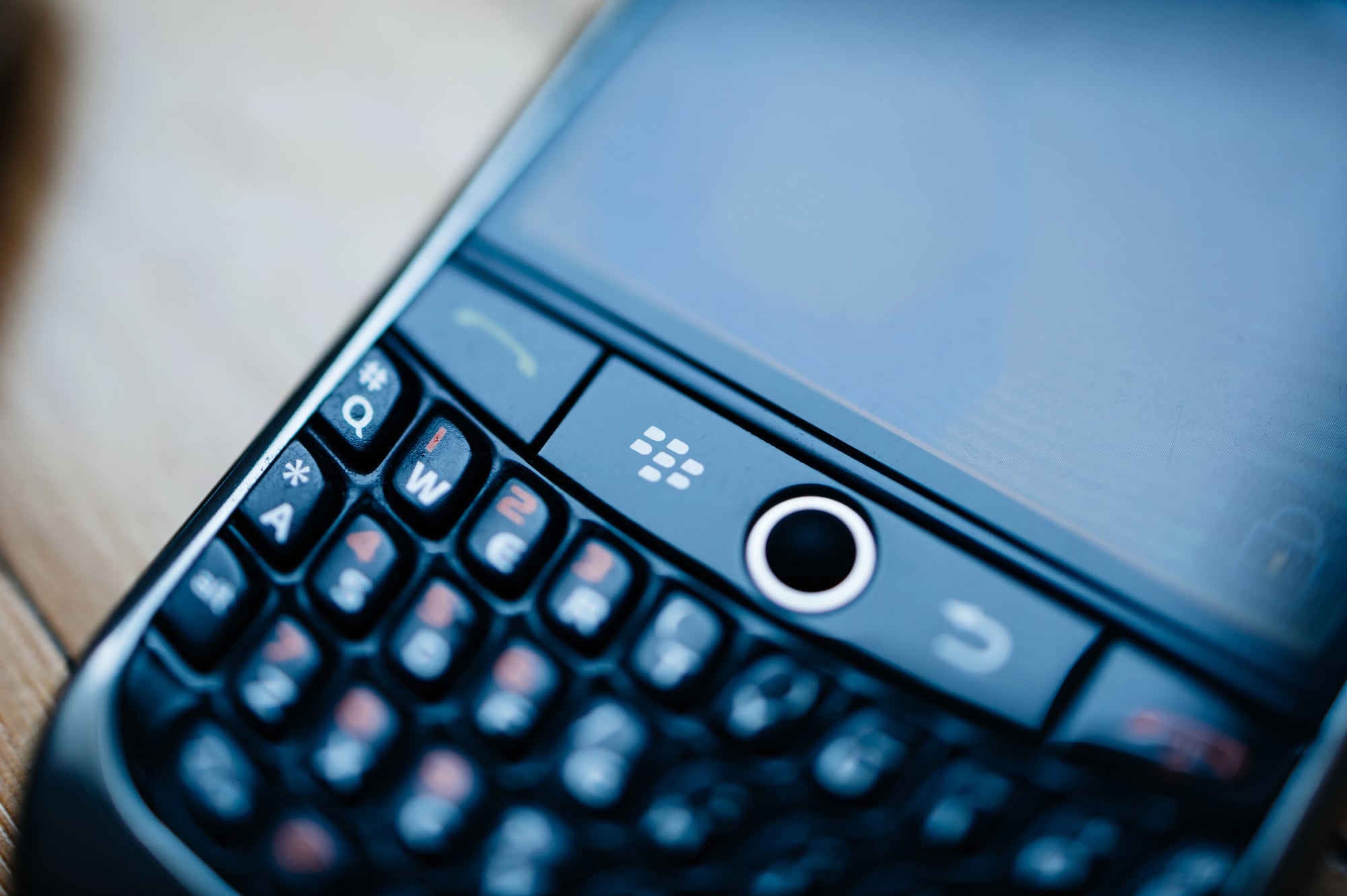
Before smartphone search became an exercise in frustration, BlackBerry offered global search that could find anything stored on your device — emails, contacts, calendar entries, notes, even content within documents.
Type a few letters and results appeared instantly from every data source on the device. The search was contextual and intelligent, prioritizing recent items and frequent contacts while still surfacing older information when needed.
Finding a specific email from months ago or locating a contact’s phone number took seconds. The search felt fast because it was actually fast, not just animated to seem responsive.
BlackBerry indexed device data continuously in the background, so searches returned results immediately without the spinning wheels and waiting that became common on later smartphones.
The Memory of Efficiency

There’s something almost quaint about remembering a time when smartphones were tools first and entertainment devices second. BlackBerry represented peak mobile productivity — devices designed around getting things done rather than capturing attention.
Those physical keyboards, dedicated function keys, and purpose-built features created a different relationship with mobile technology. Users mastered their devices instead of being mastered by them.
The learning curve was steep, but the payoff was genuine efficiency that made other phones feel clumsy and incomplete. The features that made BlackBerry special didn’t disappear because they were inferior.
They vanished because the mobile world moved toward simplicity and universal touchscreen interfaces. But for those who experienced peak BlackBerry, no modern smartphone has quite matched that feeling of having a perfectly calibrated productivity machine in your pocket.
More from Go2Tutors!

- The Romanov Crown Jewels and Their Tragic Fate
- 13 Historical Mysteries That Science Still Can’t Solve
- Famous Hoaxes That Fooled the World for Years
- 15 Child Stars with Tragic Adult Lives
- 16 Famous Jewelry Pieces in History
Like Go2Tutors’s content? Follow us on MSN.