Windows Screensavers We Stared At for Hours
Remember when computers needed protection from burn-in? That outdated technical requirement gave us something oddly wonderful—screensavers that turned idle monitors into accidental art installations.
You’d walk past your dad’s office and see geometric shapes floating across the screen, or sit at your desk supposedly doing homework while multicolored lines twisted into impossible patterns.
These weren’t just practical tools. They became a weird form of entertainment in the pre-streaming era, back when waiting for something to load meant actually waiting and watching.
People gathered around monitors like campfires, mesmerized by pixels doing their automated dance. Looking back, it seems absurd that anyone spent more than 30 seconds watching a computer do nothing.
But you did. Everyone did.
3D Pipes

The pipes were hypnotic. They’d start from the center of your screen and grow in random directions, adding elbows and joints and connector pieces like some kind of industrial Tetris.
Sometimes they’d build elaborate networks that filled the entire screen. Other times they’d trap themselves in corners and have to backtrack.
You could customize the surface texture—shiny metal, colorful tiles, mixed patterns. The brick texture made them look like Mario pipes.
The circus texture made no sense but looked great anyway. And if you left it running long enough, the pipes would eventually fill every available space and the whole thing would reset.
The best part was never knowing what you’d get. Each session created a unique plumbing nightmare that existed for a few minutes and then disappeared forever.
Starfield

Flying through space at impossible speeds, stars stretched into white lines as they rushed past your screen. This one came from the earliest Windows days and stuck around because it just worked.
Simple but effective.
The technical name was “Starfield Simulation” but everyone just called it stars or space or that flying thing. You could adjust the speed and density, making it look like you were drifting through a sparse galaxy or punching through hyperspace.
The faster settings created this urgent feeling, like you were late for something important in a distant solar system. Kids loved it.
Adults pretended they didn’t. But you’d catch them stopped in the hallway, watching the stars fly by, probably imagining they were anywhere but at work.
Mystify Your Mind

Geometric shapes—rectangles, diamonds, rotating polygons—bounced around the screen leaving colorful trails behind them. The shapes would drift until they hit an edge, then ricochet in a new direction.
The trails faded slowly, creating these layered rainbow patterns that looked like someone was finger painting with light.
The name tried too hard to sound profound, but the screensaver delivered. You could lose serious time watching those shapes ping around.
Teachers would walk into computer labs and find entire classrooms entranced by colorful rectangles doing their thing. Some people swore they could predict where the shapes would go next.
They couldn’t. The randomness was the point.
3D Maze

A first-person journey through an infinite brick maze. The camera moved forward at a steady pace, turning left or right at intersections, never stopping.
The walls were textured like red brick, the floor was stone, and rat drawings appeared randomly on the walls for absolutely no reason.
You never controlled anything. You just watched as the maze unfolded itself.
Sometimes you’d recognize a section you’d seen before, which raised uncomfortable questions about whether the maze was really infinite or just really good at recycling itself. The rats bothered people.
Why rats? Why drawings of rats instead of real rats?
Why anything at all besides walls? Nobody at Microsoft ever explained this design choice, and the mystery added to the appeal.
Beziers

Mathematical curves dancing across your screen in brilliant colors. The Bezier screensaver created these smooth, flowing lines that curved and looped according to precise equations you definitely didn’t understand.
The lines would grow, intersect, create patterns, then fade away and start over.
It looked artistic and sophisticated—the kind of screensaver you’d want running if someone important walked by your desk. The curves moved with this elegant slowness that suggested you were the kind of person who appreciated fine things, not someone who’d been staring at a screensaver for 20 minutes.
The math behind it was actually interesting. Bezier curves are used in graphic design and animation.
But knowing that didn’t make watching them any less pointless or any less satisfying.
3D Flying Objects
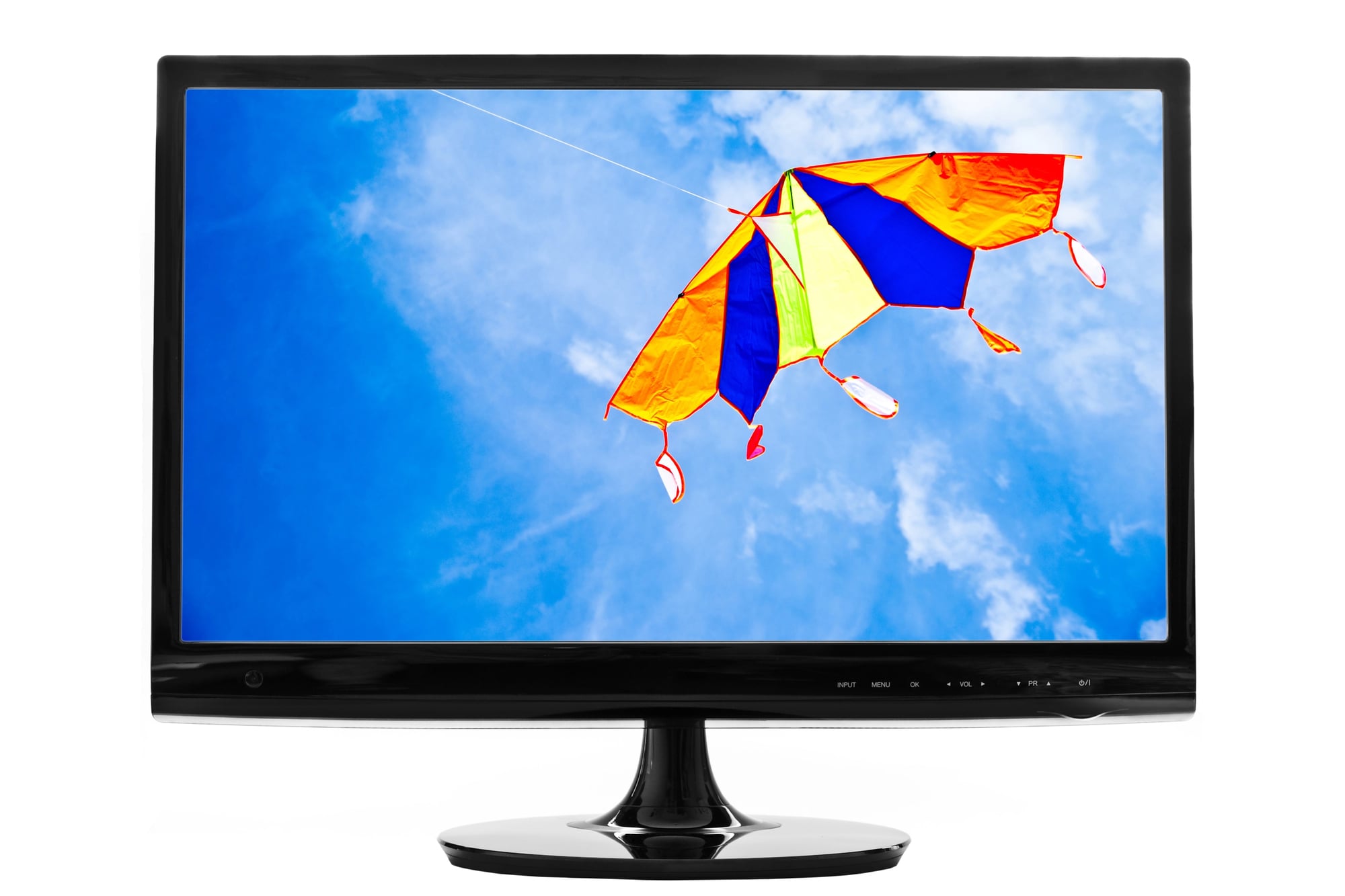
Spinning text or shapes or logos floated through a 3D space, getting larger as they approached and smaller as they drifted away. You could customize what objects appeared—usually people put their names or company logos or random words.
The depth perspective made it feel more interactive than flat screensavers, even though you still couldn’t control anything.
Objects would sometimes bounce off invisible walls or each other. The collision physics weren’t realistic but they looked cool enough that nobody cared.
Offices used this one constantly. Every company thought it was clever to have their logo floating around the screen.
It wasn’t clever, but it did mark territory in a weird digital way.
Ribbons
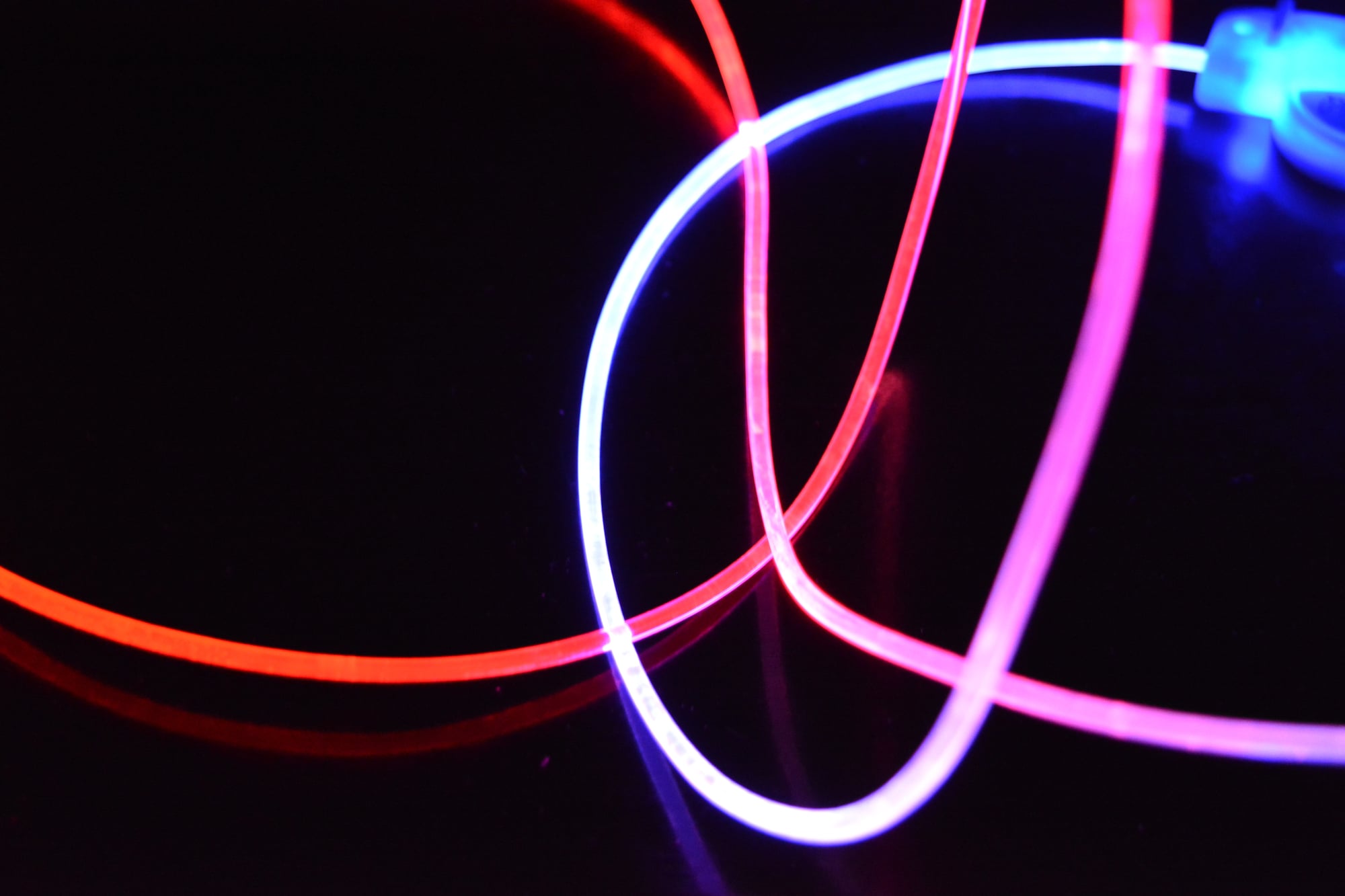
Smooth, flowing ribbons of color twisted through three-dimensional space, bending and curling like they were caught in an invisible wind. The ribbons left trails that faded slowly, creating this layered effect where new movements built on old patterns.
This screensaver felt more organic than the geometric ones. The ribbons moved like living things, responding to forces you couldn’t see.
The color gradients were actually pretty—not garish, just pleasant combinations that transitioned smoothly as the ribbons twisted. You could adjust the speed and number of ribbons.
More ribbons meant more chaos. Fewer meant more grace.
But any configuration resulted in the same outcome—you watching longer than you intended.
Aurora
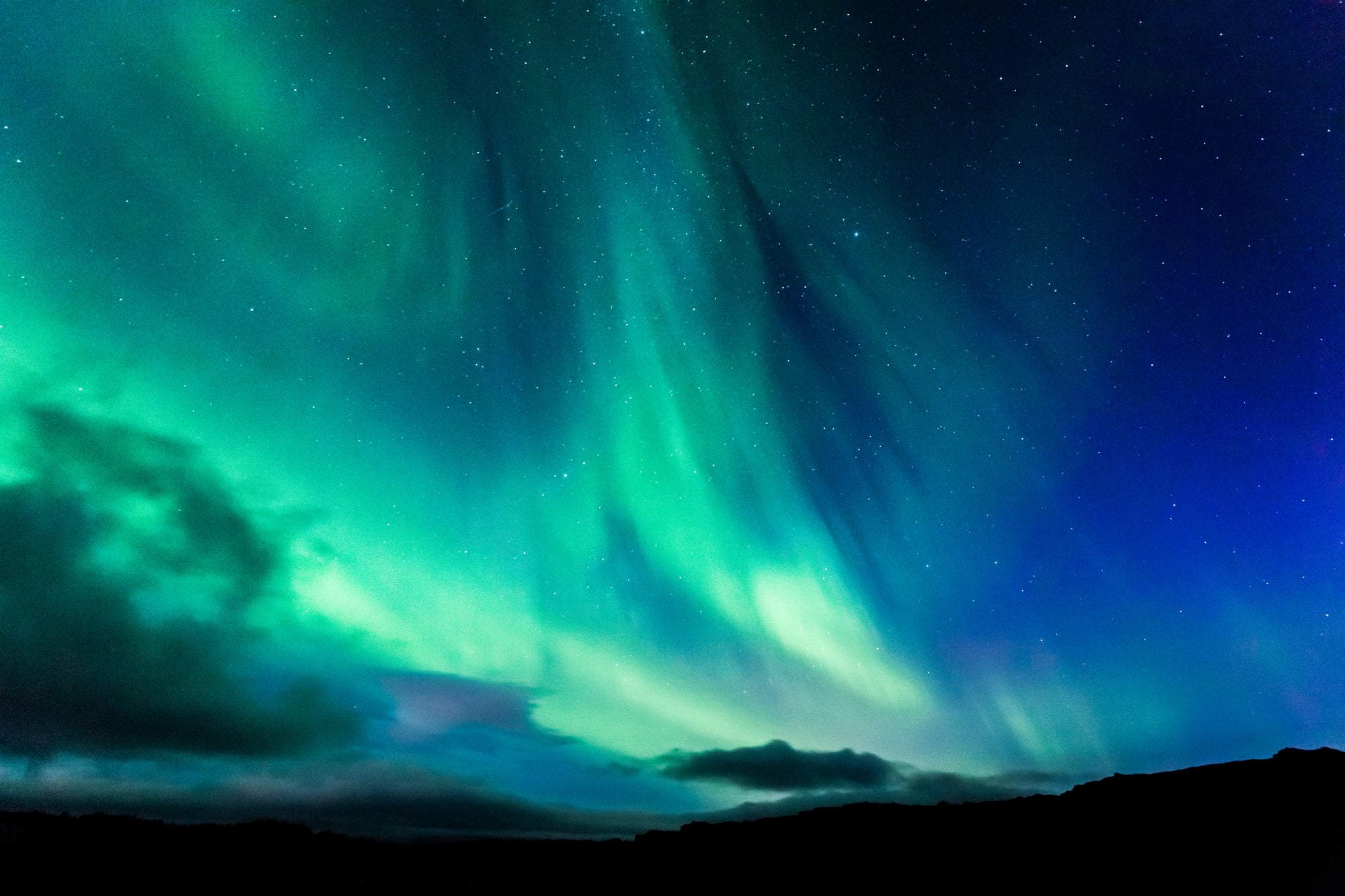
Named after the northern lights, this screensaver created flowing waves of color across the screen. Green, blue, purple—colors would ripple and blend like someone was shaking a sheet of cosmic fabric.
The effect aimed for natural beauty and mostly succeeded.
It ran slowly, almost gently. Other screensavers had this manic energy, constantly moving and changing.
Aurora just flowed. The colors shifted gradually, the patterns evolved rather than jumped.
This one showed up in Windows Vista, which people mostly hated, but Aurora was innocent. It did its job.
It looked nice. Sometimes that’s enough.
Bubbles

Transparent bubbles floated across your desktop, reflecting and distorting whatever was behind them. They’d drift upward like real bubbles, bouncing off the top of the screen before vanishing and being replaced by new ones.
The reflection effect was the clever part—you could see warped versions of your desktop icons and wallpaper inside each bubble.
People either loved this one or hated it. The bubble physics felt right—they moved exactly how bubbles should move.
But seeing your own desktop reflected and distorted was either cool or annoying depending on your mood. The popping sound effect was optional.
Most people turned it off immediately. Bubbles should be silent.
3D Text

Your custom text message slowly rotated in three-dimensional space. The text would spin, flip, and float around while the camera angle changed to show it from different perspectives.
You could customize the font, the color, the speed, and obviously the message.
Teenagers used this to display their crushes’ names, which their parents would inevitably discover. Office workers used it for jokes or motivational quotes.
The default message was just “Windows” which made sense but was boring. The 3D effect was basic by modern standards but felt impressive at the time.
Seeing flat text turned into a rotating object gave you a tiny glimpse of what computers could do.
Scrolling Marquee

The simplest one. Text scrolled across the screen like a news ticker or theater marquee.
You’d type your message, pick a font and color, and watch it drift by at whatever speed you set.
No 3D effects, no physics, no randomness. Just text moving left to right.
But this directness made it useful for actual messages. You could tell people where you went, when you’d be back, or what they should do with themselves while you were away.
The marquee felt honest. Other screensavers pretended to be art or entertainment.
This one just moved text across a screen and didn’t apologize for it.
Blank Screen
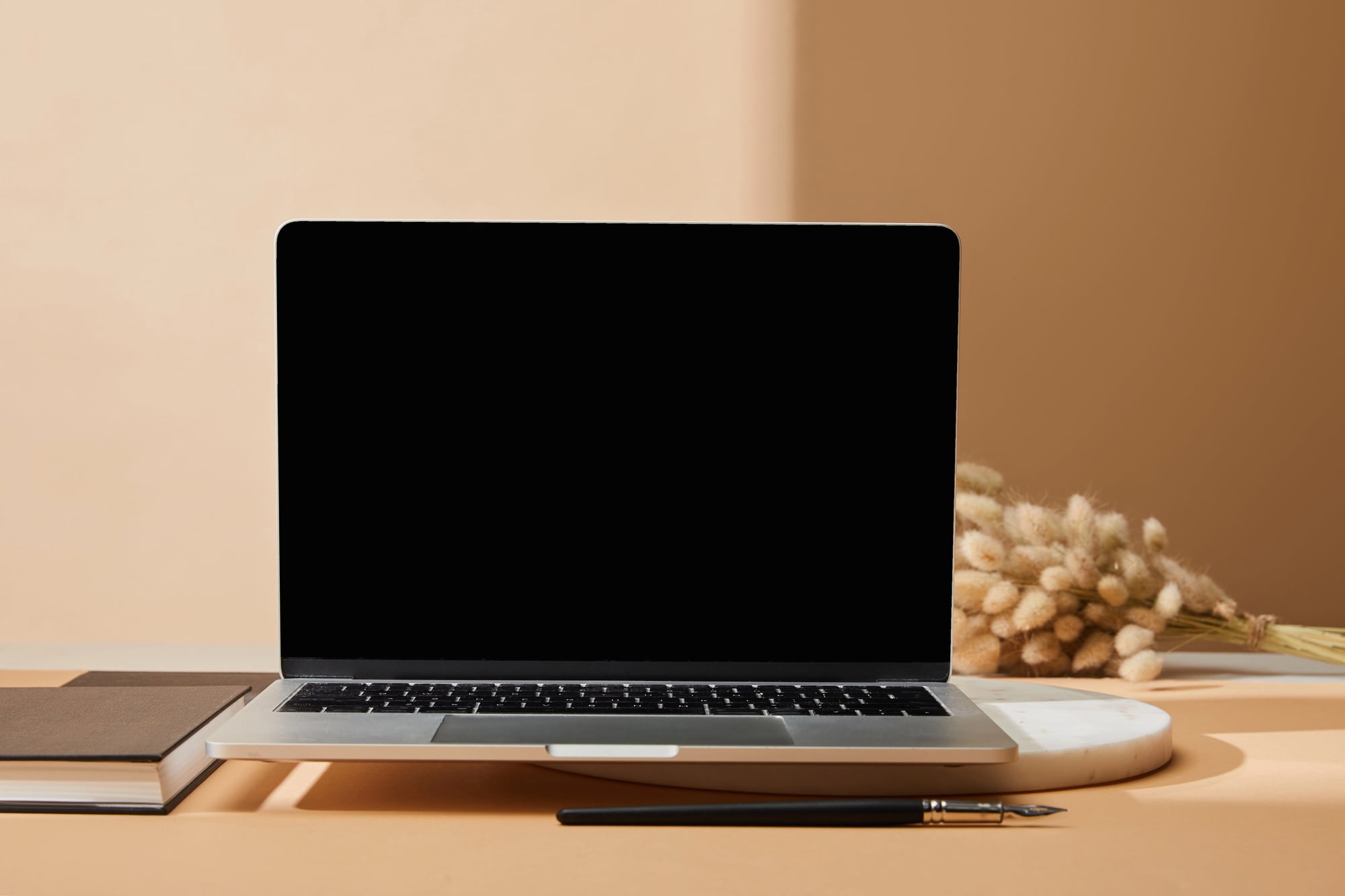
The screensaver that saved the most energy was no screensaver at all. Just turn the monitor black.
Maximum efficiency, zero entertainment value.
But even nothing became something to watch when you were bored enough. You’d stare at the black screen, waiting for something to happen, knowing nothing would happen.
Maybe you’d see your own reflection in the dark glass. Maybe you’d start questioning your life choices.
The blank screen forced you to confront the real purpose of screensavers—not protecting monitors from burn-in, but protecting you from boredom. Without the distraction of floating pipes or geometric shapes, you had to find something else to do.
Usually you just woke the computer back up.
3D Flower Box
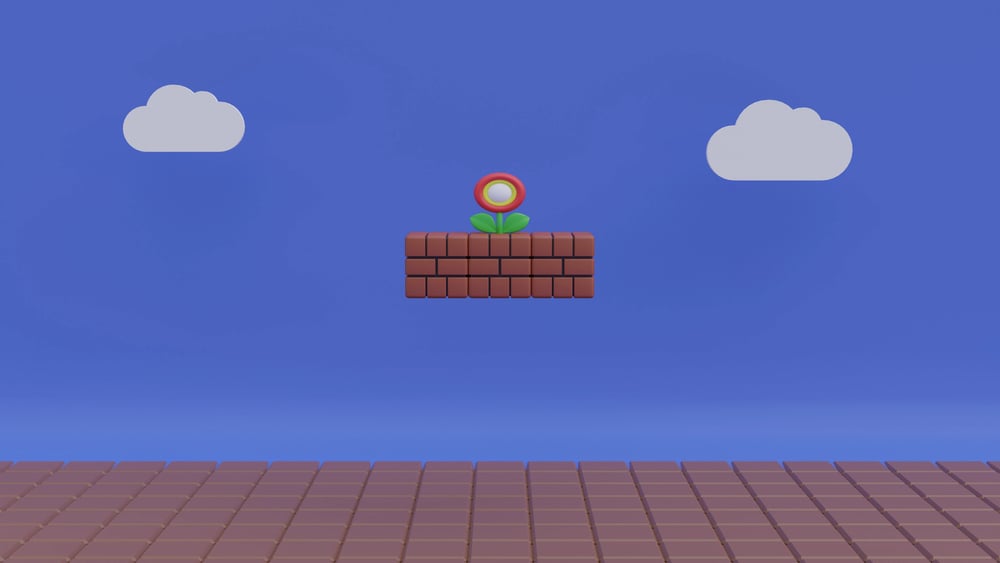
A burst of shapes began at the edge of the display, rising like folded paper caught in a slow wind. These forms opened step by step, each one locking into sharp angles and flat vivid tones.
Instead of petals, clean edges formed repeating arrangements, more like diagrams than nature. When they climbed as high as they could go, their colors softened until they vanished completely.
Fresh structures then pushed up from below, taking their place without hurry. Something about the look screamed nineties – bold hues, clean lines cutting through space.
Those blossoms could pass for fake ones you’d find on a shelf. Yet there was comfort in how they changed over time.
A kind of quiet pattern: roots push up, petals open, color drains away, then starts again. A splash of color bloomed across older monitors when that little program kicked in.
It tagged along with special editions of Windows, so someone had to cover the cost one way or another. Sometimes it arrived already living inside the machine.
People would just sit, eyes locked, as fake petals unfolded frame by steady frame. The rhythm stayed fixed, predictable, almost calming.
At first, anyway. Eventually, even the novelty wilted.
What They Really Were

Back when computers needed a break, screens flashed quiet little shows. Not chores – almost like breathing room for your thoughts.
Shapes slid across the glass, words drifted by on unseen currents. Time passed differently then.
Tasks had pauses, not pings. Those flickering animations held space until you came back.
A soft rhythm where nothing demanded reply. A screen never holds an image too long these days.
Machines power down on their own. Those old animations? They’re gone, yet a small quiet moment slipped away with them – the odd break when motion without meaning made you pause anyway.
Watched lines stretching into patterns, distant lights rushing through black space, time passing differently for just a bit. Productivity paused.
Entertainment waited. Nothing needed doing at all.
Perhaps that had always been the point.
More from Go2Tutors!

- The Romanov Crown Jewels and Their Tragic Fate
- 13 Historical Mysteries That Science Still Can’t Solve
- Famous Hoaxes That Fooled the World for Years
- 15 Child Stars with Tragic Adult Lives
- 16 Famous Jewelry Pieces in History
Like Go2Tutors’s content? Follow us on MSN.