14 Forgotten Typing Games Kids Practiced at School
Before smartphones existed, students worldwide had to master keyboard skills the hard way. Computer labs buzzed with the sound of clicking keys as kids hunched over chunky monitors. Schools needed something better than tedious finger drills to teach proper typing technique.
These weren’t your typical arcade games—they were educational software designed to teach proper finger placement and build typing speed. Here are 14 typing games that defined computer class for an entire generation.
Mavis Beacon Teaches Typing
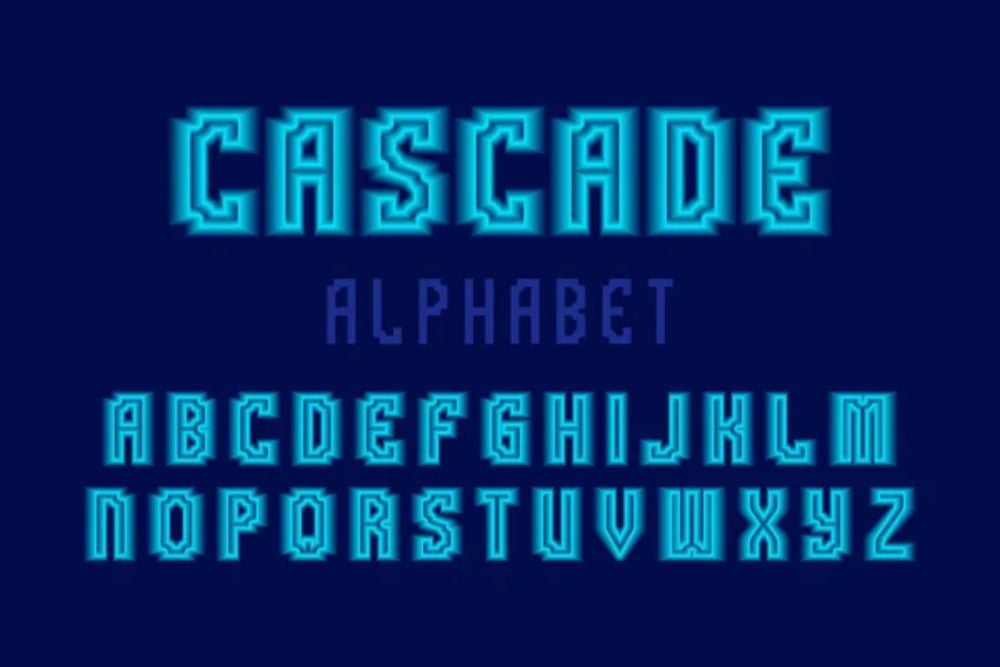
Mavis Beacon dominated typing instruction in classrooms everywhere. Her comprehensive software combined systematic lessons with progressively challenging games—students learned home row positioning through activities that felt genuinely fun.
Letters cascaded from the top of the screen while players frantically typed to catch them before they disappeared. What could have been a mundane practice became something kids actually looked forward to, whether they were studying in Birmingham or Bangkok.
Type to Learn
This well-designed program merged structured instruction with mini-games that maintained student engagement across diverse educational environments. Space-themed adventures put typing accuracy at the center of survival scenarios, while word puzzles tested both speed and spelling prowess.
Teachers from various countries appreciated the detailed analytics—instantly identifying which students needed extra help with particular finger movements or key combinations.
Like Go2Tutors’s content? Follow us on MSN.
Mario Teaches Typing
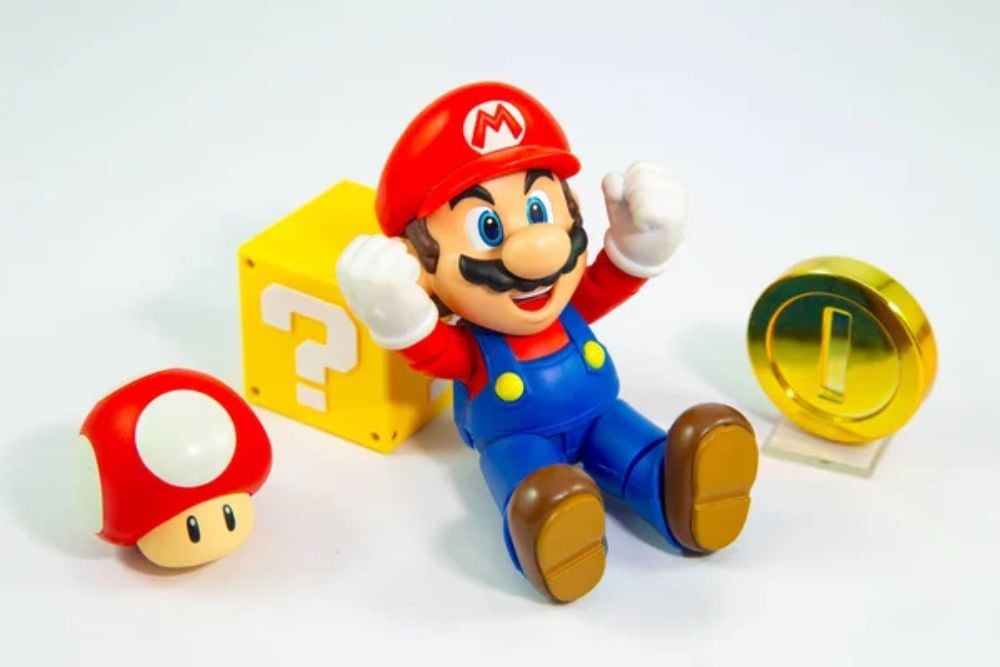
Nintendo’s beloved plumber made an unexpected jump into educational software with remarkable success. Students navigated familiar platforming challenges by typing words and phrases correctly—errors caused Mario to stumble or fall behind his usual pace.
The authentic music and sound effects from classic Nintendo games transformed what might have been boring drills into legitimate gaming experiences that transcended cultural boundaries.
Typing of the Dead

High schools worldwide embraced this unique twist on traditional zombie games—replacing bullets with precisely typed words. Players faced waves of approaching undead creatures, defeating them through rapid and accurate keyboard input rather than reflexes.
The intense atmosphere proved that educational games didn’t need childish themes to be effective, regardless of the students’ cultural background or gaming preferences.
Kid Keys

Younger learners got their introduction to keyboards through this thoughtfully designed program. Colorful animations and simple tasks made learning feel like play—students fed hungry cartoon animals by typing letters or helped characters complete adventures through correct spelling.
The gentle approach worked perfectly for elementary students encountering different keyboard layouts for the first time, whether QWERTY or regional alternatives.
Like Go2Tutors’s content? Follow us on MSN.
UltraKey
Schools appreciated this straightforward program that built muscle memory without unnecessary frills. Racing simulations let typing speed determine how fast virtual cars moved around tracks—while precision challenges required exact finger placement to succeed.
Teachers valued its direct approach, which delivered concrete results without the distractions that sometimes undermined other educational software.
Keyboarding Skills
This fundamental program found its way into schools across multiple continents. Students competed against classmates in timed challenges or worked to surpass their previous performance records.
The software excelled at tracking progress—teachers could pinpoint exactly which keys or finger positions caused trouble for individual learners, making targeted instruction much more effective.
All the Right Type
Variety sets this program apart from its competitors—offering everything from simulated office environments to fast-paced arcade challenges. Students might process customer orders at breakneck speed or solve typing-based puzzles where wrong letters led to frustrating dead ends—diversity that kept practice sessions fresh and engaging in computer labs around the world.
Like Go2Tutors’s content? Follow us on MSN.
Quick Brown Fox
Drawing its name from the classic typing exercise, this software focused on building raw speed through diverse practice formats. Students raced against countdown timers, participated in virtual typing competitions, and worked through increasingly complex text passages.
The emphasis on practical scenarios helped prepare learners for real computer usage beyond academic settings, regardless of their eventual career paths or geographic locations.
Typing Tournament

Competitive elements transformed ordinary classrooms into typing battlegrounds where students challenged each other directly. The tournament structure motivated learners to improve their rankings and advance through different skill levels.
Educators across various school systems found that peer competition encouraged students to practice independently, reducing the need for constant teacher supervision during computer lab sessions.
Adventure Typing

Fantasy role-playing mechanics combined with keyboard instruction created an unexpectedly engaging educational experience. Students developed characters who grew stronger through successful typing challenges while exploring imaginary worlds where communication happened entirely through keyboard input.
The RPG progression system provided lasting motivation as players advanced both their virtual avatars and their real-world typing abilities simultaneously.
Like Go2Tutors’s content? Follow us on MSN.
Type Right

This comprehensive solution balanced serious technical instruction with entertaining mini-games that reinforced proper typing form. Students mastered finger positioning through structured exercises, then applied those skills in various game formats ranging from word races to logic puzzles.
Built-in diagnostic features identified developing bad habits before they became ingrained, making it particularly popular among teachers who prioritized correct technique over raw speed.
Keyboarding Connections
Integration with other academic subjects distinguished this program from purely skill-focused alternatives. Games incorporated vocabulary from different subjects, spelling challenges, and even mathematical concepts that could adapt to various international curricula.
Students typed historical facts, scientific terminology, or literary passages while simultaneously reinforcing knowledge from multiple academic areas. This cross-curricular approach helped typing class feel connected to broader educational goals rather than existing as an isolated skill-building exercise.
Typing Time

Professional preparation became the focus of this workplace-oriented program that many secondary schools eventually adopted. Students practiced creating business correspondence, reports, and other professional documents while working against realistic time constraints.
The practical approach helped older learners understand why keyboard proficiency mattered for their futures, preparing them for academic and professional demands in an increasingly digital global economy.
Like Go2Tutors’s content? Follow us on MSN.
The Legacy of Learning Through Play

These typing games captured a fascinating moment when computer literacy required mastering the physical interface between humans and machines. Students worldwide shared similar experiences—sitting in computer labs, learning to position their fingers correctly on home row keys.
Today’s digital natives grow up with touchscreens and voice commands, making dedicated typing practice seem almost quaint. Yet those hours spent in front of bulky monitors created foundational digital skills that continue serving millions of adults globally.
The games themselves might be forgotten, though the keyboard competency they developed remains essential for effective communication across languages, cultures, and continents.
More from Go2Tutors!

- 16 Restaurant Chains That Went Too Fast
- 12 Things Sold in the 80s That Are Now Illegal
- 15 Strange Things People Have Tried to Ban (And Failed)
- 16 Collectibles People Tossed Out Too Soon
- 17 Myths from Your Childhood That Were Actually Based on Real Things
Like Go2Tutors’s content? Follow us on MSN.