14 GPS Navigation Tips for Better Directions
Getting lost once meant wrestling with enormous paper maps or stopping at gas stations to ask strangers for directions. Today, we carry sophisticated computers in our pockets that can guide us virtually anywhere on Earth. Despite this technological marvel, many drivers still find themselves taking wrong turns, missing critical exits, or arriving late simply because they haven’t mastered their GPS technology.
Here are 14 GPS navigation tips that’ll help you get superior directions and reach your destination more efficiently.
Download Offline Maps
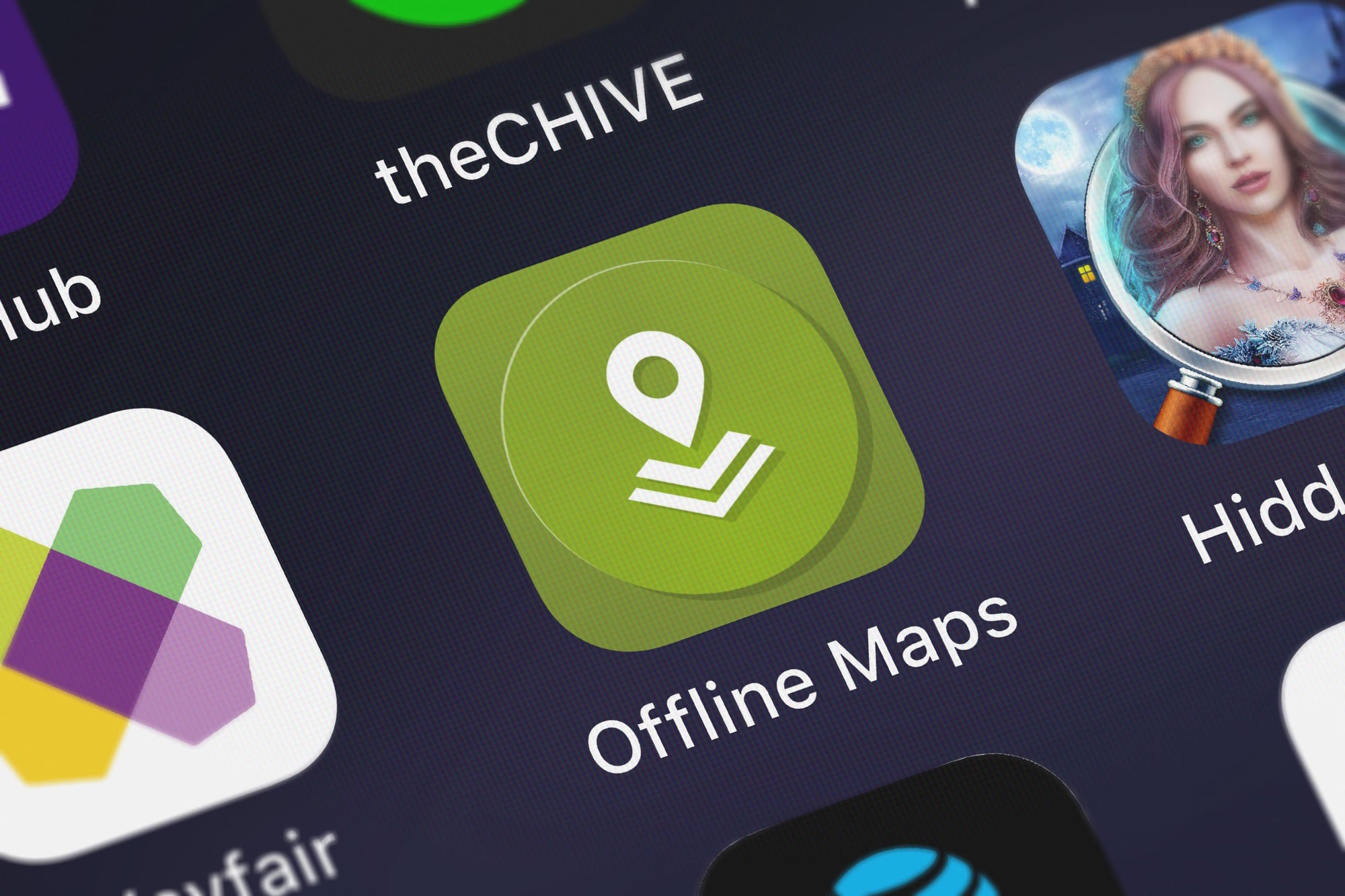
Your GPS works brilliantly until you encounter a cellular dead zone or exhaust your data allowance. Most navigation applications allow you to download regional maps before traveling — meaning you’ll still receive turn-by-turn directions even when your phone displays zero signal bars.
While these maps consume storage space, they’re invaluable when driving through remote areas or traveling internationally where data costs can be prohibitive.
Update Your Maps Regularly

Map databases change continuously as new roads are constructed and existing ones close for maintenance. Though your GPS app likely updates automatically, it’s prudent to verify this occasionally.
Outdated cartographic data can direct you down nonexistent roads or cause you to miss recently opened shortcuts. Consider it similar to regular vehicle maintenance — preventive care avoids larger issues later.
Choose Your Route Type

Most GPS applications offer various routing options such as ‘fastest,’ ‘shortest,’ or ‘avoid highways.’ The quickest route might send you through congested traffic, whereas the shortest could lead you down serpentine back roads that actually increase travel time.
When hauling trailers or operating large vehicles, selecting ‘avoid highways’ can prevent encounters with low bridges or narrow streets designed for smaller cars.
Like Go2Tutors’s content? Follow us on MSN.
Set Multiple Stops Efficiently

Planning an errand-filled day or multi-destination road trip? Add all your stops to the GPS beforehand — then let the application optimize the sequence.
This routing algorithm calculates the most efficient order for visiting each location, potentially saving hours of inefficient backtracking. It’s like employing a personal logistics coordinator who actually understands traffic patterns.
Use Voice Commands While Driving

Manipulating your phone while driving creates danger and violates traffic laws in many jurisdictions. Learning your GPS app’s voice commands allows you to say things like ‘navigate to the nearest gas station’ or ‘avoid tolls’ without removing your hands from the steering wheel.
Most modern apps respond to natural language — so you won’t need to memorize rigid command structures.
Check Traffic Before You Leave

Real-time traffic intelligence reveals accidents, construction zones, and congestion before you encounter them. Many applications will automatically reroute around problems, though examining the traffic overlay provides advance warning about potential delays.
You might choose to depart earlier or select an entirely different route based on current conditions.
Like Go2Tutors’s content? Follow us on MSN.
Customize Your Map Display
Your GPS app contains dozens of display options that most users never explore. You can overlay gas stations, restaurants, or police locations directly onto your map.
Some applications switch between day and night modes automatically — others let you adjust map orientation preferences. Investing a few minutes in the settings menu creates a navigation interface tailored to your specific needs.
Learn Lane Guidance Features

Missing exits because you’re in the wrong lane frustrates drivers, particularly in heavy traffic. Many contemporary GPS apps now display which lanes you should occupy as you approach intersections and highway divergences.
This functionality proves especially valuable in unfamiliar cities where road signage might be confusing or become visible only at the last moment.
Set Home and Work Locations

Though this seems elementary, many people overlook this fundamental setup step. When your GPS knows your residential and workplace addresses, it can provide commute traffic updates — plus suggest alternative routes during peak hours.
Some applications will even send proactive notifications when unusual delays affect your typical route home.
Like Go2Tutors’s content? Follow us on MSN.
Use Hands-Free Mounting
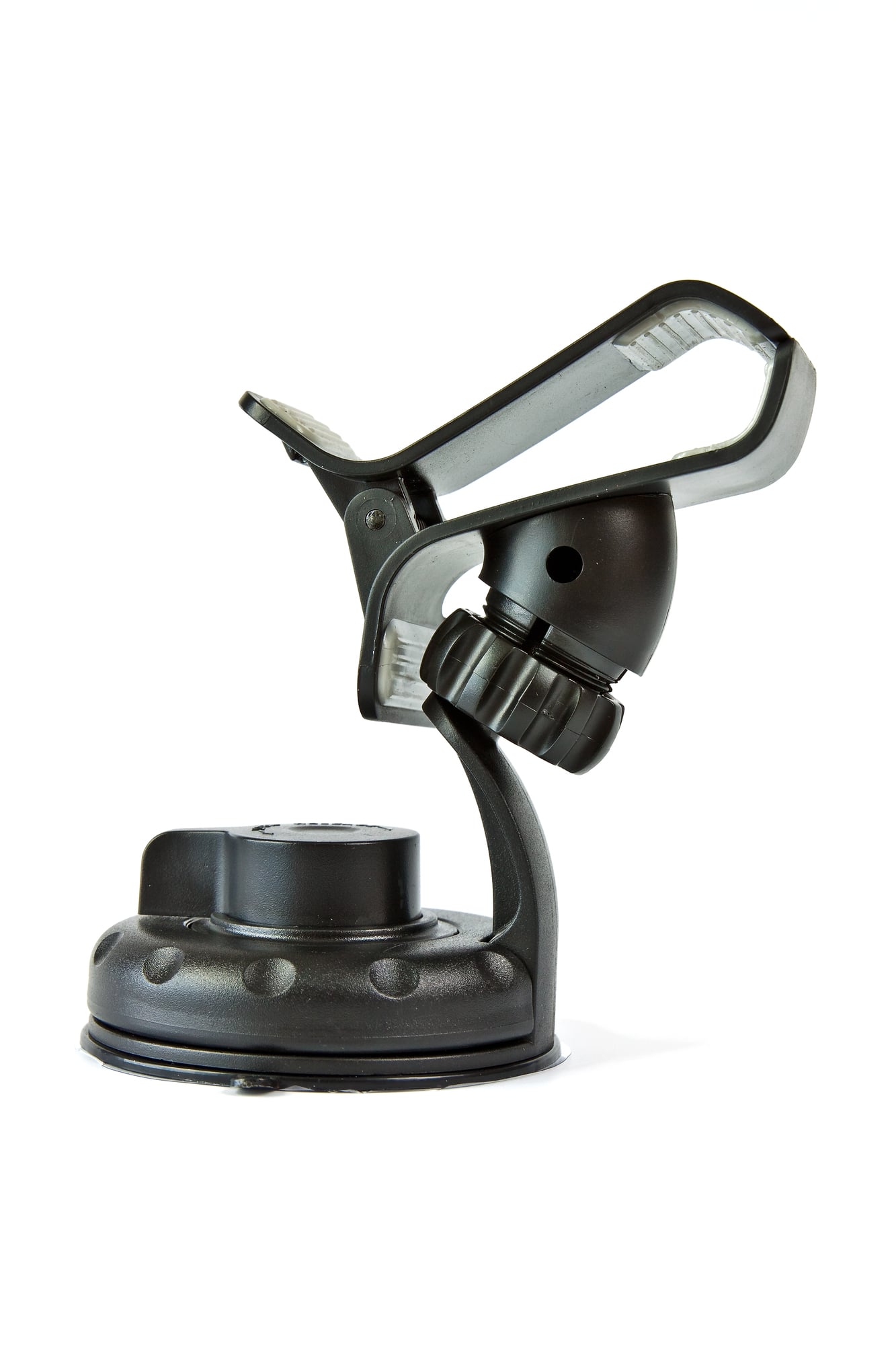
Holding your phone or precariously balancing it on the dashboard creates unnecessary distractions and safety hazards. A quality phone mount positions your GPS display at eye level — allowing quick glances without extended periods of looking away from the road.
Dashboard mounts, vent clips, and windshield suction devices all function well depending on your vehicle’s interior configuration.
Enable Speed Limit Warnings

Speed limit displays help maintain legal compliance and avoid costly tickets, especially when traversing areas where limits fluctuate frequently. Some GPS apps will alert you when exceeding posted speeds, which proves particularly beneficial during long highway drives where velocity tends to creep upward without conscious awareness.
Save Frequent Destinations
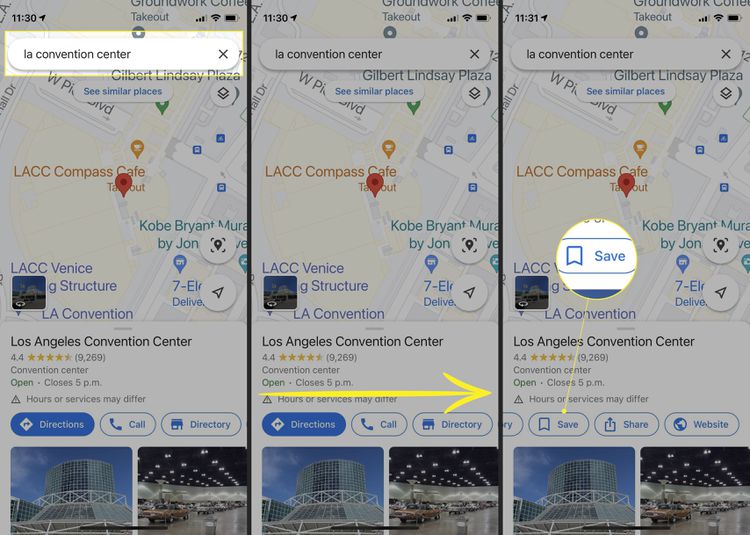
Rather than repeatedly typing addresses, save locations you visit regularly like your gym, grocery store, or favorite restaurant. Most apps allow custom naming for these places, so you can say ‘navigate to Mom’s house’ instead of recalling her street address.
You can also share these saved locations with family members using the same navigation application.
Like Go2Tutors’s content? Follow us on MSN.
Use Alternative Route Options
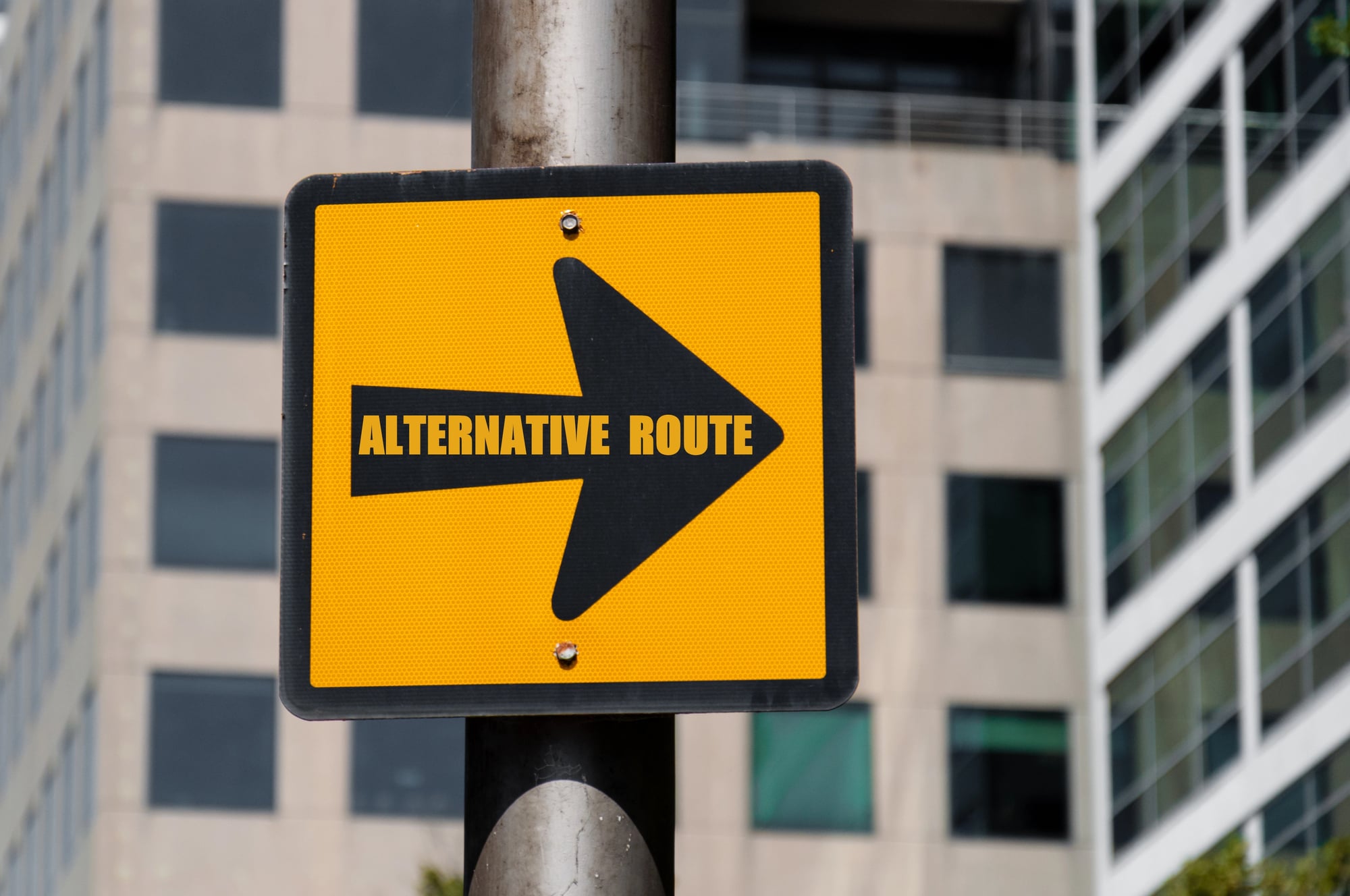
When your GPS suggests a route, take a moment to examine the alternatives it offers. Sometimes the app defaults to highways even when surface streets might be more scenic or less stressful.
Other times, a route that appears longer on the map actually requires less time because it circumvents congested areas.
Turn Off Unnecessary Notifications

GPS apps can become overly verbose, announcing every minor turn and lane change. While detailed directions assist in complex areas, constant notifications can become irritating during straightforward drives.
Most apps allow customization of which announcements you hear, so you can retain important alerts while silencing obvious ones like ‘continue straight for 12 miles.’
Making Navigation Work for You

These GPS capabilities have existed for years, yet most drivers only utilize a fraction of their potential. The distinction between basic navigation and truly helpful guidance often depends on investing time to customize your app’s settings and understanding its full capabilities.
Your smartphone’s GPS essentially functions as a tireless personal navigator that never errs with distances and always knows current traffic conditions — but only when configured to match your actual driving patterns and preferences.
More from Go2Tutors!

- 18 Unexpectedly Valuable Collectibles You Might Have Lying Around
- 20 Little-Known Historical Battles That Had Huge Consequences
- 20 Historical Artifacts That Scientists Can’t Explain
- 15 Inventions That Were Immediately Banned After Being Created
- 20 Actors Who Were Almost Cast in Iconic Roles
Like Go2Tutors’s content? Follow us on MSN.