16 Siri Commands That Save You Time
Your iPhone’s voice assistant doesn’t have to be just a glorified timer-setter or weather reporter. While Siri might not be the smartest assistant on the block, it’s surprisingly good at handling everyday tasks that can shave precious minutes off your daily routine. The trick is knowing which commands actually work reliably and which ones will leave you frustrated.
Most people barely scratch the surface of what Siri can do beyond the basics. Once you discover these time-saving commands, you’ll wonder how you managed without them.
Here’s a list of 16 Siri commands that can genuinely make your day more efficient.
Set Multiple Timers
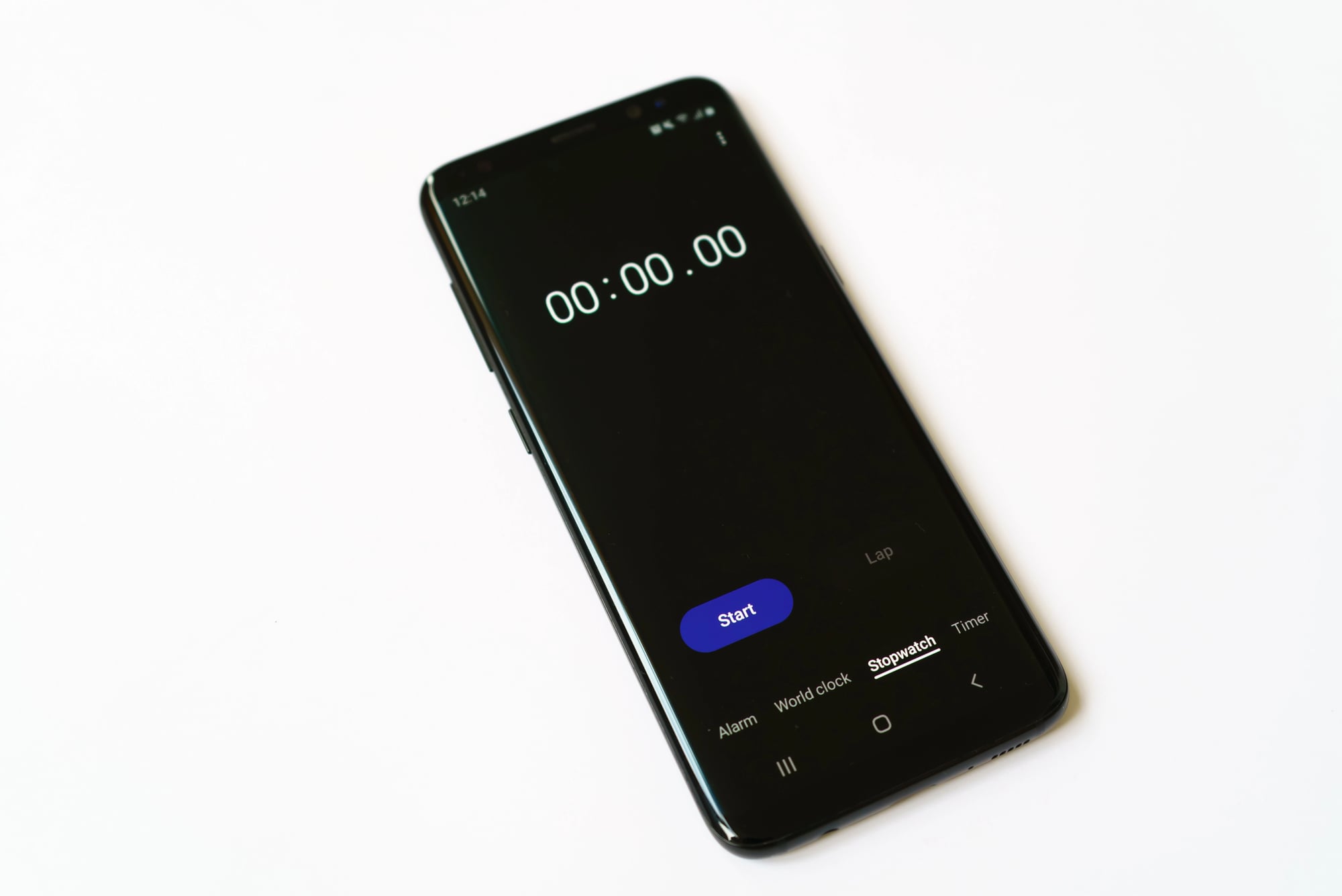
Instead of juggling one timer and trying to remember when different tasks need attention, Siri can manage multiple timers simultaneously. Say ‘Set a pasta timer for 8 minutes’ and ‘Set a laundry timer for 45 minutes,’ and your assistant will keep track of both.
When each timer goes off, Siri announces which specific timer is finished, so you’re never guessing what needs your attention.
Send Texts Without Typing

This command becomes a lifesaver when your hands are occupied with cooking, driving, or carrying groceries. Tell Siri ‘Text Sarah I’m running 10 minutes late’ and your message gets sent without you touching the screen.
The real time-saver comes when you need to send the same update to multiple people—just say ‘Text Mom and Dad that dinner is at 7’ and both messages go out instantly.
Like Go2Tutors’s content? Follow us on MSN.
Create Location-Based Reminders

Regular reminders are useful, but location-based ones are game-changers for busy schedules. Say ‘Remind me to buy milk when I get to the grocery store’ and Siri will ping you the moment your phone detects you’ve arrived.
This works for any location in your contacts or any place Siri recognizes, making it nearly impossible to forget important errands.
Control Your Smart Home

If you’ve got smart lights, thermostats, or other connected devices, Siri becomes your voice-activated control center. Commands like ‘Turn off all the lights’ or ‘Set the temperature to 72 degrees’ work across compatible devices.
The real convenience shines when you’re leaving the house—one command like ‘Good night’ can trigger multiple actions if you’ve set up scenes in your Home app.
Navigate With Detailed Instructions

Skip the hassle of typing addresses into your maps app. Tell Siri ‘Get directions to Mom’s house’ or ‘Navigate to the nearest gas station’ and your route appears instantly.
Siri also understands relative locations, so ‘Get directions home’ works from anywhere, and ‘Find coffee shops near me’ gives you options without any manual searching.
Like Go2Tutors’s content? Follow us on MSN.
Schedule Calendar Events Naturally

Creating calendar appointments through voice is faster than tapping through multiple screens. Say ‘Schedule lunch with Janet for tomorrow at noon’ and Siri creates the event with the right person and time.
The assistant is smart enough to understand context—if you say ‘Move my 2 PM meeting to 3,’ it knows which day you mean and makes the change automatically.
Convert Units and Calculate Tips
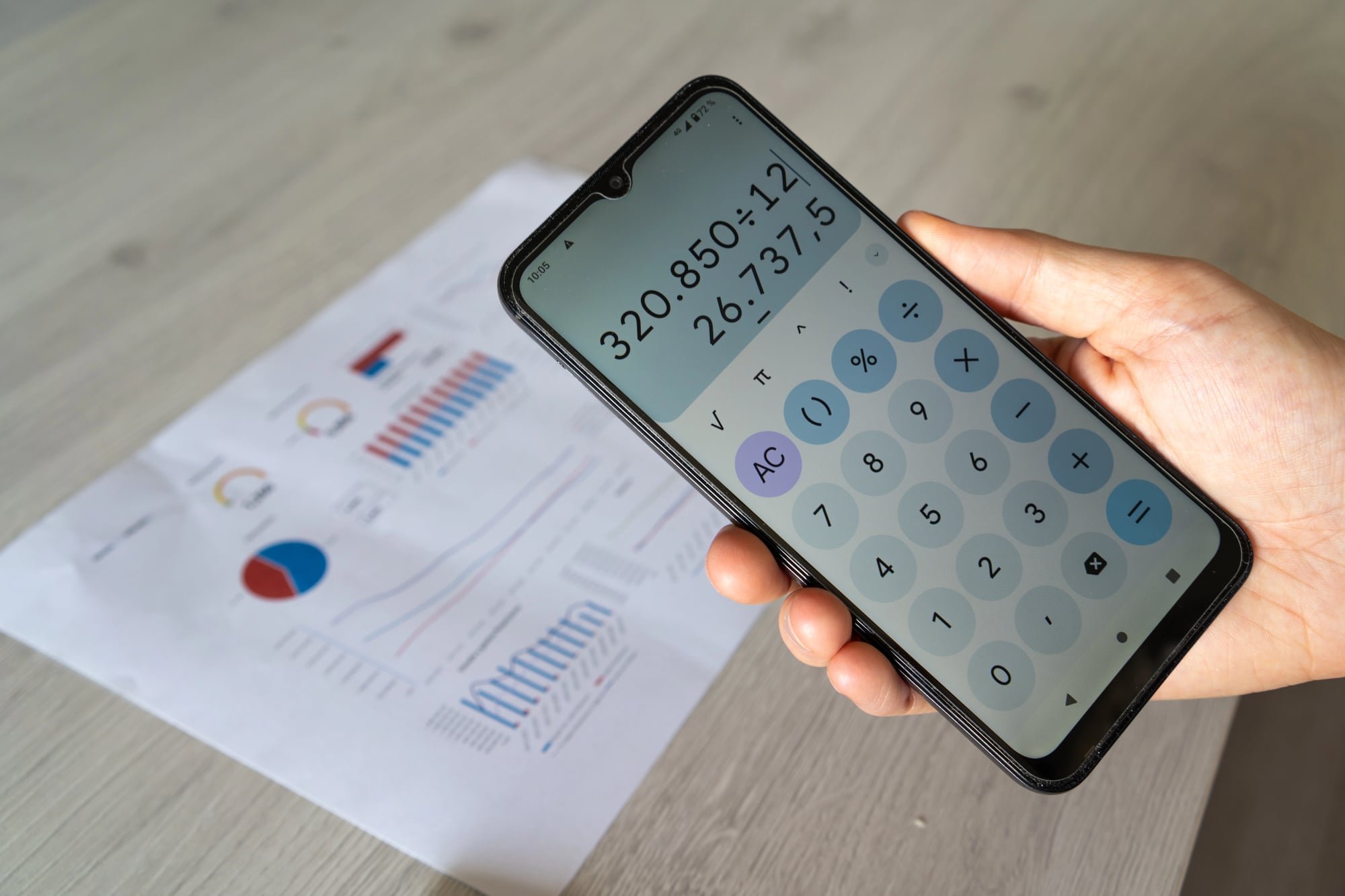
Your phone becomes an instant calculator for everyday math without opening any apps. Ask ‘What’s 18% of 47 dollars’ when figuring out restaurant tips, or ‘Convert 350 degrees Fahrenheit to Celsius’ when following recipes.
Siri handles currency conversions too, making it handy for online shopping or travel planning.
Read New Messages Aloud

When you’re busy but need to stay connected, have Siri read your latest messages without looking at your screen. Say ‘Read my new messages’ and you’ll hear everything that came in recently.
This is particularly useful when you’re exercising, cooking, or doing anything where stopping to read would be inconvenient.
Like Go2Tutors’s content? Follow us on MSN.
Find Your Devices

Apple’s ecosystem shines with this command when you’ve misplaced your iPad, Apple Watch, or AirPods. Tell Siri ‘Find my iPad’ and it will make the device play a sound, even if it’s on silent mode.
This works for any device connected to your Apple ID, turning Siri into a personal search assistant for your gadgets.
Play Specific Playlists or Songs

Music control through Siri saves you from scrolling through endless libraries. Commands like ‘Play my workout playlist’ or ‘Shuffle songs by Taylor Swift’ start your music instantly.
Siri also understands mood-based requests—try ‘Play something relaxing’ or ‘Play upbeat music’ and it will pull from your library or suggest Apple Music options.
Take Notes and Voice Memos Quickly

Capture thoughts and ideas the moment they strike without fumbling with apps. Say ‘Note that I need to call the dentist tomorrow’ and Siri adds it to your Notes app.
For longer thoughts, ‘Start a voice memo’ begins recording immediately, perfect for capturing meeting notes or creative ideas when typing isn’t practical.
Like Go2Tutors’s content? Follow us on MSN.
Get Specific Weather Information

Instead of checking weather apps, ask Siri for exactly what you need to know. ‘Will it rain this afternoon?’ gives you precipitation chances for the next few hours.
‘What should I wear tomorrow?’ provides temperature and weather conditions formatted for planning your outfit. Siri can even tell you sunrise and sunset times for any date.
Make Hands-Free Calls

Calling someone becomes as simple as saying their name when you’re cooking, driving, or have your hands full. ‘Call Mom’ dials immediately if the contact is in your phone.
Siri understands relationships too—once you’ve told it who your mom, dad, or spouse are, these natural commands work perfectly every time.
Create Custom Shortcuts

The Shortcuts app lets you create voice commands for complex tasks that normally take multiple steps. Set up a ‘Going to bed’ shortcut that turns off lights, sets your alarm, and enables Do Not Disturb mode all with one phrase.
These custom commands can automate almost any sequence of actions your iPhone can perform.
Like Go2Tutors’s content? Follow us on MSN.
Control Apple TV and Music

Your voice becomes a remote control for entertainment systems throughout your house. Say ‘Pause Apple TV’ from across the room, or ‘Skip this song’ when music is playing through AirPlay speakers.
This works especially well in kitchens where you might have music playing while cooking and don’t want to touch your phone with messy hands.
Enable Accessibility Features Instantly

Siri can quickly activate features that make your phone easier to use in different situations. ‘Turn on VoiceOver’ helps when you need audio feedback, while ‘Enable guided access’ locks your phone to a single app—useful when handing your device to kids.
‘Make the screen brighter’ or ‘Turn on dark mode’ adjust your display without navigating through settings.
Your Digital Assistant Gets Better With Practice

These Siri commands work best when you use them consistently and naturally. The voice assistant learns your speech patterns and gets better at understanding your specific requests over time.
While Siri might not revolutionize your entire workflow, these practical commands can eliminate dozens of small friction points that add up throughout your day.
Like Go2Tutors’s content? Follow us on MSN.
More from Go2Tutors!

- 18 Unexpectedly Valuable Collectibles You Might Have Lying Around
- 20 Little-Known Historical Battles That Had Huge Consequences
- 20 Historical Artifacts That Scientists Can’t Explain
- 15 Inventions That Were Immediately Banned After Being Created
- 20 Actors Who Were Almost Cast in Iconic Roles
Like Go2Tutors’s content? Follow us on MSN.