16 Smartphone Issues You Can Solve at Home
Your smartphone acts up at the worst possible moments. One minute you’re scrolling through photos, and the next minute your screen freezes or your battery drains faster than water through a sieve. Before you rush to the repair shop or consider buying a new phone, most common smartphone problems have simple solutions you can try right from your couch.
Most smartphone headaches don’t require a tech genius or expensive repairs. Here is a list of 16 smartphone issues you can tackle yourself with a few simple tricks.
Slow Performance

Your phone crawling along like it’s stuck in molasses usually means too many apps are running in the background. Close unused apps by swiping up from the bottom of your screen and swiping away the apps you don’t need.
Think of it like closing browser tabs on your computer – each one uses memory even when you’re not actively using it.
Battery Draining Too Fast

A battery that dies before lunch often points to power-hungry apps working overtime behind the scenes. Check your battery settings to see which apps consume the most power, then either close them or adjust their background activity permissions.
Location services, push notifications, and screen brightness also drain your battery faster than you’d expect.
Frozen Screen

When your screen refuses to respond to touches, it’s like your phone is taking an unexpected nap. Force restart your device by holding the power button and volume down button simultaneously for about 10 seconds until it restarts.
This clears temporary glitches that cause the system to freeze up.
Apps Keep Crashing

Apps that crash repeatedly usually need a fresh start or an update. Close the problematic app completely, then reopen it to see if that fixes the issue.
If crashes continue, check your app store for updates since developers frequently release patches for stability problems.
No Sound from Speakers

Silent speakers often have simpler causes than you might think. Check if your phone is in silent mode, clean out any lint or debris from the speaker openings with a soft brush, and make sure no Bluetooth devices are connected that might be redirecting your audio.
Sometimes the solution is as basic as turning up the volume.
Poor Call Quality

Choppy or muffled calls usually stem from network issues or a dirty microphone. Move to a different location with better signal strength, and gently clean your microphone opening with a dry cotton swab.
Your phone case might also be covering the microphone, so try removing it during calls.
Overheating
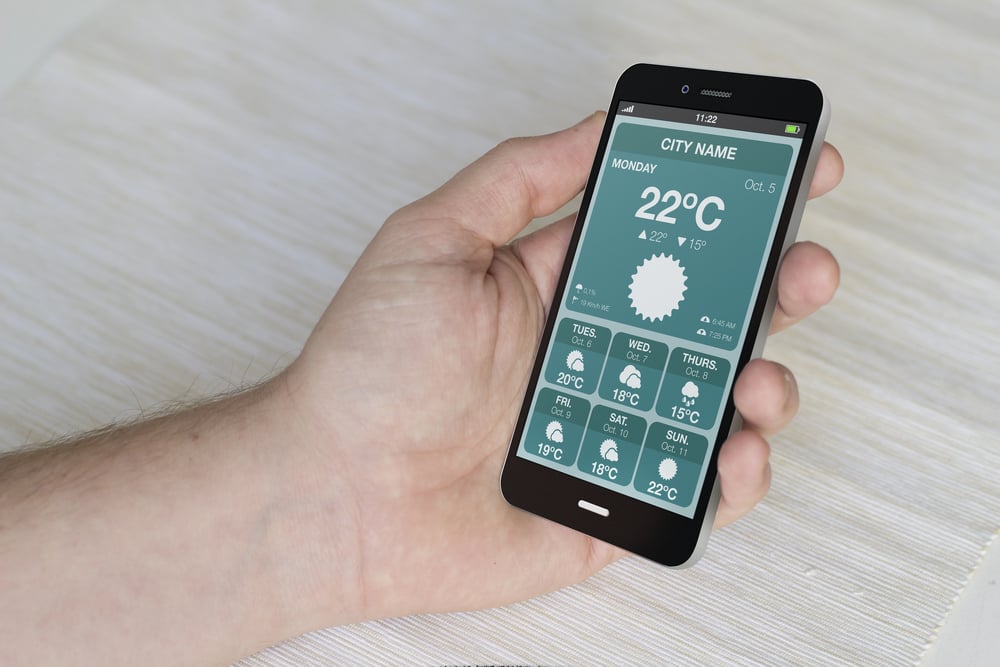
A phone that gets hot enough to fry an egg needs immediate attention to prevent damage. Remove your phone case to improve airflow, close resource-intensive apps, and avoid using your phone while it’s charging.
Direct sunlight and hot cars turn your device into a tiny oven, so keep it in cooler spots.
Storage Full Warning

Running out of storage space is like trying to stuff more clothes into an already packed suitcase. Delete photos and videos you no longer need, remove unused apps, and clear your cache files through your settings menu.
Cloud storage services can automatically back up your photos, freeing up local space.
WiFi Connection Problems
WiFi troubles often resolve by forgetting and reconnecting to your network. Go to your WiFi settings, select your network, choose ‘Forget,’ then reconnect by entering your password again.
This refreshes the connection and clears any corrupted network data your phone might be holding onto.
Screen Won’t Auto-Rotate

A screen stuck in one orientation usually means your rotation lock is enabled or your gyroscope needs recalibrating. Check your quick settings panel for a rotation lock icon and disable it if it’s active.
If that doesn’t work, restart your phone to reset the internal sensors that detect orientation changes.
Bluetooth Won’t Connect
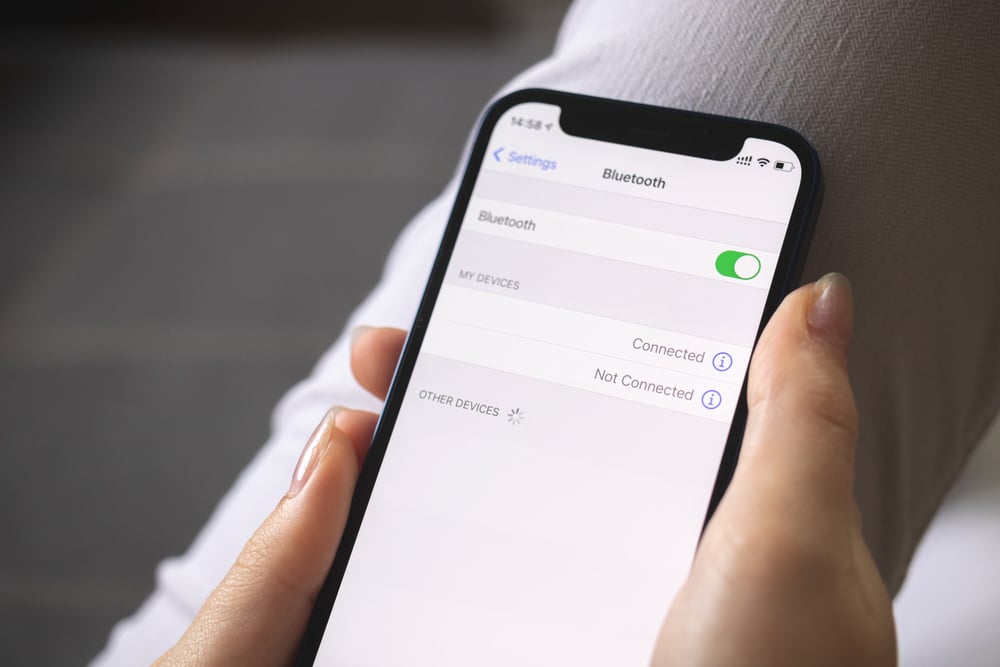
Bluetooth connections act finicky when devices have too much old pairing data stored up. Clear your Bluetooth cache through your phone’s app settings, then try pairing again.
Make sure both devices are close together and in pairing mode, since Bluetooth has a limited range of about 30 feet.
Camera Won’t Focus

A camera that produces blurry photos might just need a clean lens or a simple restart. Wipe your camera lens with a microfiber cloth to remove fingerprints and smudges, then try taking another photo.
Force-closing the camera app and reopening it can also reset any focus issues.
Phone Won’t Charge
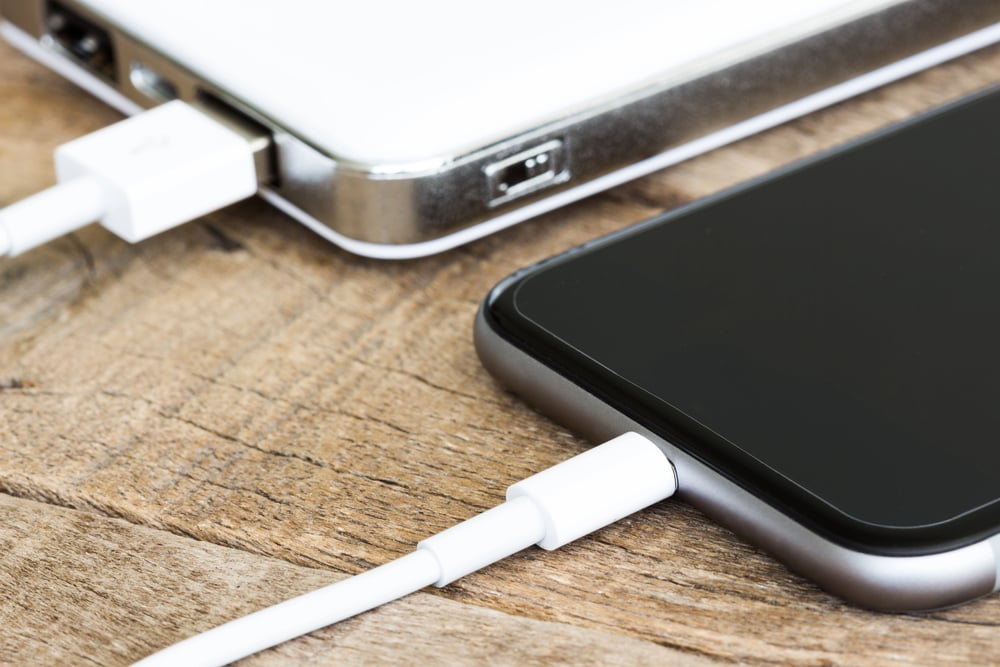
Charging problems often hide in the charging port where lint and debris love to accumulate. Use a toothpick or compressed air to gently clean out your charging port, making sure not to damage the internal connectors.
Try a different charging cable and wall adapter to rule out faulty accessories.
Touch Screen Not Responding

An unresponsive touch screen might have a dirty surface or need a system refresh. Clean your screen with a microfiber cloth to remove oils and debris that can interfere with touch sensitivity.
If cleaning doesn’t help, restart your phone to clear any software glitches affecting touch recognition.
Mobile Data Not Working

Data connection issues often resolve by toggling airplane mode on and off, which forces your phone to reconnect to the cellular network. Check if you’ve exceeded your data limit or if mobile data is disabled in your settings.
Sometimes your carrier experiences outages, so try connecting to WiFi to test if the problem is network-specific.
Phone Keeps Restarting
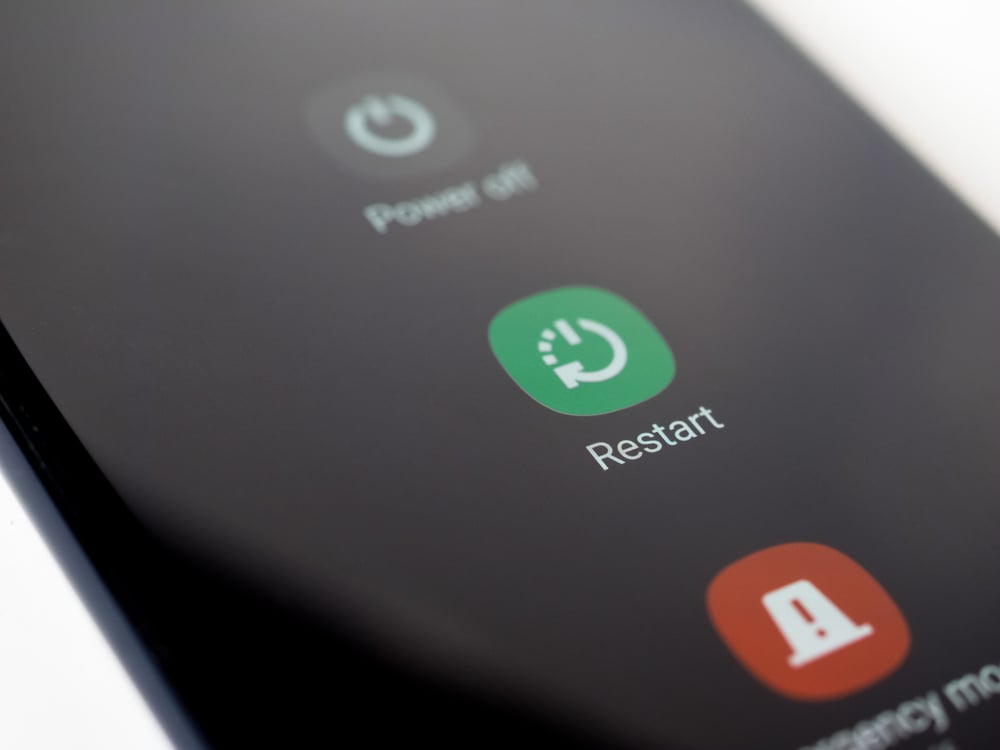
Random restarts usually indicate software conflicts or corrupted files that confuse your phone’s operating system. Update your phone’s software to the latest version, as manufacturers often release fixes for stability issues.
If updates don’t help, try restarting in safe mode to see if third-party apps are causing the problem.
Your Phone’s Second Life
These simple fixes can extend your smartphone’s useful life by months or even years, saving you hundreds of dollars in repair costs or premature upgrades. Technology companies design phones to be replaced frequently, but most common problems have straightforward solutions that don’t require professional intervention.
The next time your phone starts acting up, remember that a few minutes of troubleshooting can often restore it to perfect working condition. Your wallet and your sanity will thank you for trying these solutions before heading to the repair shop.
More from Go2Tutors!

- The Romanov Crown Jewels and Their Tragic Fate
- 13 Historical Mysteries That Science Still Can’t Solve
- Famous Hoaxes That Fooled the World for Years
- 15 Child Stars with Tragic Adult Lives
- 16 Famous Jewelry Pieces in History
Like Go2Tutors’s content? Follow us on MSN.