17 Desktop Widgets Everyone Installed in the 2000s
Do you recall a time when your desktop essentially served as a virtual playground? Everyone transformed their computer screens into customized command centers filled with tools, gadgets, and other digital trinkets during the 2000s, which was the height of desktop customization. It was similar to having a Swiss Army knife composed entirely of pixels, with half of the instruments being both extremely vital and superfluous.
In those days, having a clean desktop meant you weren’t making the most of your computer. You seemed more tech-savvy to friends and relatives who still considered right-clicking to be sophisticated sorcery, the more widgets you had clogging your screen.
Here’s a list of 17 desktop widgets that practically everyone had installed during that magical era of digital excess.
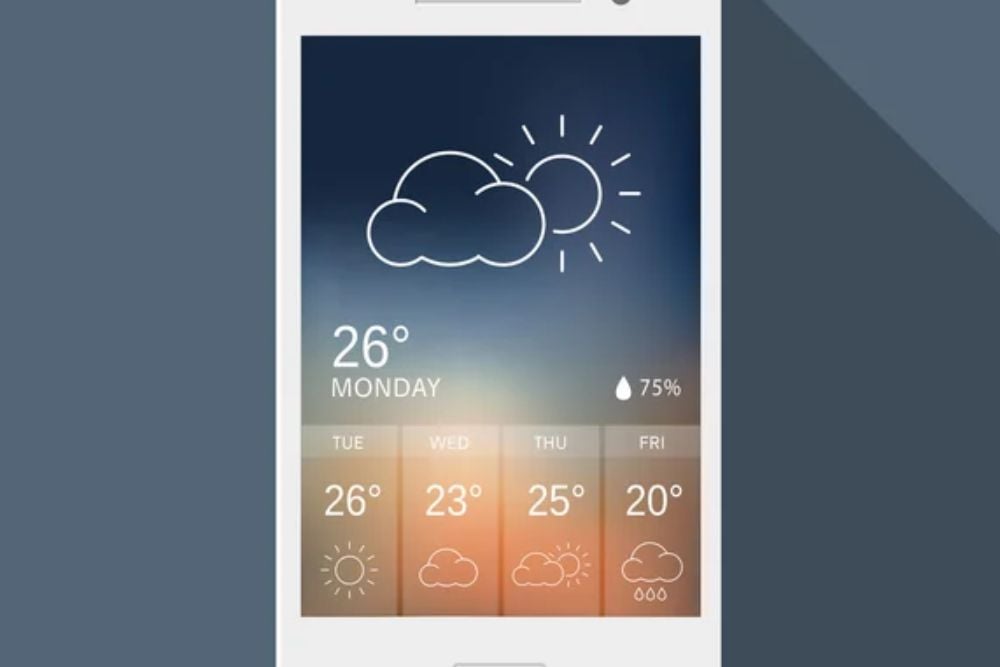
Weather Widget
Nothing says ‘serious computer user’ quite like having your CPU usage, RAM consumption, and hard drive activity constantly visible on your desktop. These widgets turned your computer’s vital signs into a real-time dashboard that made you feel like you were piloting the Starship Enterprise.
The graphs and meters bounced and fluctuated with every program you opened, creating a hypnotic light show that served absolutely no practical purpose for most users. But watching that CPU usage spike when you opened too many browser tabs somehow made you feel more connected to your machine’s digital soul.
Clock and Calendar

Digital clocks on desktop widgets came in more varieties than actual timepieces in a watch store. You could choose analog faces with Roman numerals, futuristic LED displays, or clocks that looked like they belonged in a medieval castle.
Calendar widgets showed upcoming appointments and important dates, though most people used them primarily to confirm what day it was after spending too much time online. The really fancy versions included world clocks showing time zones from major cities, making you feel internationally sophisticated even if you never traveled further than the local mall.
Sticky Notes

Virtual sticky notes replaced the forest of yellow paper squares that used to cover everyone’s monitor bezels. These digital reminders could be customized with different colors, fonts, and sizes, creating a rainbow of important thoughts scattered across your screen.
The best part was never losing them behind other windows or having them fall off your monitor at crucial moments. Some people treated their desktops like a massive bulletin board, covering every inch with color-coded notes that contained everything from grocery lists to profound life observations.
Media Player Controls
iTunes and Windows Media Player controls lived permanently on many desktops, letting you skip tracks and adjust volume without ever opening the actual music application. These widgets typically displayed the current song title, artist, and album artwork in sleek, minimalist designs that made your desktop feel like a professional recording studio.
The visualization features were particularly mesmerizing, with sound waves and frequency displays that danced along to whatever music was playing. Having these controls visible meant you could instantly impress visitors by demonstrating your sophisticated taste in both music and desktop organization.
To-Do Lists

Digital task managers promised to revolutionize personal productivity, though most people used them to remind themselves of things they’d rather forget. These widgets displayed prioritized lists of upcoming deadlines, appointments, and random goals that seemed achievable when typed into a computer.
The satisfaction of checking off completed items became mildly addictive, leading some users to add ridiculously simple tasks just to experience that digital accomplishment feeling. Advanced versions included progress bars and completion percentages that made mundane chores feel like video game achievements.
RSS Feed Readers

Before social media consumed the internet, RSS widgets kept you updated on your favorite websites and blogs without actually visiting them. These scrolling news tickers displayed headlines and brief summaries from multiple sources simultaneously, creating a constant stream of information flowing across your desktop.
Tech enthusiasts and news junkies collected RSS feeds like trading cards, subscribing to dozens of sources that provided everything from breaking news to obscure hobby discussions. The widgets made you feel plugged into the digital zeitgeist, even when most of the updates were completely irrelevant to your actual interests.
Photo Slideshow Widgets

Digital picture frames became desktop accessories long before they existed as standalone devices. These widgets cycled through your favorite photos in elegant slideshows that turned idle computer time into impromptu memory sessions.
The transition effects ranged from simple fades to elaborate 3D rotations that would make PowerPoint presentations jealous. Many people used these widgets to display vacation photos, family pictures, or artistic images that reflected their personalities and interests.
The really sophisticated versions could pull images from online albums or specific folders, creating dynamic displays that updated automatically with new content.
Network and Internet Monitors

Bandwidth usage widgets appealed to anyone who’d ever wondered exactly how much internet they were consuming at any given moment. These tools displayed upload and download speeds in real-time graphs that fluctuated wildly depending on your online activities.
During the era of dial-up connections and early broadband, monitoring your internet usage felt both practical and futuristic. The widgets typically included features for tracking monthly data consumption and identifying which programs were hogging your precious bandwidth.
Some versions even included ping monitors and connection quality indicators that made casual internet browsing feel like network administration.
Calculator
Desktop calculators offered quick number-crunching without opening separate applications, though most people still reached for physical calculators out of habit. These widgets came in various styles, from simple four-function models to scientific calculators with more buttons than a NASA control panel.
The really fancy versions included unit converters, currency exchange rates, and specialized functions for specific professions or hobbies. Having a calculator permanently visible on your desktop created the illusion of mathematical readiness, even if your most complex calculations involved splitting restaurant bills or figuring out gas mileage.
World Clock

Multiple time zone displays made everyone feel like international business executives, regardless of whether they ever communicated with people beyond their immediate area code. These widgets typically showed major cities around the globe with analog or digital displays that updated automatically.
The appeal wasn’t necessarily practical—it was more about the sophisticated worldliness that came with knowing the current time in Tokyo, London, and Sydney simultaneously. Some versions included sunrise and sunset information, moon phases, and other astronomical data that transformed your desktop into a miniature planetarium.
Desktop Organizer
File and folder management widgets promised to tame the chaos of cluttered desktops through categorized containers and quick-access panels. These tools created organized spaces for frequently used documents, applications, and shortcuts without disrupting your carefully arranged wallpaper.
The best versions included search functions and customizable categories that adapted to your specific workflow and habits. Some organizers featured 3D effects and animated transitions that made file management feel like operating futuristic computer interfaces from science fiction movies.
Language Translator
Real-time translation widgets brought the promise of instant communication across language barriers directly to your desktop. These tools allowed quick translation of words, phrases, or entire sentences between dozens of different languages.
The accuracy varied wildly depending on the complexity of the text and the languages involved, often producing hilariously mangled results that defeated the original purpose. Despite their limitations, having translation capabilities readily available made users feel prepared for international correspondence and multicultural encounters that rarely materialized in everyday life.
Battery Monitor
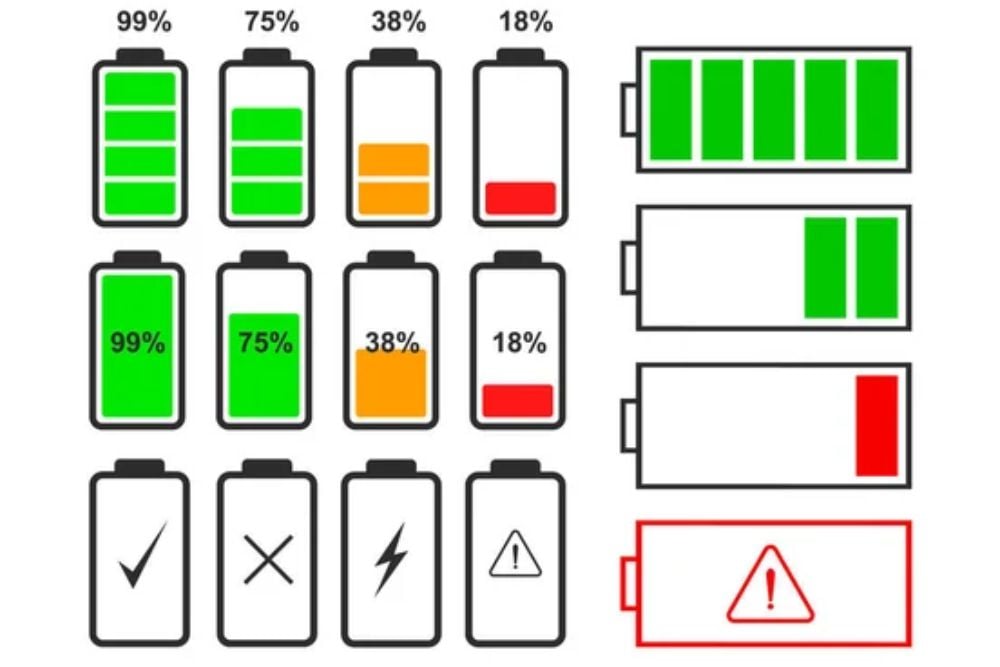
Laptop users obsessed over desktop widgets that displayed battery life, charging status, and power consumption in exhaustive detail. These monitors provided more information about your battery than most people knew what to do with, including charge cycles, voltage levels, and estimated time remaining under current usage patterns.
The widgets often included power management features and optimization suggestions that promised to extend battery life through various technical adjustments. For desktop computer users, these widgets served no practical purpose but somehow felt important anyway, like having a speedometer in a parked car.
Currency Converter

Exchange rate widgets catered to online shoppers, international travelers, and anyone who enjoyed converting prices between different currencies for no particular reason. These tools displayed real-time rates for major world currencies, often updated multiple times throughout the day to reflect market fluctuations.
The conversion calculators made it easy to figure out whether that European gadget was actually a good deal or just seemed affordable due to favorable exchange rates. Some versions included historical charts and trend analysis that transformed casual currency curiosity into amateur foreign exchange monitoring.
Desktop Search

Before operating systems included robust search functions, desktop widgets provided quick ways to locate files, folders, and applications scattered across your hard drive. These tools indexed your computer’s contents and delivered instant results as you typed, making file navigation feel almost magical compared to traditional folder browsing.
The search widgets often included advanced filters for file types, creation dates, and other metadata that helped narrow down results in meaningful ways. Having instant search capabilities accessible from your desktop made large file collections feel manageable and organized, even when they were anything but.
System Shortcuts

Customizable button panels and quick-launch widgets eliminated the need to navigate through multiple menus for frequently used programs and system functions. These tools created personalized control centers filled with icons, buttons, and shortcuts arranged according to individual preferences and workflows.
The really sophisticated versions included categories, sub-menus, and drag-and-drop customization that rivaled professional software interfaces. Some widgets featured animated buttons and visual feedback that made routine computer tasks feel more engaging and interactive than standard desktop interactions.
When Simplicity Became Cool Again

The widget revolution eventually collapsed under its own digital weight, as people realized that cluttered desktops were more distracting than helpful. Modern operating systems absorbed the most useful widget functions into their core interfaces, while smartphones inherited the customization obsession that once defined desktop computing.
Today’s clean, minimalist desktop aesthetic would probably horrify 2000s power users who measured their tech credibility by the number of gadgets crammed onto their screens. Yet those chaotic, widget-filled desktops represented a genuine enthusiasm for digital customization that helped shape how we think about personalized computing experiences.
The spirit of those desktop widgets lives on in smartphone apps, browser extensions, and smart home dashboards that continue to promise ultimate convenience through endless digital tools.
More from Go2Tutors!

- The Romanov Crown Jewels and Their Tragic Fate
- 13 Historical Mysteries That Science Still Can’t Solve
- Famous Hoaxes That Fooled the World for Years
- 15 Child Stars with Tragic Adult Lives
- 16 Famous Jewelry Pieces in History
Like Go2Tutors’s content? Follow us on MSN.