20 Email Etiquette Mistakes to Avoid
Email feels like it should be simple. You type, you send, you move on.
But somewhere between hitting send and the other person reading it, things go wrong. What you meant as brief comes across as rude.
What you thought was clear confuses everyone. And that joke you made falls completely flat.
Professional communication exists in this strange space where you need to sound formal enough to be taken seriously but casual enough to seem human. Most people learn email etiquette through trial and error, making mistakes and adjusting based on responses.
Some mistakes matter more than others. Here are the ones that actually damage your reputation and relationships.
Forgetting the Subject Line

Empty subject lines make your email invisible. People scan their inboxes looking for what matters, and a blank subject tells them nothing.
Your message gets skipped, forgotten, or buried under everything else that arrives later. Subject lines do the work before anyone opens your email.
They sort, prioritize, and signal urgency. Without one, you force the recipient to open an email blind, not knowing if it needs immediate attention or can wait.
That’s annoying. And people remember it as annoying.
Using “Reply All” When You Shouldn’t
You mean to respond to one person. You hit reply all.
Now seventeen people get your message, most of whom don’t need to see it. This happens constantly, and it clogs inboxes with unnecessary messages.
The worst version involves replying all to ask to be removed from the chain. Now everyone gets that request too, often triggering more reply-all responses from others asking the same thing.
The chain spirals. Before you hit send, check who receives your message.
If someone doesn’t need it, remove them.
Writing Vague Subject Lines

“Question” doesn’t tell anyone anything. Neither does “Update” or “Following up.”
These subjects force people to open the email to understand what you want, which defeats the entire purpose of having a subject line. Specific subjects save time.
“Budget approval needed by Friday” tells the recipient exactly what you need and when. “Meeting time changes to 3pm” gives them the information immediately.
Good subjects let people prioritize without opening the email first.
Sending Walls of Text

You open an email and see a solid block of fifteen lines with no breaks. Your eyes glaze over before you finish the first sentence.
Long paragraphs feel overwhelming, and people stop reading. Break your thoughts into smaller chunks.
Each paragraph should cover one idea. White space makes your email readable.
If you find yourself writing more than four or five sentences in a row, split it up. Short paragraphs keep people engaged and make your points clearer.
Using Excessive Exclamation Points
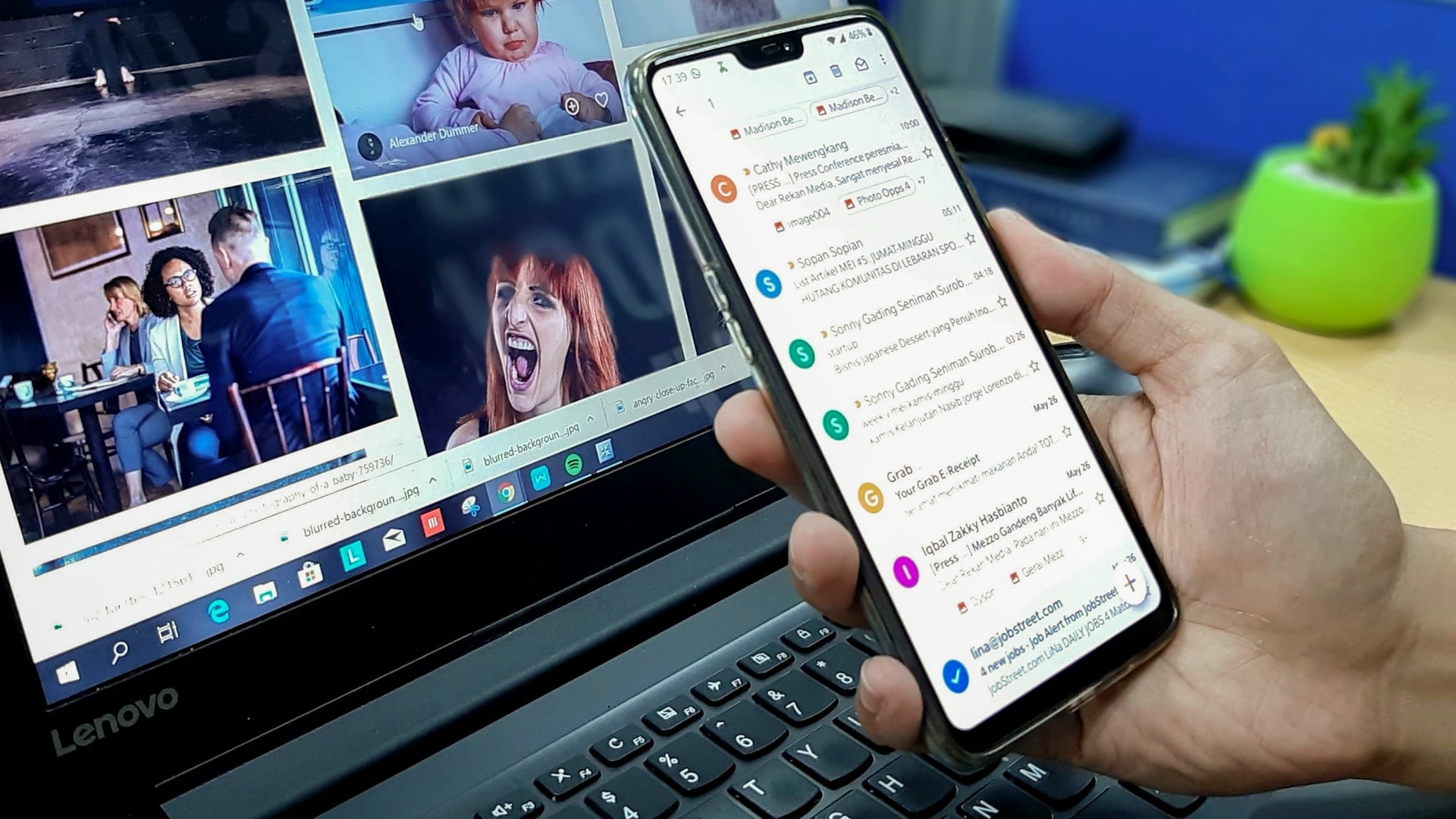
One exclamation point shows enthusiasm. Three looks desperate.
Five makes you seem unhinged. Overusing them diminishes their impact and makes you appear unprofessional.
The same goes for multiple question marks or mixing punctuation together. Your words should carry the emotion, not the punctuation.
If you need three exclamation points to make your point, rewrite the sentence instead.
Forgetting Attachments

You mention the attached file. You explain what it contains.
You hit send. Then you realize the file never got attached.
Now you send a second email apologizing and attaching the file you meant to include the first time. This makes you look careless.
Get in the habit of attaching files before you write the email. That way you can’t forget.
Or mention attachments at the very end of your message as a final reminder to include them before sending.
Using Inappropriate Email Addresses

Your personal email worked fine in college. But “partygirl2000” or “beermaster420” doesn’t belong on job applications or professional correspondence.
First impressions matter, and your email address creates one before anyone reads your message. Set up a professional address using some combination of your name.
It doesn’t need to be creative or memorable. It just needs to sound like an adult uses it.
Save the funny addresses for friends.
Ignoring Tone

Written communication lacks the context of voice and body language. What sounds fine in your head reads differently on screen.
Brevity can seem cold. Direct statements feel harsh.
Attempts at humor fall flat or offend. Read your emails before sending, imagining how they sound to someone who can’t hear your voice or see your face.
If something feels ambiguous, clarify. A single word can change the entire tone.
“No” sounds blunt. “No, but thanks for checking” sounds considerate.
CCing Your Boss on Everything

You want to keep your manager informed. So you copy them on every email, even ones that don’t involve them.
Now they spend time reading messages that waste their attention, and you look like you can’t handle anything independently. CC your boss when they need to be aware of something or when the conversation involves decisions at their level.
Don’t copy them just to cover yourself or prove you’re working. That signals insecurity and creates unnecessary email volume for everyone.
Using All Caps
ALL CAPS READS LIKE SHOUTING. Even when you don’t mean it that way, capitalizing everything makes you seem angry or aggressive.
Your message gets dismissed or triggers defensive responses. Use standard capitalization.
If you need to emphasize something, bold it sparingly or put it in a separate line. Caps lock belongs in acronyms and nowhere else in professional emails.
Responding Too Quickly Without Thinking

Someone sends an irritating email. You fire back immediately, letting them know exactly how you feel.
Then you regret it ten minutes later when you’ve calmed down and realized your response made things worse. Give yourself time before responding to emails that trigger strong reactions.
Save the draft and come back to it later. The delay helps you write something professional instead of something emotional.
Damage control takes more time than thinking before sending.
Being Too Casual With New Contacts

You match the energy of your existing colleagues, using informal language and familiar greetings. That works with people who know you.
But when emailing someone for the first time, excessive casualness can seem disrespectful or unprofessional. Start formal and adjust based on how they communicate.
You can always become more casual once you’ve established a rapport. Going the other direction feels awkward and suggests you realized you made a mistake.
Asking Questions You Could Easily Find Answers To

Email isn’t Google. Before asking someone what time the meeting starts, check the calendar invite.
Before asking for a document, check if they already sent it. Before asking for information, see if you can find it yourself.
People notice when you ask questions out of laziness rather than necessity. It shows you didn’t put in basic effort before taking their time.
Reserve emails for questions that genuinely require another person’s input or knowledge.
Using Humor That Doesn’t Translate
Sarcasm dies in text. What’s obviously a joke when spoken becomes confusing or offensive when written.
Cultural references don’t land with everyone. Inside jokes exclude people who don’t get them.
Keep humor light and obvious in professional emails. If you’re not completely certain it will land well, leave it out.
The risk of being misunderstood outweighs the benefit of being funny. Save the comedy for face-to-face conversations where tone provides context.
Not Proofreading

Typos happen to everyone. But sending emails filled with spelling errors, wrong names, or garbled sentences makes you look careless.
One mistake people forgive. Pattern mistakes damage your credibility.
Read your email before sending. Spell-check catches obvious errors but misses things like using the wrong person’s name or writing “your” when you mean “you’re.”
A quick review takes ten seconds and prevents easily avoidable mistakes.
Marking Everything as Urgent

Real urgency gets attention. False urgency gets ignored.
If you mark every email as high priority or urgent, people stop believing you when something actually matters. Save urgent flags for genuine emergencies and time-sensitive situations.
Otherwise, your messages go straight to the bottom of the pile because the recipient knows you cry wolf. Let the content determine priority, not artificial markers.
Sending Emails Late at Night

You’re working at midnight and remember something you need to send. You write and send it immediately.
Now it appears in someone’s inbox at 12:47 AM, suggesting you expect them to be working at that hour too. Schedule emails to send during business hours.
Most email clients let you delay delivery. This shows respect for other people’s time and boundaries while still letting you clear tasks when they come to mind.
Not Knowing When to Stop Emailing

Some conversations need voices, not keyboards. After three back-and-forth exchanges without resolution, email stops working.
The conversation gets tangled, tone gets misread, and more messages just add confusion. Pick up the phone or schedule a quick call.
Five minutes of talking accomplishes what twenty emails can’t. Email works for sharing information and making straightforward requests.
Complex discussions need real-time conversation.
Forwarding Without Context

You forward an entire email chain without explaining why or what the person should do with it. They read through fifteen messages trying to figure out what you want.
Eventually they email back asking, which means another exchange that could have been avoided. Add a note at the top explaining the situation.
“Sarah, can you review the proposal in the chain below and let me know your thoughts by Thursday?” gives clear context and expectations.
Two sentences save everyone time.
Using Generic Greetings for Personal Requests

You need a favor. You want someone to go out of their way to help you.
But your email starts with “To whom it may concern” or “Dear Sir/Madam.” The generic greeting tells them you didn’t care enough to learn their name.
Use people’s names. If you don’t know it, find it.
Generic greetings work for general inquiries to company email addresses. Personal requests require personal addresses.
The small effort shows respect and increases the chance they’ll help you.
The Invisible Line Between Professional and Personal

Email mistakes aren’t just about breaking rules. They reveal how you think about other people’s time, attention, and needs.
Every message you send either builds or erodes trust. Professional doesn’t mean stuffy or formal.
It means being clear, considerate, and competent. The best email communicators make it look effortless.
Their messages get read, understood, and acted on. They don’t achieve this through tricks or templates.
They think about what the other person needs to know and deliver it clearly. That’s the real skill, and it matters more than any rule about subject lines or signatures.
More from Go2Tutors!

- The Romanov Crown Jewels and Their Tragic Fate
- 13 Historical Mysteries That Science Still Can’t Solve
- Famous Hoaxes That Fooled the World for Years
- 15 Child Stars with Tragic Adult Lives
- 16 Famous Jewelry Pieces in History
Like Go2Tutors’s content? Follow us on MSN.