16 Hidden Features Programmed Into Your Smart TV
Smart TVs have become the silent workhorses of modern entertainment, but most people barely scratch the surface of what these devices can actually do. Beyond streaming Netflix and adjusting volume, there’s a whole layer of functionality tucked away in menus, waiting behind key combinations, or running quietly in the background.
These aren’t marketing gimmicks or experimental add-ons — they’re genuine features that someone took the time to program, test, and ship with your television. The question is whether anyone bothers to find them.
Screen Mirroring Without Apps
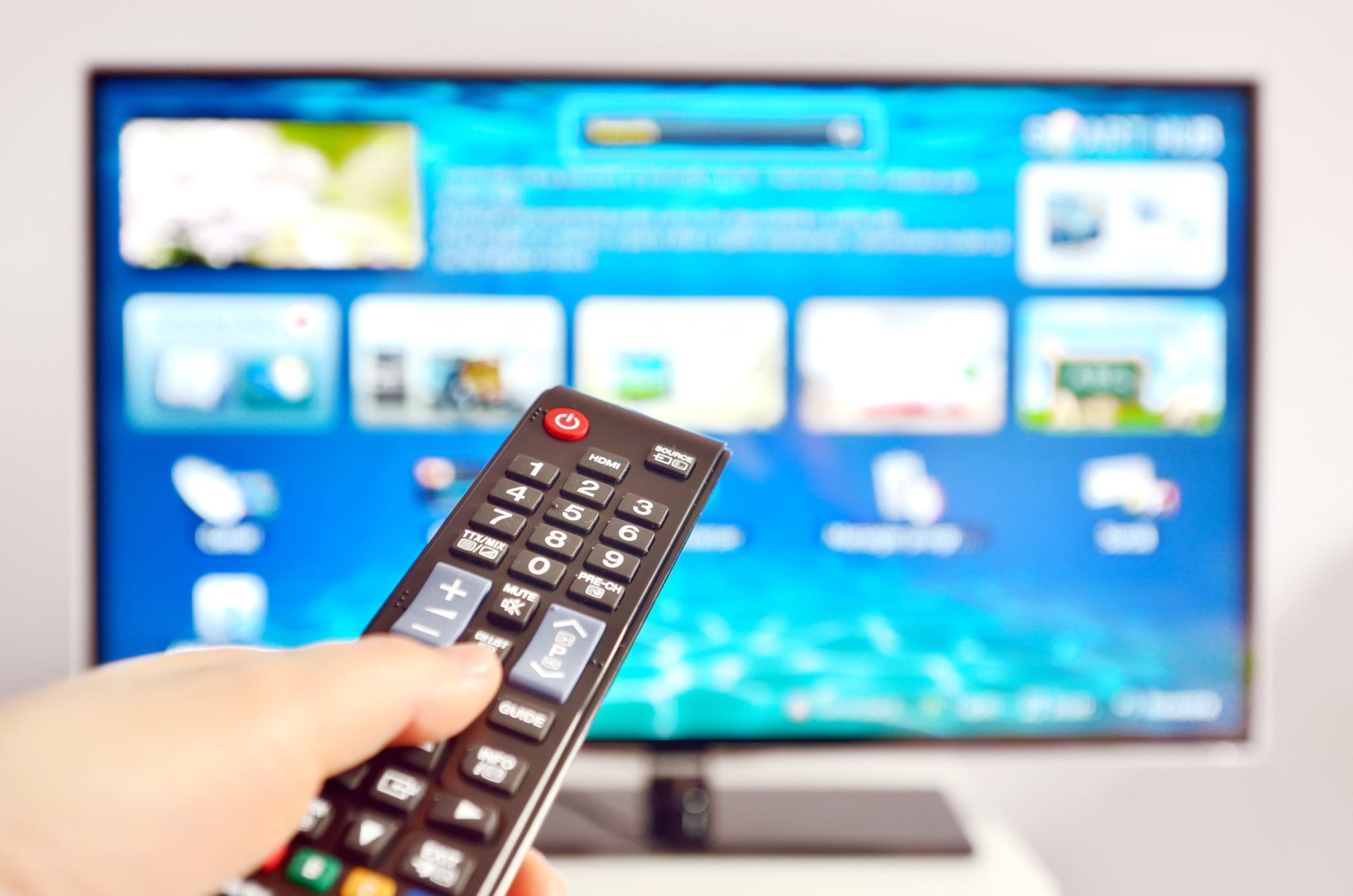
Most people think they need special software to mirror their phone to their TV. Wrong. Nearly every smart TV made after 2018 has built-in wireless display protocols that work directly with your devices.
Android phones use Miracast, iPhones use AirPlay, and both connect without downloading anything. The feature hides in different menu locations depending on your TV brand, but it’s there.
Samsung calls it Smart View, LG calls it Screen Share, Sony calls it Screen Mirroring. Same function, different names.
Developer Mode Access

Here’s something that feels like a secret handshake: most smart TVs can be switched into developer mode, which unlocks diagnostic tools and advanced settings that regular users never see. The process varies by manufacturer (Samsung requires you to press specific remote buttons in sequence, while Roku TVs need you to press Home five times, then rewind, fast forward, and other buttons), but once activated, you get access to frame rate displays, network diagnostics, and memory usage monitors that can actually help troubleshoot performance issues.
And the thing is, these modes exist because the engineers who built these TVs needed ways to test and debug them — which means the tools they used are sitting right there in your living room, waiting for the right button combination.
Gaming Mode Enhancements
Gaming mode isn’t just about reducing input lag anymore. Modern smart TVs include frame rate matching that automatically adjusts the display refresh rate to match whatever your console is outputting, variable refresh rate support that eliminates screen tearing, and automatic HDR switching that activates high dynamic range when games support it.
The interesting part is that many TVs detect gaming consoles automatically and switch these features on without telling you. Connect a PlayStation 5, and your TV might be making dozens of picture adjustments in real-time that you never knew were happening.
Voice Control Beyond the Remote

Smart TVs listen for wake words even when the remote is nowhere near you — assuming the feature is enabled, which it often isn’t by default. Samsung TVs respond to “Hi Bixby,” LG uses “Hi LG,” and Android TVs work with “Hey Google.”
But here’s what’s genuinely useful: these systems can control other smart home devices connected to the same network. So that voice command you’re giving to your TV might also be turning off your lights, adjusting your thermostat, or locking your front door, assuming everything’s properly configured and talking to each other.
The setup process tends to be buried three menus deep (manufacturers seem convinced that people want to discover this organically rather than being told it exists upfront), but once activated, your TV becomes something closer to a smart home hub than just a display. Which makes sense, given that it’s probably the largest screen in your house and definitely the one with the most powerful speakers.
Automatic Content Recognition
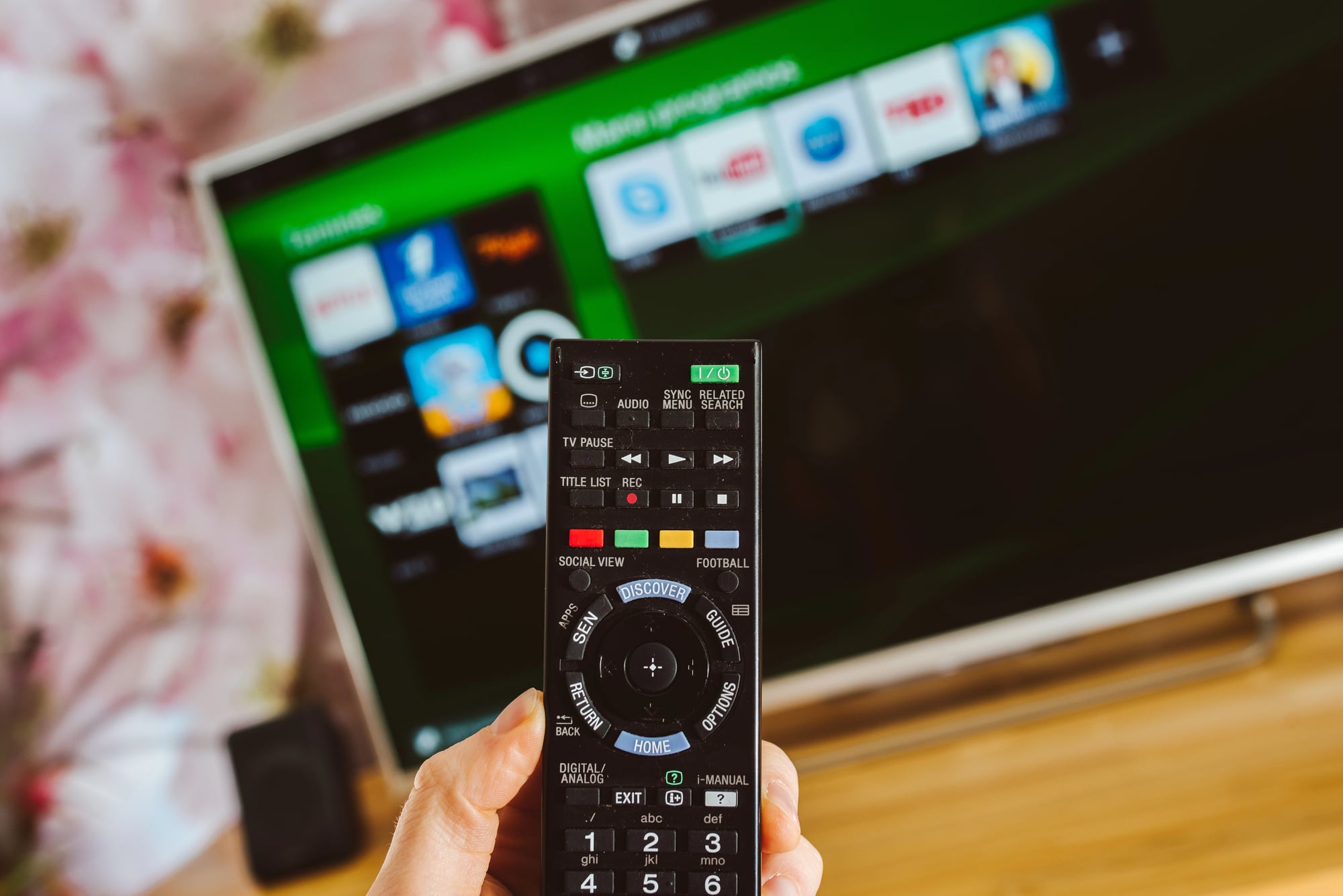
This one operates like a persistent, curious neighbor. Your smart TV is constantly analyzing what appears on screen — not just from streaming apps, but from cable boxes, gaming consoles, and any other connected device.
The system identifies movies, shows, commercials, and even video games, then uses that information to serve targeted ads, suggest related content, or provide additional information about what you’re watching. The feature goes by different names: Samsung calls it SyncPlus, LG calls it Live Plus, Vizio calls it Inscape.
All of them do essentially the same thing — watch what you watch and build a profile from it. Most people have no idea this is happening.
The feature enables itself during initial setup, buried in privacy settings that most users click through without reading.
Picture-in-Picture for Multiple Inputs
Modern smart TVs can display two video sources simultaneously, which sounds basic until you realize how flexible the implementation has become. Watch Netflix while monitoring a security camera feed, keep a news channel running in the corner while gaming, or follow two different sports events at once.
The feature works with any combination of inputs: streaming apps, cable TV, gaming consoles, or devices connected via HDMI. Some TVs even let you resize and reposition the secondary window wherever makes sense for what you’re doing.
Built-in Web Browsers
Every smart TV ships with a web browser, though manufacturers rarely advertise this fact and the browsers themselves tend to be fairly basic. Still, they work well enough for checking email, reading news, or looking up information about whatever show you’re watching — all without switching devices or picking up your phone.
The browsers support standard web technologies, handle video playback from most sites, and can even run simple web applications. Navigation happens through your TV remote, which feels clunky at first but becomes workable once you get used to it.
Ambient Light Sensors
Smart TVs constantly measure room lighting and adjust screen brightness automatically, but the sensors do more than basic brightness control — they actually analyze the color temperature of ambient light and adjust the TV’s white balance to compensate for warm incandescent bulbs, cool fluorescent lights, or natural daylight streaming through windows.
The adjustments happen gradually enough that most people never notice them occurring, which is precisely the point: the TV is supposed to look consistent regardless of lighting conditions, and these sensors make that possible without any input from the user.
But here’s where it gets interesting: some TVs use this data to switch between different picture profiles automatically, activating cinema mode in dark rooms and switching to brighter, more saturated settings when lights are on. The system learns your lighting patterns over time and starts anticipating changes before they happen.
Sleep Timers and Wake Schedules
Smart TVs can turn themselves on and off according to schedules that go far beyond basic sleep timers. Set your TV to power on at specific times with predetermined channels or apps already loaded.
Program different wake-up routines for weekdays versus weekends. Schedule automatic shutoffs that account for different viewing patterns throughout the week.
The systems are sophisticated enough to distinguish between active viewing and background noise, automatically extending or shortening timers based on whether someone appears to actually be watching.
Motion Smoothing Controls
Motion smoothing — that soap opera effect that makes movies look weird — can be fine-tuned far beyond simple on/off settings. Most smart TVs include separate controls for different types of content, with custom smoothing levels for sports, movies, and TV shows.
The really hidden feature is that many TVs can detect content types automatically and apply appropriate smoothing without manual intervention. Sports get aggressive smoothing to make fast motion clearer, while movies get minimal processing to preserve the filmmaker’s intended look.
Network Diagnostics and Optimization

Smart TVs include built-in tools for testing network performance, analyzing Wi-Fi signal strength, and optimizing streaming quality based on available bandwidth. These tools can identify network bottlenecks, suggest better router placement, and even recommend specific streaming quality settings for different apps.
Some TVs go further, automatically switching between Wi-Fi and ethernet connections based on which provides better performance at any given moment.
Parental Controls Beyond Content Blocking

Modern parental control systems do more than block inappropriate content — they can limit viewing time for specific apps, set different restrictions for different user profiles, and even monitor viewing habits to identify potential issues like excessive screen time or age-inappropriate content consumption.
The systems can send reports to parent devices, automatically enforce bedtime restrictions, and temporarily override restrictions when parents enter PIN codes.
Audio Enhancement for Hearing Impairments

Smart TVs include sophisticated audio processing designed to help people with hearing difficulties, but these features benefit anyone watching in challenging audio environments. Speech enhancement algorithms can isolate dialogue from background music and sound effects, making conversations clearer without requiring higher overall volume.
Some TVs can also convert dialogue to visual cues, providing real-time transcription that goes beyond traditional closed captions.
Energy Usage Monitoring

Smart TVs track their own power consumption and can provide detailed reports about energy usage patterns. The systems identify which features consume the most power, suggest settings changes to reduce electricity usage, and can even calculate approximate monthly operating costs based on local energy rates.
Some models can integrate with smart home energy management systems, automatically adjusting picture settings during peak rate periods or powering down non-essential features when household energy usage is high.
Universal Remote Learning

Modern smart TV remotes can learn commands from other remote controls, effectively replacing multiple devices with a single controller. The process involves pointing your cable box remote at your TV remote and pressing buttons in sequence, allowing the TV remote to capture and replicate the infrared commands.
Beyond basic device control, smart TVs can create custom macros that execute multiple commands with single button presses — like turning on your sound system, switching to the correct input, and launching a specific app all at once.
Automatic Software Updates and Rollbacks

Smart TVs download and install software updates automatically, but they also maintain previous firmware versions and can roll back to earlier software if newer updates cause problems. The rollback feature typically requires specific button combinations during startup, but it can restore functionality when updates break existing features.
Some TVs also include beta testing programs that let users try experimental features before they’re released to the general public, though participation usually requires manual enrollment through developer menus.
The Quiet Revolution in Your Living Room
These features represent a fundamental shift in how televisions work — from passive displays to active computing platforms that adapt, learn, and optimize themselves continuously. The most remarkable thing isn’t that these capabilities exist, but that they operate so transparently that most people remain completely unaware of them.
Your TV is constantly making decisions, gathering data, and adjusting its behavior based on how you use it, which means the device you think you know is actually far more sophisticated than it appears to be.
More from Go2Tutors!

- The Romanov Crown Jewels and Their Tragic Fate
- 13 Historical Mysteries That Science Still Can’t Solve
- Famous Hoaxes That Fooled the World for Years
- 15 Child Stars with Tragic Adult Lives
- 16 Famous Jewelry Pieces in History
Like Go2Tutors’s content? Follow us on MSN.