Phone Functions You Never Knew
Phones have become a part of everyday life, and most people use them for calls, messages, and apps. But beyond the basics, phones have hidden features that can make life easier or more fun. Some of these functions are tucked away, waiting to be discovered.
Curious to learn some neat tricks that your phone can do? Here are 19 phone functions that might surprise even the most experienced users.
Screen recording without extra apps

Many phones now let users record their screen without downloading anything new.
Whether it’s to save a video chat or show someone how to use an app, screen recording captures it all. Just look for the screen record button in the control panel or quick settings, and you’re ready to go.
Use your phone as a ruler

Did you know you can measure small objects with your phone? Some phones come with built-in measuring tools that use the camera and sensors.
Simply open the app, point the camera at what you want to measure, and get instant results. It’s perfect for quick measurements when no ruler is nearby.
Like Go2Tutors’s content? Follow us on MSN.
Quickly access the camera

Taking a photo fast is important sometimes. Phones let you open the camera without unlocking the device fully.
On many phones, pressing the power or volume button twice will launch the camera instantly. This way, no moment gets missed.
Send emergency alerts easily
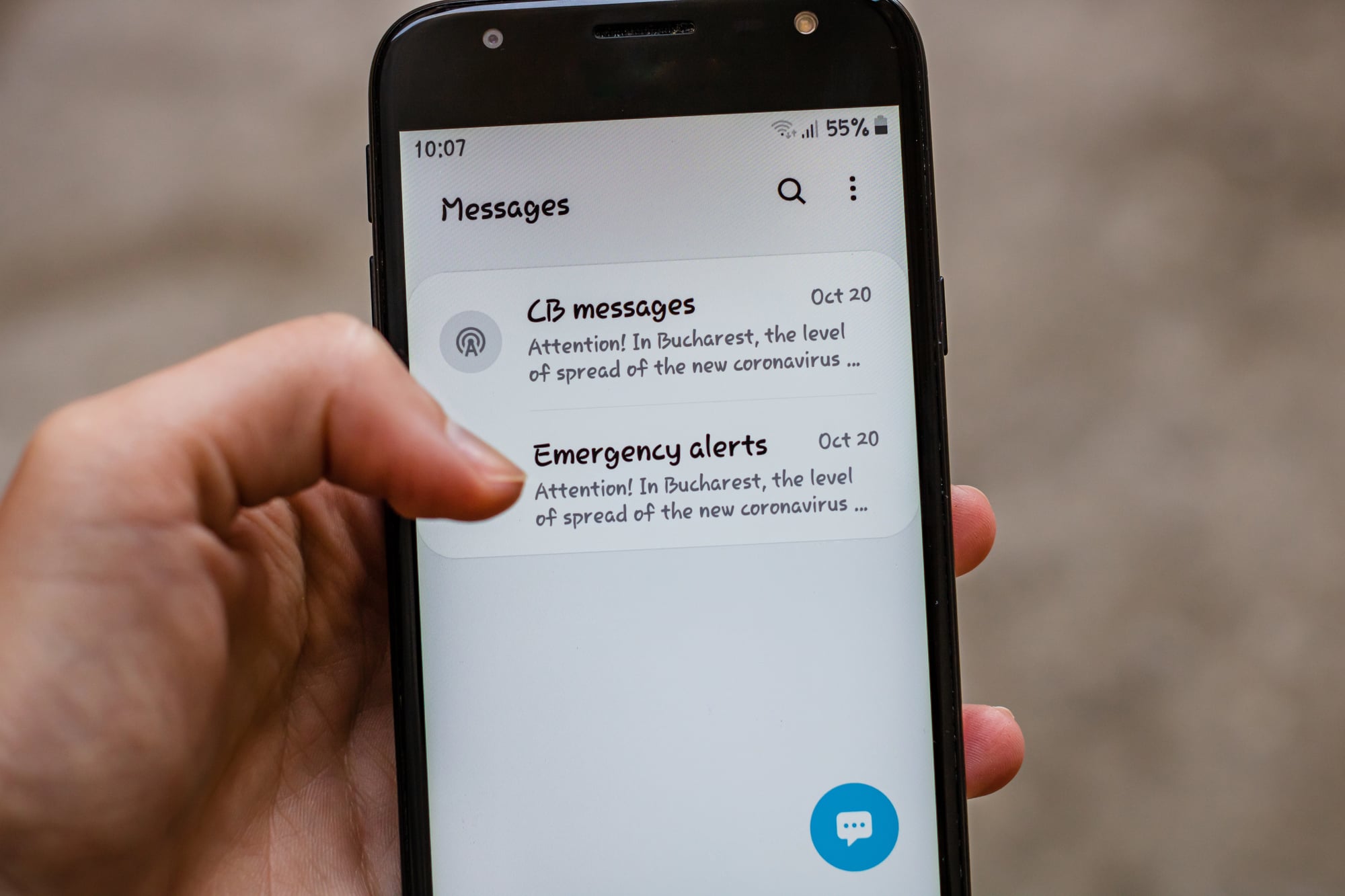
Phones have an emergency feature that lets users send their location and alerts quickly to trusted contacts or services.
By pressing the power button several times or using a special shortcut, help can be called without needing to dial. This safety feature can be a lifesaver in tricky situations.
Use voice commands to control your phone

Voice assistants like Siri, Google Assistant, or Alexa allow hands-free control.
Just say a command like “Call Mom” or “Set an alarm” and the phone will do it. This is great when your hands are full or you’re on the move.
Like Go2Tutors’s content? Follow us on MSN.
Turn the phone into a flashlight

It’s easy to find a flashlight function on phones. Usually, it’s hidden in the quick settings or control center.
Tap the flashlight icon, and the phone’s camera flash turns on bright. Perfect for finding things in the dark or when the power goes out.
Pin important apps or notes
Some phones allow pinning apps or notes so they stay on top or are easy to find.
This helps if you frequently use a specific app or want to keep important information visible. It’s a handy way to stay organized without searching.
Customize vibration patterns
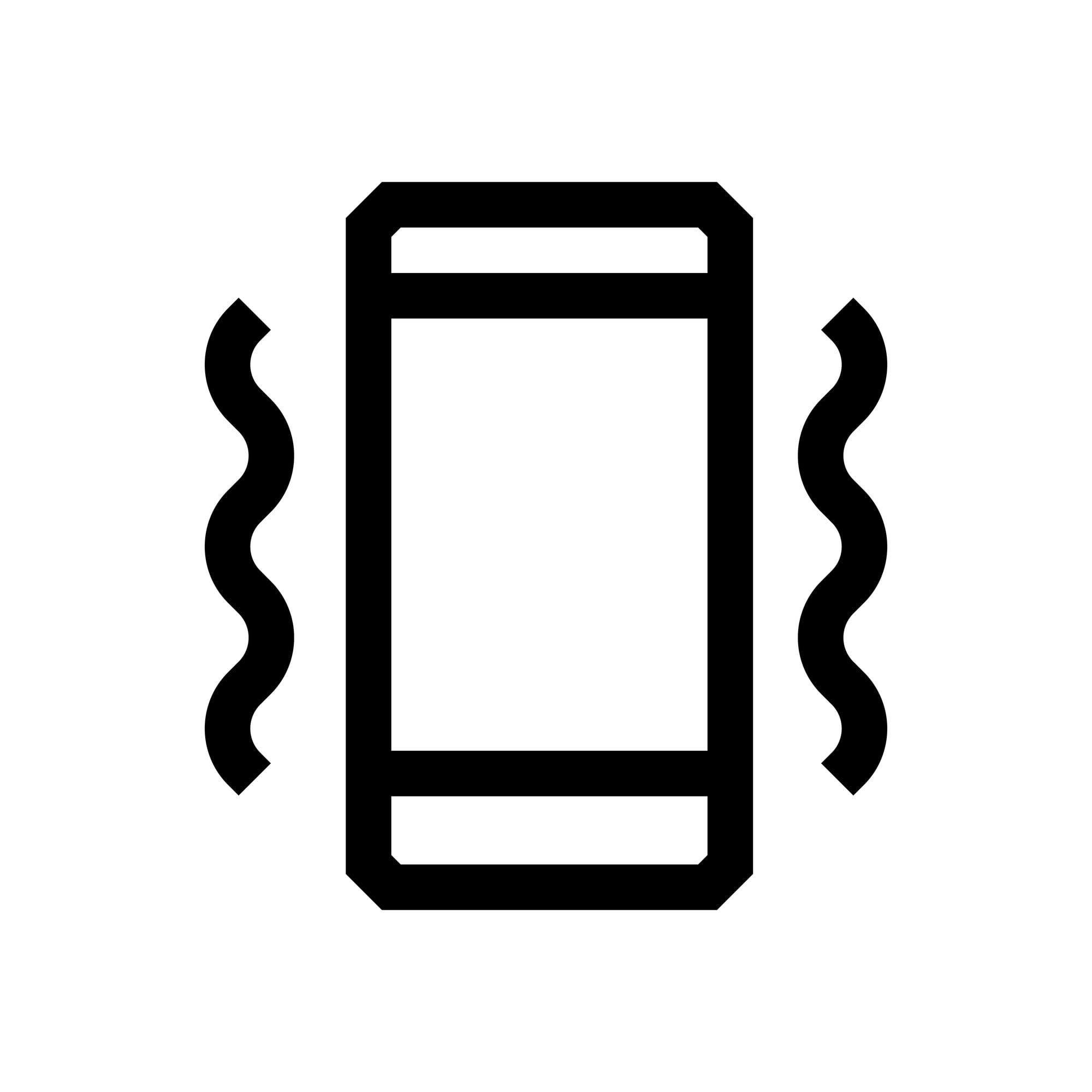
Beyond sound alerts, phones let users customize vibration patterns for calls or messages.
This means you can tell who is calling or texting just by the way the phone vibrates. It’s a useful feature for noisy places or when silent mode is on.
Silence unknown callers automatically
Some phones can detect and block calls from numbers not in your contacts.
This helps reduce spam calls and unwanted interruptions. You can enable this setting in call or phone app options for peace of mind.
Like Go2Tutors’s content? Follow us on MSN.
Turn your phone into a hotspot
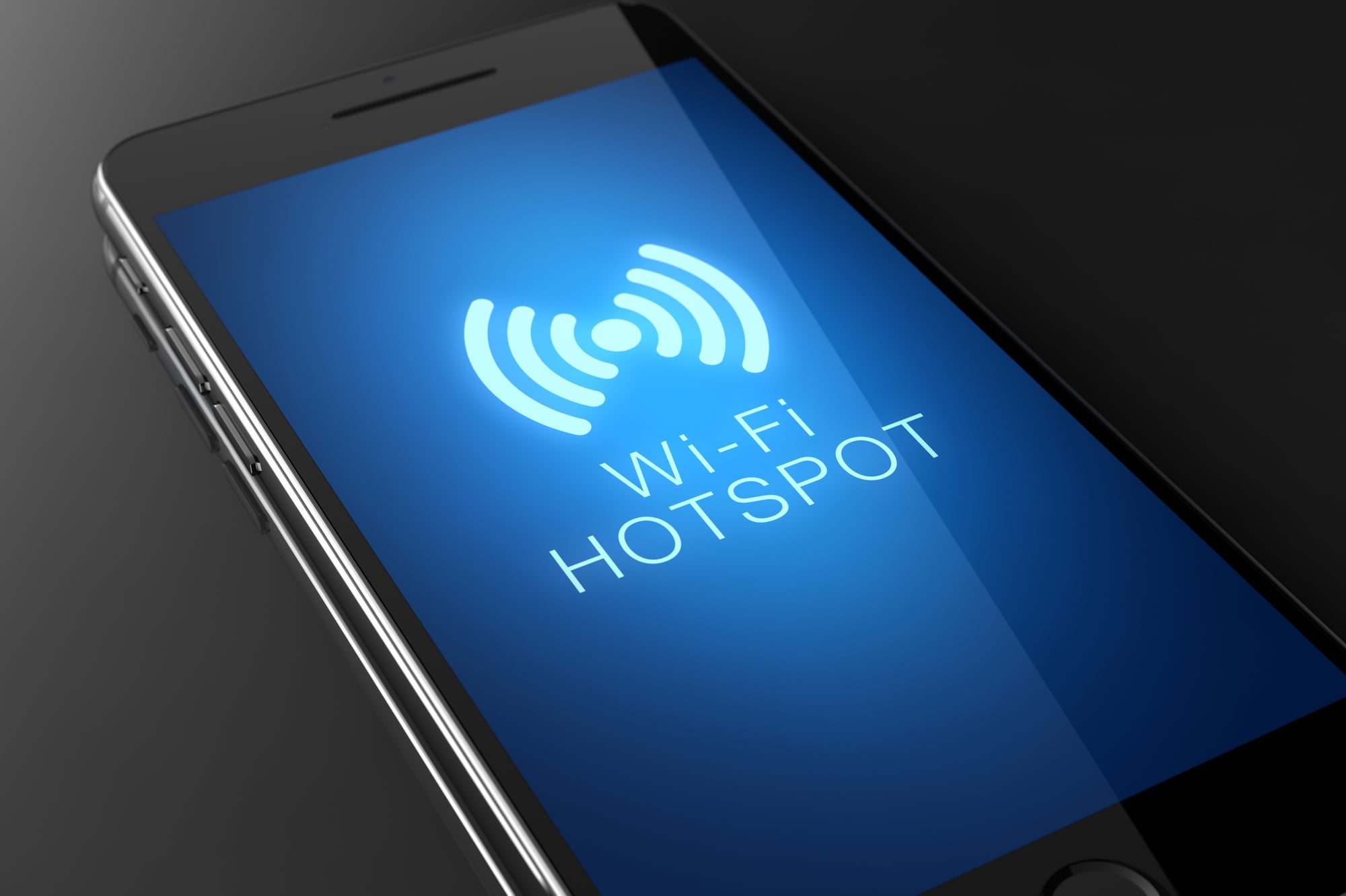
When Wi-Fi is unavailable, phones can share their internet connection with other devices.
Turning on the hotspot feature lets laptops or tablets connect to the internet through your phone’s data plan. This can be a real lifesaver on the go.
Schedule Do Not Disturb mode
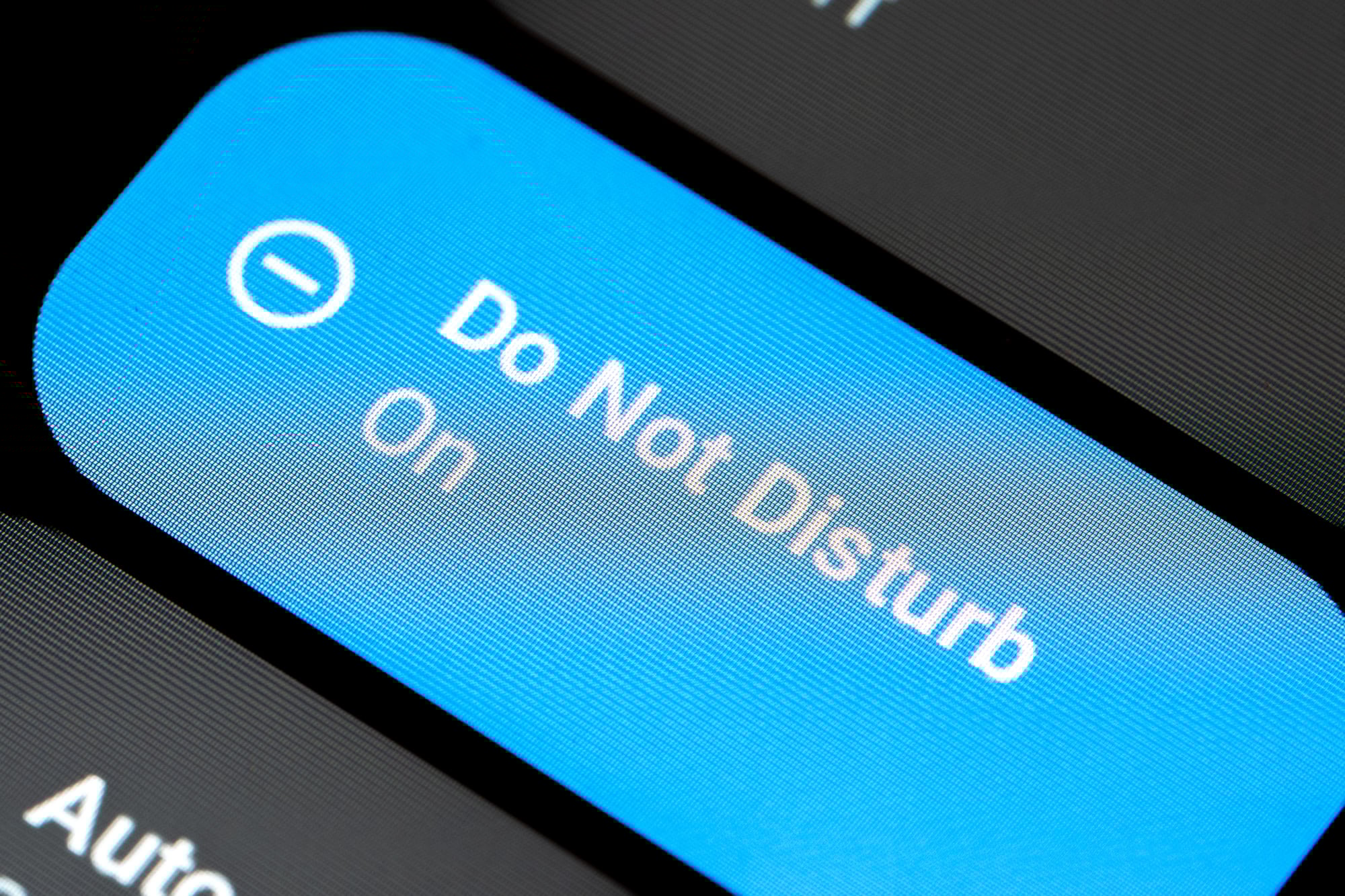
Phones allow users to set times when notifications and calls are silenced automatically.
This is perfect for sleep hours, meetings, or focused work time. Instead of turning off sounds manually, scheduling makes it automatic.
Easily undo typing mistakes

If typing gets messy, shaking the phone can undo the last action on many devices.
This quick way to erase mistakes saves time compared to pressing backspace repeatedly. It’s a simple trick that many people don’t know about.
Like Go2Tutors’s content? Follow us on MSN.
Check battery usage by apps
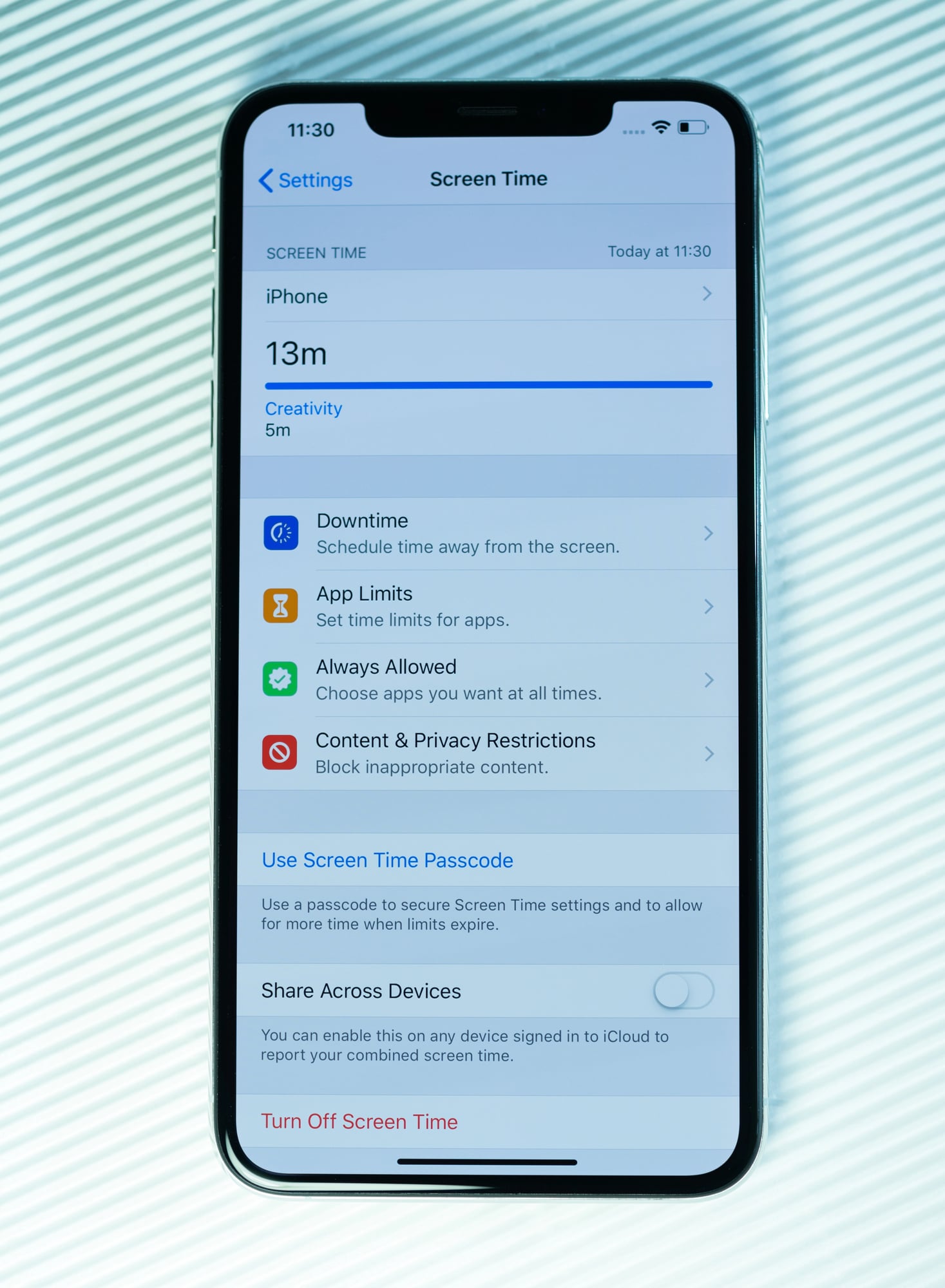
Phones show which apps use the most battery in the settings.
This helps identify energy-draining apps so users can close or uninstall them to save power. Monitoring battery use keeps the phone running longer throughout the day.
How old tricks help today’s users

These hidden phone features show that even familiar devices have surprises waiting to be discovered.
Many of these functions have been around for years but remain overlooked by most users. They prove how simple ideas from the past still make modern phones easier and more useful today.
As phones get smarter, these small tricks help keep everyday tasks faster and less stressful. Taking time to learn them can turn a regular phone into a powerful tool for work, play, and staying safe in daily life.
More from Go2Tutors!

- 16 Historical Figures Who Were Nothing Like You Think
- 12 Things Sold in the 80s That Are Now Illegal
- 15 VHS Tapes That Could Be Worth Thousands
- 17 Historical “What Ifs” That Would Have Changed Everything
- 18 TV Shows That Vanished Without a Finale
Like Go2Tutors’s content? Follow us on MSN.