Things Your IPhone Is Doing Without Permission
That sleek device in your pocket feels like it follows your commands. Tap here, swipe there, and it responds exactly how you expect.
But behind that responsive interface, your iPhone operates with surprising independence — collecting, sharing, and analyzing data in ways that might catch you off guard. Some of these activities happen for legitimate reasons, while others feel more like digital eavesdropping.
Location Tracking Even When Disabled
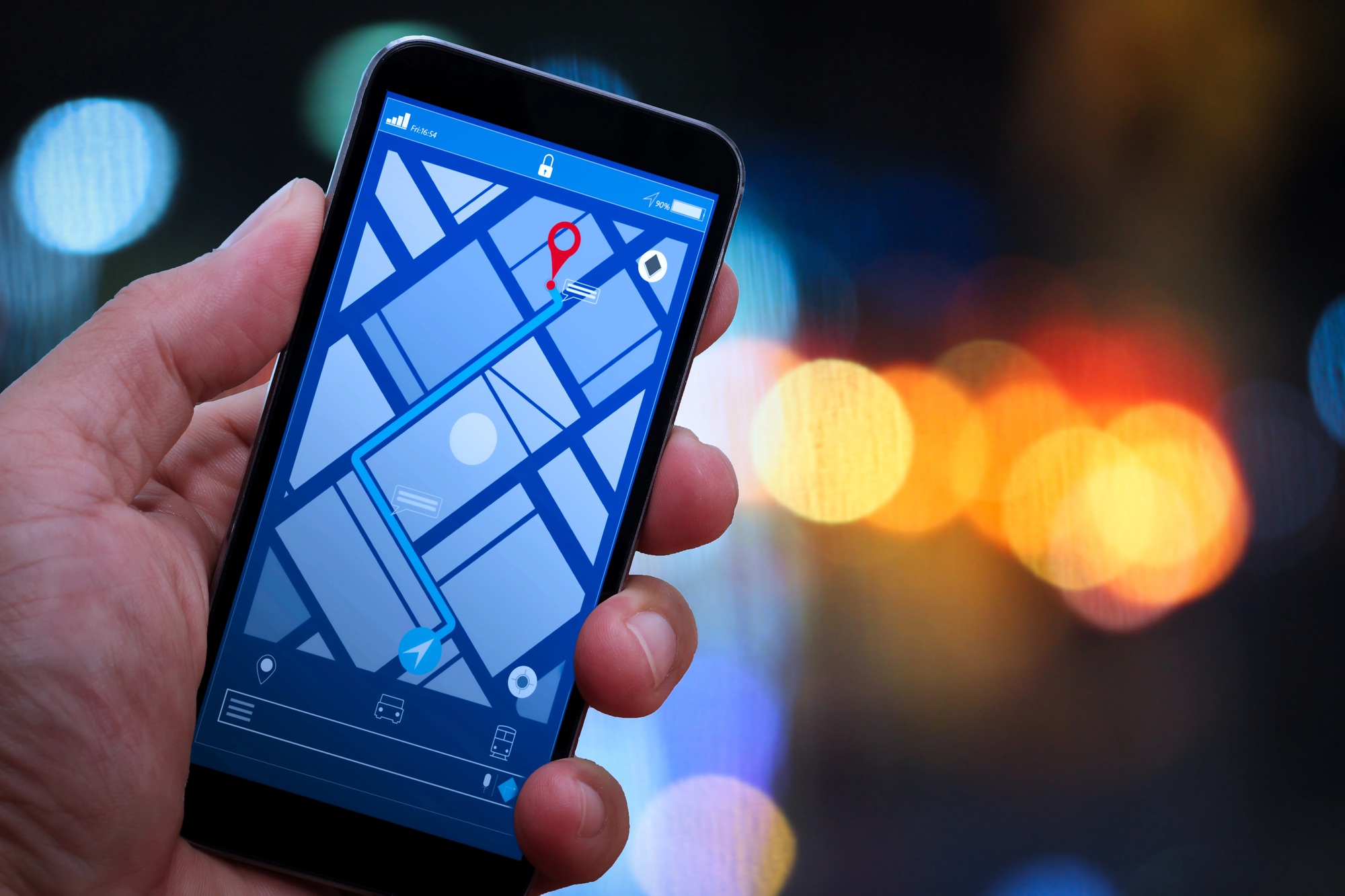
Your iPhone knows where you are right now. And yesterday.
And three months ago, even if location services were supposedly turned off. Apple calls it “system services” — a collection of background processes that ping GPS satellites and cell towers regardless of your privacy settings.
Frequent locations, significant locations, location-based alerts. The phone builds a detailed map of your daily routine without asking permission each time.
Background App Refresh Without Notification
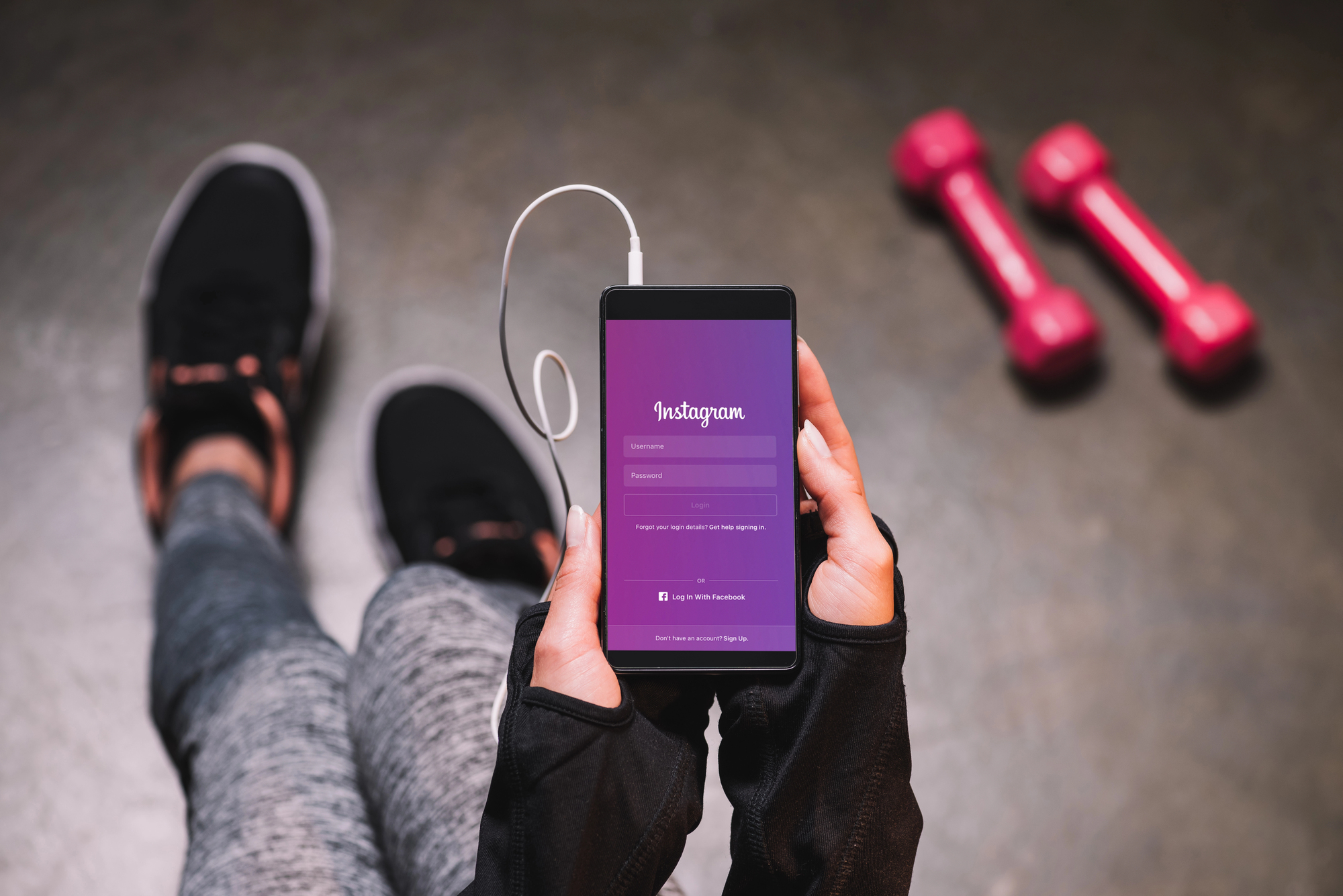
Apps update themselves while you sleep, pulling fresh data and consuming battery power without any visible indication (because most people would panic if they knew how often Instagram checks for new posts while sitting untouched in a pocket for six hours). The refresh happens automatically, silently, persistently — which explains why your battery drains faster some nights than others, and why opening certain apps feels instantaneous while others take forever to load current information.
And here’s the thing that makes this particularly sneaky: the phone decides which apps get priority refresh time based on your usage patterns, meaning it’s actively studying your behavior to optimize something you never explicitly agreed to. So while you’re consciously trying to use social media less, your iPhone is working behind the scenes to make sure Twitter loads instantly the moment you inevitably give in to the urge to check it.
Siri Listening Activation
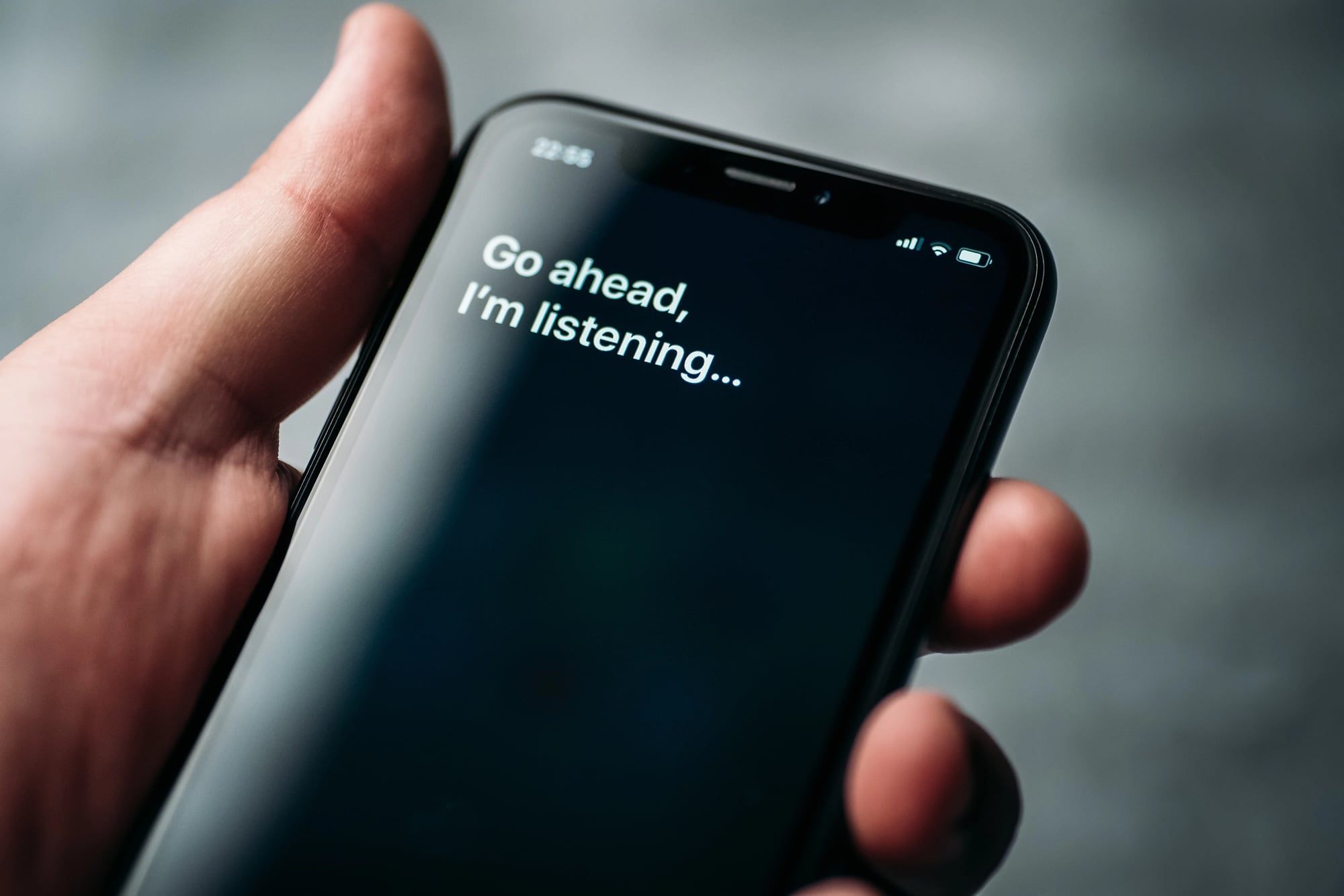
Siri waits for those two words. Always listening, always ready to spring into action the moment someone says “Hey Siri” within earshot. That requires constant audio processing, which means your conversations flow through voice recognition algorithms even when you never intended to activate anything.
This is like having someone who never quite stops paying attention, even when they’re pretending to read a book in the corner. The attention feels benign until you realize it’s been constant.
Automatic Data Sharing With Apple

Your iPhone assumes sharing is caring. Crash reports, usage statistics, performance data — all of it flows back to Apple automatically unless you specifically hunt down the settings to stop it. The phone treats your data like community property, contributing to improvement efforts whether you want to participate or not.
This happens because Apple positions data sharing as helping everyone, which sounds reasonable until you realize helping everyone means your personal usage patterns become part of a massive dataset you never consciously joined.
Call And Message Metadata Collection
The phone remembers who calls, when they called, and how long conversations lasted. Not the content — just the patterns. Who matters enough to answer immediately, who gets sent to voicemail, which numbers you block and unblock.
This creates a social graph of your relationships that’s probably more accurate than anything you’d admit to yourself. And yet.
App Usage Monitoring And Analytics

Every tap gets logged (because how else would Screen Time work, though most people forget they enabled Screen Time in the first place, which means they’re accidentally surveilling their own digital habits without quite meaning to). The phone tracks which apps you open, how long you spend scrolling, what time of day you reach for certain functions — building a behavioral profile that’s frighteningly comprehensive. But here’s what makes this particularly unsettling: the data doesn’t just sit there passively.
Your iPhone uses these usage patterns to make predictions about what you’ll want to do next, rearranging interfaces and suggesting actions based on routines you might not even realize you have. So that moment when your phone seems to read your mind? It’s not magic — it’s just math applied to months of behavioral surveillance.
Contact And Calendar Access Across Apps

Apps share information like gossipy neighbors. Install something that needs calendar access, and suddenly multiple applications know about your dentist appointment next Tuesday. Contact information spreads between programs without explicit permission for each transfer.
The phone treats your personal information as a shared resource between applications rather than something that belongs exclusively to you.
Photo Analysis And Tagging

Your iPhone studies every photo, identifying faces, objects, locations, and activities. The analysis happens locally, which sounds private until you realize the phone is building detailed profiles of your relationships, interests, and places you visit.
It knows who you photograph most often, which friends appear together, where you take vacation pictures. The algorithm creates a visual diary of your life that’s more thorough than any journal you’d ever write by hand.
Network Activity And WiFi Scanning
Even with WiFi turned off, your iPhone scans for networks. It maps available connections, remembers network names, and builds a database of wireless signals in every location you visit.
This background scanning serves legitimate functions — faster connections when you do want WiFi — but it also means the phone maintains constant awareness of your digital environment.
Network Activity Aggregation
The Health app collects information from multiple sources automatically. Step counts, heart rate data from other devices, sleep patterns, even medical information from healthcare apps gets pulled into a central database without individual consent for each data point.
Your phone assembles a medical profile that’s probably more comprehensive than your doctor’s records.
Clipboard Monitoring

Apps can read whatever you copied to the clipboard. That password, that private message, that embarrassing Google search — it sits there accessible to any application until you copy something else to replace it.
And yet the phone never announces when something peeks at clipboard contents. The access happens silently, invisibly, frequently.
Battery And Performance Optimization
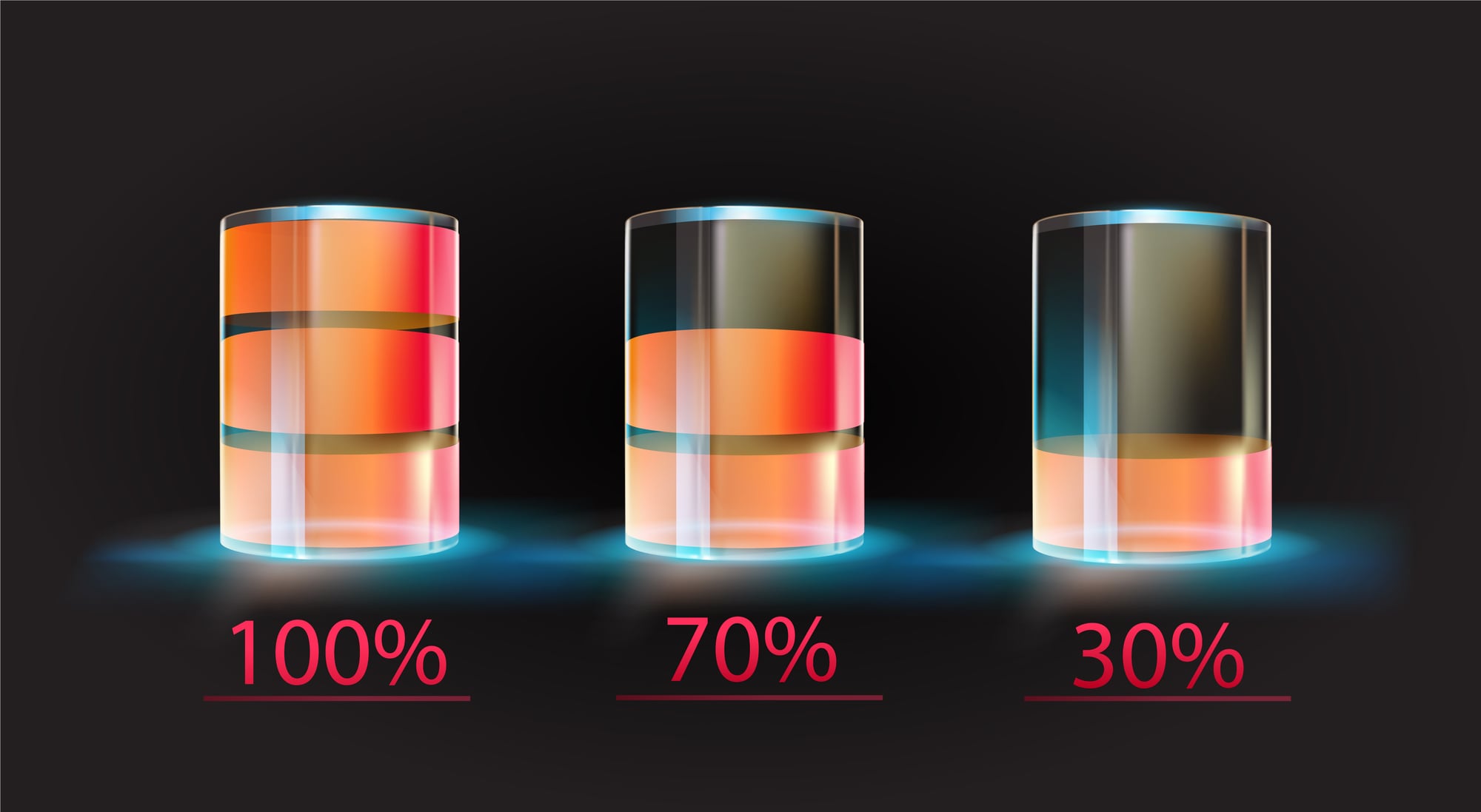
Your iPhone decides when to slow down the processor, limit background activity, or reduce screen brightness. These performance adjustments happen automatically based on battery health and usage patterns.
The phone makes executive decisions about its own performance without asking whether you’d prefer maximum speed over battery life in any given moment.
Advertising Identifier Tracking
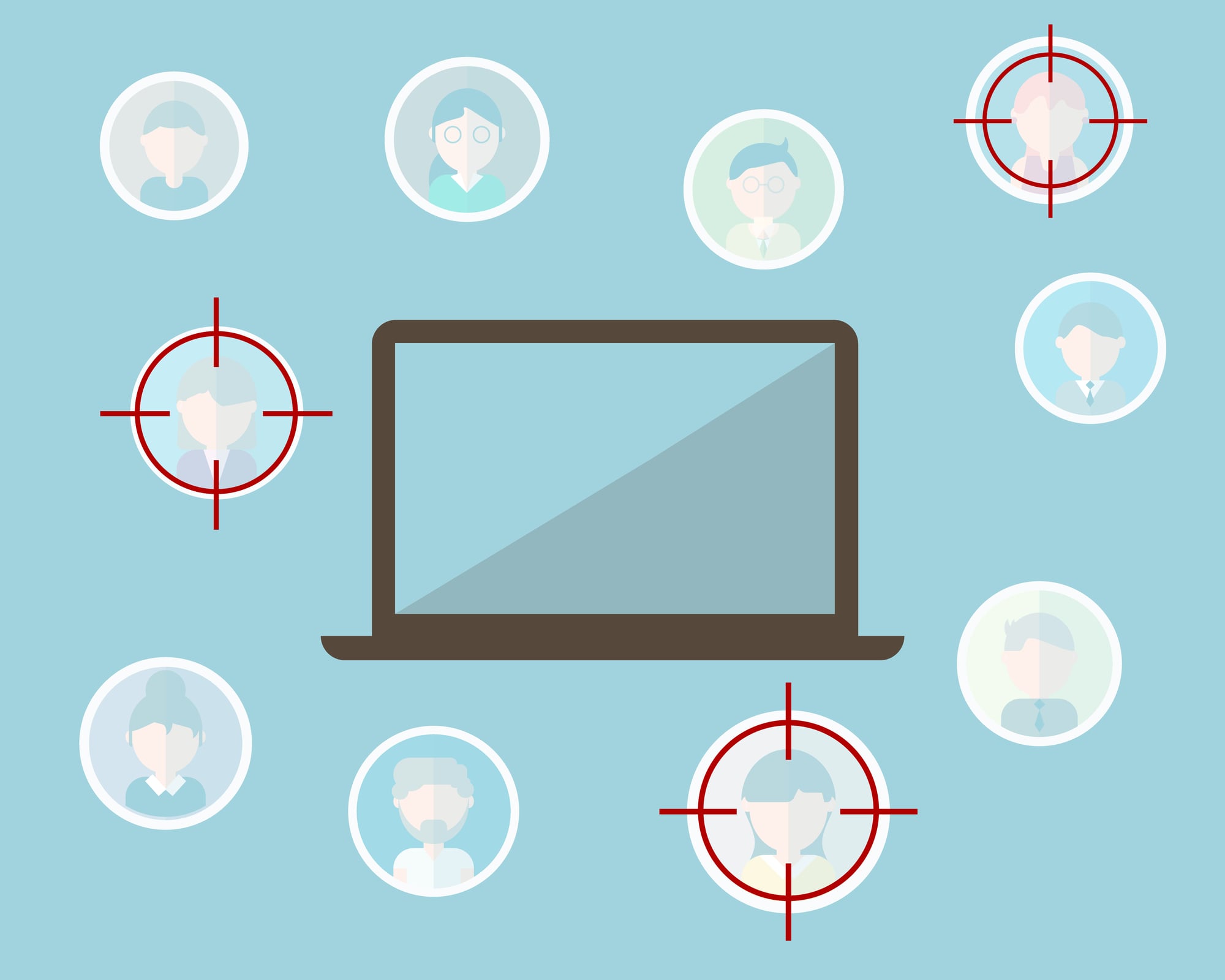
Every iPhone has an advertising identifier that follows you across apps and websites. Advertisers use this ID to build profiles and target ads, and while you can reset it, most people never think to look for that option.
Your phone essentially carries a marketing tag that helps companies track your digital behavior across platforms and services.
The Hidden Choreography

These background activities create an interesting paradox: the more your iPhone works without permission, the more seamlessly it seems to follow your wishes. That responsive, intuitive experience requires constant surveillance and analysis. Privacy and convenience dance together in ways that make it hard to choose one without sacrificing the other.
More from Go2Tutors!

- The Romanov Crown Jewels and Their Tragic Fate
- 13 Historical Mysteries That Science Still Can’t Solve
- Famous Hoaxes That Fooled the World for Years
- 15 Child Stars with Tragic Adult Lives
- 16 Famous Jewelry Pieces in History
Like Go2Tutors’s content? Follow us on MSN.