15 Real Android vs. iPhone Features
The iPhone-versus-Android debate has lasted longer than most tech trends. Everyone seems to have an opinion, yet many arguments boil down to brand loyalty rather than actual day-to-day functionality.
What really counts are the features—those small but noticeable differences that change how the phone fits into real life. Forget glossy ads for a second.
It’s the little things people deal with every day that reveal which platform delivers more of what users actually need. This isn’t about which phone is cooler. It’s about what they can really do.
Let’s explore 15 of those key features that really make a difference.
Customization options
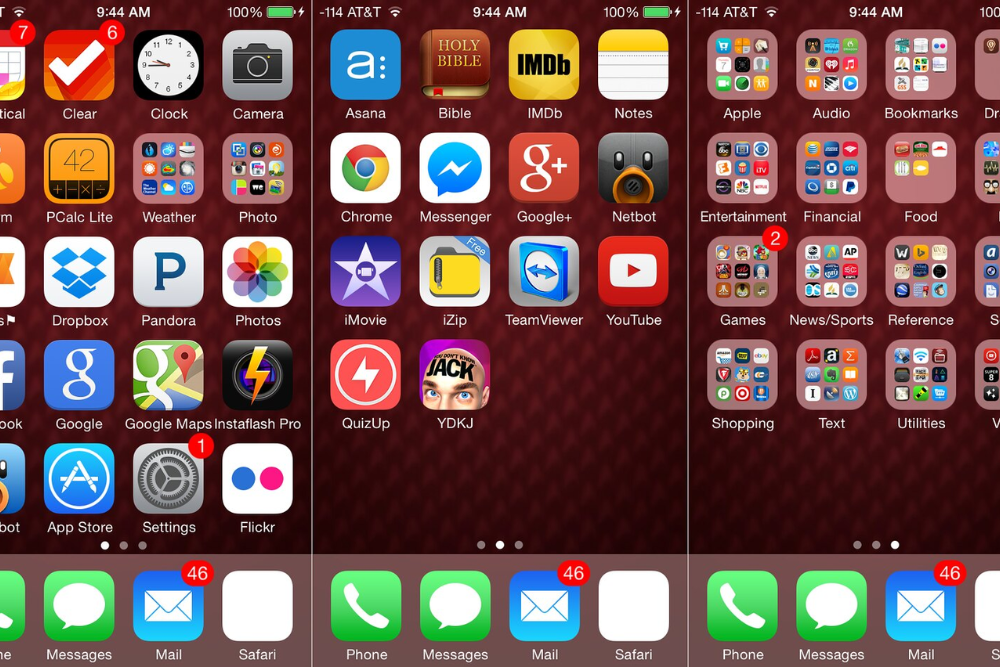
Android gives users more control over how their phone looks and works—it’s that simple. Change icons, swap out the home screen layout, use third-party launchers, or even install a new operating system if you’re feeling adventurous.
Apple’s approach is different—tighter and more controlled. Sure, iOS has added widgets and a few layout tweaks recently, yet it’s still miles behind.
If flexibility matters, Android takes the crown here without breaking a sweat.
AirDrop vs Nearby Share
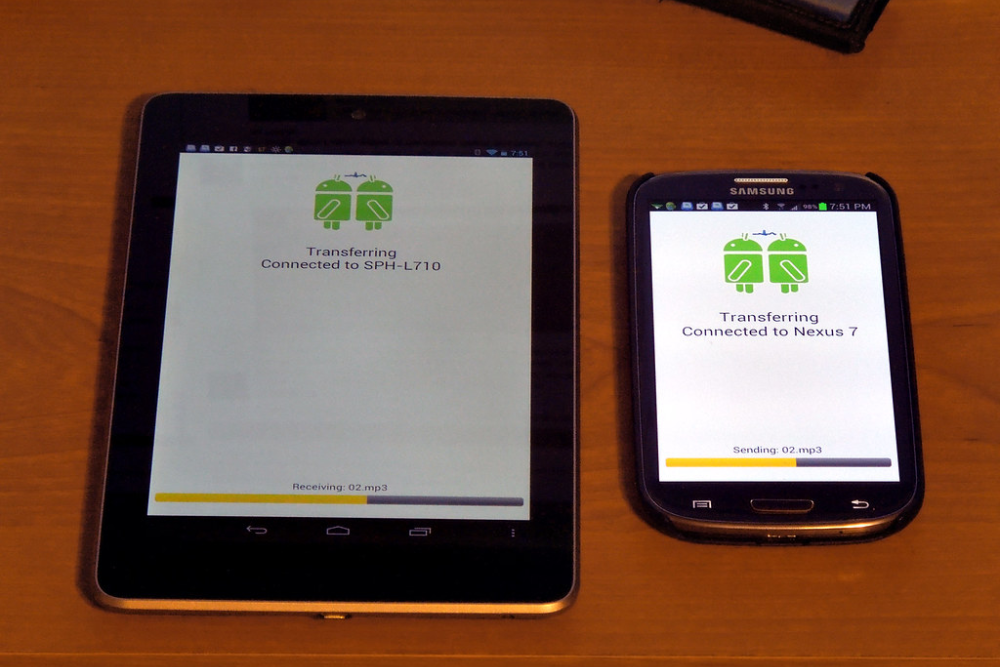
Sharing files between devices is smoother than ever, though the experience varies across platforms. AirDrop on iPhones is quick, seamless—and extremely reliable within the Apple ecosystem.
Nearby Share is Android’s version, and while it covers the same ground, it doesn’t always run with the same polish. Still, Android supports a wider range of devices across brands, which gives it reach—if not refinement.
AirDrop wins in simplicity, yet Android isn’t far behind in utility.
Like Go2Tutors’s content? Follow us on MSN.
Default apps

Android lets users pick their go-to apps without much friction—be it browsers, mail clients, or music players. Apple’s system is more locked down, although recent updates introduced some flexibility.
Even so, switching defaults on iPhones can feel awkward—some settings even revert after software updates. Android doesn’t make a big deal of it—it just lets users do what they want.
For people who like control without the hassle, Android does a better job here.
App Store freedom

Apple keeps its App Store tightly guarded—it’s safer, but also more limited. Android’s Play Store? Less restricted—developers can roll out new ideas faster, even riskier ones.
And if an app isn’t available there, users can download it from another source altogether. This comes with risks, of course, but also greater choice.
Apple prioritizes security and stability—Android leans into innovation and openness.
USB-C vs Lightning

USB-C has become the common standard—almost every Android phone uses it now. It charges faster, handles data better, and works with other devices like laptops or headphones.
iPhones still use the older Lightning connector—which isn’t compatible with most non-Apple products. While Apple has begun moving toward USB-C, the transition isn’t complete.
For now, Android holds the practical advantage—especially if you’re tired of carrying different cables.
Like Go2Tutors’s content? Follow us on MSN.
Software updates

Apple handles updates with military precision. When a new version of iOS drops, it reaches all supported iPhones on day one—no waiting, no staggered releases.
Android updates are more fragmented—device makers and mobile carriers often delay rollout, sometimes by months. Google Pixel phones get updates quickly, but others lag behind.
Apple’s approach brings consistency—Android’s brings variability.
Voice assistants

Siri started strong, yet over time, Google Assistant has grown smarter, more responsive—and better at understanding real conversations. It’s more integrated with useful services like Google Maps, Calendar, and Search.
Siri, while decent for basic tasks, can feel a step behind when it comes to nuance or multi-step requests. For users who rely on voice commands regularly, Android offers a noticeably stronger assistant experience.
File management
Managing files on an iPhone still feels like you’re jumping through hoops. Apple’s Files app works—but there’s a ceiling to how much you can do without syncing to iCloud or using third-party apps.
Android, in contrast, lets users dive straight into a full file system—plug into a computer, drag-and-drop files, or use USB drives directly. For productivity or media transfers, Android provides the kind of straightforward experience that iPhones just don’t.
Like Go2Tutors’s content? Follow us on MSN.
Widgets and home screen use

Widgets are one of those things that seem small—until they’re not. Android has had rich, interactive widgets for years. They’re resizable, live-updating, and can be placed anywhere.
iPhone widgets, while polished, feel more static—they’re limited in size and interaction. Apple’s version looks good but offers less flexibility.
Android users can build screens that function like mini control panels—iPhone users are still working with more basic options.
Multitasking features
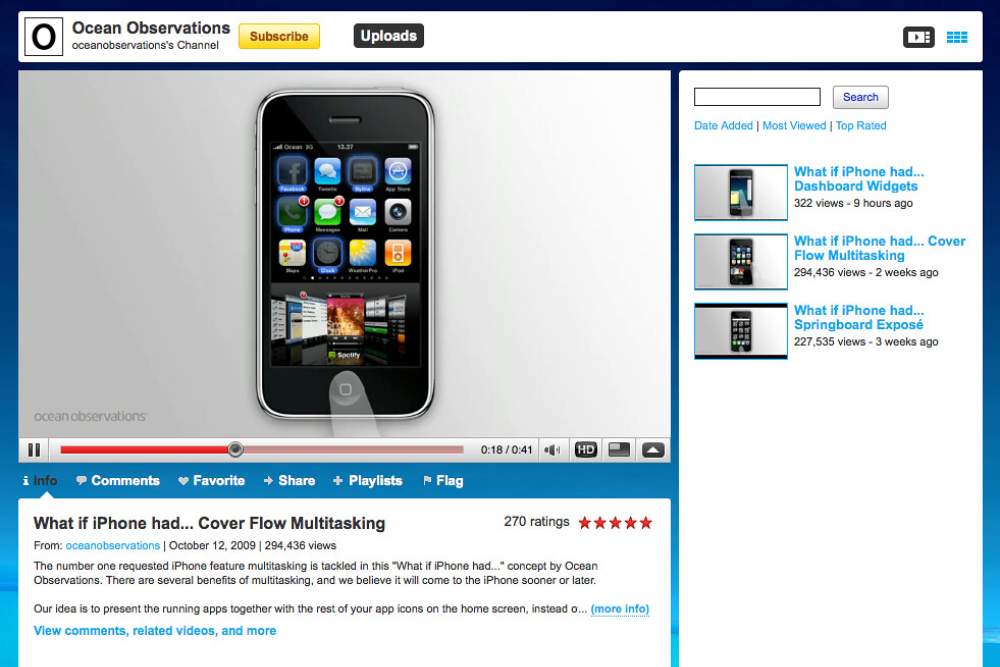
Multitasking on Android goes far beyond just switching between apps. Users can split the screen, run two apps at once—or use pop-up views for messaging while watching videos.
Even mid-range Android phones offer some level of multitasking. iPhones don’t allow true split-screen use—not even on larger models—reserving it for iPads instead.
If using multiple apps together matters, Android delivers more tools to get it done.
iMessage and RCS

iMessage gives Apple users a serious advantage in the messaging game. It’s seamless, secure, and packed with features like reactions, high-quality media sharing, and end-to-end encryption.
Android’s RCS tries to offer similar tools—group chats, read receipts, better media handling—but adoption remains uneven. Not all carriers play along, and many users still fall back to outdated SMS.
If most contacts are on iPhones, switching platforms means losing out on a better group chat experience.
Like Go2Tutors’s content? Follow us on MSN.
Phone choices

Choice is one of Android’s biggest strengths. There are phones for every need—low-cost models, foldables, rugged devices, camera-centric designs—you name it.
Apple sticks to a limited lineup, which helps with consistency, but doesn’t offer much variety. People who want specific features or have specific budgets can find an Android phone tailored to them.
With iPhones, the options are clear but narrow.
Camera controls
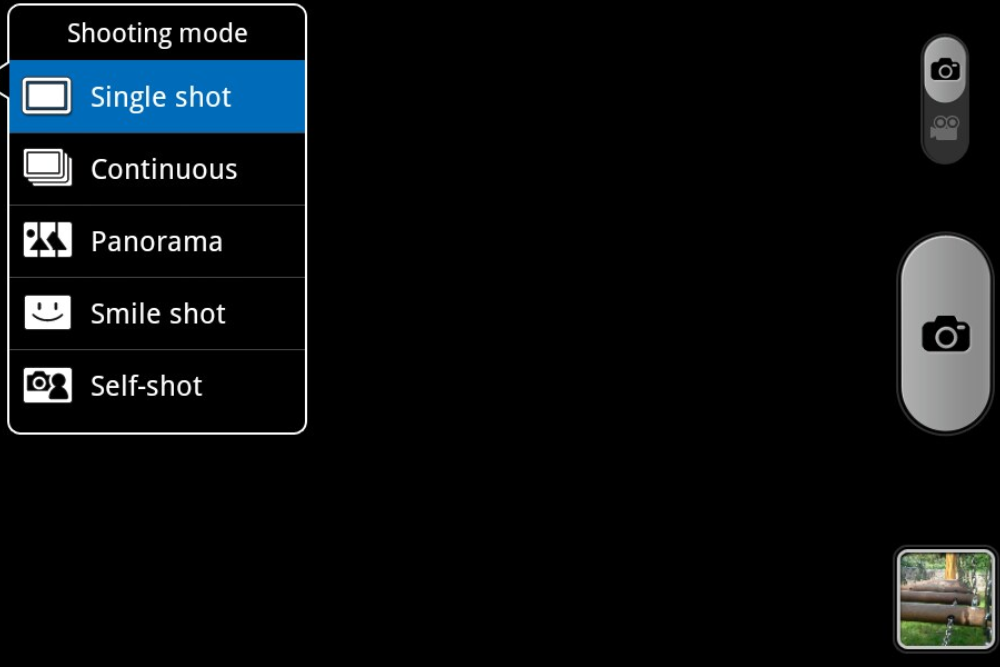
Both platforms shoot great photos—but Android gives more room to experiment. Phones like the Google Pixel or Samsung Galaxy let users control ISO, white balance, shutter speed, and save photos in RAW format.
These are big wins for anyone who likes adjusting settings manually. iPhone cameras are more point-and-shoot—excellent for quick shots, but less customizable.
Android gives photography lovers more room to play.
Battery and charging features

Charging is faster and more advanced on many Android models. Some offer ultra-fast charging that powers up a phone in under 30 minutes—others allow reverse wireless charging for accessories or even other phones.
iPhones have improved but still charge slower and lack reverse charging. These may seem like small details until the battery’s running low and time’s short.
Android’s lead here can be surprisingly useful in day-to-day life.
Like Go2Tutors’s content? Follow us on MSN.
Price range

Apple sticks firmly to the premium space—even the “budget” iPhone SE still costs more than many full-featured Android phones. Android spans a much wider price range.
From flagship foldables to under-$200 smartphones, there’s something for nearly every budget. That flexibility opens doors for a wider group of users.
For many, cost alone makes Android a far more accessible option.
Tech then, tech now

Once upon a time, the choice between Android and iPhone was mostly about looks or app availability. Today, it’s about features that directly affect how people live, work, and connect.
Whether it’s fast file sharing, more camera control, or just being able to buy a phone without breaking the bank—these differences now shape the user experience in real, noticeable ways. It’s not about which brand is better for everyone—it’s about which phone fits your needs best right now.
What used to be small quirks have turned into meaningful gaps. And while both platforms have grown, they’ve grown in very different directions.
The best pick? It’s the one that meets you where you are—and gives you what you actually use.
More from Go2Tutors!

- 16 Historical Figures Who Were Nothing Like You Think
- 12 Things Sold in the 80s That Are Now Illegal
- 15 VHS Tapes That Could Be Worth Thousands
- 17 Historical “What Ifs” That Would Have Changed Everything
- 18 TV Shows That Vanished Without a Finale
Like Go2Tutors’s content? Follow us on MSN.