15 things your Apple watch can do
The Apple Watch has become much more than a fancy timepiece strapped to your wrist. Since its debut in 2015, this little device has evolved into a powerful tool that can track your health, keep you connected, and even help you find your misplaced phone.
Many people buy one thinking they’ll just use it to check notifications, but they soon discover it can do tasks they never imagined a watch could handle.
Here are some of the most useful and surprising features packed into this tiny piece of technology. You might already know about some of them, but others could completely change how you use your watch.
Track your heart rate constantly
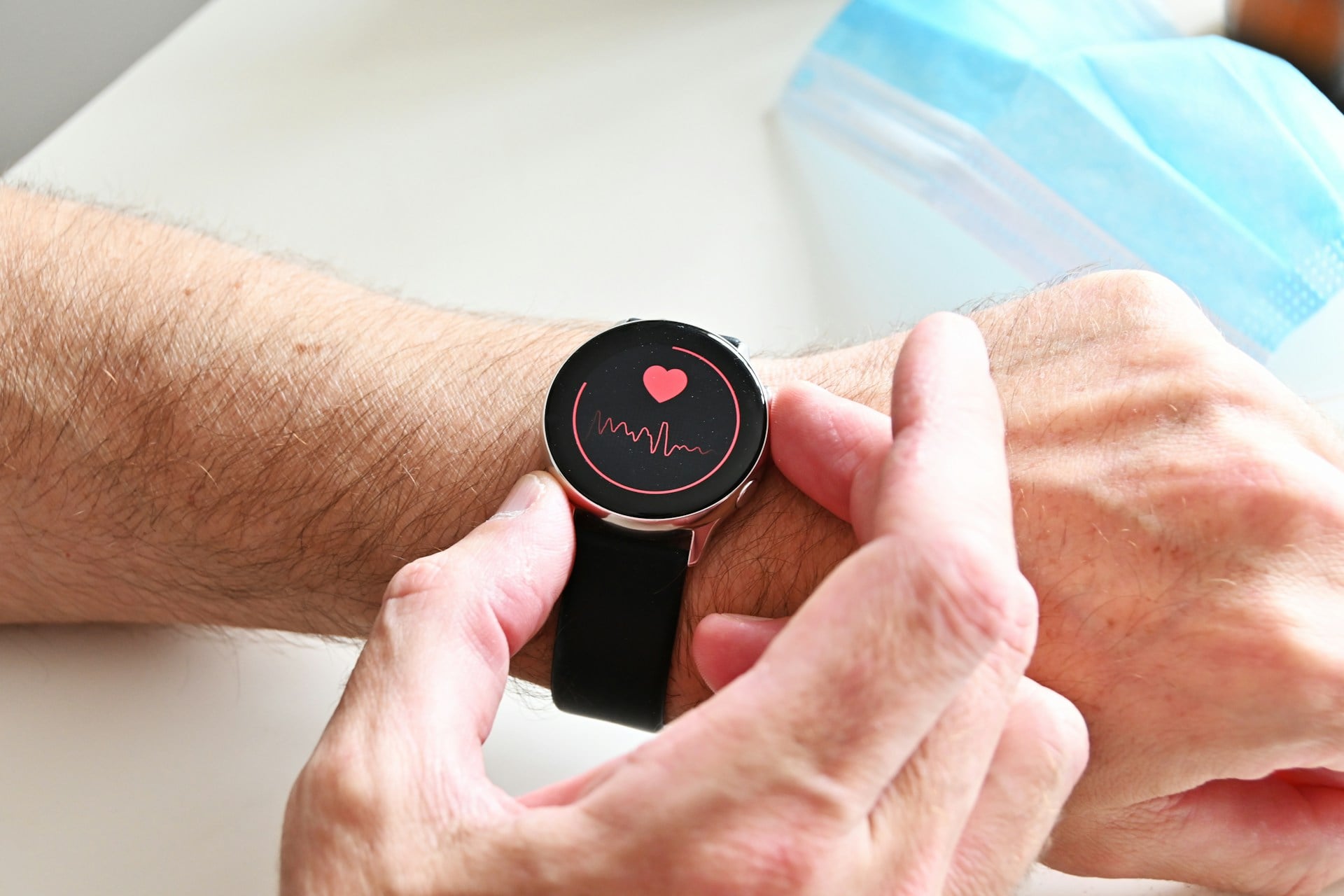
The Apple Watch monitors your heartbeat throughout the day without you having to do anything. It uses sensors on the back of the watch that shine light into your wrist to measure blood flow.
If your heart rate gets unusually high or low while you seem to be resting, the watch can alert you to potential problems. This feature has literally saved lives by catching heart conditions that people didn’t know they had.
Detect falls and call for help
When the watch senses a hard fall, it taps your wrist and sounds an alarm. If you don’t respond within a minute, it automatically calls emergency services and sends your location to your emergency contacts.
This works by using the accelerometer and gyroscope to detect the specific motion patterns of falling. It’s particularly helpful for older adults or anyone who exercises alone in remote areas.
Measure your blood oxygen levels
The watch can check how much oxygen your blood is carrying, which is a key indicator of overall health. You simply need to keep your wrist still for 15 seconds while the sensors do their work.
Low oxygen levels can signal problems with your lungs or heart, and some people even used this feature to detect early COVID-19 symptoms. The Series 6 and later models include this capability built right in.
Take an ECG right from your wrist
The electrocardiogram feature lets you record your heart’s electrical signals, similar to what doctors do in their offices. You place your finger on the digital crown for 30 seconds, and the watch analyzes whether your heart rhythm shows signs of atrial fibrillation.
It can’t diagnose every heart condition, but it gives you data you can share with your doctor if something seems off. Having this kind of medical tool available anytime is pretty remarkable for a device that also tells you the weather.
Find your iPhone when it vanishes
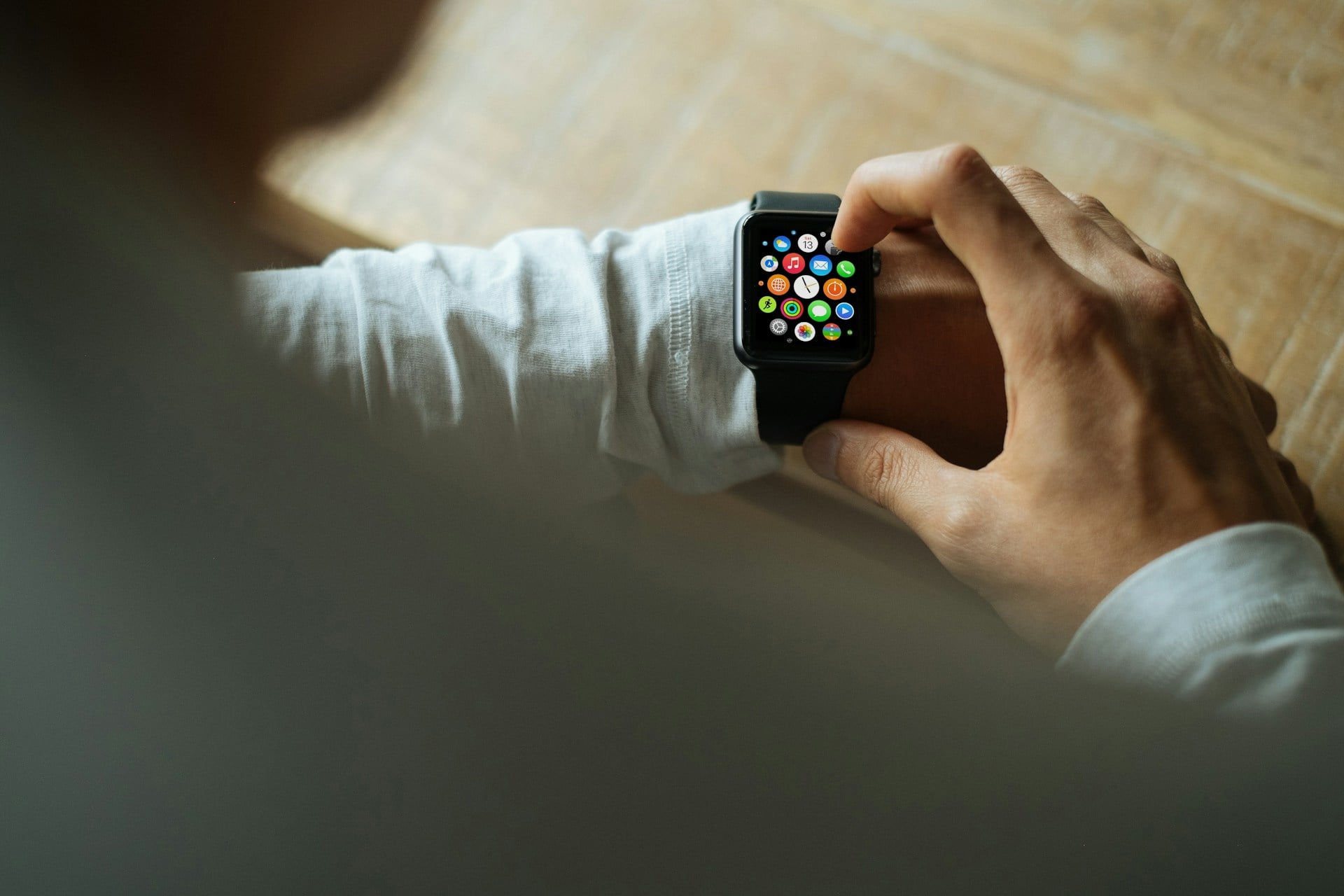
Everyone has experienced that moment of panic when their phone disappears into the couch cushions or under a pile of papers. The Apple Watch has a feature that makes your iPhone play a loud sound, even if it’s on silent mode.
You just swipe up on the watch face and tap the phone icon. If you hold that button down, your iPhone will even flash its light, making it easier to spot in dark corners.
Pay for stuff without your wallet
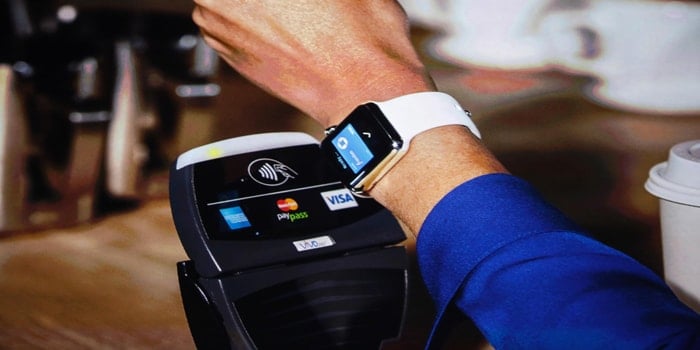
Apple Pay on the watch lets you buy things by just holding your wrist near a payment terminal. You double-click the side button, and the watch handles the rest using the same technology as contactless credit cards.
It works at grocery stores, coffee shops, and pretty much anywhere that accepts tap-to-pay. Not having to dig through your pockets or purse while juggling shopping bags makes this feature incredibly convenient.
Control your smart home devices
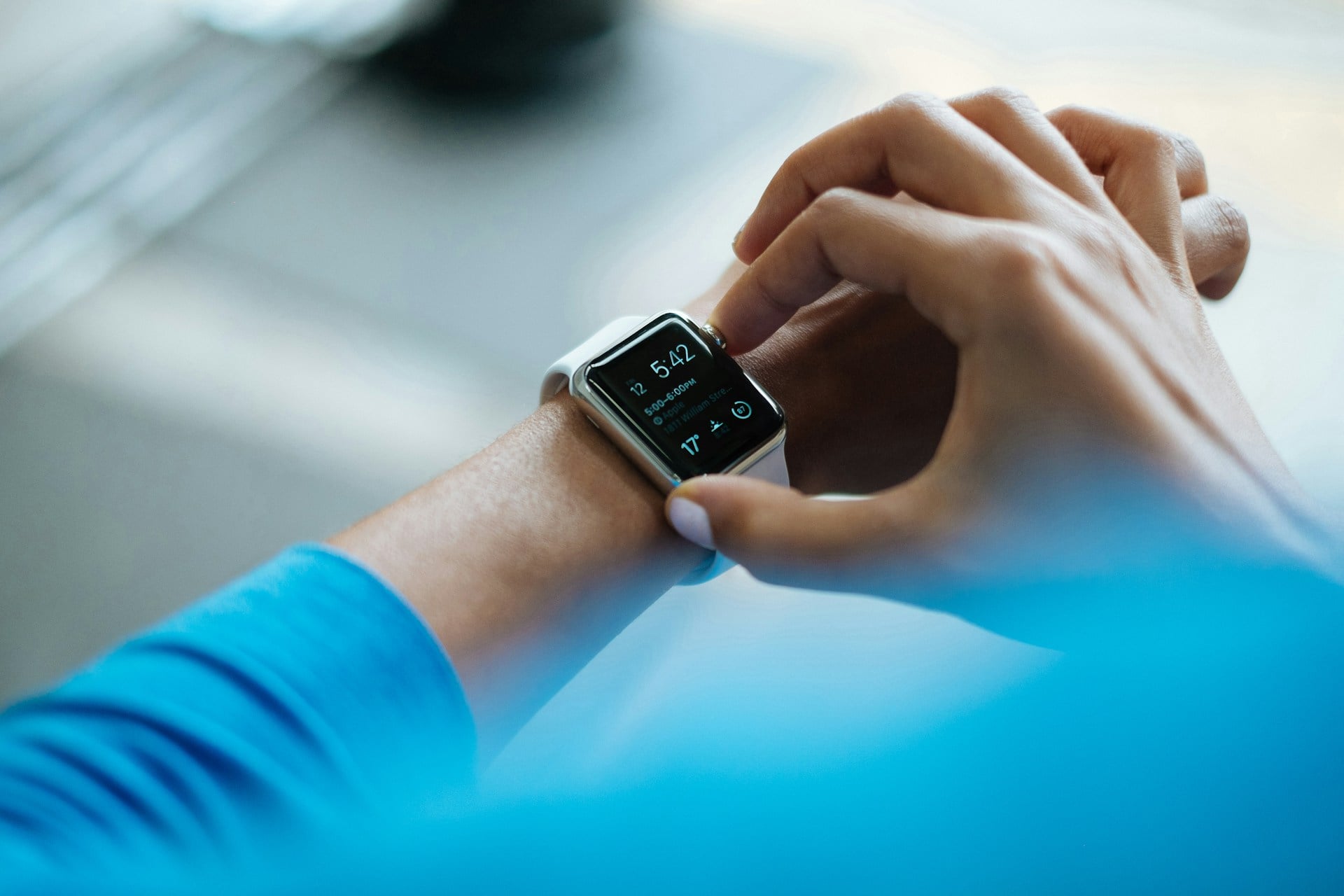
The watch can turn off lights, adjust your thermostat, or lock your doors without you having to pull out your phone. You can set up shortcuts that trigger multiple actions at once, like a ‘goodnight’ command that locks doors, turns off lights, and sets the alarm.
Siri on the watch makes this even easier since you can just tell it what you want done. Walking into a dark house and turning on the lights from your wrist feels like something from a science fiction movie.
Unlock your Mac automatically
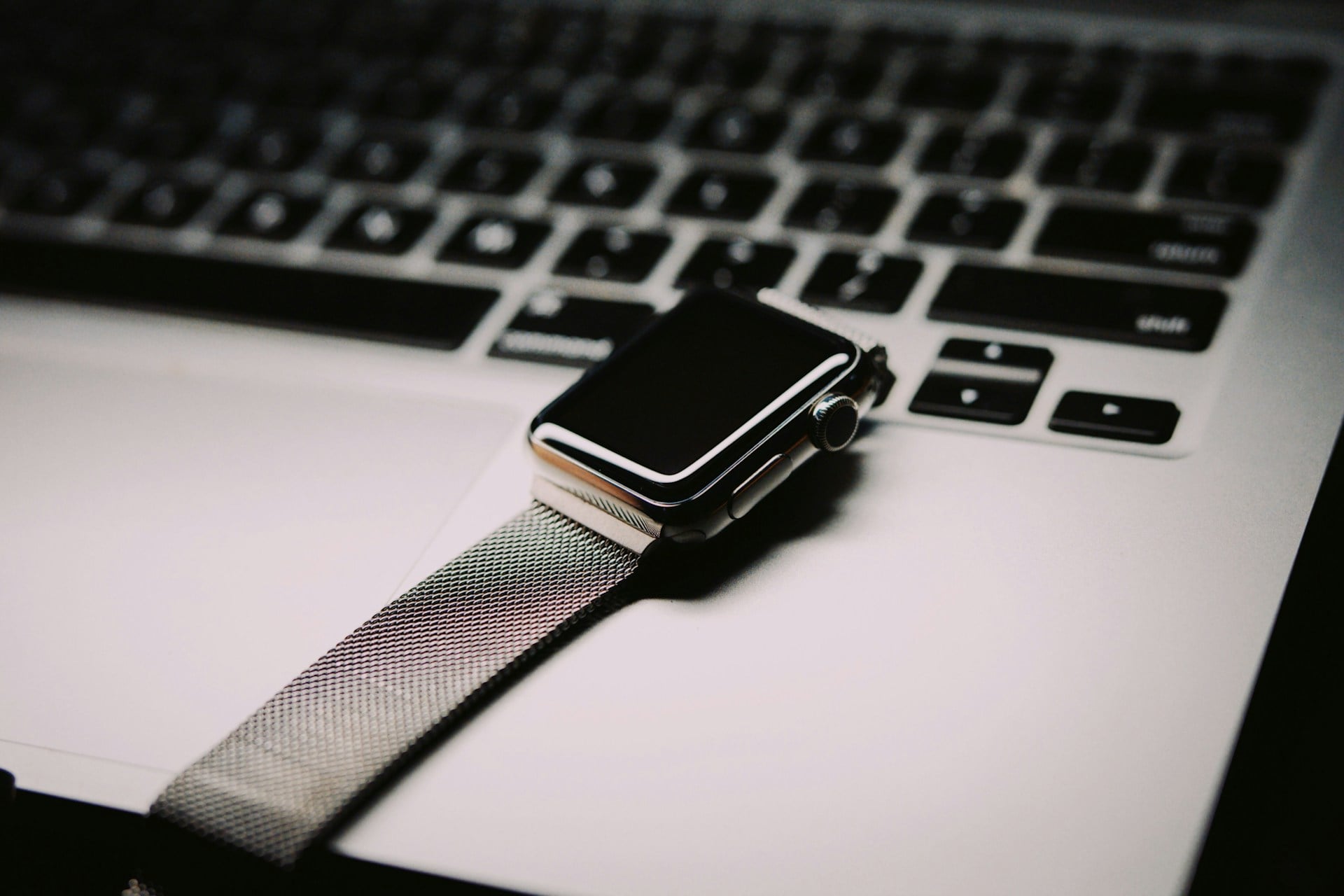
When you sit down at your Mac while wearing your watch, the computer unlocks itself without requiring a password. The devices use encrypted communication to verify it’s really you.
This works as long as your watch is unlocked and on your wrist, and your Mac is nearby. It shaves off just a few seconds each time, but those seconds add up when you’re unlocking your computer dozens of times a day.
Track your sleep patterns

The watch monitors how long you sleep and how much time you spend in different sleep stages. It uses movement data and heart rate information to figure out when you’re in light sleep, deep sleep, or REM sleep.
The watch can also wake you with a gentle tap instead of a blaring alarm sound. You’ll need to charge it at some other time during the day, but many people find the sleep insights worth the adjustment.
Navigate with haptic directions

When you’re walking somewhere using Maps, the watch taps your wrist in different patterns to tell you when to turn. A series of taps means turn right, while a different pattern means turn left.
This lets you navigate without constantly looking at a screen, which is safer and more natural. You can keep your phone in your pocket and just follow the gentle taps on your wrist.
Communicate with walkie-talkie mode

The walkie-talkie feature turns your watch into an instant voice communicator with other Apple Watch users. You press a button, speak, and they hear your message immediately, just like actual walkie-talkies.
It only works with people you’ve connected with, so random strangers can’t start talking to you. This feature is great for staying in touch with family members around the house or coordinating with friends at crowded events.
Monitor noise levels around you

The watch listens to ambient noise and warns you when the environment is loud enough to damage your hearing. Sustained exposure to sounds above 80 decibels can cause hearing loss over time, and the watch tracks your exposure.
It doesn’t record what you’re listening to, just how loud it is. Concert venues, construction sites, and even loud restaurants can push into the danger zone without you realizing it.
Remind you to wash your hands properly
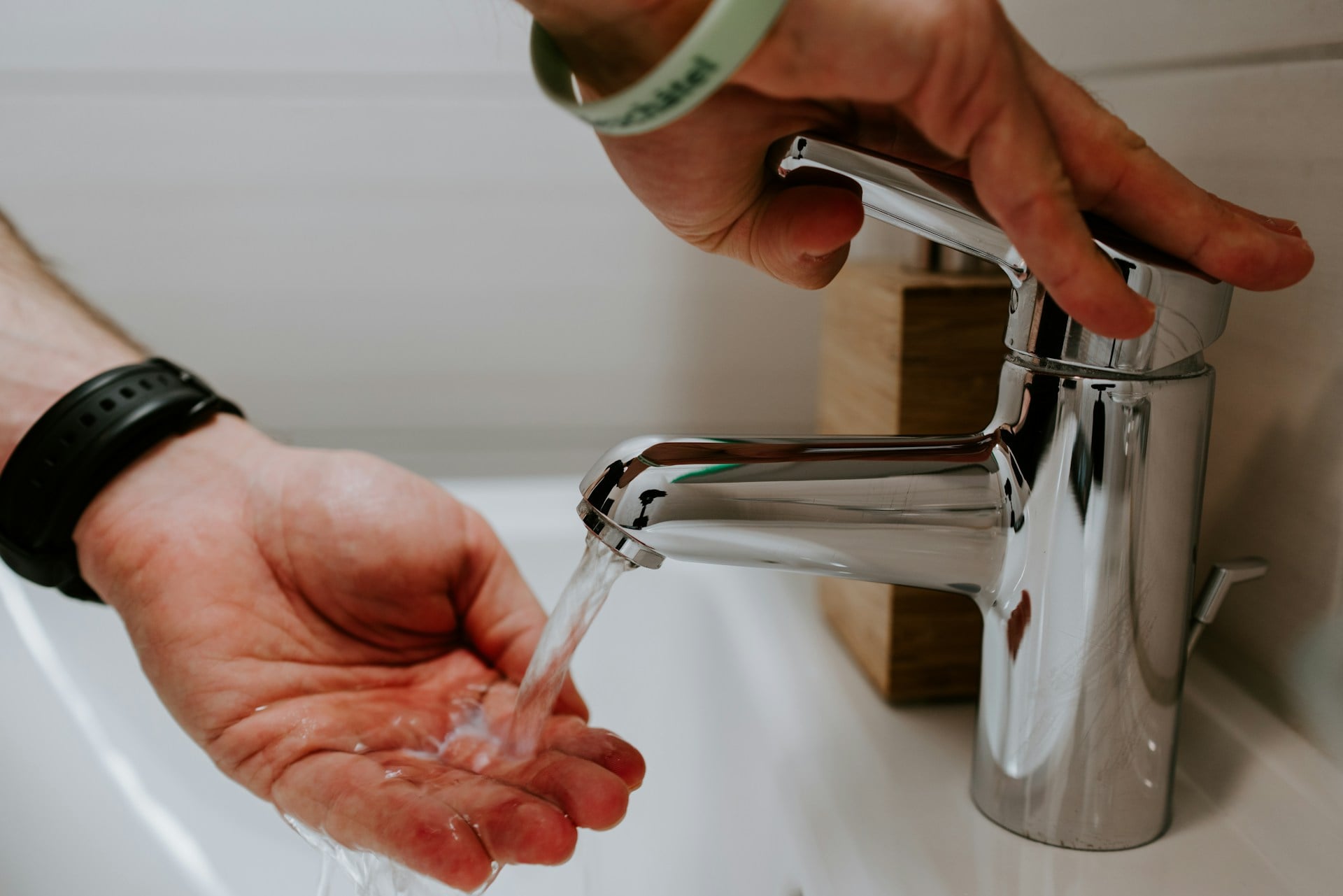
The watch detects the motions and sounds of hand washing and starts a 20-second countdown timer automatically. It uses the microphone and motion sensors to recognize when you’re scrubbing your hands.
If you finish too early, it encourages you to keep going until you hit the recommended time. This feature became especially relevant during the pandemic, but proper hand washing is always important for staying healthy.
Set timers and alarms with your voice
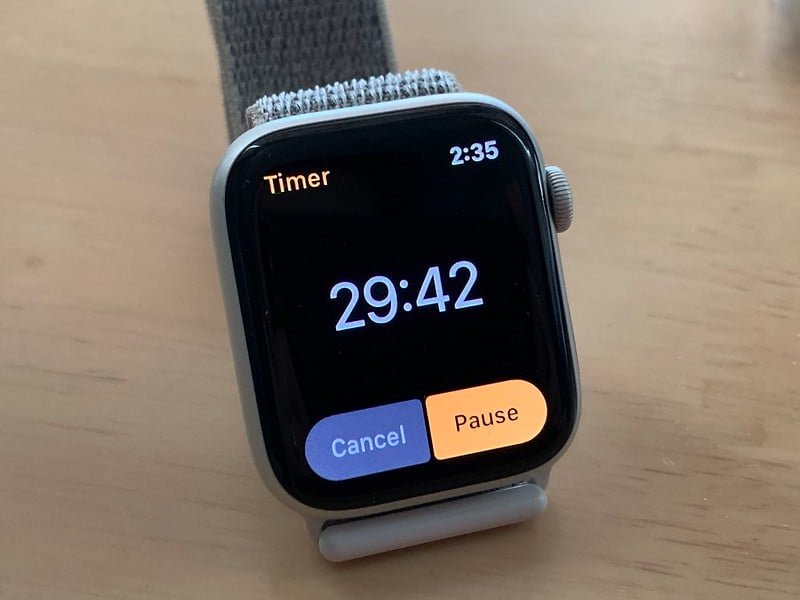
At first, speaking into your wrist to begin a countdown might seem strange. Yet soon it just fits how you move through the day.
When fingers are messy with flour or dripping paint, voice works better than touch. Say the word, and another countdown joins the list – each named for what matters now.
A light tap on skin signals finish, cutting through kitchen clatter or workshop noise alike.
Take photos remotely from your iPhone
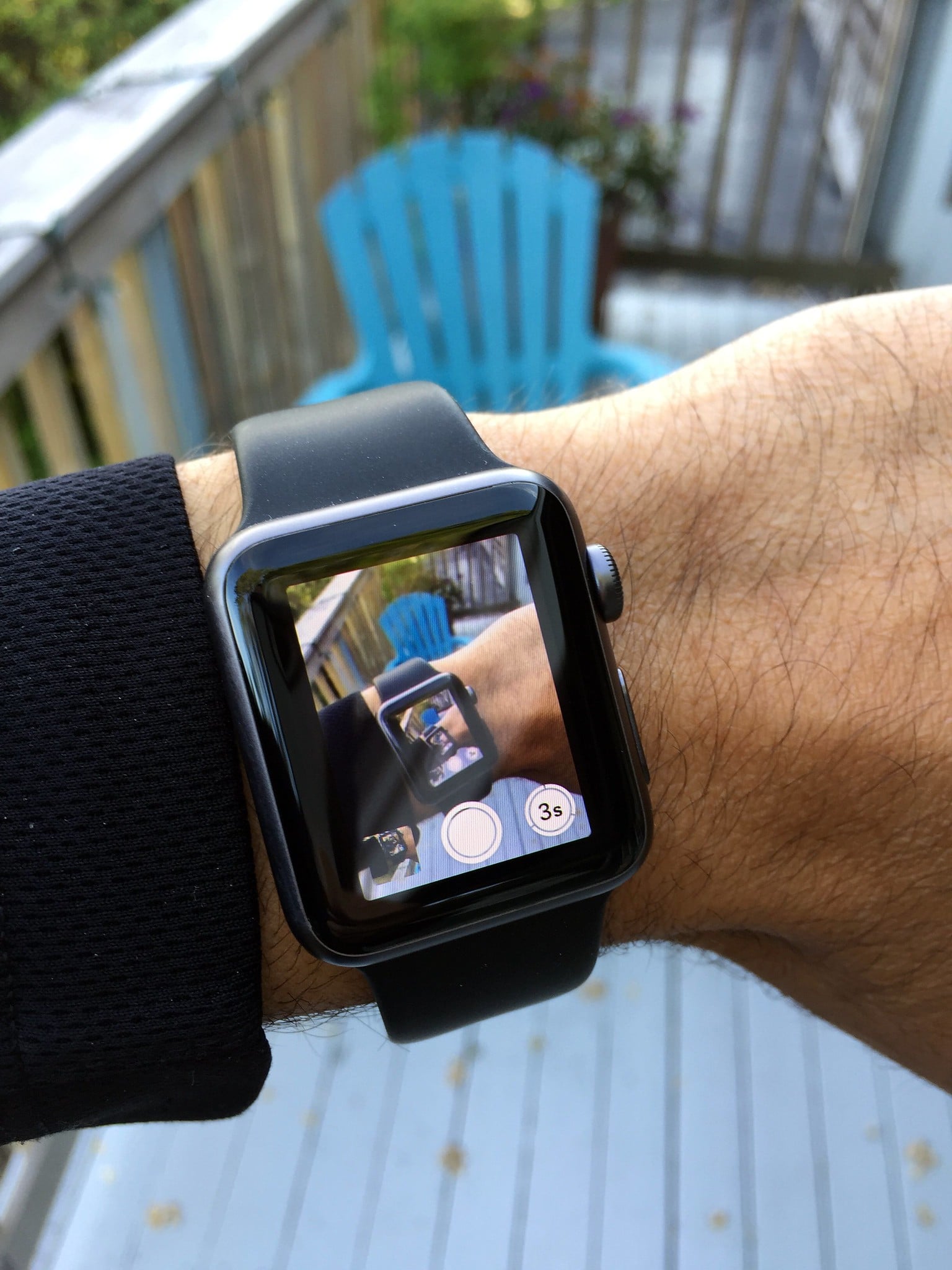
Picture this: snap shots from your iPhone using just the watch. It shows you the viewfinder live, so tapping takes the photo instantly.
A delay option lets you step into place before shooting. Mounting your phone somewhere steady works better when you trigger it remotely.
Instead of rushing after hitting a record, stay relaxed and press from your wrist.
Beyond looks alone

One day you might just glance at your wrist, only to realize it helped you avoid a serious problem. What began as an extra gadget tied to a phone slowly became useful in moments you did not expect.
When alarms warn of odd heart rhythms, or when a tap guides you back to lost keys, small things add up. Not every feature gets attention right away, yet they quietly make routines smoother.
As time passes, new functions will appear – some we cannot imagine yet. Today’s model already holds more than many ever take time to try.
More from Go2Tutors!

- The Romanov Crown Jewels and Their Tragic Fate
- 13 Historical Mysteries That Science Still Can’t Solve
- Famous Hoaxes That Fooled the World for Years
- 15 Child Stars with Tragic Adult Lives
- 16 Famous Jewelry Pieces in History
Like Go2Tutors’s content? Follow us on MSN.