16 Mistakes Everyone Makes With Technology
Technology is supposed to make our lives easier, yet sometimes it feels like we’re constantly battling our devices instead of working with them. From sluggish phones to mysterious computer crashes, many of the problems we face aren’t really the fault of our gadgets. They’re the result of simple habits we’ve picked up along the way.
Most of these tech troubles are completely avoidable once you know what to look for. Here’s a list of 16 common mistakes that trip up even the most tech-savvy people.
Using the Same Password Everywhere

Your brain loves shortcuts. However, using ‘password123’ for everything from your email to your banking app is like using the same key for your house, car, and office.
When hackers crack one account, they’ve basically won the lottery—a single data breach can suddenly give strangers access to your entire digital life, from your social media to your financial accounts.
Never Restarting Your Devices
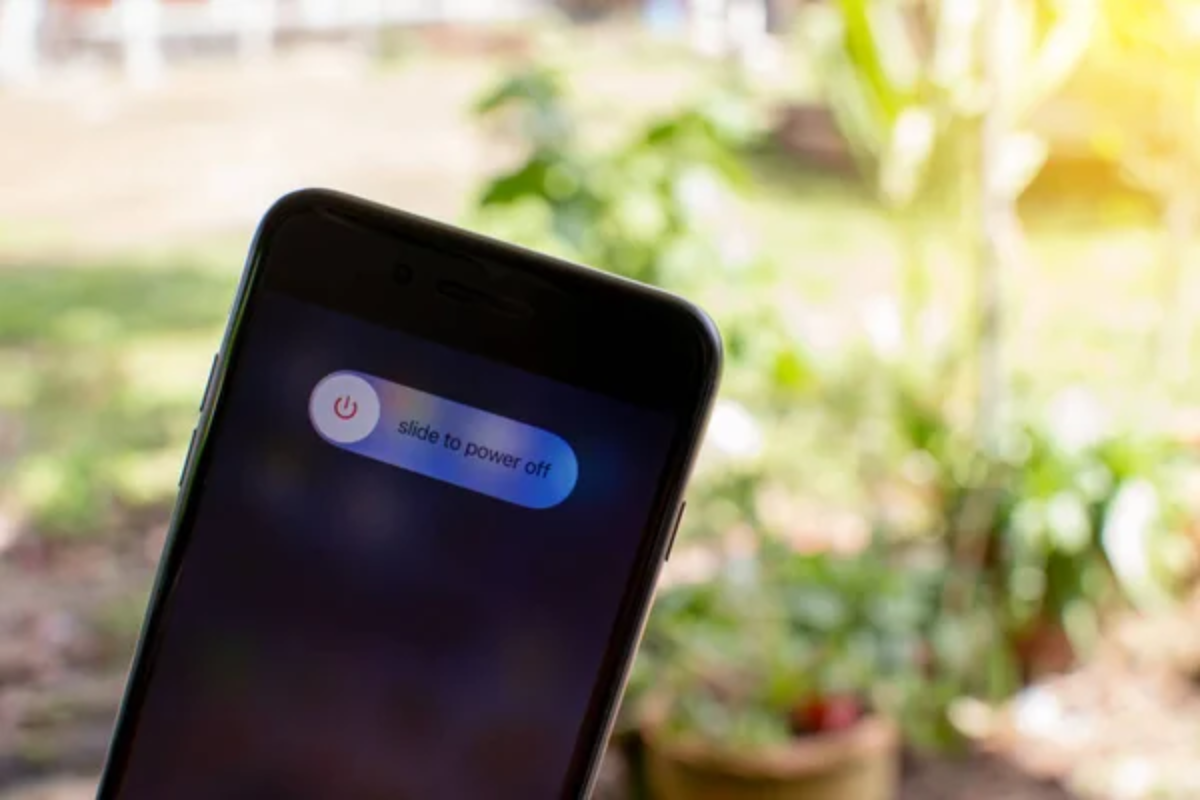
Think of your phone or computer like a person who’s been awake for three weeks straight. Eventually, things start getting weird.
Apps crash randomly, the system slows to a crawl, and weird glitches pop up everywhere—while a simple restart clears out all the digital cobwebs and gives your device a fresh start, kind of like a good night’s sleep for your electronics.
Ignoring Software Updates

Those little update notifications aren’t just annoying pop-ups. They’re actually your device’s way of putting on armor against new threats.
Skipping updates is like leaving your front door unlocked because you’re too lazy to turn the key—sure, updates can be inconvenient, though they often patch security vulnerabilities that hackers are actively trying to exploit.
Storing Everything on the Desktop

Your computer’s desktop isn’t a storage unit, even though it might look like one after a few months of digital hoarding. Cramming hundreds of files onto your desktop is like trying to find your keys in a room where everything is scattered on the floor—it slows down your computer and makes finding anything a nightmare.
Never Cleaning Your Screen

That greasy, fingerprint-covered screen isn’t just gross. It’s actually harder to see through than you think. Your eyes are constantly working overtime to focus through the smudges, which can cause headaches and eye strain—though a quick wipe with a microfiber cloth takes five seconds and makes everything look crisp again.
Charging Your Phone Overnight Every Night

Leaving your phone plugged in all night is like force-feeding someone who’s already full. Modern phones are smart enough to stop charging when they hit 100%, yet keeping them at maximum charge constantly can actually wear down the battery faster over time.
Not Backing Up Important Files

Hoping your hard drive will live forever is like assuming your car will never break down. Electronics fail, accidents happen—and sometimes coffee gets spilled in very unfortunate places.
The people who learn this lesson the hard way are usually the ones frantically calling tech support at 2 AM, hoping their wedding photos can be recovered from a dead laptop.
Using Public WiFi for Sensitive Tasks
Public WiFi networks are like having a conversation in a crowded restaurant. Anyone nearby can potentially listen in.
Checking your bank account or shopping online while connected to ‘Free_Mall_WiFi’ is basically handing your personal information to anyone with basic hacking skills—save the sensitive stuff for when you’re on your own secure network.
Clicking on Every Pop-up

Not every pop-up is your friend, even if it’s wearing a friendly disguise. Those ‘Congratulations, you’ve won!’ messages are usually about as legitimate as emails from Nigerian princes—the safest approach is to close pop-ups using the X button, not by clicking anywhere else on the suspicious window.
Installing Apps Without Reading Permissions
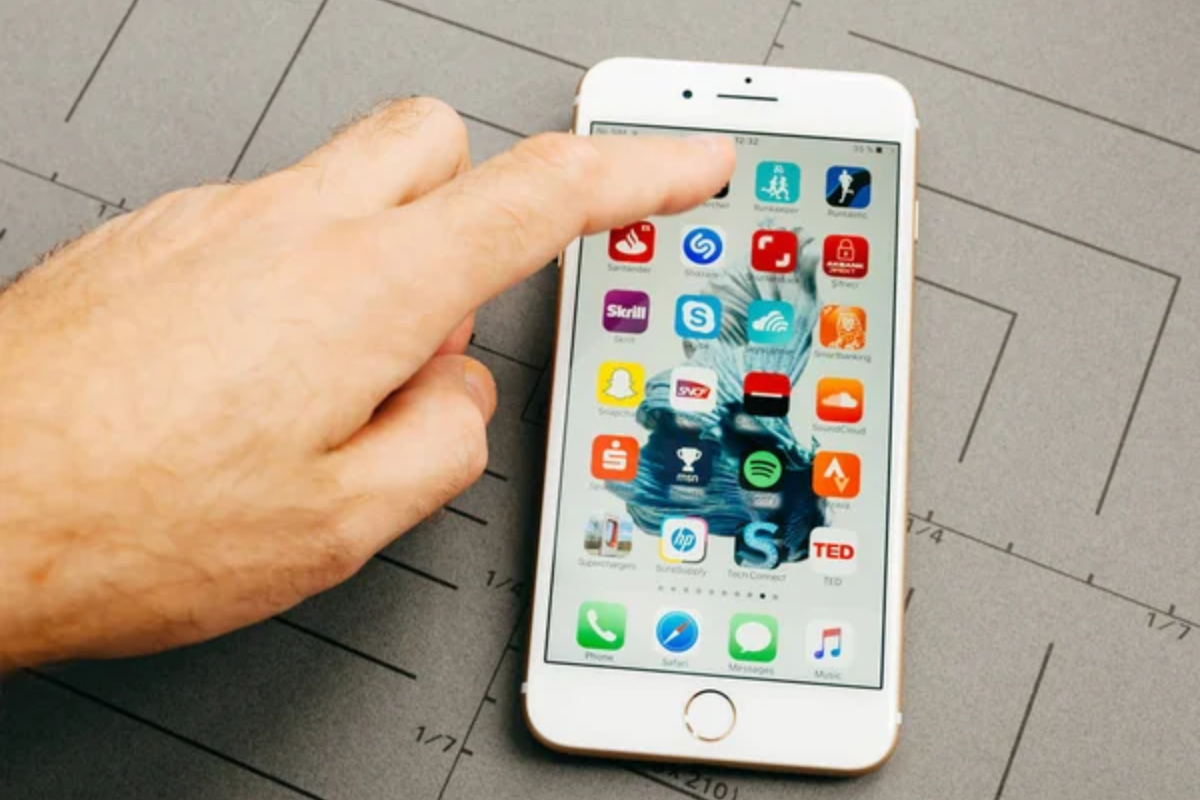
Giving apps permission to access your data is like handing over your house keys. You should probably know what you’re agreeing to first.
That flashlight app doesn’t need access to your contacts, photos, and location data to do its job—taking two seconds to read what an app wants to access can save you from accidentally sharing way more than you intended.
Never Organizing Files and Folders

A messy file system is like having a library where all the books are thrown in random piles. You know your vacation photos are somewhere on your computer, but good luck finding them six months later when they’re buried in a folder called ‘Misc Stuff 2023.’
Creating a logical folder structure takes a few minutes but saves hours of frustrated searching later.
Buying Cheap Charging Cables
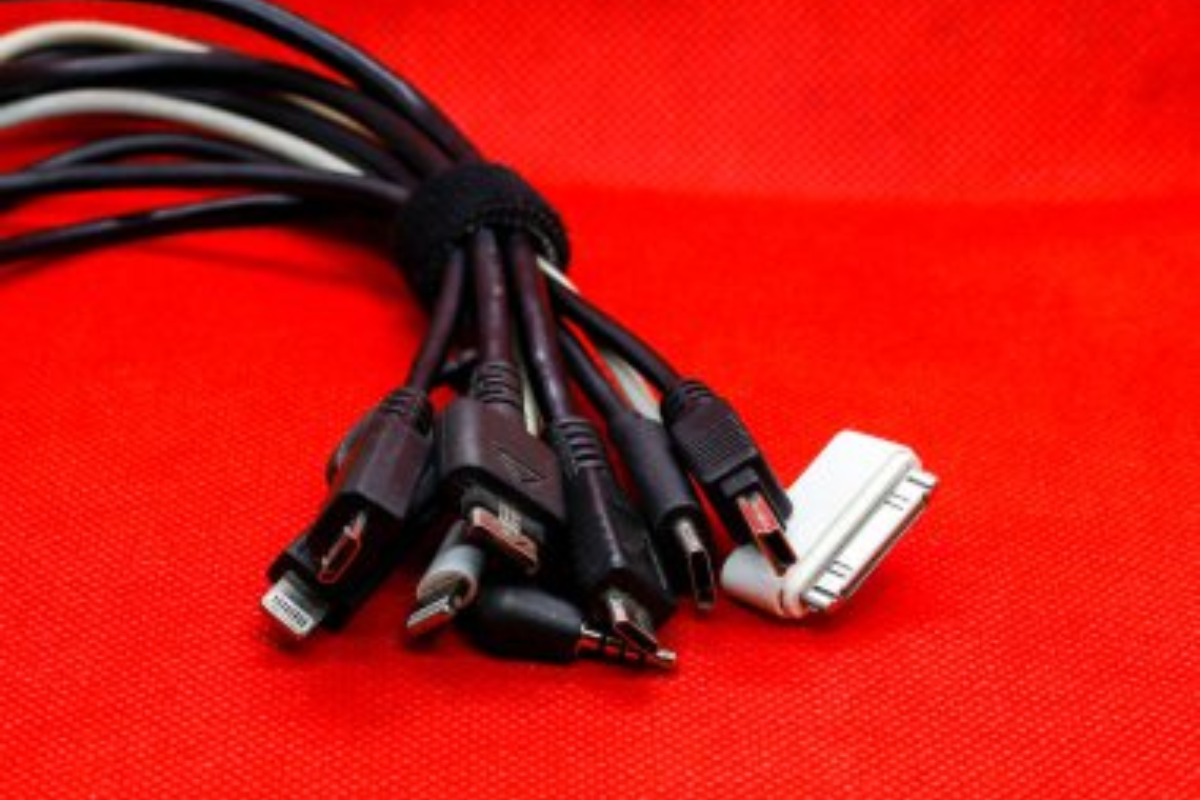
That $3 charging cable from the gas station might seem like a bargain, though it’s often the electronic equivalent of a paper umbrella in a thunderstorm. Cheap cables can damage your device’s charging port, deliver inconsistent power, or even pose fire hazards.
Spending a few extra dollars on a quality cable is way cheaper than replacing a fried device.
Not Adjusting Display Settings for Your Eyes
Using your devices with factory display settings is like wearing someone else’s prescription glasses. Screens that are too bright strain your eyes during the day, while screens that don’t dim at night can mess with your sleep patterns.
Most devices have built-in features to adjust brightness and color temperature automatically throughout the day.
Assuming More Storage Means Better Performance

Buying a device with massive storage but skimping on RAM is like getting a huge garage but a tiny driveway. Storage holds your files, yet RAM is what your device uses to actually work with those files efficiently.
A computer with tons of storage but minimal RAM will still feel sluggish when you’re trying to multitask.
Never Learning Keyboard Shortcuts

Reaching for your mouse every few seconds is like taking the scenic route when there’s a highway right next to you. Learning just a handful of keyboard shortcuts can literally save you hours every week.
Copy, paste, undo, and save are the basic ones, though every program has shortcuts that can turn tedious tasks into single keystrokes.
Assuming More Apps Equals Better Functionality

Installing fifty apps to do what five could handle is like buying a separate tool for every household task. Your device gets cluttered, performance suffers, and you end up forgetting what half of them do anyway.
Sometimes the built-in features of your operating system are more powerful than you realize, while streamlining your app collection often improves both speed and battery life.
Learning to Gel with Technology

These mistakes persist because technology changes faster than our habits do. Many of us learned to use computers and phones through trial and error, picking up workarounds that made sense at the time but don’t serve us well with modern devices.
The good news is that fixing these habits doesn’t require becoming a tech expert. Small changes in how we interact with our devices can make the difference between technology feeling like a helpful tool or a constant source of frustration.
More from Go2Tutors!

- The Romanov Crown Jewels and Their Tragic Fate
- 13 Historical Mysteries That Science Still Can’t Solve
- Famous Hoaxes That Fooled the World for Years
- 15 Child Stars with Tragic Adult Lives
- 16 Famous Jewelry Pieces in History
Like Go2Tutors’s content? Follow us on MSN.