15 Tech “Innovations” That Did the Same Thing Slower
Remember when technology was supposed to make our lives easier and faster? While many innovations have revolutionized how we live and work, not every “breakthrough” has delivered on its promises. Some tech products actually managed to take familiar tasks and make them more complicated or slower than before.
Here is a list of 15 technological misfires that promised progress but delivered frustration instead.
Microsoft Bob
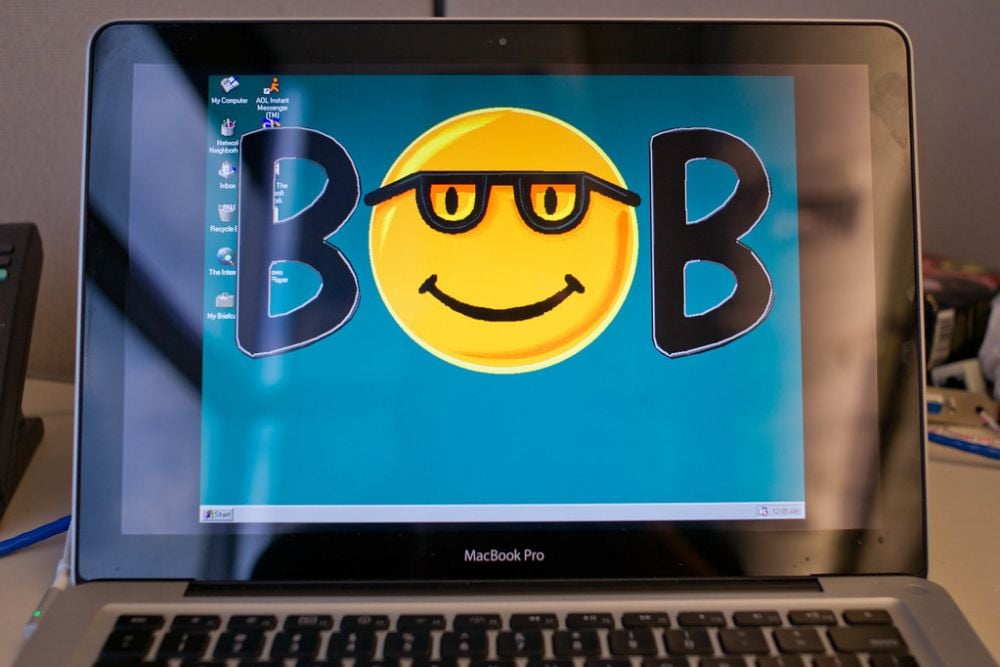
Microsoft’s attempt at creating a user-friendly interface in 1995 was anything but efficient. The cartoon-based operating environment featured animated characters guiding users through basic computer tasks.
What should have simplified computing instead created unnecessary steps and animations that slowed down even simple operations on already underpowered machines.
First-Generation Touchscreen Keyboards
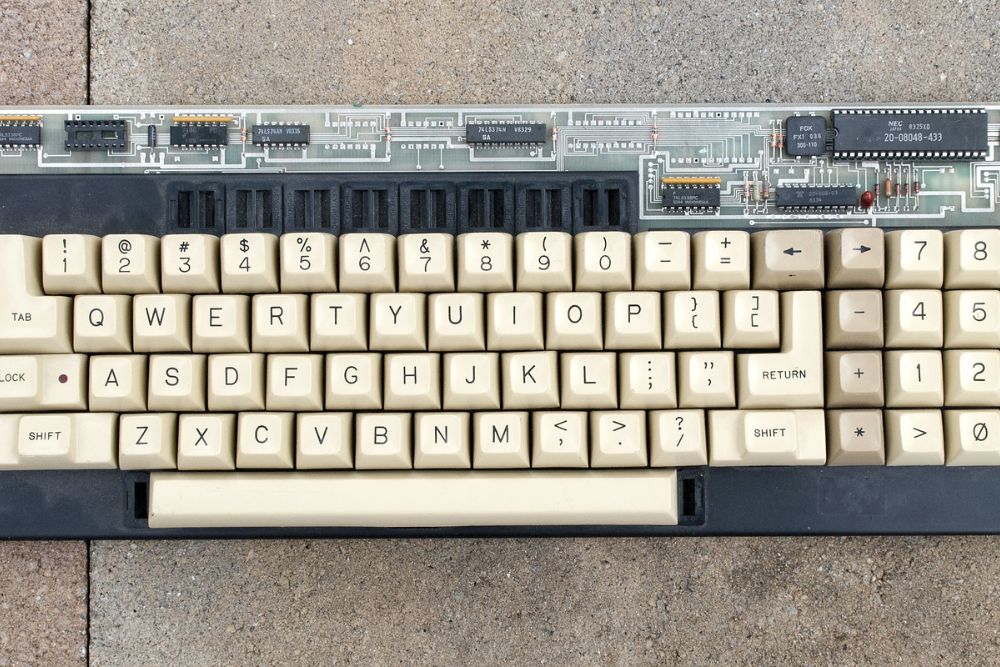
Early touchscreen keyboards eliminated physical buttons but introduced significant typing delays. These virtual keyboards lacked haptic feedback and often suffered from lag issues, making typing on them substantially slower than traditional keyboards.
Many users found themselves longing for the tactile response and speed of physical keys.
Like Go2Tutors’s content? Follow us on MSN.
Early Voice Recognition Software

The first mainstream voice recognition programs promised to free us from typing altogether. In reality, these systems required extensive ‘training’ sessions and still produced wildly inaccurate results.
Tasks that took seconds to type could take minutes of repeated attempts when using early voice commands, making the technology more of a novelty than a productivity tool.
QR Code Menus
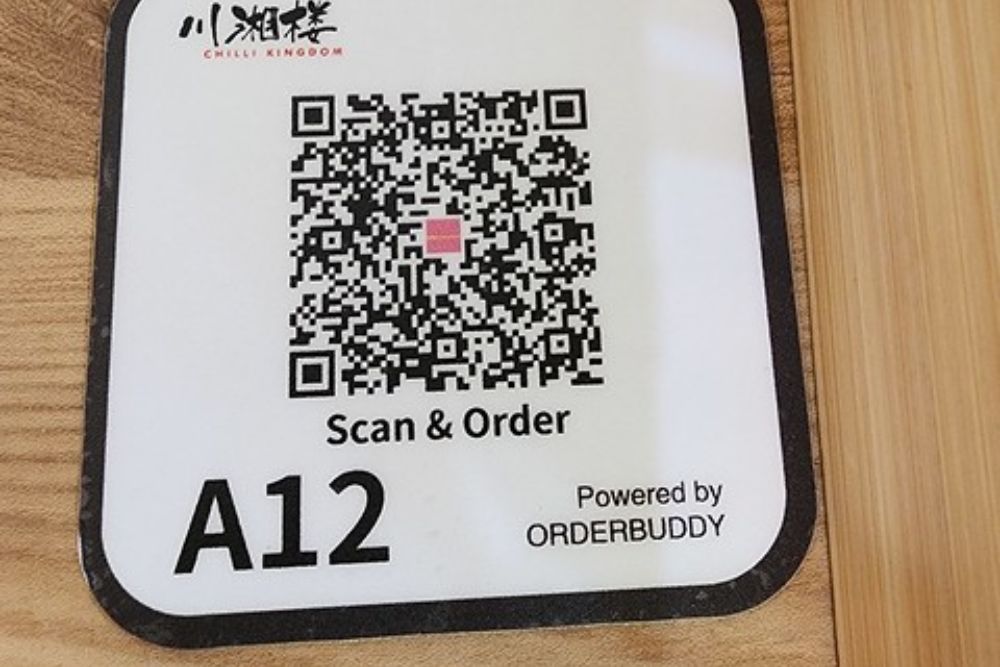
While not technically slower by design, QR code restaurant menus that replaced physical menus during the pandemic often created unnecessary hurdles. Loading issues, poor cellular connection, and non-mobile-optimized websites meant diners sometimes spent minutes trying to access a menu they could have opened in seconds with a physical version.
First-Generation Smartwatches
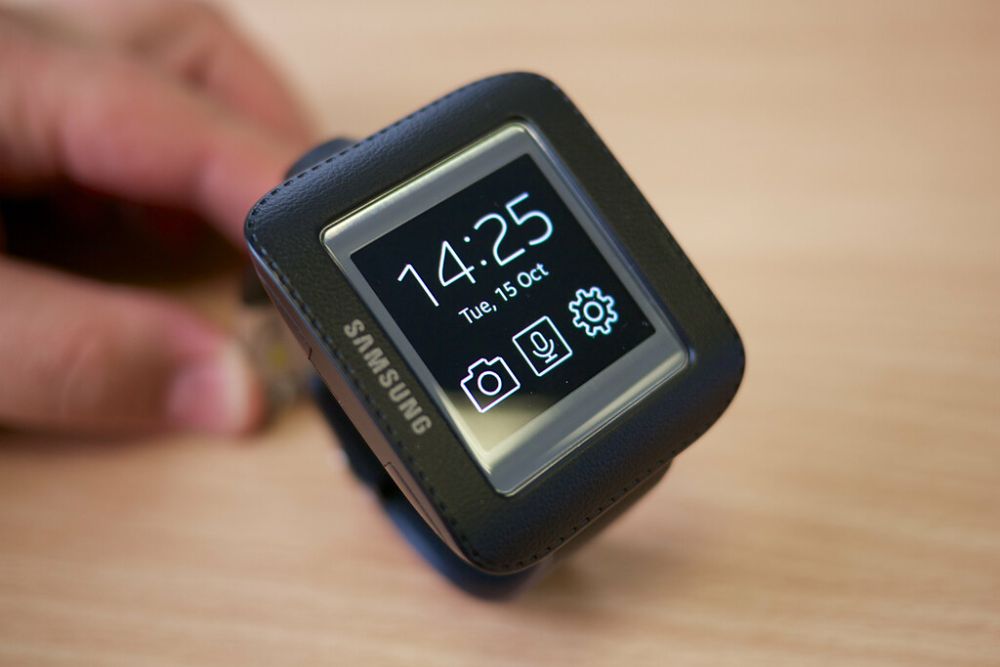
Early smartwatches promised quick access to information but delivered clunky interfaces that made checking simple notifications more time-consuming than pulling out a phone. With laggy screens, complicated navigation systems, and poor battery life, these devices often created more friction than convenience.
Like Go2Tutors’s content? Follow us on MSN.
3D Television
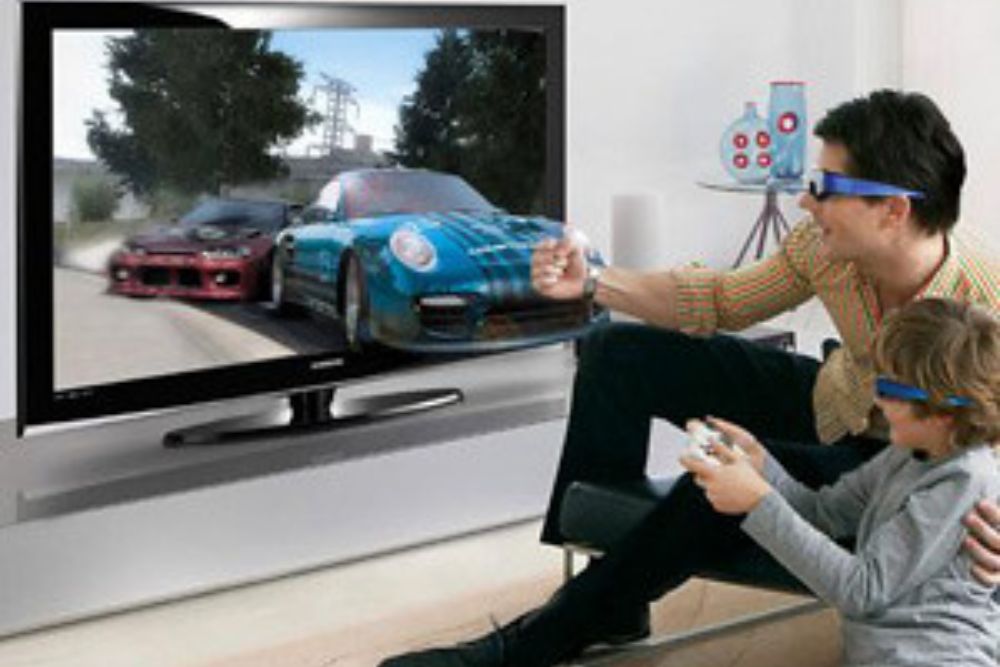
The 3D TV trend of the early 2010s promised immersive entertainment but delivered a cumbersome viewing experience. The required special glasses, specific viewing angles, and limited content made watching television more complicated without adding substantial value.
What should have enhanced entertainment ended up complicating it.
Kinect for Xbox
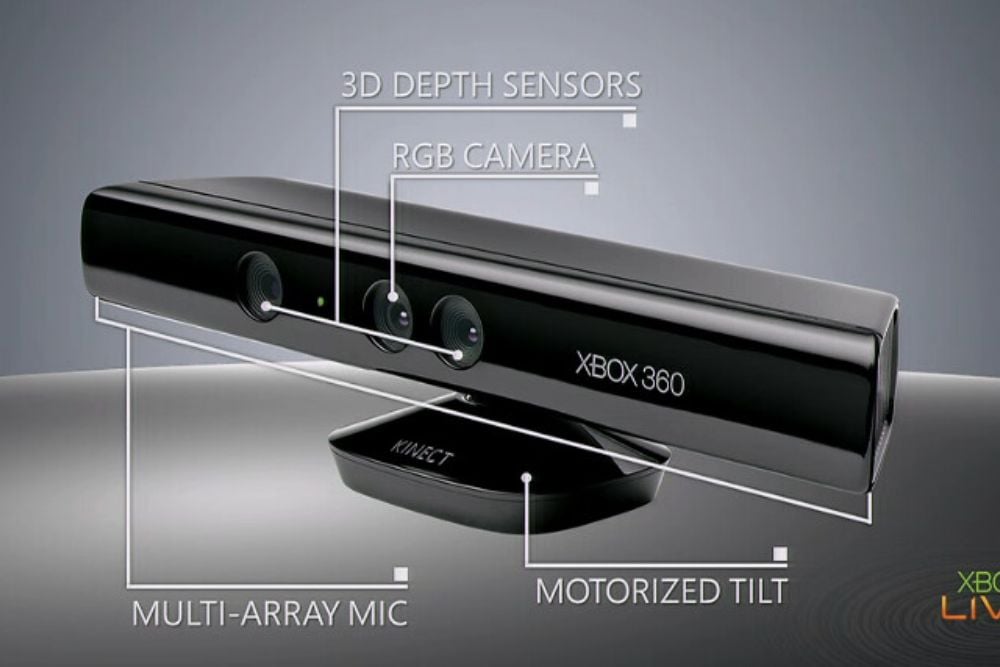
Microsoft’s motion-sensing device was innovative but ironically made navigating menus and selecting options more time-consuming than using a controller. Simple tasks like scrolling through options or selecting a movie required precise movements and often multiple attempts, making the traditional button-based controller faster and more reliable.
Windows 8 Start Screen
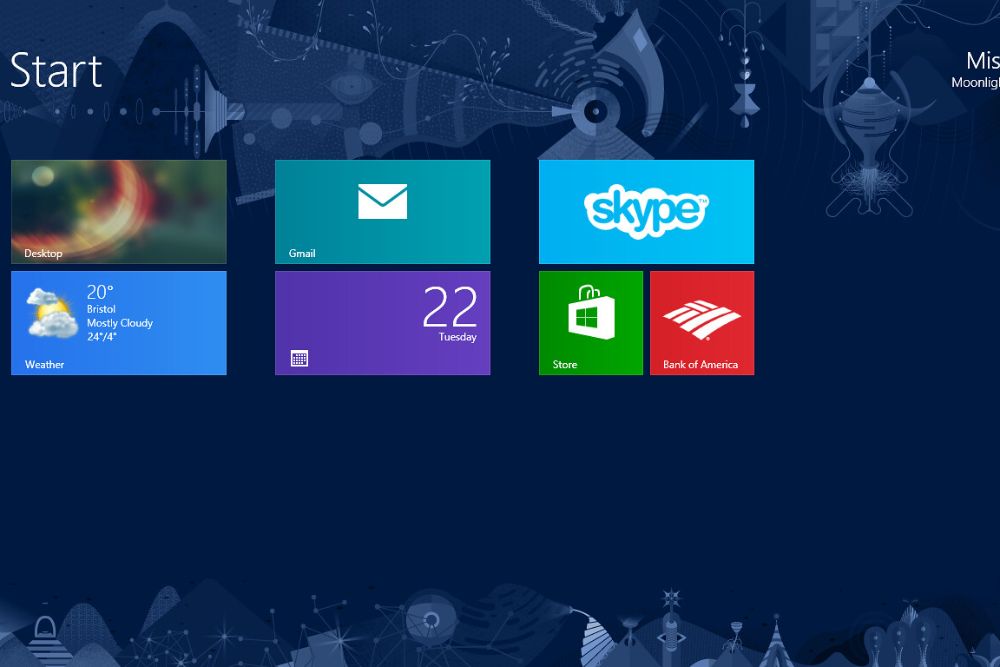
Microsoft’s attempt to modernize Windows with a tile-based start screen in Windows 8 was a usability disaster. The design forced desktop users to navigate through an interface optimized for touch, making accessing programs and files significantly slower than the traditional start menu it replaced.
Like Go2Tutors’s content? Follow us on MSN.
Digital Car Key Systems
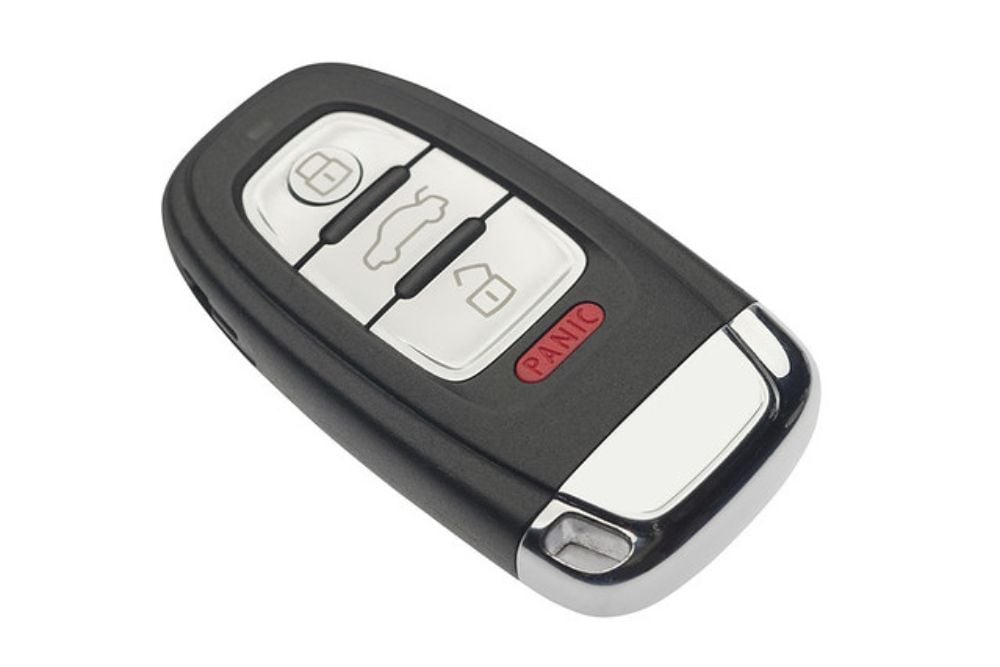
Early digital car keys and proximity systems often proved less reliable than traditional keys. What should have been a quick entry sometimes became a frustrating experience of waiting for systems to recognize fobs, apps failing to connect, or batteries dying at inconvenient moments.
Google Glass
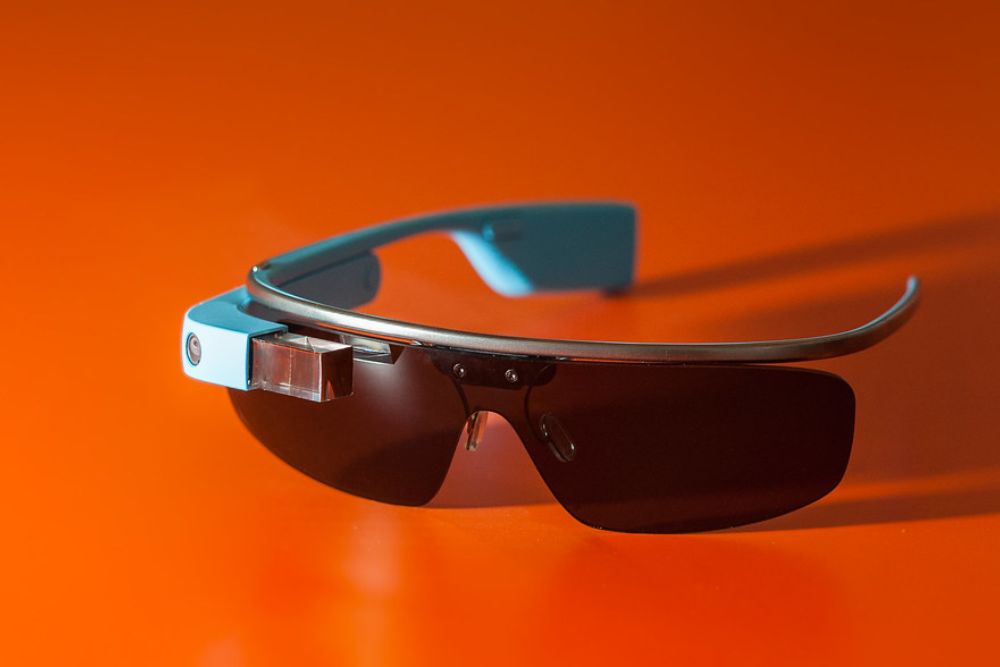
Google’s augmented reality eyewear promised effortless access to information but delivered a clunky, socially awkward experience. The voice commands and head gestures required to operate Glass were often less efficient than simply checking a smartphone, making the futuristic eyewear more of a conversation piece than a productivity tool.
Early Smart Home Hubs
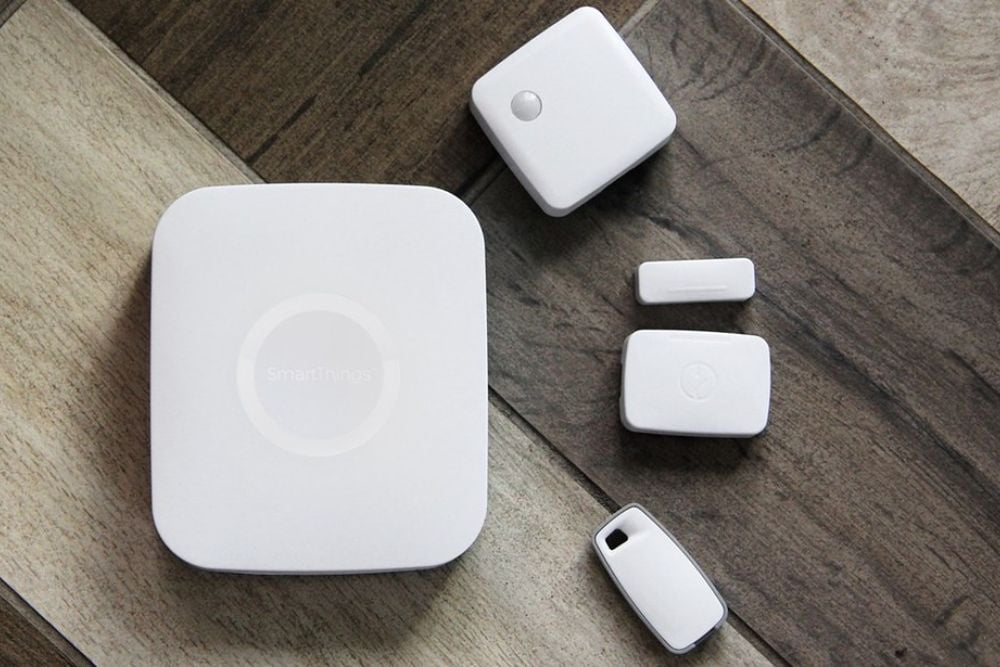
The first generation of smart home systems promised convenient control of household devices but often created more steps than they eliminated. Asking a voice assistant to turn on lights or adjust the thermostat frequently involved repeated commands, app crashes, and connectivity issues—all slower than flipping a switch.
Like Go2Tutors’s content? Follow us on MSN.
First-Generation Wireless Earbuds
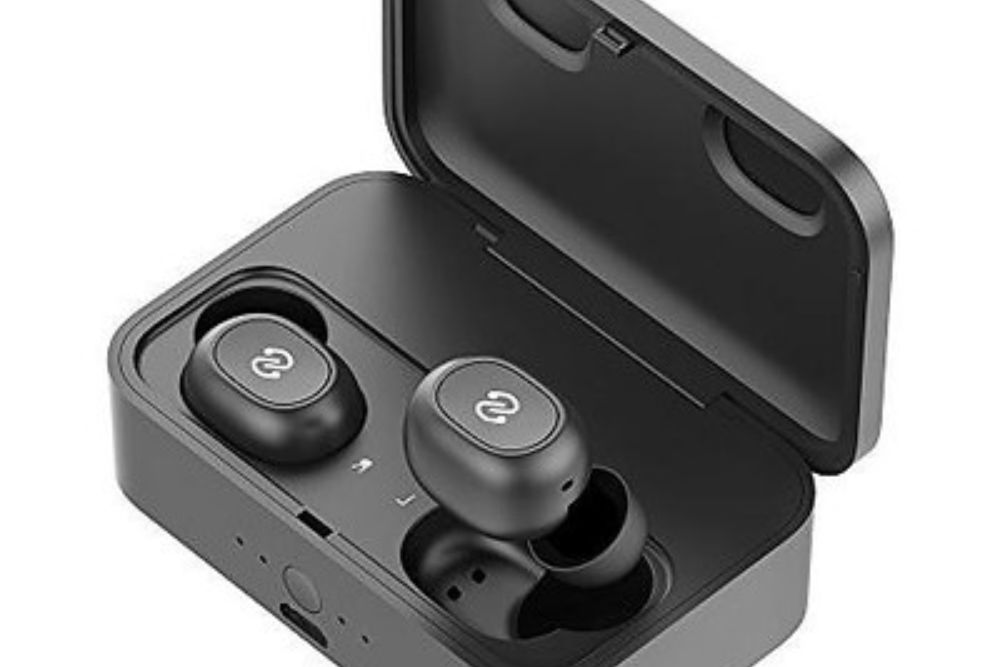
Early wireless earbuds promised freedom from cables but introduced new problems. Pairing difficulties, connectivity issues, and short battery life meant users spent more time troubleshooting than listening.
Many found themselves carrying backup wired earphones for when the wireless ones inevitably failed.
Clippy the Office Assistant

Microsoft’s animated paper clip assistant was designed to help users navigate Office programs but mostly interrupted workflow with unwanted suggestions. The animated helper would pop up with obvious or irrelevant tips, forcing users to dismiss it before continuing their work.
What was meant to speed up document creation actually created frequent interruptions.
Early Electric Car Charging
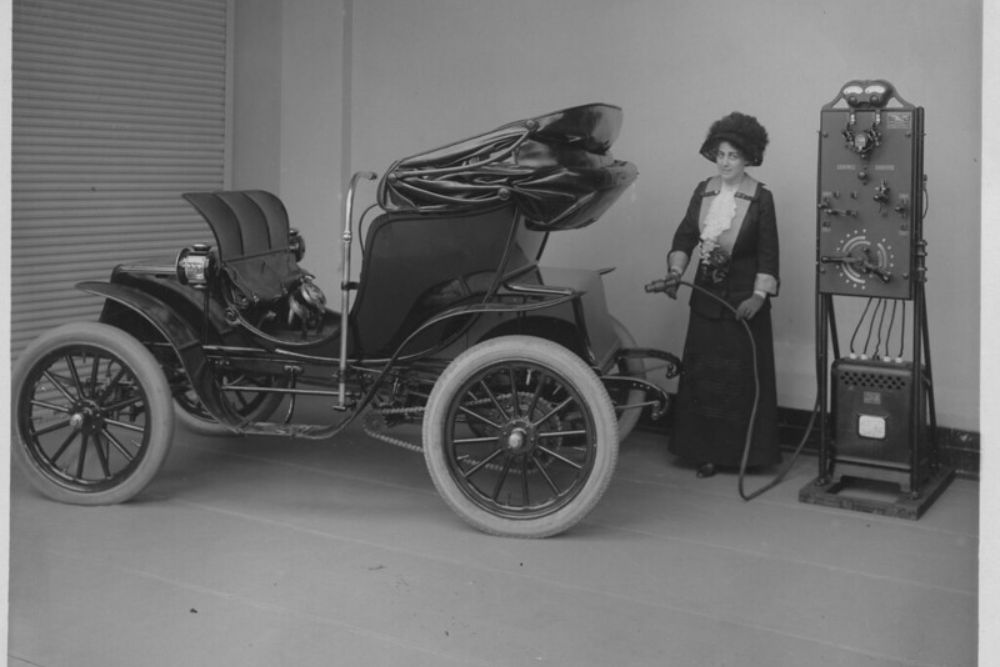
Early electric vehicle charging infrastructure offered an alternative to gas stations but with significantly longer refueling times. While modern fast chargers have improved the situation, early adopters often found themselves waiting hours for a full charge—a far cry from the minutes it takes to fill a gas tank.
Like Go2Tutors’s content? Follow us on MSN.
Curved Smartphones
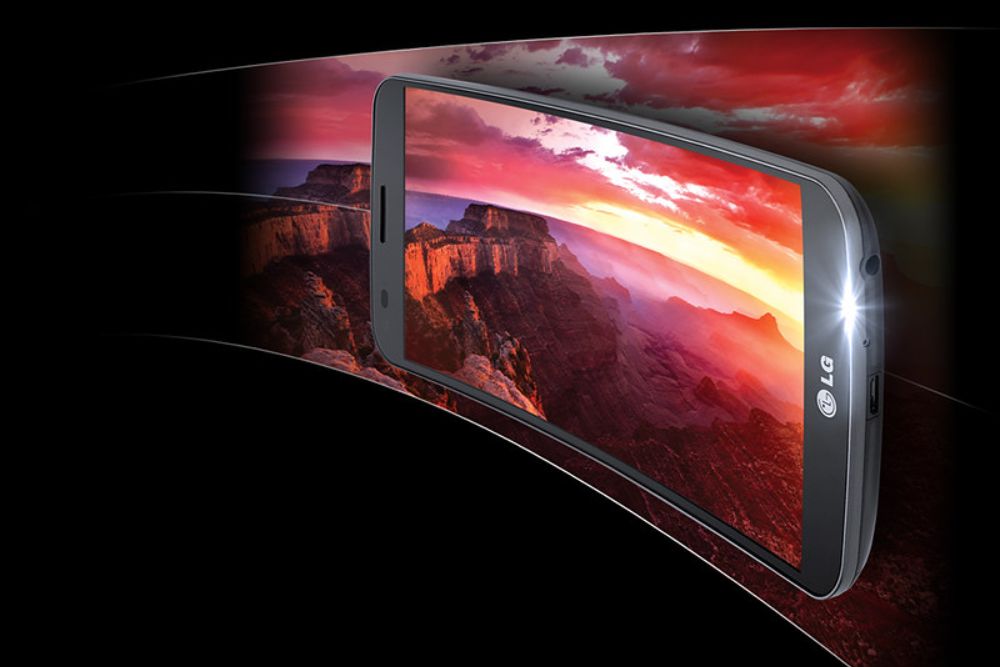
Samsung and LG’s curved screen smartphones from the mid-2010s introduced an innovative form factor that actually made the devices harder to use. The curved displays created glare issues, made screen protectors difficult to apply, and didn’t fit comfortably in pockets or stands.
The visual novelty came at the cost of practical functionality.
The Tech Reality Check
These technological missteps remind us that innovation isn’t always synonymous with improvement. Many of these products were stepping stones to better technologies that eventually delivered on their promises.
Today’s voice assistants, touchscreens, and smart devices evolved from these early failures, proving that sometimes we need to go slower before we can truly move forward.
More from Go2Tutors!

- 18 Unexpectedly Valuable Collectibles You Might Have Lying Around
- 20 Little-Known Historical Battles That Had Huge Consequences
- 20 Historical Artifacts That Scientists Can’t Explain
- 15 Inventions That Were Immediately Banned After Being Created
- 20 Actors Who Were Almost Cast in Iconic Roles
Like Go2Tutors’s content? Follow us on MSN.