Everyday Habits That Damage Your Phone
You likely dropped quite a bit of cash on your phone. Or maybe went all out with a solid case along with a shield for the screen.
Yet somehow, you’re probably doing little things daily that quietly wear it down. We’re not talking crashes or clear blunders here.
Just tiny routines seeming fine right now – yet they pile up after weeks.
Charging It Overnight, Every Night
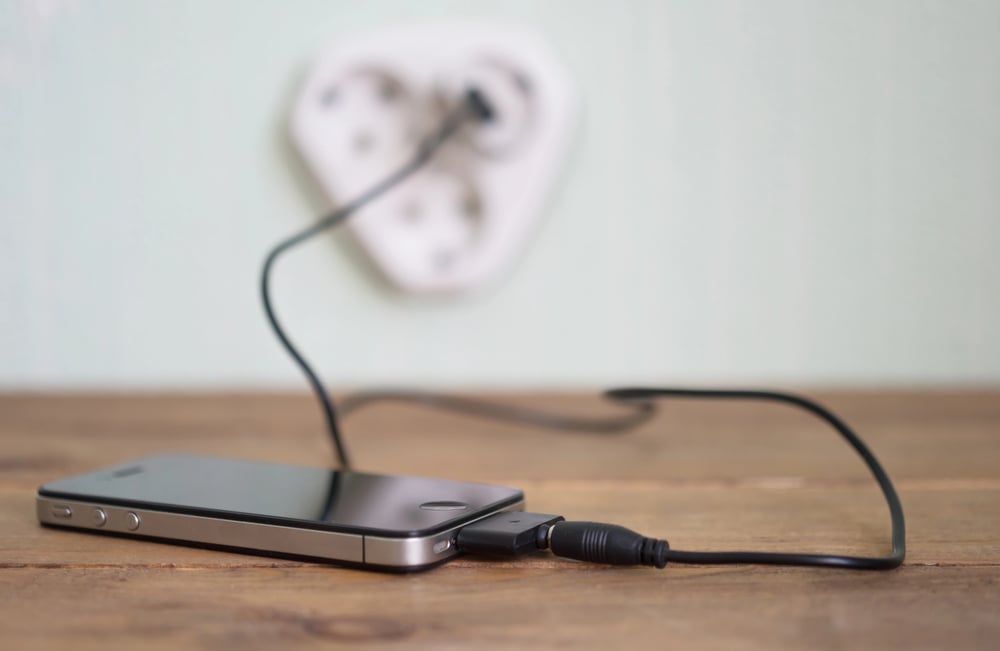
Charging your phone overnight might seem smart – after all, you start the day with a full power level. Yet lithium-ion tech doesn’t like sitting at max charge for hours.
That slow top-up adds heat, straining the internal parts, wearing them down quicker than needed. Luckily, many recent models have built-in smarts; they pause near 80%, then finish charging right before your alarm goes off.
Yet these functions won’t run unless you turn them on yourself. Lots skip this step, so their devices just stay charged up overnight.
Letting It Get Too Hot or Too Cold
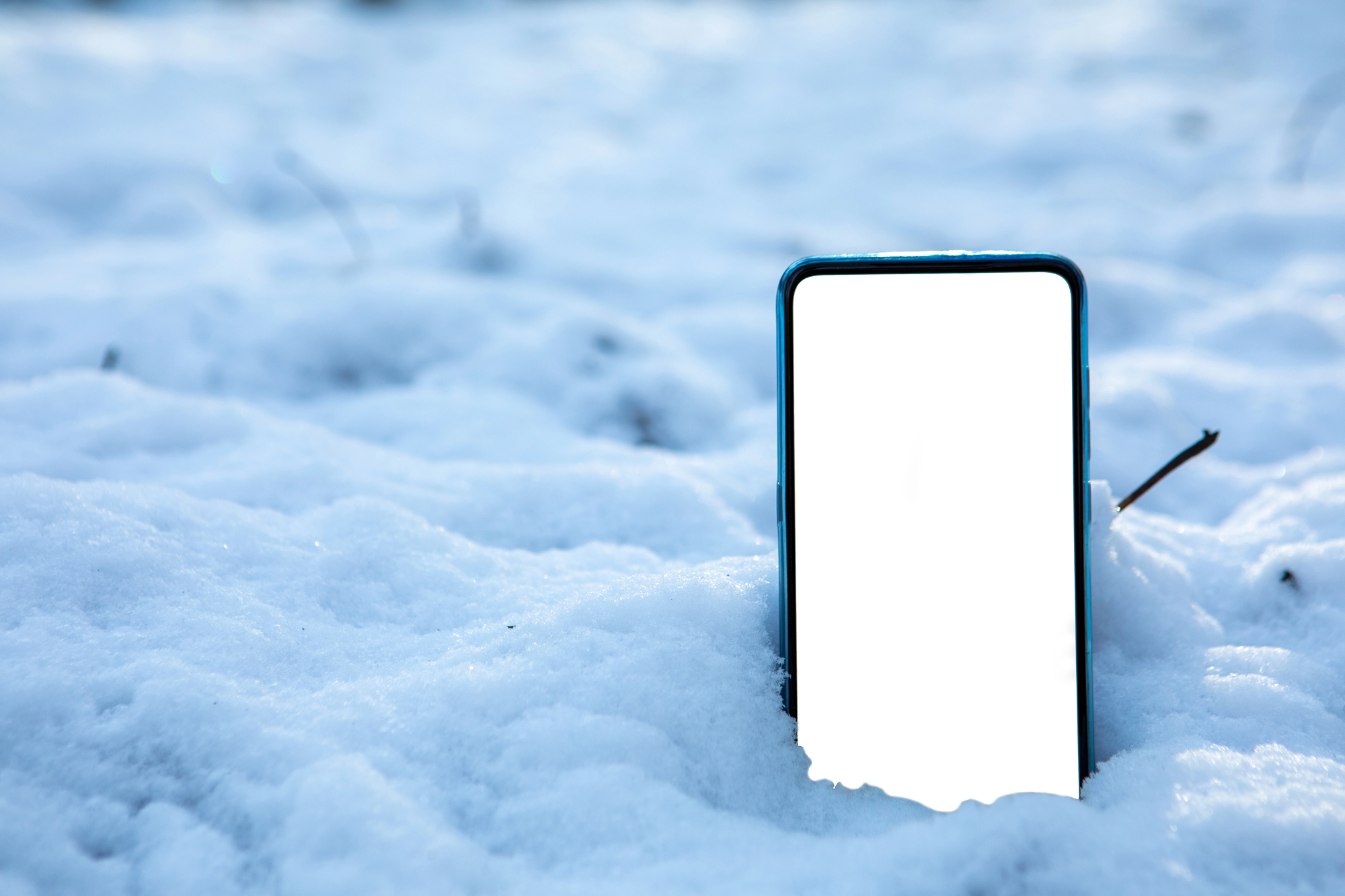
Temperature extremes mess with your phone in ways that aren’t always obvious until the damage is done. Leave it on your car dashboard during summer, and the internal components start to warp.
The battery swells. The adhesive that holds everything together weakens.
Cold weather isn’t much better—try using your phone outside when it’s freezing, and you’ll notice the battery drains faster than usual. That’s because cold slows down the chemical reactions inside lithium-ion batteries.
Repeated exposure to temperatures below freezing can permanently reduce battery capacity. Even worse is charging your phone in the cold.
Doing this can cause lithium plating on the battery’s anode, which permanently degrades its ability to hold a charge. Most phones operate best between 32°F and 95°F.
Ignoring Software Updates
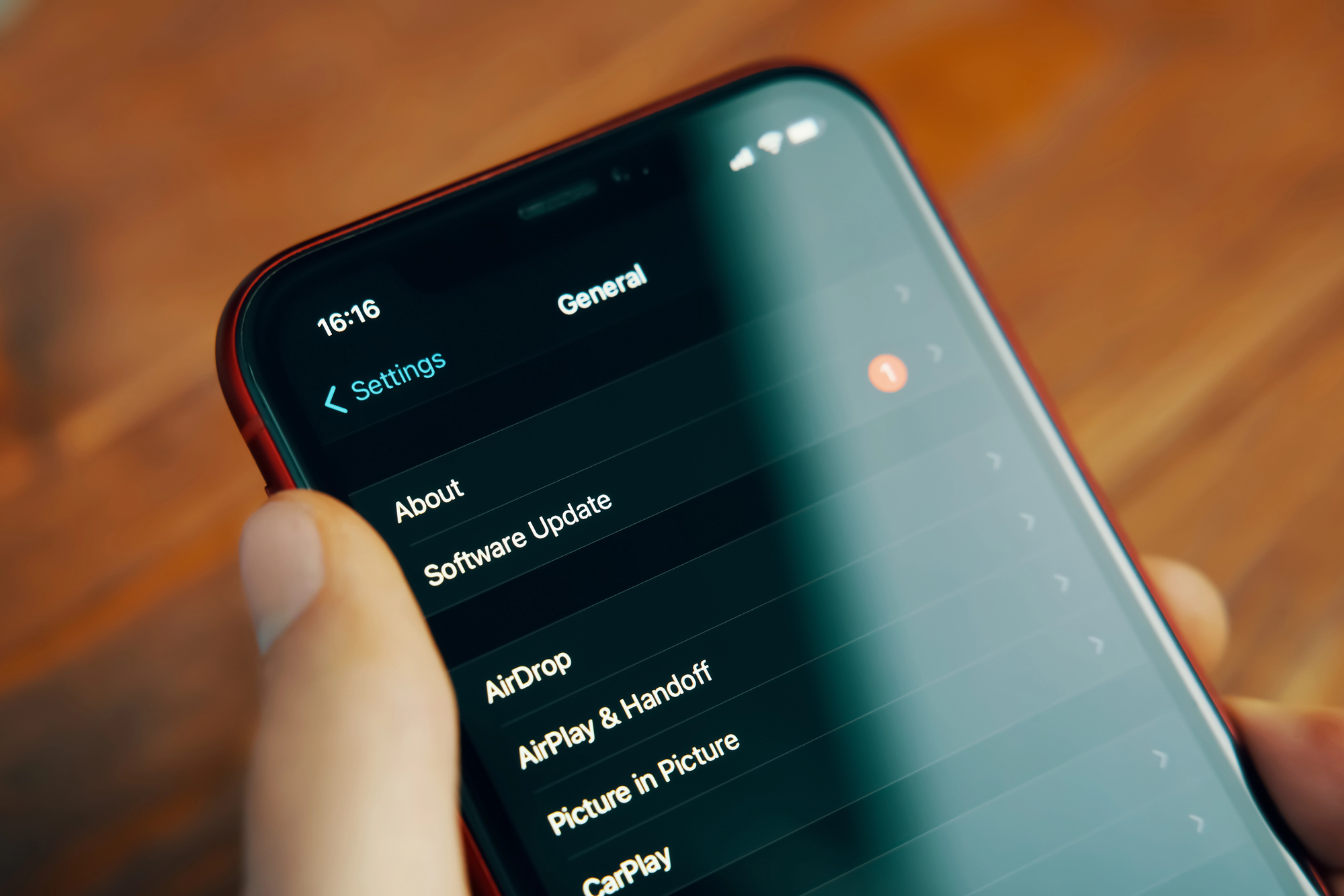
That notification about a new software update sits there for days. Maybe weeks.
You tell yourself you’ll do it later when you have time. But those updates aren’t just about new features or emoji.
They often include patches for security vulnerabilities and fixes for bugs that can cause hardware strain. Running outdated software can make your processor work harder than it needs to, generate more heat, and drain your battery faster.
Using Cheap or Damaged Charging Cables
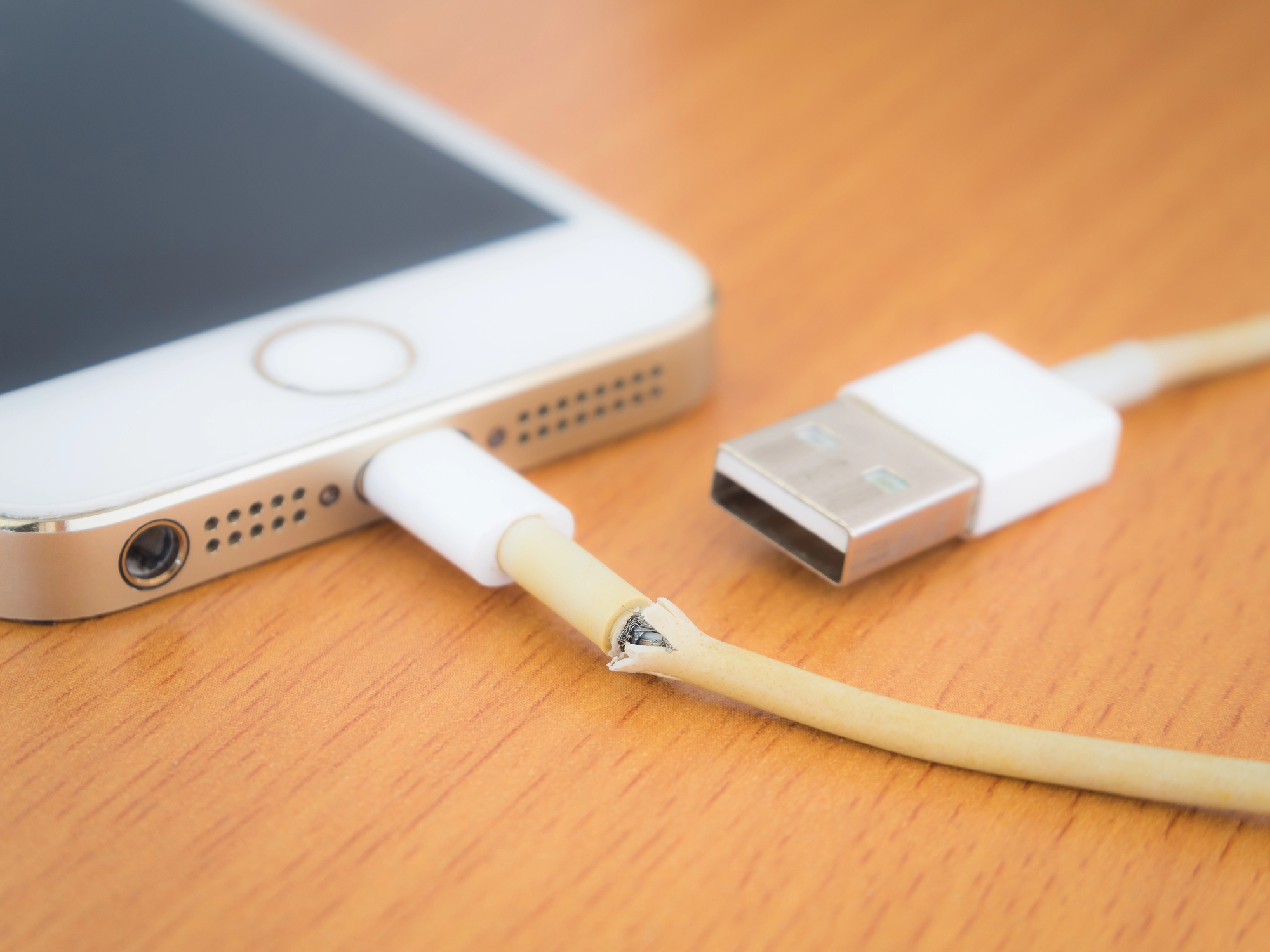
The cable that came with your phone frayed months ago, so you grabbed a replacement from a gas station or that random bin at the dollar store. These knockoff cables don’t regulate power flow the same way official ones do.
They can deliver inconsistent voltage to your battery, which leads to overheating and long-term damage. Even if the cable charges your phone just fine today, it’s probably shaving time off your battery’s overall lifespan.
Keeping Your Phone in Your Pocket All Day
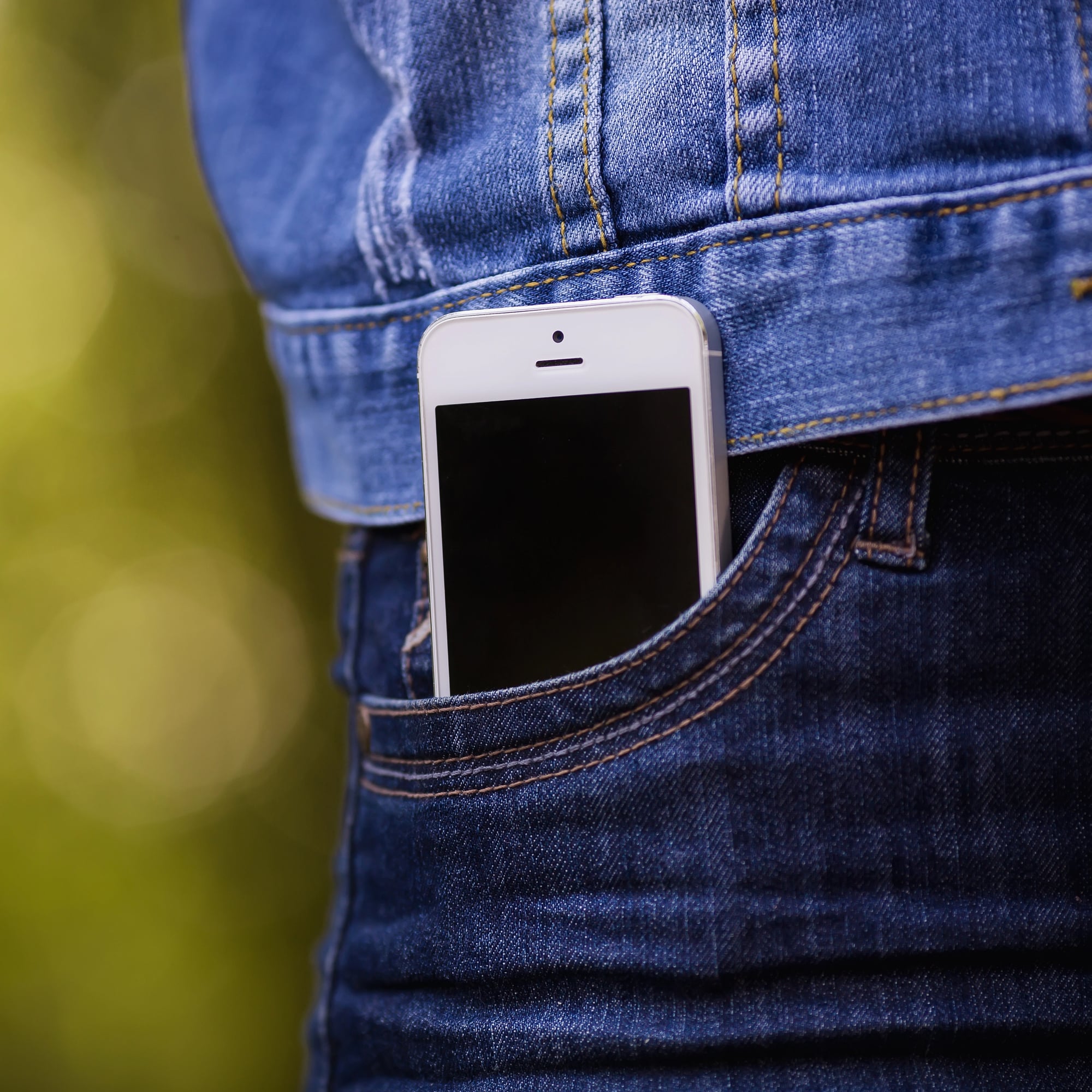
Your back pocket seems like the perfect spot for your phone. Easy to reach, out of the way, convenient.
But sitting on your phone—even if it’s in a case—puts pressure on the screen and internal components. Over time, this can cause the display to separate from the frame, create dead pixels, or even crack the screen from the inside out.
Front pockets aren’t much better if you’re squeezing into tight jeans or loading your pocket with keys and coins alongside your phone.
Downloading Too Many Apps You Never Use

Your phone’s storage might seem infinite, but it’s not. Every app you download takes up space, and many of them run background processes even when you’re not actively using them.
This constant activity drains your battery, generates heat, and makes your processor work overtime. The more cluttered your phone gets, the slower it runs.
And a slow phone makes you more likely to push it harder, creating even more wear and tear.
Maxing Out the Brightness All the Time
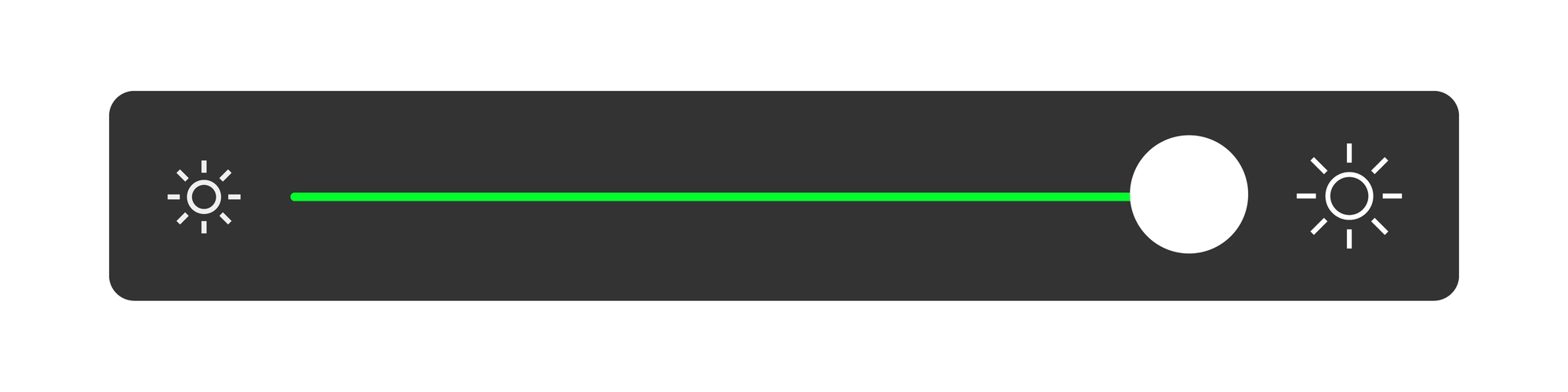
Walking around with your screen brightness cranked to maximum means you’re burning through battery power at an alarming rate. The display is one of the biggest power drains on any phone.
Higher brightness also generates more heat, which affects battery health over time. Most phones have auto-brightness settings that work fine for most situations, but many people turn them off and never look back.
Closing All Your Apps Constantly
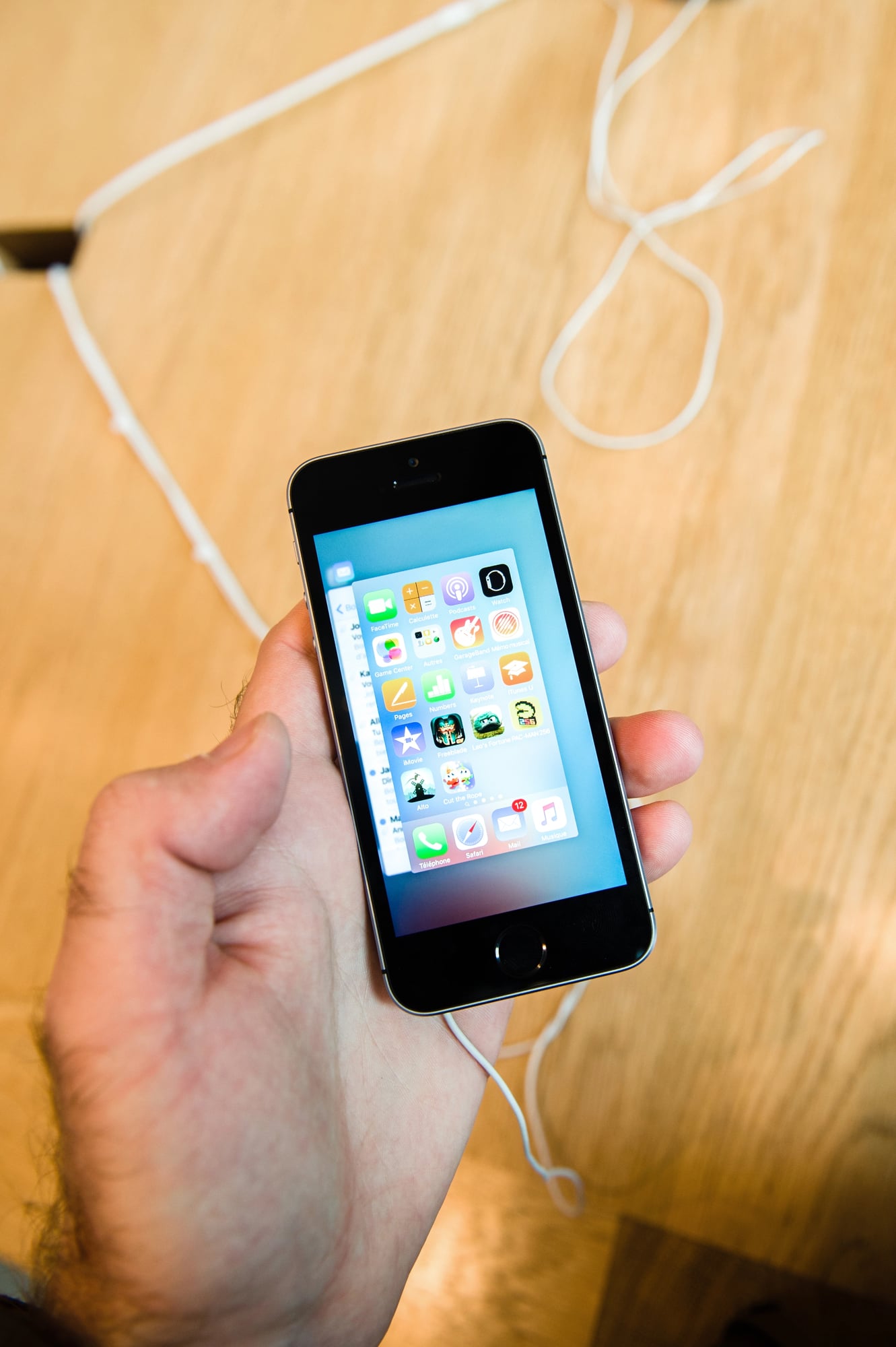
There’s a common belief that force-closing apps saves battery and makes your phone run faster. For years, people have been swiping away every app in their recent list, thinking they’re doing their phone a favor.
The truth is the opposite. Operating systems are designed to manage apps efficiently on their own by suspending them in a low-power state.
When you force-close everything, your phone has to work harder to restart those apps from scratch the next time you open them. This actually uses more resources and drains more battery than just letting the system handle things automatically.
The only time you should close an app is when it’s misbehaving or frozen.
Exposing It to Moisture Without Protection
You’re careful about not dropping your phone in water, but moisture damage happens in subtler ways. Taking your phone into a steamy bathroom while you shower.
Leaving it on the counter while you cook and steam rises from the pot. Using it with wet hands after washing dishes.
Even humid environments can introduce moisture into the charging port and speaker grilles over time. That moisture corrodes internal components slowly, creating problems that don’t show up until months later.
Skipping the Case Because It Looks Better
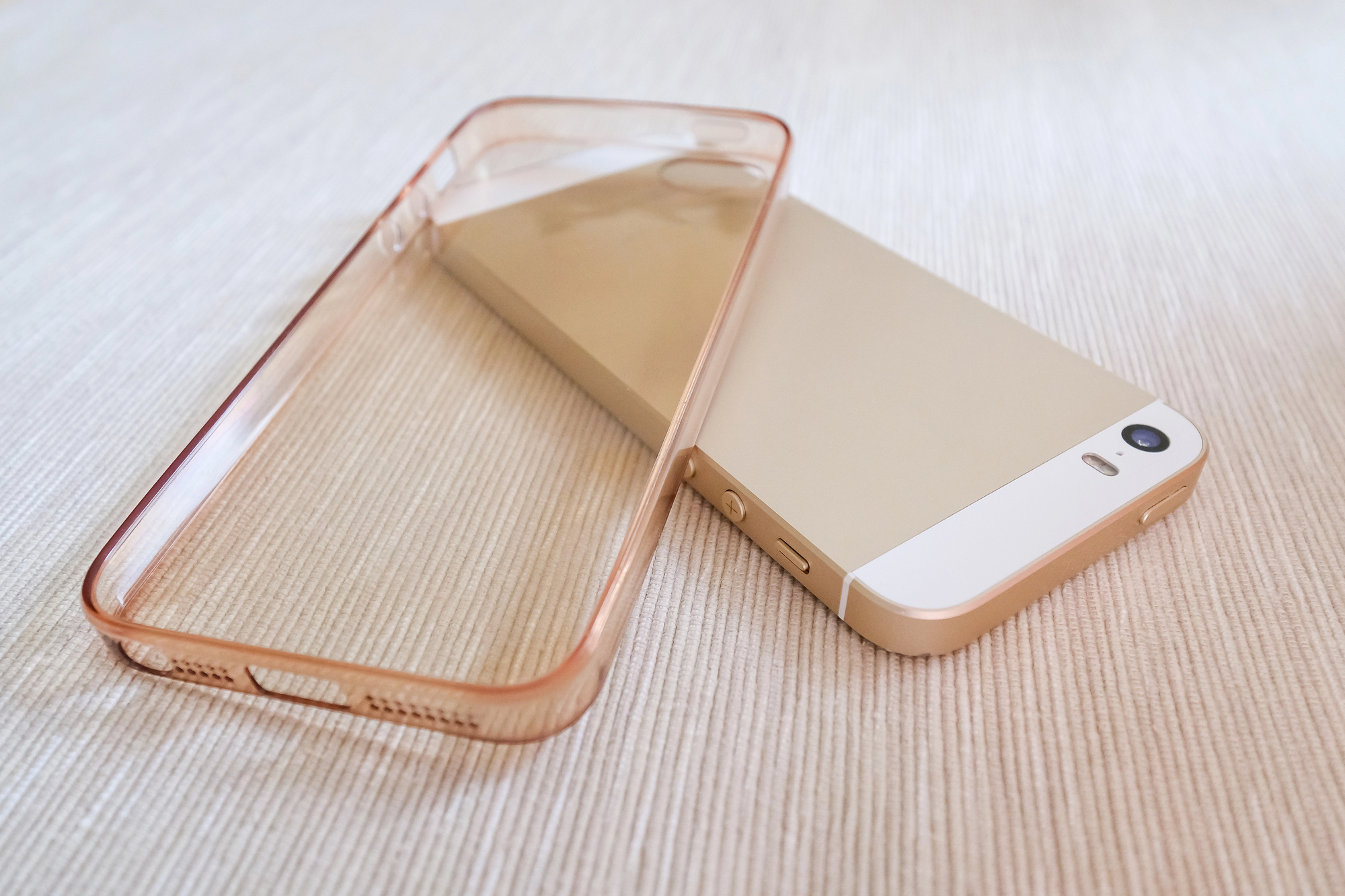
The sleek design of your phone looks great. Cases add bulk and hide the color you specifically chose.
But every time you set your phone down on a hard surface, you’re risking scratches and dents that go beyond cosmetic damage. The frame can get dinged in ways that affect the structural integrity.
The camera lenses get scratched, affecting photo quality. And when you eventually do drop it—because everyone drops their phone eventually—there’s nothing between the device and the ground.
Running It Until the Battery Dies Completely
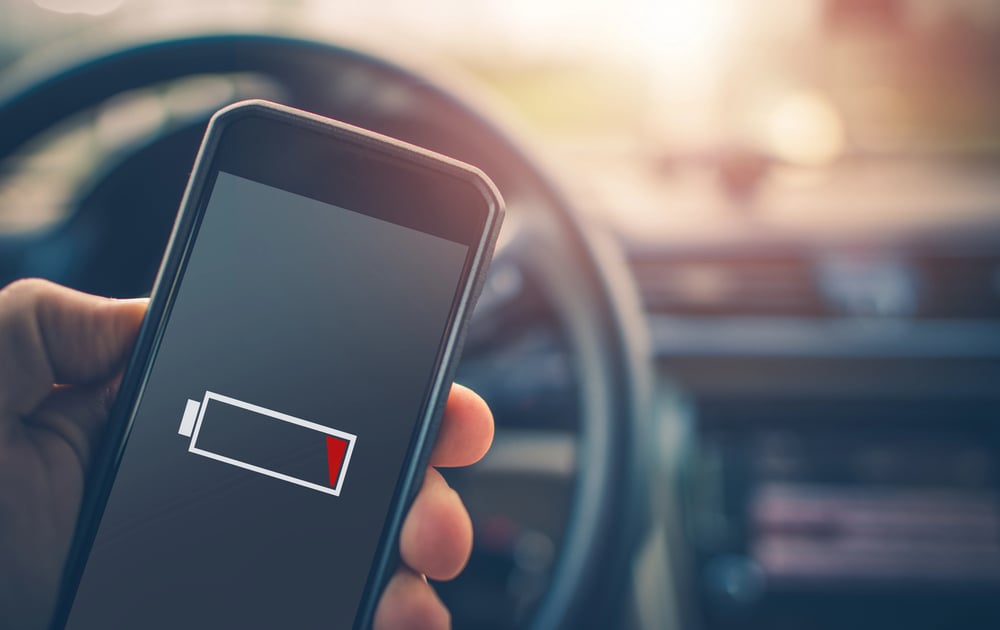
Letting your phone’s battery drop to zero percent before charging seems like a good way to calibrate the battery or get the most out of each charge cycle. This was true for older battery technology, but lithium-ion batteries actually prefer to stay between 20% and 80%.
Running them down to empty puts stress on the cells and reduces their overall lifespan. Studies show that repeatedly draining to 0% can reduce battery capacity by up to 70% over just a few hundred charge cycles.
When your phone shows 0% and shuts off, there’s still some charge left to protect the battery, but letting it sit in this state for days can cause permanent damage. The same goes for always charging to 100%.
That middle range is where your battery stays healthiest longest.
Using It While It’s Charging

Scrolling through social media or watching videos while your phone charges might seem harmless. After all, it’s plugged in, so what’s the problem? The problem is heat.
Using your phone generates heat on its own. Charging generates heat on its own.
Do both at the same time, and you create a temperature spike that’s worse than either activity alone. This accelerated heat damages the battery and can affect other internal components over time.
Keeping It Pressed Against Your Face During Long Calls

Hour-long phone conversations are less common than they used to be, but when they happen, that phone stays pressed against your ear for a long time. The heat from your body, combined with the heat the phone generates during use, creates a warm environment that batteries don’t appreciate.
Your skin also transfers oils and moisture to the phone, which can work their way into the speaker grille and microphone. Over many calls, this buildup affects audio quality.
Storing It in Direct Sunlight
Leaving your phone on a windowsill, or on a table where sunlight hits it for hours, does more damage than you’d expect. The UV rays fade the color of the case and the phone itself.
The heat buildup inside the phone can reach levels that trigger safety shutdowns. If this happens repeatedly, the battery degrades faster, and plastic components can warp.
Even the adhesive holding the screen in place can weaken under sustained heat.
Never Cleaning the Charging Port
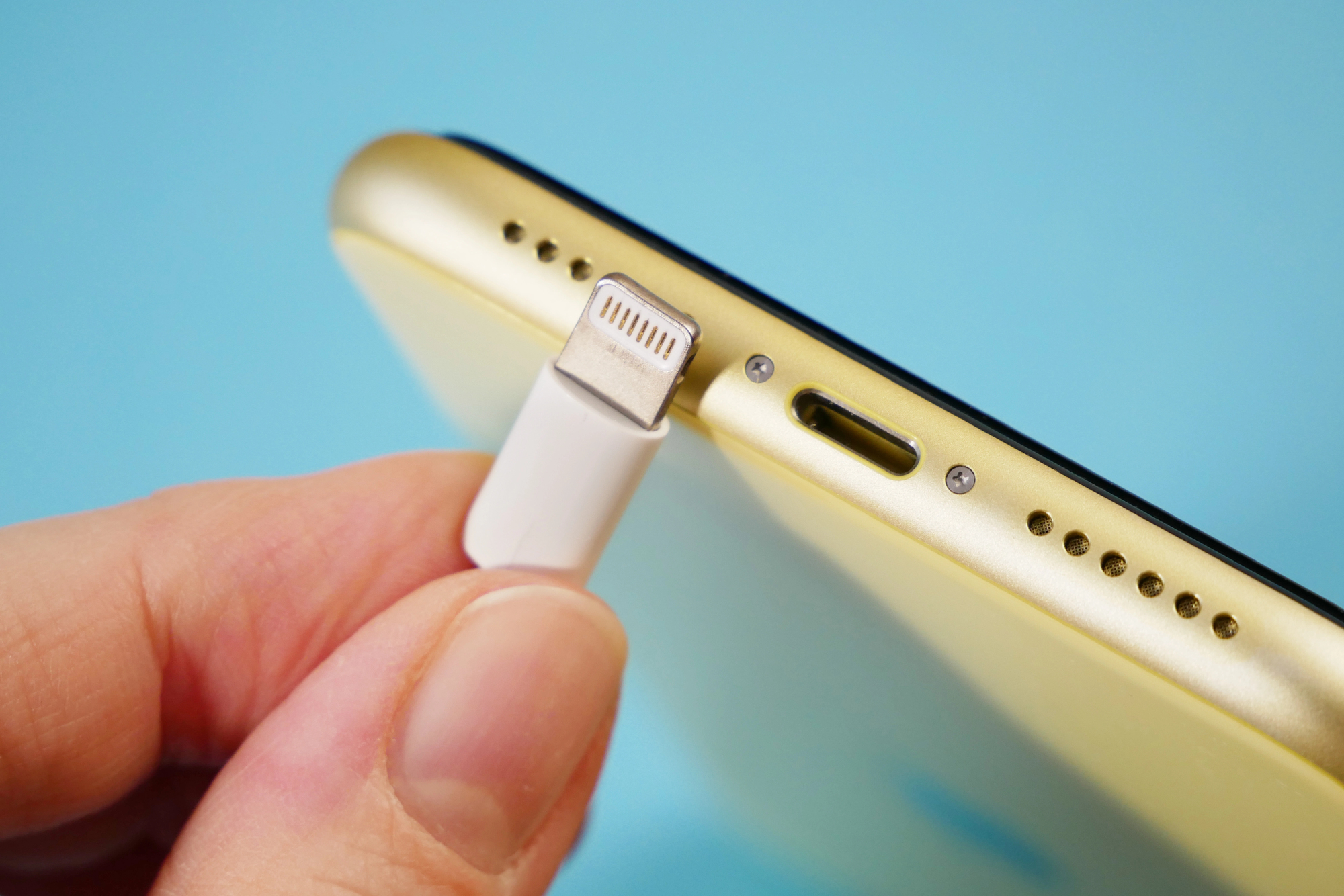
Lint, dust, and pocket debris accumulate in your phone’s charging port over time. You probably don’t think about it until your charging cable stops fitting properly or won’t charge at all.
But before it gets to that point, all that gunk is already causing problems. It prevents proper connection between the cable and the port, which can lead to inconsistent charging.
The debris can also trap moisture, leading to corrosion. A quick clean with a toothpick or compressed air every few weeks prevents this.
Ignoring Strange Performance Issues
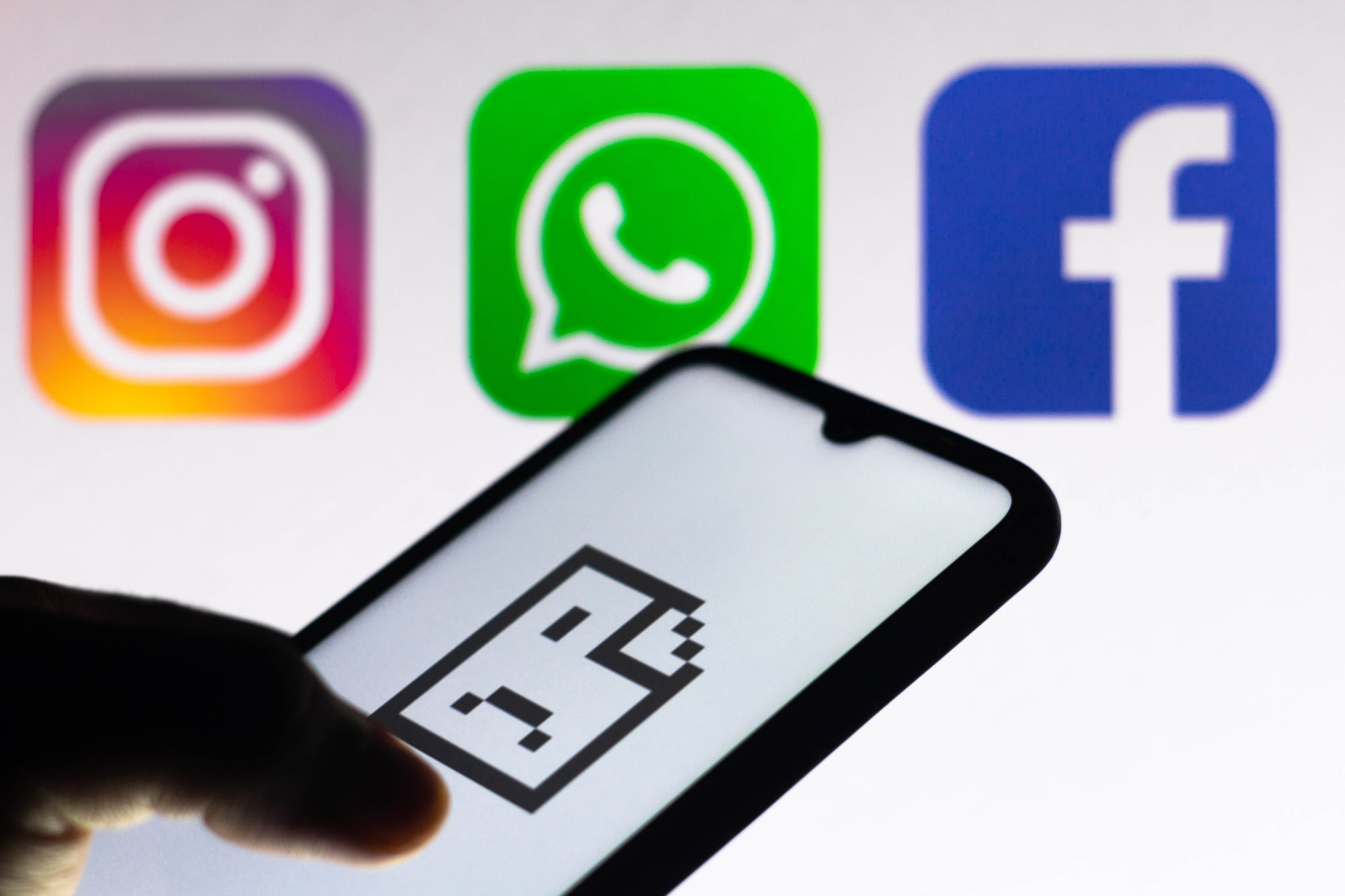
Your phone acts up suddenly. Yet apps stop working randomly.
Also, power vanishes quicker than before. Instead, it heats up even when you’re not doing much.
Still, these hints show trouble’s coming – yet folks usually reboot and assume things will fix themselves. Maybe it works sometimes.
Now and then, you might overlook signs pointing to something worse – say, a dying battery, messed-up system files, or an out-of-control app hogging your CPU. Fixing them fast keeps small troubles from turning into big headaches later on.
The Weight of Small Decisions

These habits won’t wreck your phone right away – so it’s easy to brush them off. Still, daily gadgets break down slowly over time, just like shoes or backpacks.
How you handle yours plays a big role in how long it lasts. Tweak things like charging patterns, storage spots, or usage routines – it piles up into real gains later on.
When today’s models carry such steep prices, stretching out their lifespan actually counts for something.
More from Go2Tutors!

- The Romanov Crown Jewels and Their Tragic Fate
- 13 Historical Mysteries That Science Still Can’t Solve
- Famous Hoaxes That Fooled the World for Years
- 15 Child Stars with Tragic Adult Lives
- 16 Famous Jewelry Pieces in History
Like Go2Tutors’s content? Follow us on MSN.