19 Must-Have Apps and AI Tools
Your phone probably has dozens of apps you never use. That folder on page three that you swipe past every day? Full of them.
But some tools actually earn their place on your home screen. They save time, solve real problems, or just make daily tasks less annoying.
The AI boom changed things. What started as chatbots turned into assistants that draft emails, edit photos, and help you think through complex problems.
Not all of them work as advertised, but a handful became genuinely useful.
Here are twenty that stand out.
ChatGPT for Quick Problem Solving
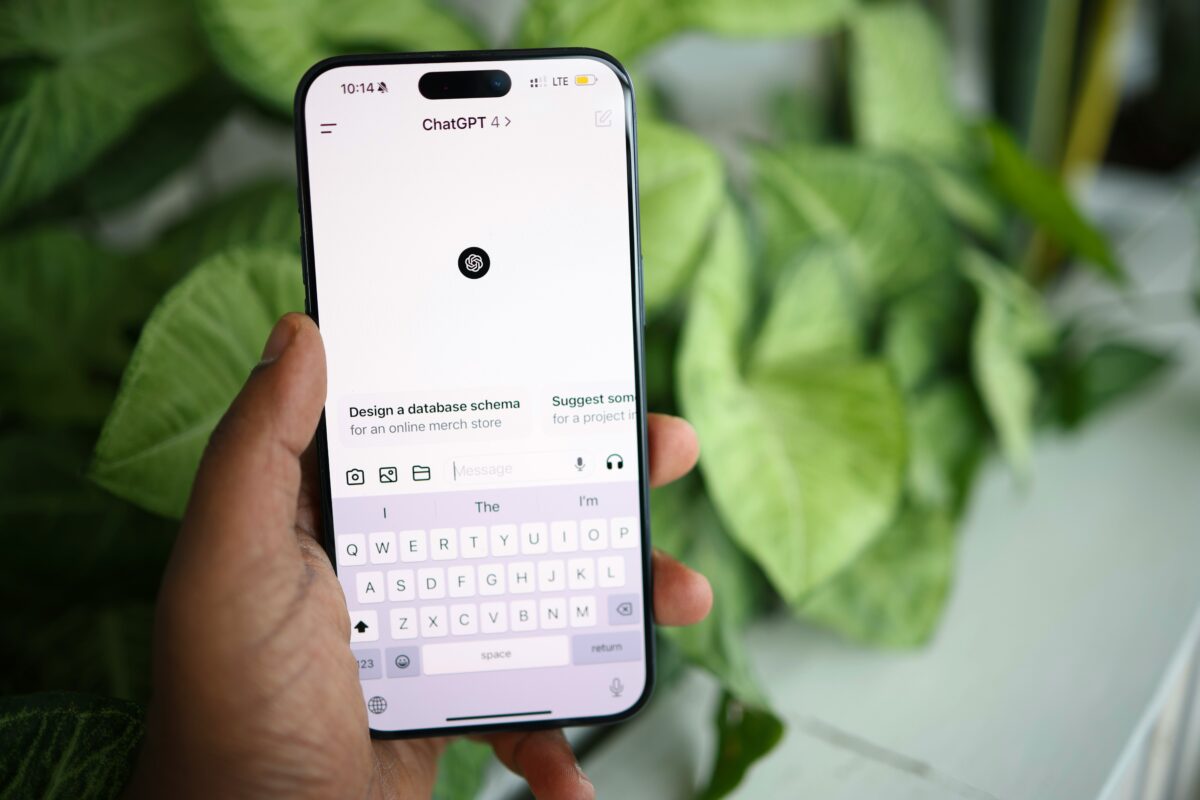
OpenAI’s chatbot became a verb for a reason. You can ask it anything—how to fix a leaky faucet, draft a resignation letter, or explain quantum physics like you’re five.
The free version works fine for most tasks, though the paid tier gives you access to better models and internet search. The mobile app works surprisingly well.
Voice mode lets you have actual conversations while driving or cooking. It’s not perfect, but it beats typing out long questions on a tiny keyboard.
Notion for Organizing Everything

Some people swear by paper planners. Others need something more flexible.
Notion sits somewhere in between—a digital workspace that adapts to how you think. You can build databases, write documents, track projects, and create wikis all in one place.
The learning curve feels steep at first. But once you figure out how blocks work, you can organize anything. Personal finances, recipe collections, job applications, travel plans.
People share templates online, so you don’t have to start from scratch.
Grammarly for Better Writing
Everyone makes typos. Grammarly catches them before they embarrass you in that email to your boss or that text to your mom. The free version handles basic spelling and grammar.
The premium subscription suggests better word choices and catches inconsistencies in tone.
The browser extension works across most sites. Gmail, Slack, LinkedIn, Twitter—it checks your writing everywhere.
You can ignore suggestions when they sound too formal or change your meaning, which happens more than you’d think.
Spotify for Music Discovery

Your music library needs fresh blood. Spotify’s algorithms do a decent job finding songs you’ll like based on what you already listen to.
The Discover Weekly playlist updates every Monday with recommendations that actually make sense most of the time. Podcasts live here too. The app remembers where you left off across devices.
Start an episode on your commute, finish it while doing dishes. The audio quality on the free tier has ads, but premium removes them and lets you download for offline listening.
Google Maps for Navigation

Getting lost used to be a bigger problem. Google Maps fixed that with real-time traffic updates, alternate routes, and warnings about accidents ahead. The interface shows you exactly which lane to use before highway exits, which helps in unfamiliar cities.
The app saves places you visit frequently. Search history makes finding that restaurant from last month easier. You can also download maps for offline use—helpful when traveling internationally or hiking in areas with spotty service.
LastPass for Password Management

Remembering passwords is exhausting. Using the same one everywhere is risky.
LastPass generates strong passwords and stores them securely. You only need to remember one master password.
The app autofills login credentials on websites and apps. It syncs across all your devices, so you’re never locked out.
The free version covers most needs. Premium adds extras like sharing passwords with family members and emergency access.
Canva for Design Without Skills
Not everyone can use Photoshop. Canva makes design accessible with templates for social media posts, presentations, flyers, and business cards.
Drag and drop elements, change colors, add text. The interface feels intuitive even if you’ve never designed anything.
The free tier includes thousands of templates and stock photos. Premium unlocks more features and removes watermarks.
You can resize designs for different platforms with one click, which saves time when posting across multiple channels.
Forest for Focus Time
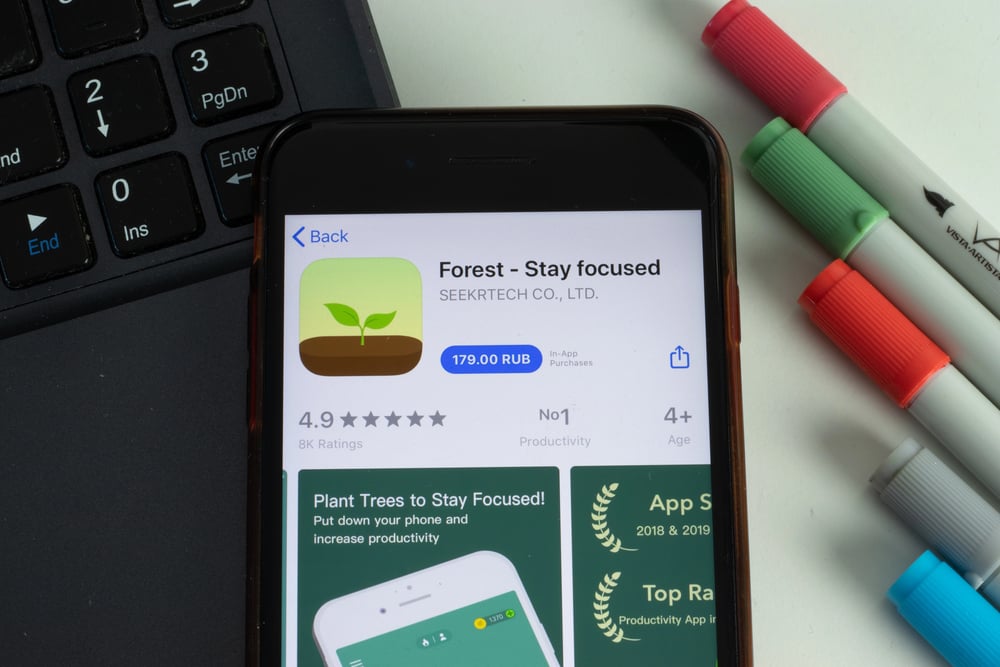
Phone addiction is real. Forest gamifies staying off your device by planting virtual trees that grow while you work.
Leave the app early and your tree dies. Over time, you build a forest that represents your productive hours.
The app partners with a real tree-planting organization. Spend enough virtual coins and they plant actual trees.
Knowing your focus time contributes to reforestation adds motivation beyond just tracking screen time.
Slack for Team Communication
Email threads get messy. Slack organizes conversations into channels for different projects or topics.
Direct messages work for quick questions. Integrations connect it to other tools like Google Drive, Trello, and Zoom.
The search function finds old messages easily. You can share files, set reminders, and customize notifications so you’re not constantly interrupted.
The free version limits message history, but most small teams don’t need more.
Todoist for Task Management
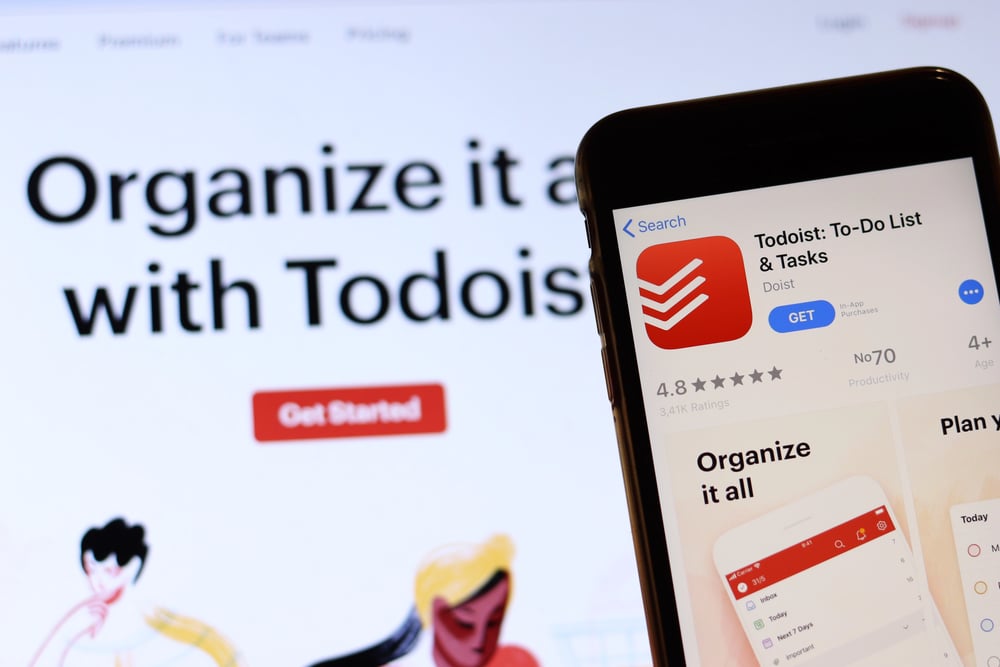
To-do lists keep your brain from overflowing. Todoist lets you organize tasks by project, set priorities, and add due dates.
Recurring tasks handle things like paying rent or watering plants automatically. The app syncs across devices instantly.
Add a task on your laptop, check it off on your phone. Natural language input understands phrases like “every Monday at 9am” or “tomorrow at 3pm” and sets reminders accordingly.
Calm for Mental Health
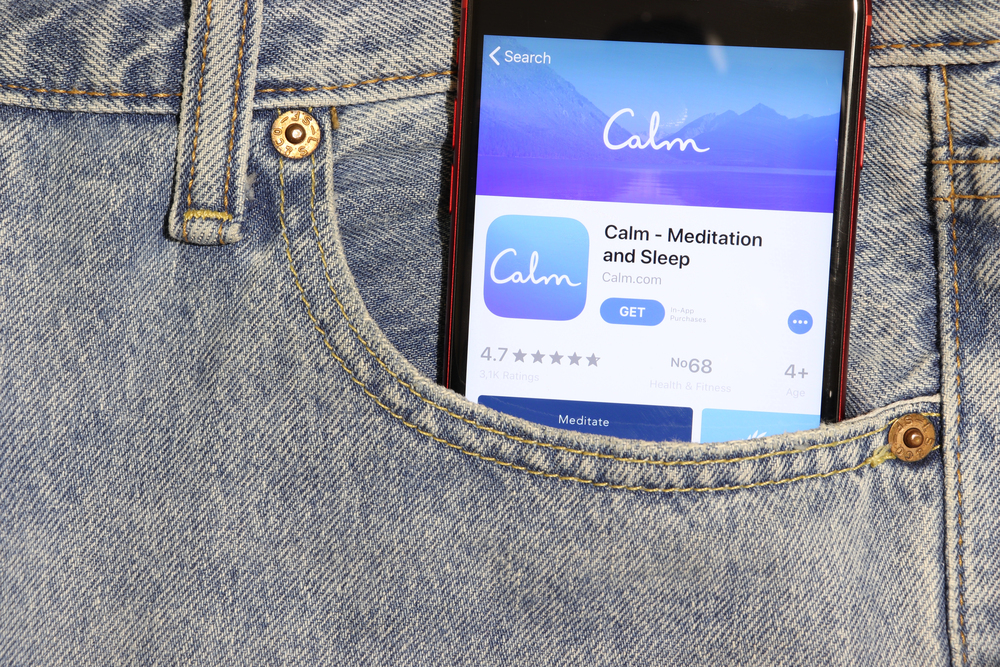
Stress management shouldn’t feel complicated. Calm offers guided meditations, sleep stories, and breathing exercises.
The app has programs for anxiety, focus, and better rest—each one broken into manageable sessions. The sleep stories actually work.
Celebrities and voice actors read bedtime tales designed to help you drift off. The background sounds range from rain on leaves to crackling fires.
Some people find the subscription expensive, but the free trial lets you test it first.
Midjourney for AI Art
Creating images used to require artistic skill. Midjourney generates art from text descriptions using AI.
Type what you want—”a cat astronaut on Mars” or “an impressionist painting of a Tokyo street”—and watch variations appear. The results can be stunning or weird, depending on your prompt.
You access it through Discord, which feels clunky at first. But the community shares tips on writing better prompts.
The tool works well for concept art, social media graphics, or just experimenting with ideas.
Duolingo for Language Learning
Learning a new language takes commitment. Duolingo makes it habit-forming with daily streaks and bite-sized lessons.
The app gamifies practice with points, levels, and achievements. Lessons take five to ten minutes, which fits into busy schedules.
The owl mascot guilt-trips you when you miss days. It’s annoying but effective.
The free version shows ads between lessons. Premium removes them and lets you download lessons for offline practice.
Evernote for Note Taking
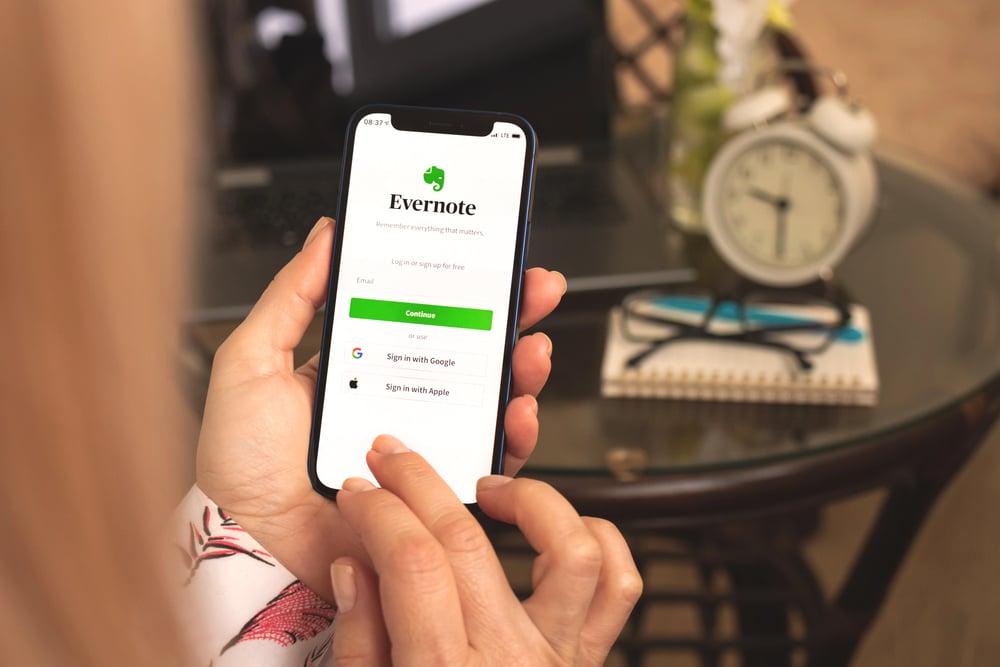
Some thoughts need saving for later. Evernote captures notes, clips web articles, and stores images with text recognition. Tag and organize entries however you want.
The search finds text even in handwritten notes or photos.
The app syncs across devices quickly. Start a note on your phone during a meeting, finish it on your laptop later.
Web clipper saves articles without ads or clutter. The free tier limits devices and storage, but works for casual users.
Adobe Lightroom for Photo Editing
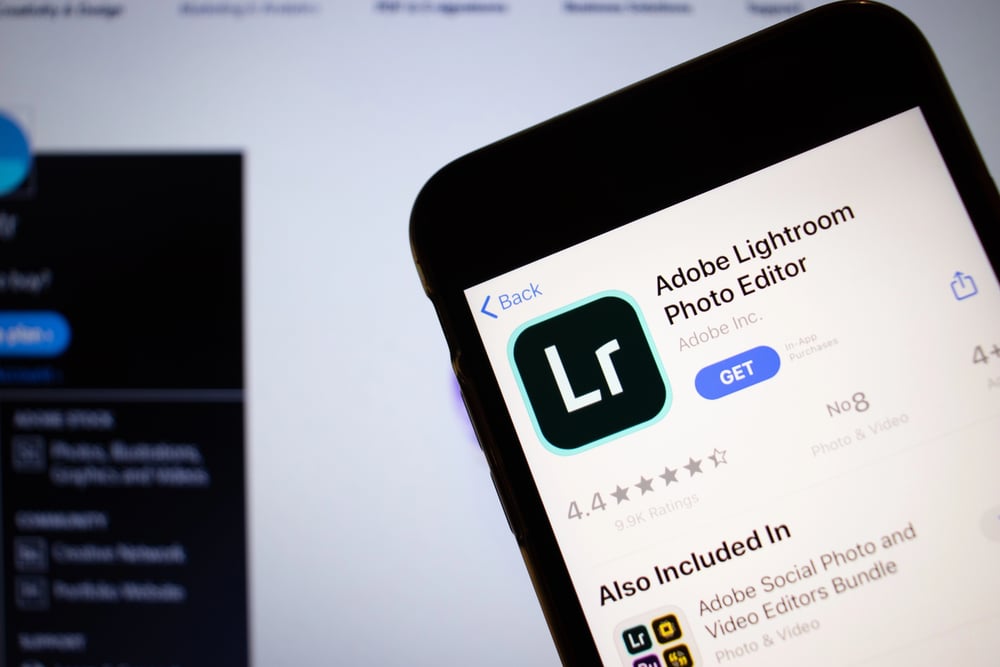
Phone cameras take great photos now. Lightroom makes them better with professional editing tools. Adjust exposure, color, and sharpness with sliders.
Presets apply specific looks instantly—moody, bright, vintage—whatever fits your style. The mobile app includes most features from the desktop version.
Cloud sync means your edits appear everywhere. The free version covers basic adjustments. Premium adds healing tools, masking, and unlimited cloud storage.
Perplexity for AI Research
Sometimes you need answers with sources. Perplexity combines AI chat with internet search, showing where information comes from.
Ask complex questions and get summaries with citations you can verify. The interface is cleaner than scrolling through search results.
It understands follow-up questions in context. The free version works well for general queries.
Pro subscribers get access to better models and more searches per day.
Audible for Audiobooks
Reading takes focus. Audiobooks let you consume books while commuting, exercising, or doing chores.
Audible has hundreds of thousands of titles across genres. Professional narrators make listening engaging.
The app remembers your place across devices. Speed controls let you listen faster or slower.
Sleep timer shuts off playback automatically. The subscription includes one credit per month, though books cost extra if you want more.
IFTTT for Automation
Repetitive tasks waste time. IFTTT connects apps and devices to automate actions. Save Instagram photos to Dropbox automatically.
Get weather alerts every morning. Post tweets to LinkedIn. If this happens, then do that.
The free tier covers basic automations. Pro subscriptions unlock unlimited applets and faster refresh rates.
The service supports hundreds of apps and smart home devices. Setup takes minutes once you understand how triggers work.
Zoom for Video Calls
Remote gatherings are now a must. Yet Zoom manages video chats well, offering screen sharing along with fake backdrops and save features. Its layout feels clear.
Still, hosts can silence all folks or highlight one talker. The free plan cuts off group calls after forty minutes.
But paid options lift this limit while tossing in perks such as storing recordings online and fitting more folks per session. Surprisingly, the phone app runs smoothly even though it handles plenty.
Making Space for What Matters

Apps stack up fast. Your phone gets crowded with stuff you thought mattered – now it’s junk.
These nineteen picks stand out because they work, not because they boast. The top apps blend into your day.
Like how you forget about a cozy seat, they fade into the background. Whenever you reach for them, they’re ready – no fuss.
They simplify things on their own, never shouting for focus. This is what actually matters – forget if it’s hot or fresh.
What counts? If it vanished overnight, would your day feel off because of it?
More from Go2Tutors!

- The Romanov Crown Jewels and Their Tragic Fate
- 13 Historical Mysteries That Science Still Can’t Solve
- Famous Hoaxes That Fooled the World for Years
- 15 Child Stars with Tragic Adult Lives
- 16 Famous Jewelry Pieces in History
Like Go2Tutors’s content? Follow us on MSN.